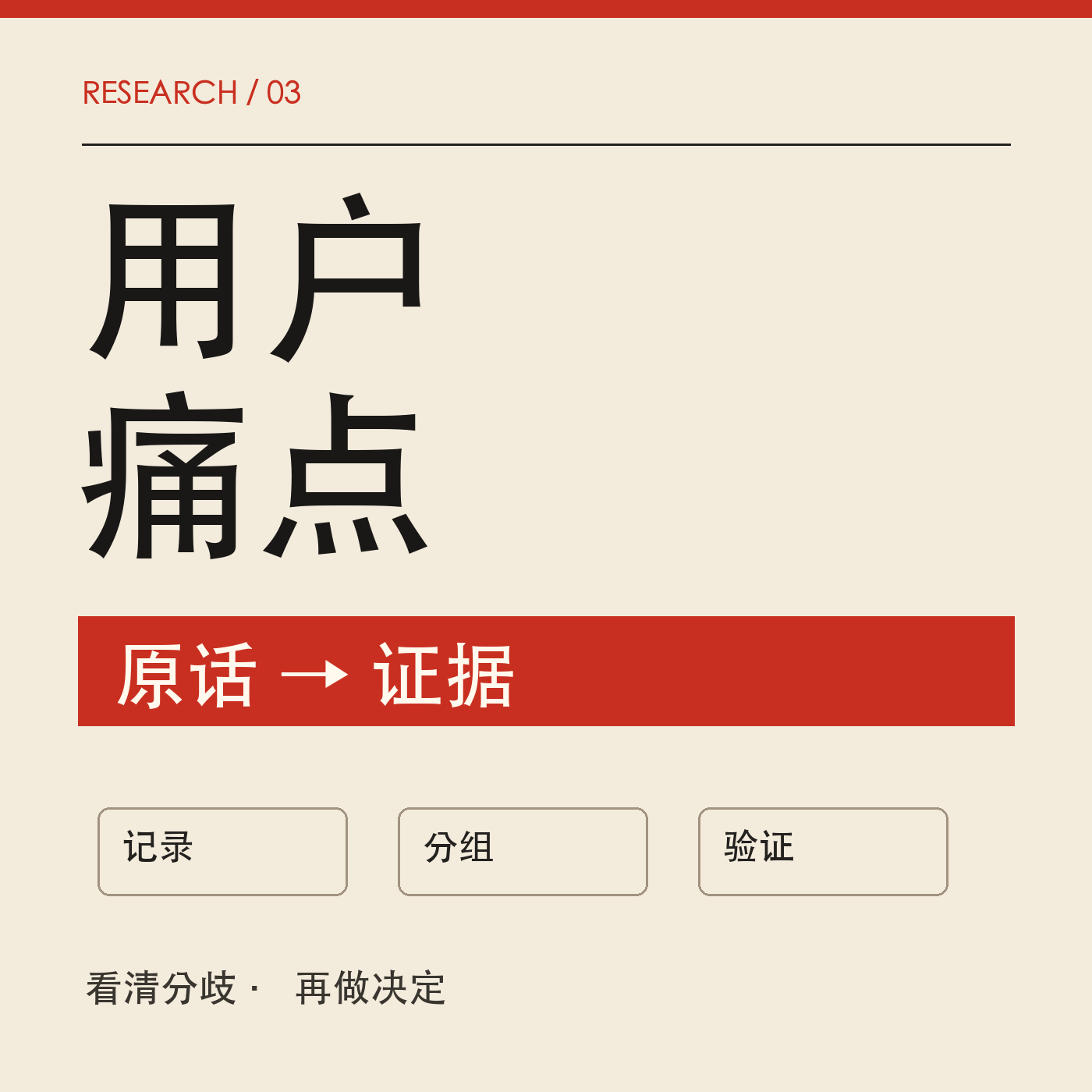
User Pain Point Analysis
Turn reviews and interviews into actionable clues
User Pain Point Analysis
Turn reviews and interviews into actionable clues
Showcase
Description
Target Audience: Creators and product operators who need to organize user reviews, interviews, surveys, or customer support logs. What You Need to Provide: Authorized and anonymized raw feedback, product background, and the decision you want to make. You can also include channels, dates, and anonymous user IDs. How It Works: Preserves verbatim quotes and sources item by item, distinguishes record counts from unique user counts, merges duplicate entries from the same person, extracts usage scenarios and friction points, organizes themes and counterexamples, and suggests minimal validation actions. Final Deliverables: Scope and findings, a verbatim evidence table, a themes and divergences table, verification priorities, and pending information. Delivered in copy-friendly Markdown by default. It avoids presenting isolated feedback as universal user behavior or calculating paid conversion rates from comment frequencies. Usage: Paste your feedback and state the problem to solve; review the theme table and check the original quotes, then use the verification checklist to review actual workflows or ask follow-up questions. Recommendations are not executed actions, and root causes require reproduction to confirm. Text model only; GPT is recommended, with the specific model chosen by the platform. No image models or external APIs are required. The four display images are mock inputs and outputs generated locally by a GPT master agent for layout demonstration purposes and do not represent real customer research. Runs have not been additionally tested on YouMind, and actual results still need to be verified. Not Suitable For: Impersonating real interviews, inferring overall market share or purchase intent, publicly disclosing verbatim quotes without authorization, or automatically contacting users. It does not promise business opportunities, growth, or conversion lifts.
Recommended by
Dancang
Why we love this skill
Transforms comments and interviews into traceable quote evidence, rigorously distinguishes sample facts, inferences, and divergences, and turns each pain point into observable, falsifiable next validation steps. Especially suitable for avoiding double counting, over-extrapolation, and emotion-based demand judgment.
Related Skills
View all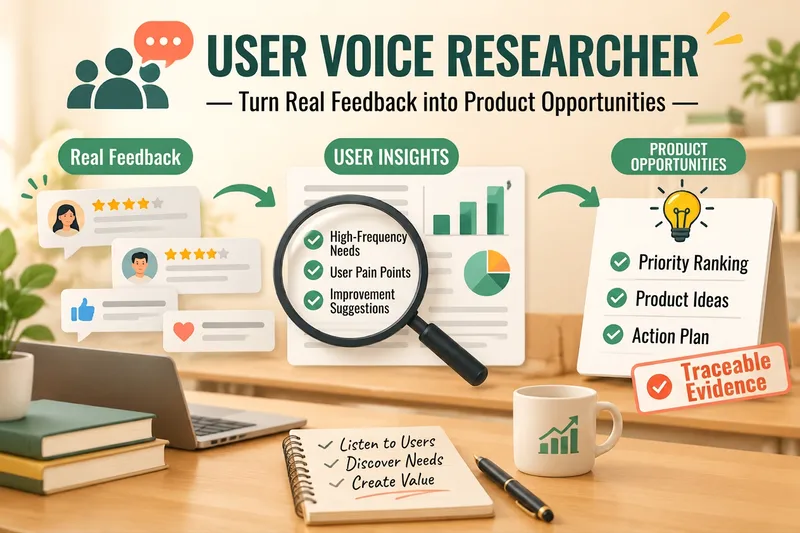
Voice of Customer Researcher
Turn reviews, ratings, user interviews, and customer feedback into traceable user demand insights, product opportunities, and validation plans. Analyze feedback materials such as reviews, ratings, interviews, open-ended survey questions, customer service logs, and community discussions to identify real user problems, behavioral motivations, purchase barriers, and improvement opportunities, ensuring every key conclusion links back to the original evidence. ### Applicable Scenarios - Product Managers: Analyze product reviews, feature requests, churn reasons, and experience issues. - E-commerce Sellers: Analyze product reviews, return reasons, purchase concerns, and selling points. - Content Creators and Knowledge Services: Analyze learner feedback, community questions, course evaluations, and unmet needs. - Local Merchants: Analyze customer reviews, service feedback, and repurchase barriers. - Entrepreneurs: Discover product opportunities from user interviews and early feedback.
Review Insights
# Review Insights **Don't let valuable user feedback get lost in hundreds of reviews.** What hidden pain points lie within product reviews? What do customers love most about your product? Are there ideas for your next best-selling product or content piece hidden in the comment section? Upload comments or paste feedback, and the AI helps you extract **pain points, selling points, and potential needs** from messy user feedback, citing source evidence for every conclusion and generating an intuitive insight chart. **Go beyond summarizing comments to turn user words into actionable insights.** ## What You Get **① Comprehensive User Needs Analysis** Organizes comments into three main categories: - 🔴 **Pain Points**: What are users complaining about? Which issues need improvement? - 🟢 **Selling Points**: What do users truly appreciate? Which advantages are worth highlighting? - 🟡 **Expectations**: What features do users want added? What unmet needs still exist? **② Evidence-Backed Conclusions** Every topic indicates the related comment count, review ID, and authentic quote for easy verification. No making up user thoughts or exaggerating a single comment into a majority opinion. **③ Rare but Severe Issue Detection** Potential safety or serious quality issues like burns, breakage, or allergies are flagged individually even if mentioned in few reviews, preventing them from being buried by positive feedback. **④ Actionable Next Steps** Provides product improvement, selling point refinement, and content topic suggestions based on review evidence, along with the reasoning for each recommendation. **⑤ User Insight Chart** Automatically organizes key findings into a visual diagram showing pain points, selling points, expectations, and comment counts for easy review and sharing. ## Who Is This For? **🛍️ E-Commerce Sellers** Analyze your own or competitor reviews to find quality issues, recognized selling points, and new product development opportunities. **📱 Content Creators** Organize video comment sections to understand viewer interests and find direction for future content. **📊 Product Managers & Operations** Prioritize issues and product improvements from app reviews, survey feedback, and user messages. **💡 Entrepreneurs & Product Selectors** Discover unmet consumer needs through authentic reviews to inform product positioning and selection. ## How to Use 1. Paste comments or upload Excel, CSV, or text format review data. 2. Optionally specify a goal, such as "find product flaws," "extract selling points," "analyze competitors," or "find video topics." 3. The AI organizes comments, categorizes themes, cites evidence, and offers suggestions. 4. Generate an insight chart to help you quickly understand key findings. ## Tips - More complete comments and sufficient samples generally provide more valuable analysis. - Opinions in comments do not necessarily represent all consumers. - Duplicate comments, unhelpful messages, and sample limitations will be noted during analysis. - Direct quotes are for evidence verification; ensure compliance with platform rules and privacy requirements before public commercial use. - AI statistics and chart text may contain minor errors; important conclusions should be cross-checked with raw data. --- **Turn every authentic review into a clue for product improvement, creative inspiration, and a more persuasive selling point.**
 Research
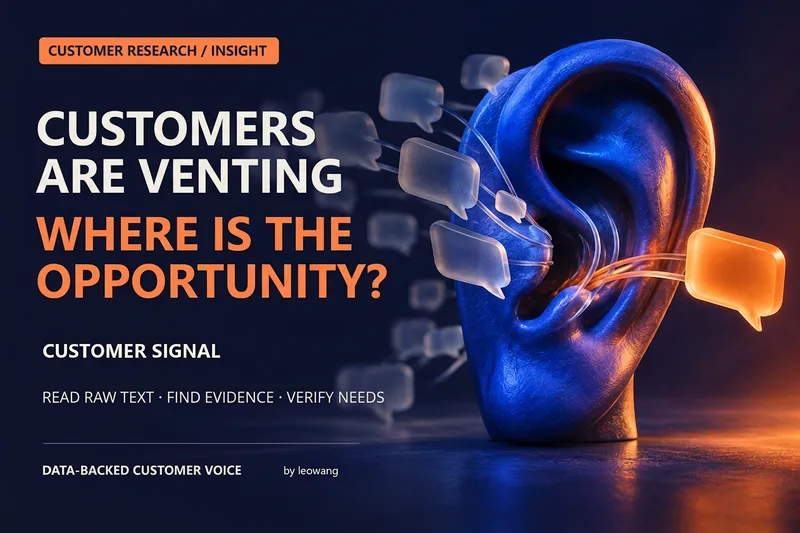
Customer Signals
There’s plenty of feedback—but what’s actually worth solving? Customer Signals organizes customer interviews, surveys, reviews, support tickets, and churn feedback. It extracts exact quotes, pain points, trigger events, and alternative approaches. It merges duplicate materials, preserves counterexamples, and separates research findings from opportunities that still need validation. It supports research synthesis, a VOC quote library, JTBD, provisional user personas, competitor review comparisons, and research gap plans. It can also design public community research, customer interviews, and PMF surveys. Online collection depends on the host’s available tools; without internet access, it provides search and sampling plans. For product managers, indie developers, operators, and small teams. Complaints do not equal willingness to pay, so the research marks evidence boundaries and identifies the next steps for validation. Published by: leowang. Adapted from customer-research v2.0.4 under the MIT License, with the required copyright notice retained.
Information
- Version
- v2
- Last updated
- Runtime credits
- Usage-based
- Models
- Auto
- Use cases
- Research & analysisBusiness & strategy
- What you get
- ReportPlanData
