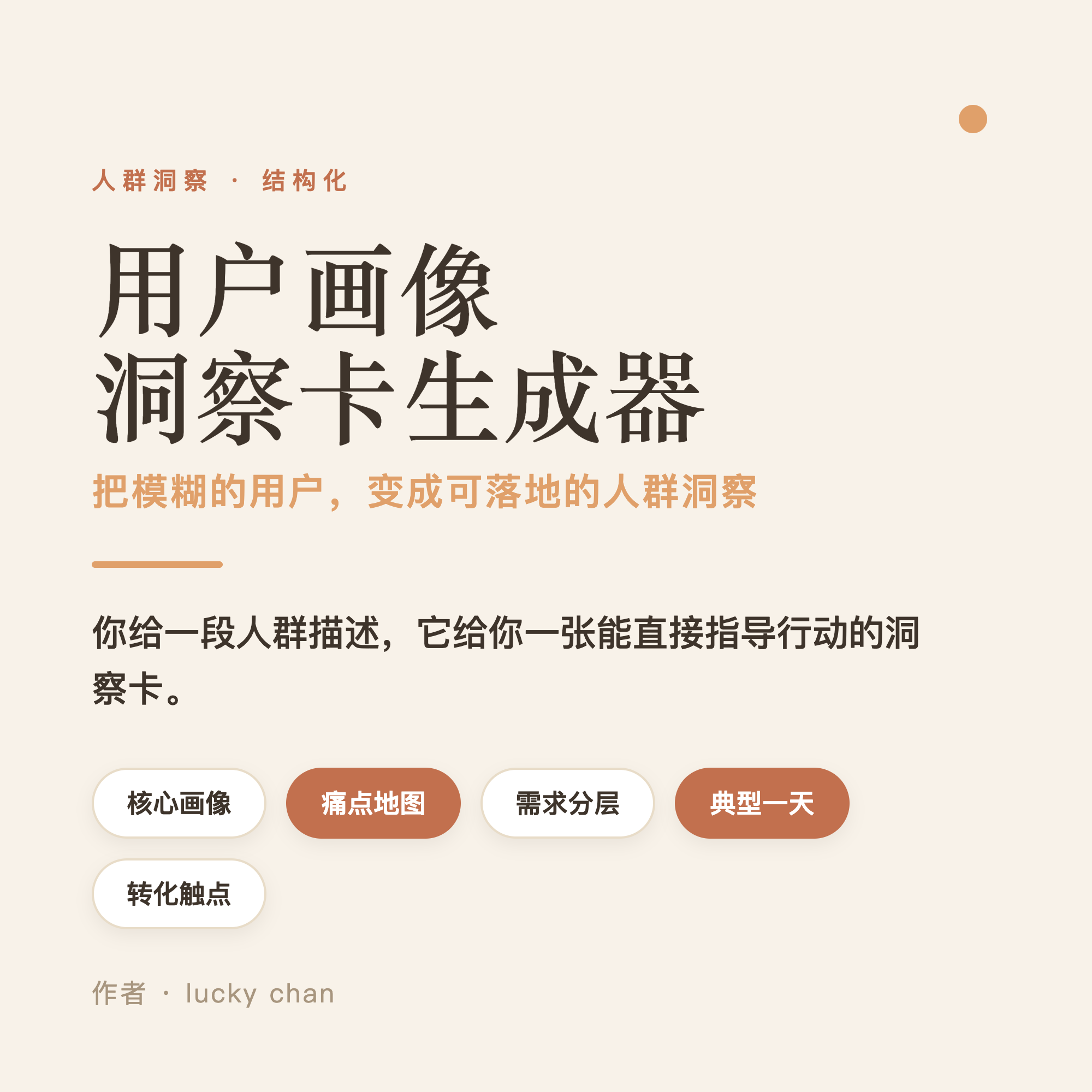
User Persona Insight Generator
Turn audience descriptions into editable, exportable persona cards instantly.
User Persona Insight Generator
Turn audience descriptions into editable, exportable persona cards instantly.
Showcase
Description
Transform vague users into actionable insights. The most expensive sentence in product discussions is often guesswork about who the user is. Paste an audience description or research material to generate a card in five steps: (1) Lock in the audience and business goals, (2) Extract core personas, (3) Rank pain point severity, (4) Categorize basic, expected, and excitement needs, and (5) Add a typical day and conversion touchpoints, while explaining why they act that way. The card is available as editable HTML, one-click PNG export, and print/PDF save options. Open it in your browser to view and edit text, export a high-definition image to share, or save as a PDF for documentation. Missing data is marked with placeholders, serving as both a finished product and a template. Best for product managers, operators, marketers, founders, user researchers, and anyone conducting requirement reviews and planning.
Recommended by
Dancang
Why we love this skill
Transforms vague audience descriptions into complete persona cards centered on motivations, pain points, needs, and conversion touchpoints, with editable and exportable formats for review and collaboration.
Related Skills
View all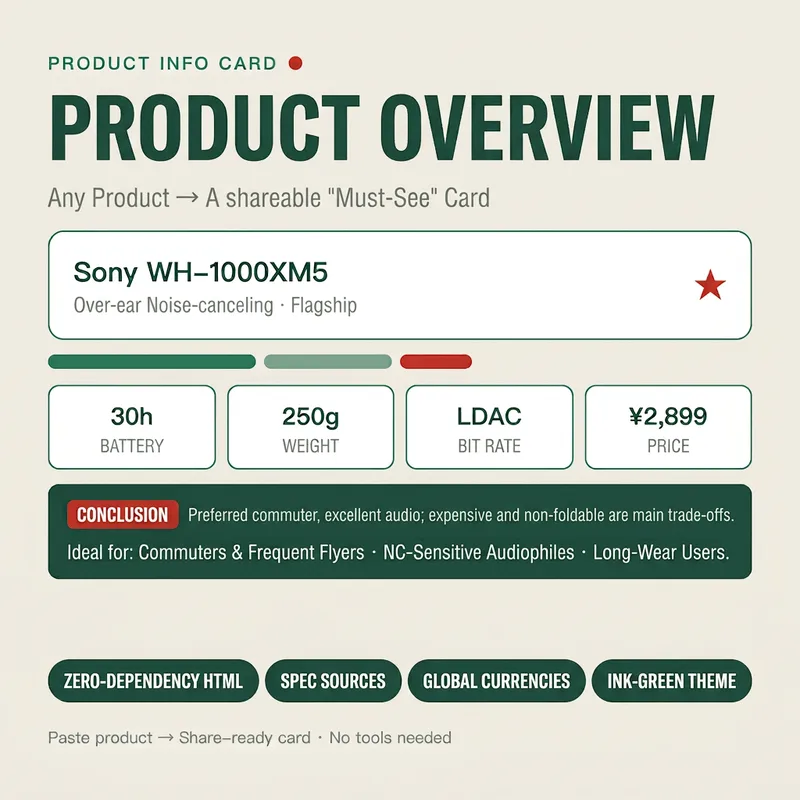
Stunning Product Info Card
Turn any product (name, spec sheet, or a snippet of a review/e-commerce page) into an exquisitely styled web overview card (HTML) in seconds. It first extracts key info (one-line summary, core specs, pros & cons, price positioning, and target audience), then applies a cohesive "ink green" visual system to automatically generate a shareable card. You receive card code that can be saved as a .html file to view in your browser, complete with usage tips. It is zero-dependency, copy-pasteable, with mandatory source attribution, making it ideal for global e-commerce, product reviews, and content creation. Target Audience: - E-commerce sellers / live-streaming influencers (for hero sections of detail pages and comparison cards) - YouTube / TikTok / xiaoxiaodong review creators (for product card header images) - Affiliate marketers / shopping guide bloggers (for "must-read before buying" content) - General consumers (to organize parameters and aid purchasing decisions)
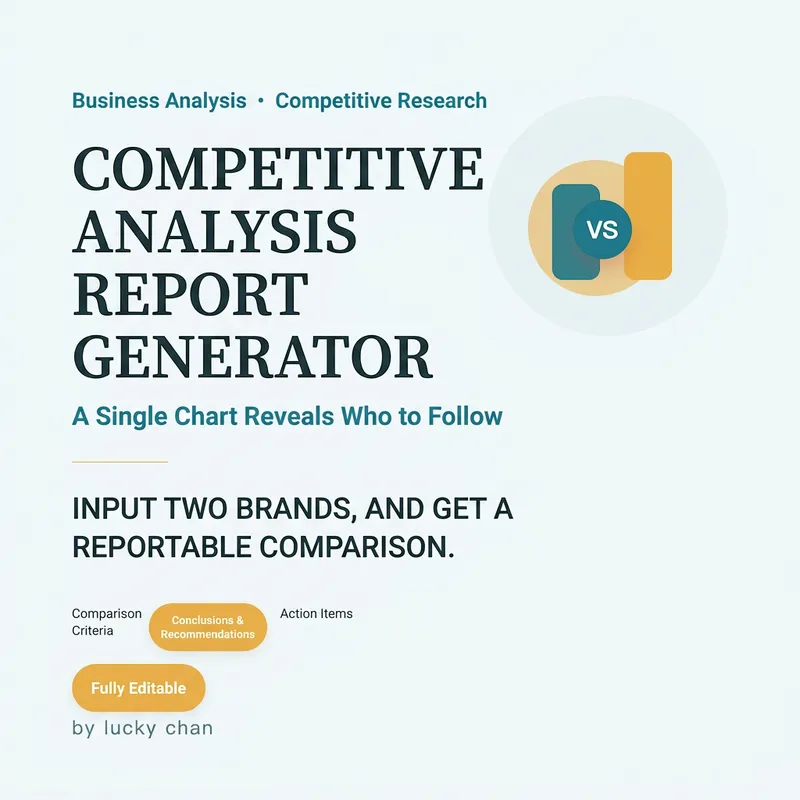
Competitor Analysis Card Generator
Still making comparison tables manually before a presentation? Drop in two brands or products to instantly generate a competitor card ready for your Slides. Smartly filters key dimensions (features, pricing, reputation, growth) into a single comparison table so strengths and weaknesses are clear at a glance. **Target Audience**: Product managers, operations professionals, startup founders, marketers, and investors who need to evaluate options or analyze competitors without building tables from scratch. **Deliverables**: Choose from editable HTML, one-click PNG long image export, or print/PDF save; includes a concise overview card and a detailed delivery card.
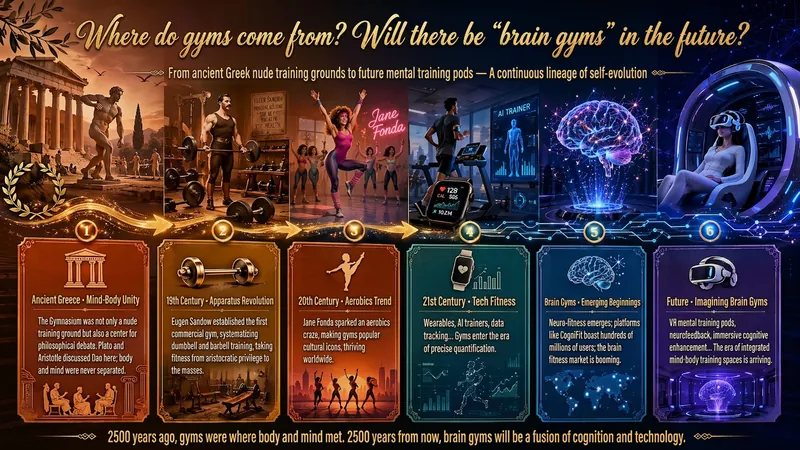
Idea to Infographic
A single image, a single sentence is all it takes. Have you ever had this experience—you have a great idea and want to turn it into an infographic like the ones big accounts post, but: - Open an AI image tool, rewrite prompts over and over, and the result either has terrible layout or completely mismatched style. - Tried several prompt templates, each requiring three or four adjustments, and half an hour later you're still not done. - Want styles like financial literacy, Chinese classic, science, tech... each time you have to research colors and layouts from scratch. Now you don't have to. 「Idea to Infographic」automates all of this: You say "make an emotion management infographic," and it decides whether to use a warm Chinese style or a healing scientific style, searches and organizes core knowledge points, breaks them into 6-8 module cards, assembles the optimal prompt, and quality-checks—if it fails, it automatically redoes; if it passes, it hands it right to you. Four killer capabilities, all built-in: 🧠 **Style Engine** — Not a rigid four-choice. If your topic matches financial literacy, it automatically goes with deep blue gold; if it matches Chinese classics, it uses rice paper and ink; if it matches technology, it uses cyan neon. For topics outside these four? It automatically synthesizes a new style. Coffee encyclopedia → food warm tones; exercise and fitness → vibrant orange gray. No style it can't handle. 🔍 **Content Brain** — You give a word, it searches the web to fill out content; you give a paragraph, it extracts the core; you give nothing but a topic, it organizes everything clearly. All three input methods are supported—the simpler, the more effortless. 📐 **Layout Adviser** — Progressive ladders, side-by-side comparisons, causal chains, overarching-subcategory radiation... Five logical patterns automatically matched. Not just stuffing text into an image, but actually designing an infographic. ✅ **Self-Inspection** — After generating, it automatically checks layout, text density, image-to-text ratio, and style match. If there's an issue, it adjusts and regenerates, up to two times. You don't need to know how to write prompts; you just need to know how to speak. **Who is this Skill for?** - Social media creators who need to produce images daily but don't want to learn design. - Knowledge commerce creators who want to visualize course content but lack a designer. - Corporate trainers who need professional infographics but lack budget for outsourcing. 🔍 - Anyone who wants to turn an idea into a great image. In a word: You have the idea, it has the image. All the hassle in between, it handles for you.
Information
- Version
- v4
- Last updated
- Runtime credits
- Usage-based
- Models
- Auto
