Video Cheat Sheet
Any video → a compact, timecoded cheat sheet
Video Cheat Sheet
Any video → a compact, timecoded cheat sheet
Showcase
Description
Watching a long video and want to keep the gist instead of rewatching? This skill turns any video — a link (YouTube and more) or an existing transcript — into a compact, timecoded cheat sheet. Smart mode detects the video type on its own: • tutorial / instructional → "fragment → what it gives you" pairs (terms, settings, formulas, services, steps); • interview, news, vlog, conversational podcast → "thesis → takeaway" pairs. The output is a structured document (always), and for visual material also a web page with cards in a dark cinematic theme. The result is in the video's language — terms and names are not translated. Nothing is invented: only what's actually in the source, with obvious auto-transcript errors fixed.
Related Skills
View all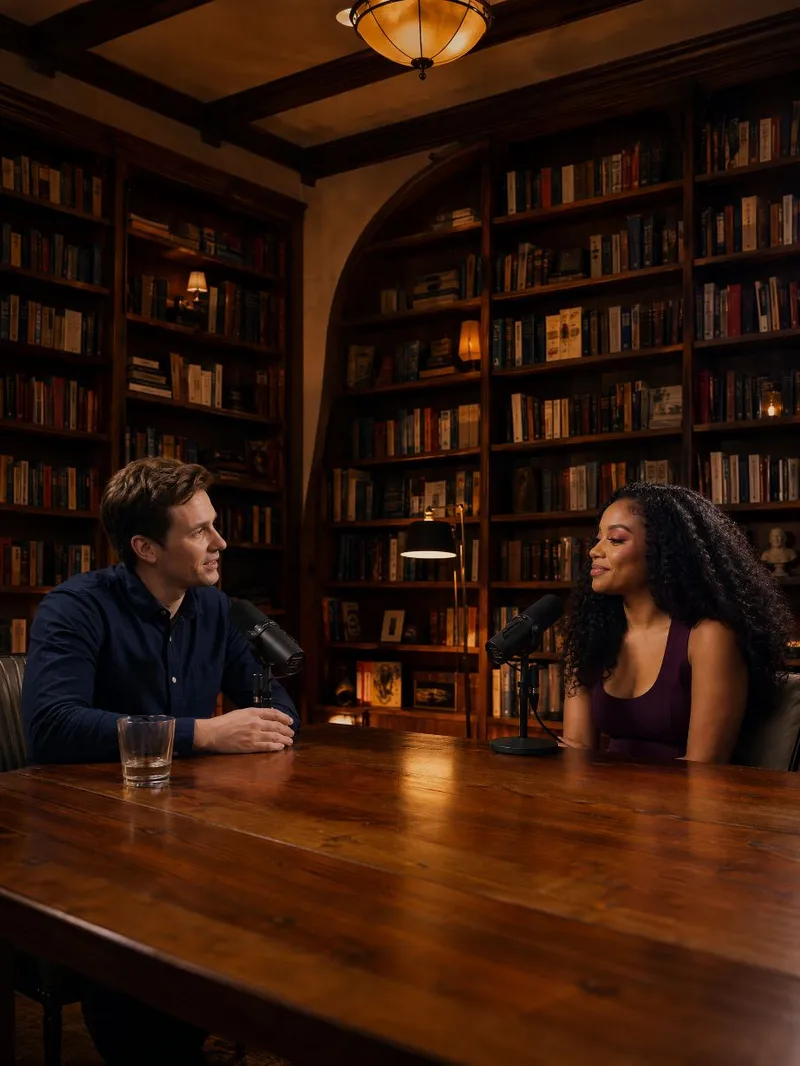 Video
VideoDual-host talk video
Craft engaging 15-second dual-host talk videos with ease. This skill helps you outline, visualize, and produce short, dynamic video content featuring two conversational AI personalities. Simply provide details for two characters and a topic – whether it's a news link, a draft, or a general idea – and watch as a complete script comes to life, structured with a compelling hook, natural banter, and a clear punchline. The skill meticulously plans each visual detail, from camera angles and character eye-lines (direct to audience or engaging with the co-host) to subtle non-speaker reactions, ensuring a natural and captivating exchange. You'll receive a detailed transcript, including performance notes, and a cover frame image to visualize your video before final generation. This allows for precise adjustments to character appearance or scene settings, guaranteeing your dual-host video is exactly as you envision.
 Video
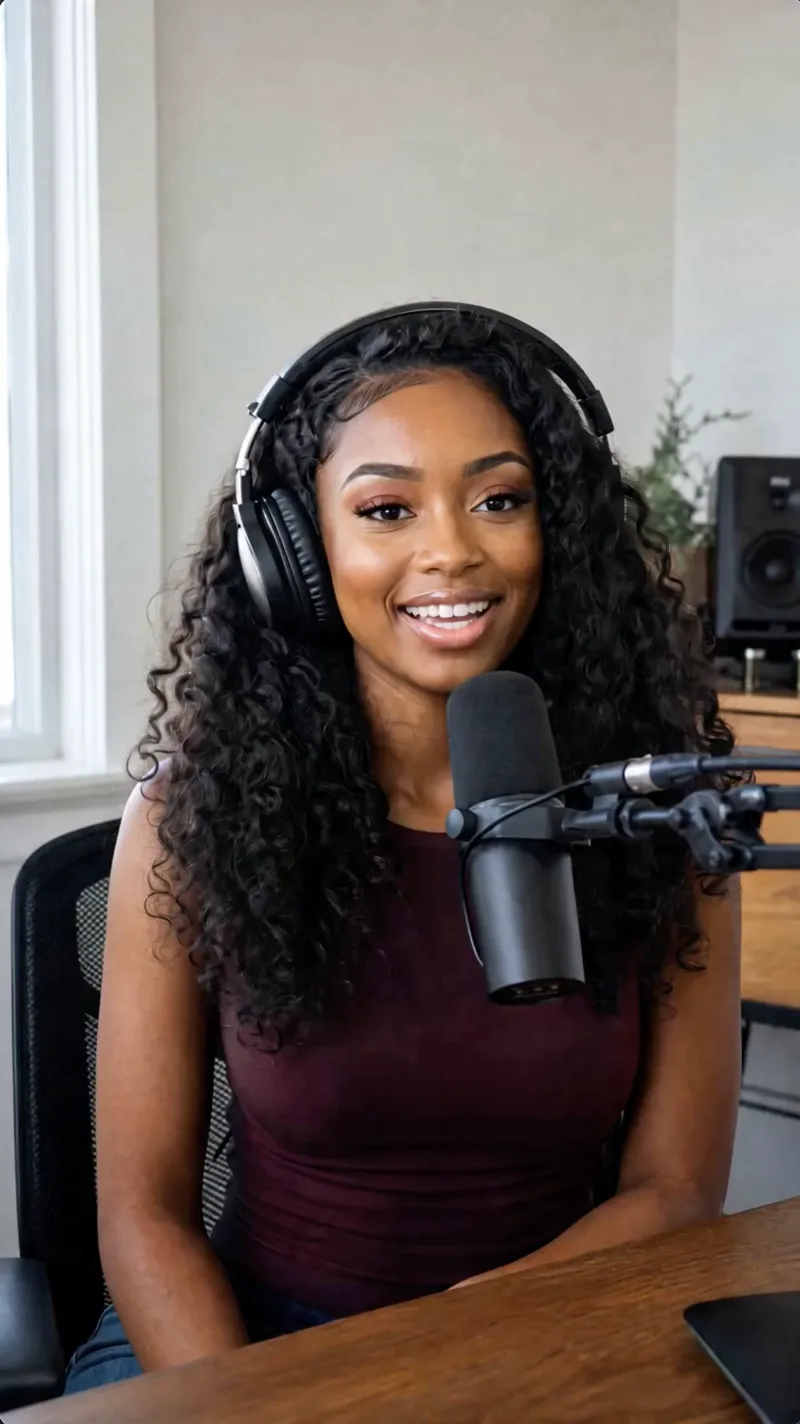
VideoSolo talk video
Create engaging 15-second solo talk videos with a personalized touch. Simply provide a character concept and your topic—whether it's a simple phrase, a web link, or a draft—and this skill will craft a complete script, ready for production. It intelligently researches your topic if needed, then structures a compelling narrative with a hook, core message, and clear call-to-action, all tailored to your specified character's personality and speaking style. Before generating the final video, you'll review a detailed script that includes scene descriptions, camera directions, and even audio cues like background music and sound effects. You'll also get to approve a cover frame image, ensuring the visual concept for your character and setting is perfect. Once confirmed, your lip-sync video is produced, featuring your character delivering the lines naturally and expressively, making your message resonate with viewers.

Cinematic Scene Prompts
This skill turns any request with a film-like or cinematic intent into a precise, production-grade video-generation prompt. It applies professional cinematography: a 2-second opening hook to stop the scroll, exact camera movement and lighting setups, depth and composition guidance, color grading, timeline structures for 4/8/10/15-second clips, synchronized sound design, and platform-specific optimization (TikTok, YouTube Shorts, Instagram Reels, LinkedIn). Each prompt uses specific numbers, timings, and technical language (focal lengths, f-stops, Kelvin temperatures, movement speeds) and supports @material[name] references for uploaded images, videos, and audio. The result is a ready-to-use prompt that produces broadcast-quality cinematic video.
Information
- Version
- v7
- Last updated
- Runtime credits
- Usage-based
- Models
- Auto
