
Watch Product Image
No dial glare, hands set at ten-ten
Watch Product Image
No dial glare, hands set at ten-ten
Showcase
Description
Watch photography usually fails for one reason: glass glare washes out the entire dial so nothing is visible. Watch Product Image follows commercial watch photography standards—using polarizers to cut glass glare, single-side rim lighting to outline the case, setting the hands at ten-ten, rendering every strap texture clearly, and applying tailored techniques for steel, leather, and rubber straps.
Best for
Best for merchants and content creators who need to produce clear, texture-consistent watch e-commerce product images and detail page visuals.
How to use this Skill
Provide your input
Provide the watch model type, case and strap materials, and dial color; you can also add dimensions, usage, and whether a wrist shot is needed.
Run the Skill
Generates commercial watch product visuals based on this information, controlling crystal reflections, lighting, hand positions, and material details.
Review your result
Receive e-commerce main images, detail page front views, close-ups, and a brief lighting note, highlighting clear dials and case textures.
Related Skills
View all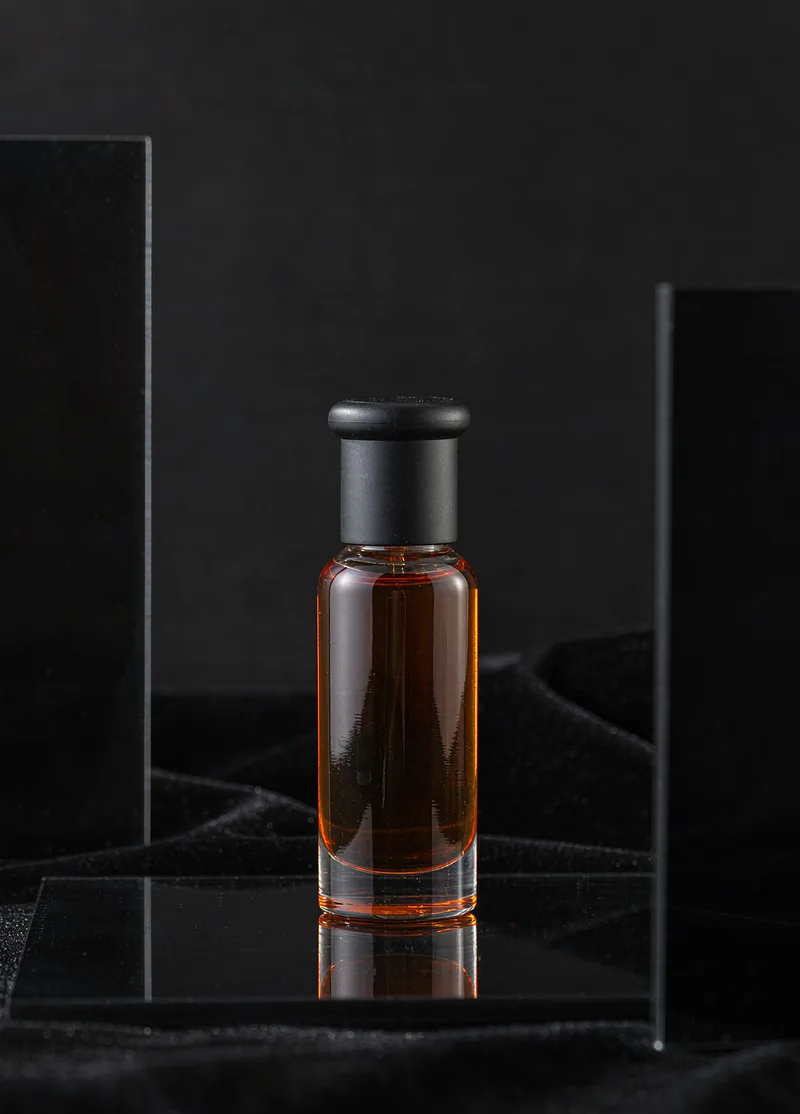
Perfume Product Image
The hardest part of photographing perfume isn't the bottle, it's the glass: messy reflections around the edges, tilted liquid levels, and a cheap-looking plastic atomizer instantly drop the perceived value. Perfume Product Image creates visuals using commercial still-life lighting principles—a 45-degree main light for contours, black cards on both sides to darken edges, acrylic at the base for reflections, backlit liquid for transparency, and a clean, fingerprint-free bottle ready for your main product page.
Information
- Version
- v2
- Last updated
- Runtime credits
- Usage-based
- Models
- Auto
- Use cases
- Images & designMarketing & growthE-commerce & sales
- What you get
- Image
- Visual styles
- Photorealistic
