WeChat Sticker Publishing Hub
Create animated WeChat stickers and assets from your IP or photo
WeChat Sticker Publishing Hub
Create animated WeChat stickers and assets from your IP or photo
Showcase
Description
Upload your IP character or personal photo (converted to a chibi IP first) to create animated stickers (default 10 GIFs) and captions step by step, and generate the banners, covers, icons, tipping images, and form details required for the WeChat Sticker Open Platform. One Skill handles all styles, which you can specify in the chat.
Why we love this skill
From character confirmation and caption storyboard to animated GIF generation and WeChat publishing assets, it proceeds step by step with user confirmation to ensure visual consistency, platform specification compliance, and low rejection risk. Supporting the latest Image2.6 animated sticker creation, it is ideal for systematically turning IPs or photos into complete sticker albums ready for direct submission.
Best for
Content creators and individuals who want to turn character designs or personal photos into WeChat animated stickers and prepare publishing materials.
How to use this Skill
Provide your input
Upload your existing IP character or personal photo, and provide your preferred sticker style, theme, quantity, and necessary attribution info.
Run the Skill
Confirm the character, captions, storyboard, and samples step by step, create animated stickers in batches, and verify listing assets and platform details.
Review your result
Receive animated stickers, banners, covers, icons, and tipping assets, along with a checklist ready for the WeChat Sticker Open Platform.
Related Skills
View all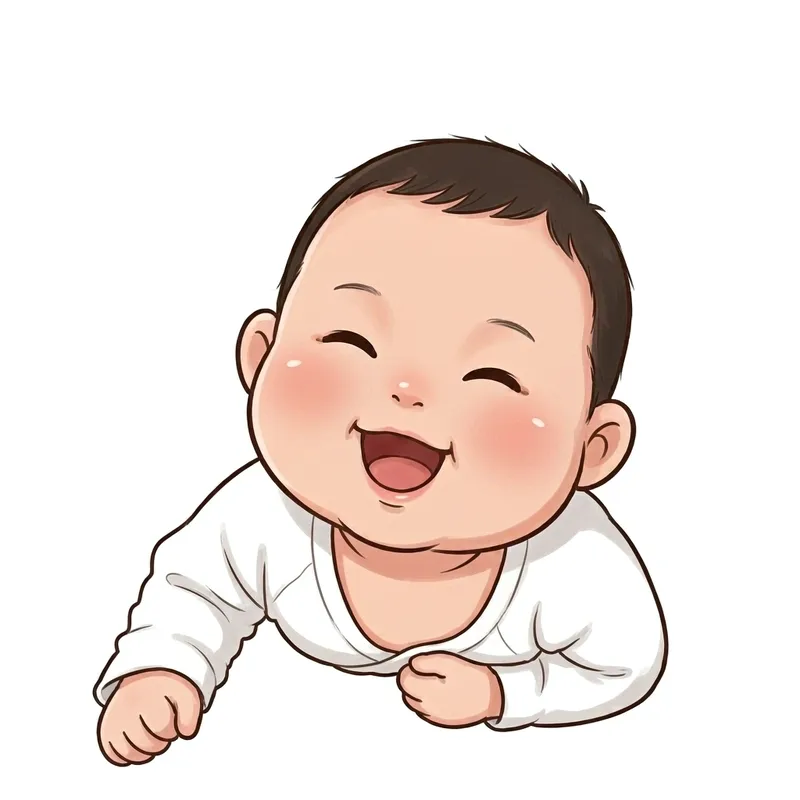 Image
Custom Cartoon Sticker Set
Upload a real-life photo to generate an exclusive cartoon avatar and batch-create a complete sticker set (chibi, Korean, or hand-drawn style), with support for custom counts and consistent appearance. Use this when users say "make my sticker pack", "turn photo into stickers", "exclusive cartoon avatar", "how to make stickers from photos", "how many stickers can I make", or "I want my own sticker set". 1.0.0 - You receive not just a document, but a guided skill featuring "upload 1 photo to stably produce exclusive cartoon stickers" along with a ready-to-use prompt library. - Follow four steps: lock character -> set quantity -> generate images (including two fidelity rules: face-locking for emotions, pose modification for actions) -> remove background and import to WeChat; includes 5 art style prompt libraries (chibi, Korean, hand-drawn, 3D sticker, Japanese manga). - You finish with a SKILL.md file, a 20-sticker prompt library, and 6 tested sample images (including failure comparisons). Follow along to avoid the awkward "9 different faces in 9 stickers" issue.
 Image
Trending WeChat GIF Stickers
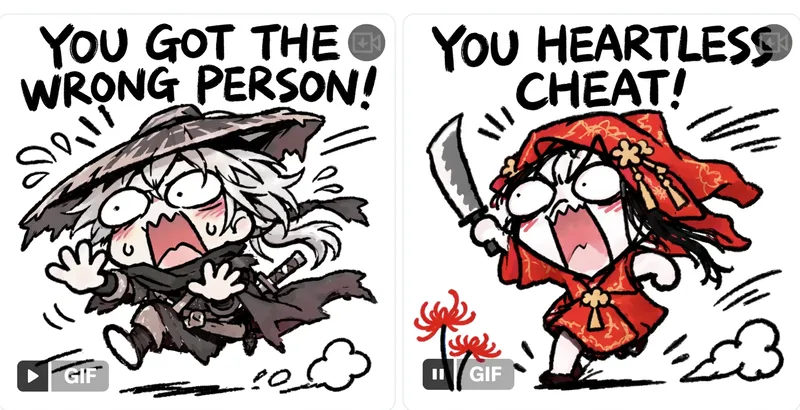
Enter a meme or theme to design and lock in a character, with a static base image for your approval. Once confirmed, use GPT Image 2.6 native GIF output to generate 2 sample animations for review, followed by a complete set of 8 to 16 stylish, white-background square GIF stickers with trendy captions. Perfect for beginners with no prior experience.
 Image
Bot Q-Style Avatar Pro
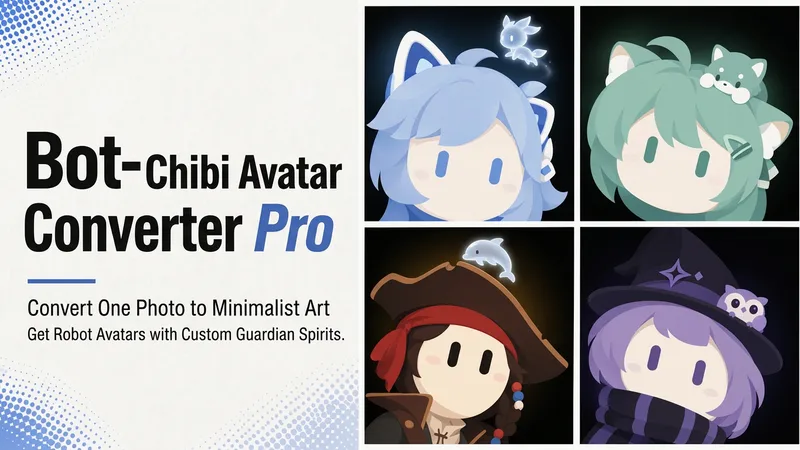
Upload a photo, a character image, or simply describe it in one sentence, and turn it into a minimalist 2D “robot avatar” with a consistent style—no mouth or nose, large vertical oval eyes, a charcoal-black background, and soft theme-colored backlighting. You can also add a dedicated guardian that stays by its side. [What it can do] - Handles four input types: real-person photos, character or original IP art, pet photos, and text-only descriptions can all be transformed. - One style, a cohesive set: all avatars share the same minimalist robot visual language, creating a highly recognizable avatar wall without making everyone look alike. - Natural, realistic skin tones: skin color is captured from the original image for a clean, natural result—not a stark white mask. For real-person photos, the person’s actual skin tone is used. - Optional exclusive “Guardian” overlay: if the character has a signature pet, one is added automatically. You can also request one yourself and choose between a “glowing spirit” or a “physical cute companion.” - Switchable backgrounds: the main avatar uses a charcoal-black background with theme-colored backlighting. For displays or covers, you can also switch to a full theme-pattern background. - Delivered as a set: in addition to the main avatar, you can add guardian stickers, dual-form comparison versions, and sticker packs. [What you’ll receive] One 1:1 minimalist robot avatar, with guardian stickers, dual-form comparison versions, and sticker packs available as add-ons for a complete set. [Who it’s for] - Individuals who want a highly recognizable avatar that doesn’t look like everyone else; - Social media creators and managers who need a consistent avatar wall or visual identity; - Bloggers and brands that want to humanize and develop their original IP, pets, or brand mascots into a series. [Note] This Skill is a general-purpose style engine. You provide the source materials in the conversation; it does not include or replicate any specific artwork or trademarked character. Make sure you have the rights to use any photos or images you provide. The finished work is AI-generated content.
Information
- Version
- v5
- Last updated
- Runtime credits
- Usage-based
- Models
- Auto
- Use cases
- Writing & contentImages & designE-commerce & sales
- What you get
- DocumentImageVideo
- Visual styles
- CartoonAnimePlayful
