
One Line to X Carousel
Turn ideas or images into a four-panel swipe
One Line to X Carousel
Turn ideas or images into a four-panel swipe
Showcase
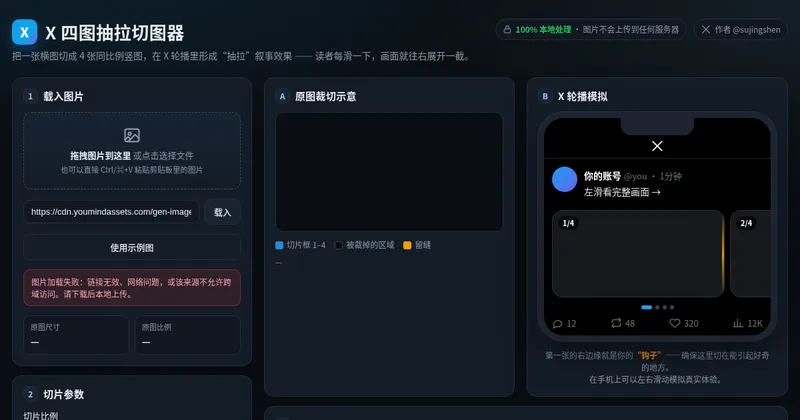
YouMind 灵感到产品宣传图设计
X 四图抽拉切图器
YouMind 灵感到产品宣传图设计
X 四图抽拉切图器
Description
X multi-image posts now scroll horizontally: the first image appears in full, while only part of the second is visible, prompting readers to swipe left to see what follows. This skill helps you create a “pull-apart” continuous four-image sequence—four vertical images combine into one complete landscape image, and each swipe reveals another section to the right. The right edge of the first image becomes the hook that makes readers want to swipe. Three input types are supported: · One-line idea → text-to-image generation, creating a continuous four-section wide image from scratch · One image → crop it directly if possible; otherwise, use it as a reference to reconstruct four continuous scenes · 2–4 images → automatically arrange the narrative order and blend them into one stylistically consistent continuous wide image Workflow: First, you’ll review a four-panel narrative script (hook → reveal → twist → ending). Then the skill generates a 21:9 wide image and uses the companion free public image slicer to precisely cut it into 4 PNGs locally in your browser (your images are never uploaded to any server). Finally, it provides the posting order and tweet copy. The default output ratio is 4:5, with 9:16 and 1:1 also supported. No text is placed inside the images. Ideal for creators who want their X multi-image posts to inspire more “page-turning” curiosity, as well as teams creating product, story, educational, or travel content. Only want to slice an image without generating one? Send in a wide image directly, or open the slicer: https://youmind.com/a/dlJ7lVfZ9ZVqFi
Recommended by
Dancang
Why we love this skill
Plans ideas or images into swipeable four-panel stories for X, combining visual creation with carousel pacing, precise image splitting, and publishing guidance.
Related Skills
View all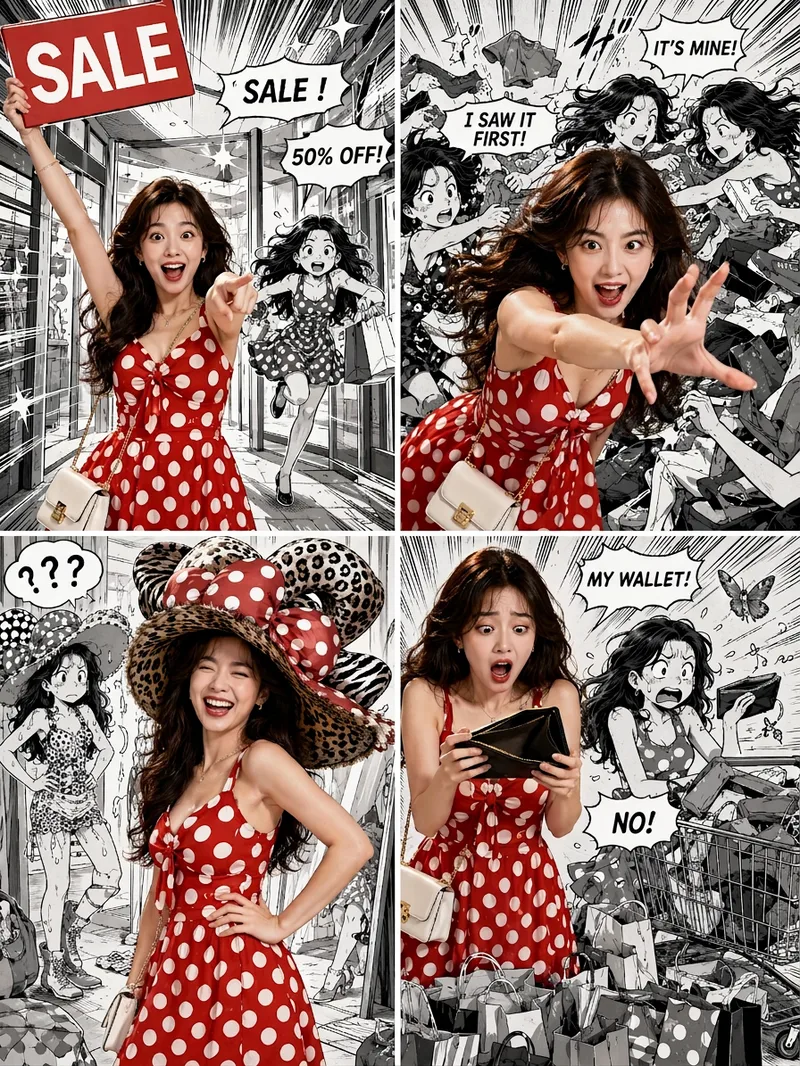 Image
ImageViral Comic Selfie
Turn a photo of a person into a story-driven four-panel pop comic: preserve the character’s facial features, hairstyle, skin tone, body type, and overall presence, with the same protagonist appearing across four connected scenes. The finished image uses a 3:4 portrait 2×2 collage layout, with each panel in a separate 3:4 frame and divided by thin white borders, creating a striking contrast between “realistic, colorful character × black-and-white comic storyboard backgrounds.” You can upload one or more photos and specify a theme, plot, four-panel beats, style, or text for speech bubbles and signs. The Skill organizes connected scenes from opening to climax, turning point, and ending, and aims to render the specified text accurately. If you upload only photos without additional instructions, it creates a fitting four-panel story based on the environment, lighting, occasion, and the person’s presence in the photos. Without a photo, it can also generate a consistent, realistic protagonist. The final deliverable is always one four-panel collage image rather than separate finished images, accompanied by a description of the theme and scene beats. You can continue refining the story theme, four-panel pacing, or text in the image, or recreate an enlarged version of a specific panel while preserving the character’s appearance.
 Image
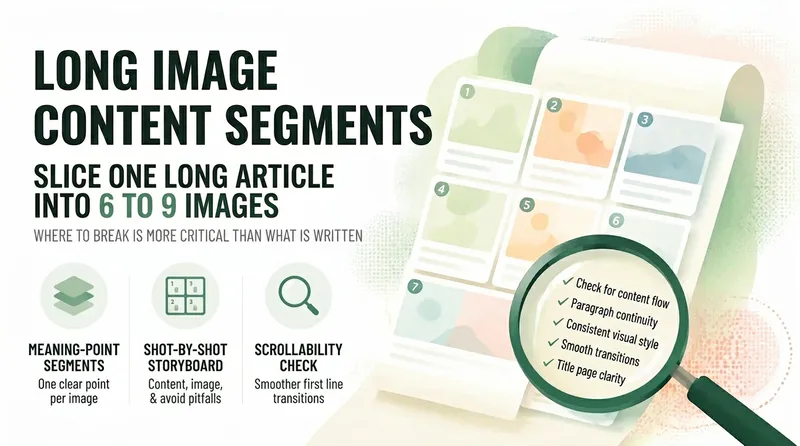
ImageLong-Form Carousel Splitter
Long posts rarely get read to the end, so everyone wants to split them into slides—but most people split them the wrong way: dividing by word count leaves every slide feeling like a mini essay, the first slide gives away the conclusion and stops people from swiping, and the last slide burns goodwill with a forced follow prompt. 【Long-Form Carousel Splitter】doesn’t split by word count. It splits by "how many complete ideas there are": one idea per slide, with fewer slides preferred over more. So it may first tell you, "This piece is really only enough for 7 slides," instead of forcing it into nine. It then provides a slide-by-slide storyboard: what each slide covers, which sentences to include (with word counts), visual requirements, and the most common mistake to avoid on that slide. The first slide only needs to make people stop, with the minimum necessary information. The last slide only needs to leave them with one memorable line, not a summary. It also includes a practical swipeability check: read the first line of each slide together as a standalone passage. If it sounds like a complete sentence, the breakpoints are probably right. Hard rules: It does not generate images, put text in visuals, rewrite the original copy for you, include any existing IP characters, imitate the layout of a specific account, or promise completion rates.
 Image
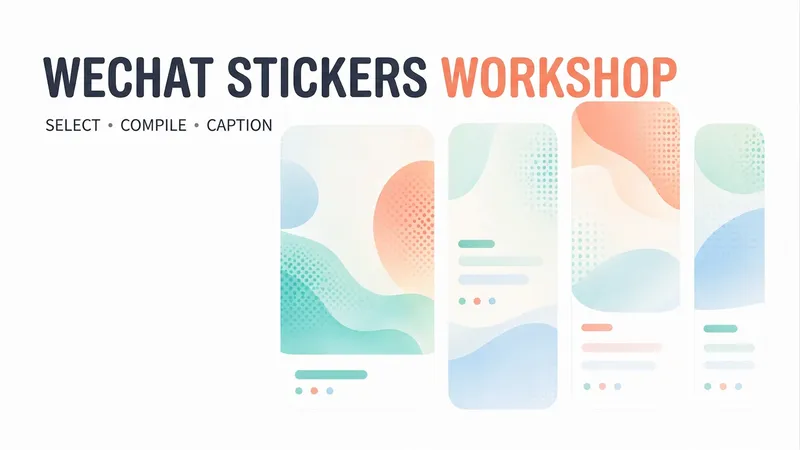
ImageWeChat Post Card Studio
Want to create WeChat visual content but not sure how to combine topic selection, copywriting, and layout? Enter a topic, a note, or reference material, and WeChat Post Card Studio will organize the content, design the visuals, and create an original visual post set optimized for mobile reading. Core features: • Topic planning: Refine broad directions into specific content angles. • Visual set generation: By default, four standalone images—a cover, two content cards, and a summary card. • Multiple styles: Warm white hand-drawn, clean knowledge cards, and humorous comics. • Series consistency: Keep the colors, fonts, characters, and reading rhythm consistent. • Reference design: Analyze general characteristics of a reference image and recreate the content and layout. • Publishing support: Provide three title options, a short caption, natural engagement questions, and page-by-page copy. • Targeted revisions: Adjust the text, colors, or visuals as requested. Suitable for creators focused on everyday observations, emotional expression, workplace communication, practical checklists, and accessible knowledge. By default, it generates a cover preview first and continues with the full set after confirmation. You can also explicitly request all images at once. The default format is 3:4 portrait and can be adjusted to fit your publishing needs. AI-generated text, facts, and images still require human review. Image generation, search, and output dimensions depend on the capabilities available on your account. No guarantees are made regarding traffic, follower growth, or revenue, and content is not automatically published to WeChat.
Information
- Version
- v6
- Last updated
- Runtime credits
- Usage-based
- Models
- Auto
