QINGGUO MENG
 Image
ImageUniversal Infographic Studio
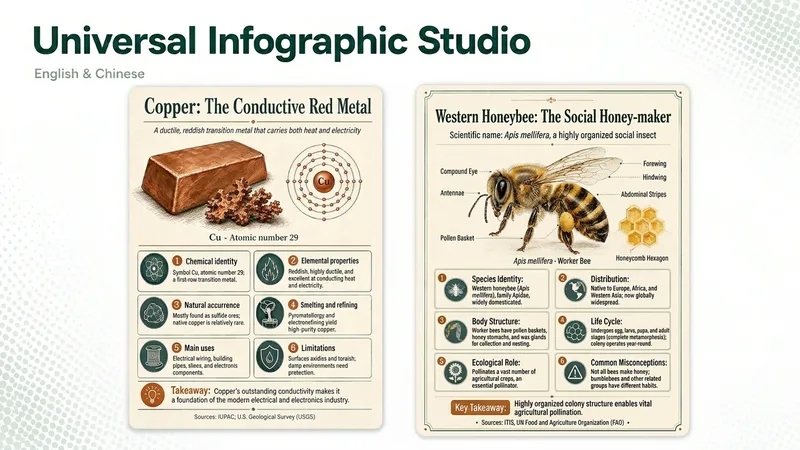
Universal Infographic Studio turns a topic—or material you supply—into one clear, structured knowledge infographic. Give it a subject, or paste a document, article, or image you want explained; it returns a finished infographic image, the exact on-image text in copyable form, and the sources it used. It works in English and Chinese, follows the language of your topic, and defaults to a museum field-guide look in a single 3:4 poster with four to six knowledge modules. Figures such as percentages and rankings appear with their context, and every point is checked before it is drawn. When image generation is unavailable, you receive a complete render prompt instead. Turn a topic—or an article, document, or image you provide—into one clear, structured knowledge infographic. Give it a subject or source material, and you’ll receive a finished infographic, the on-image text in copyable form, and the sources actually used. It supports English and Chinese, follows the topic’s language by default, and uses a Museum field-guide style in a single 3:4 image with four to six knowledge modules. Percentages, rankings, and other figures are labeled with their context, and every point is checked before drawing. If image generation is unavailable, it returns a complete render prompt. AI-generated text, data, and illustrations should be reviewed before publication. AI-generated text, data, and illustrations still require human review before publication.