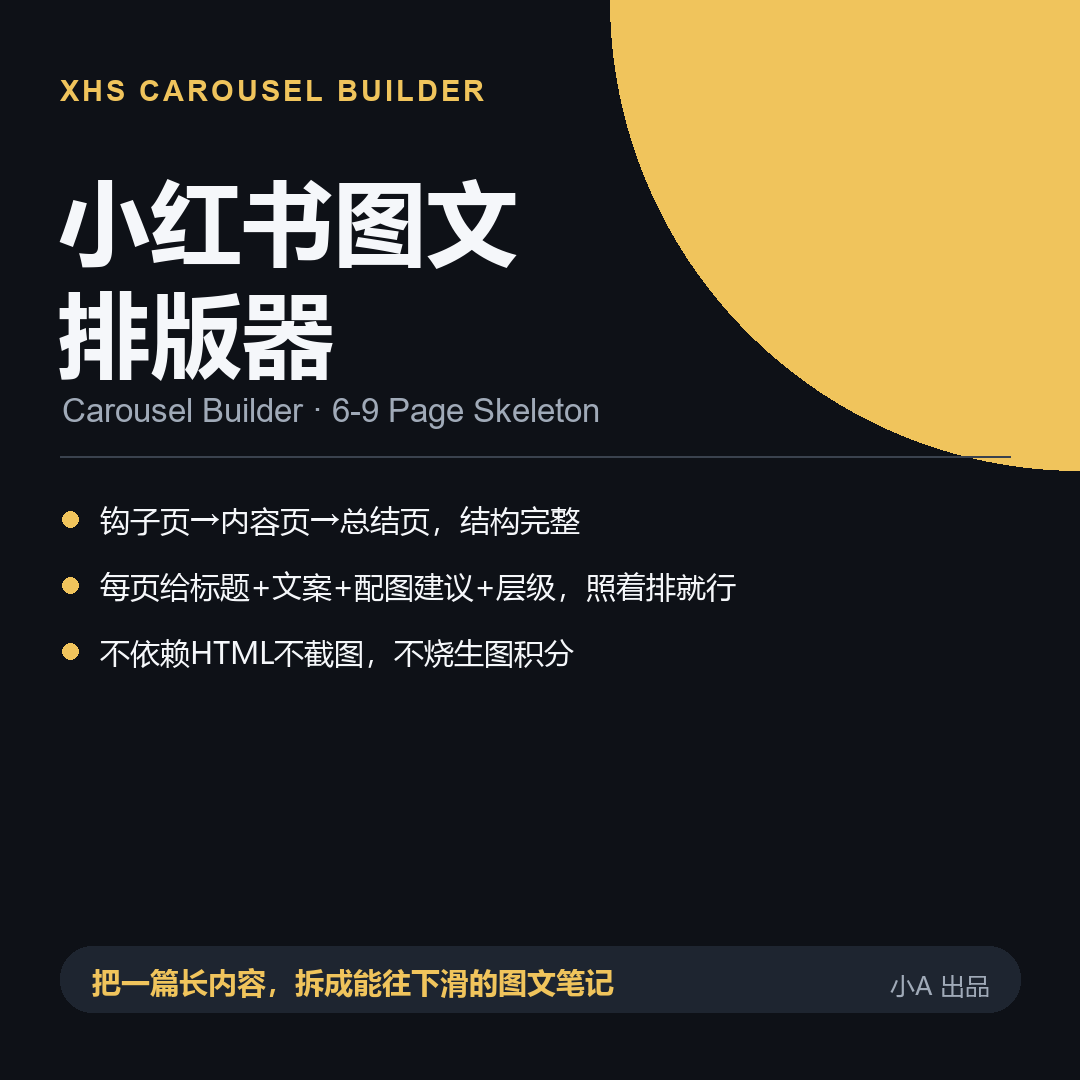
RED Carousel Planner (6-9 Pages)
Split articles into 6–9 page RED carousels
RED Carousel Planner (6-9 Pages)
Split articles into 6–9 page RED carousels
Showcase
Description
Triggers when users ask to split carousel posts, format long images, or turn text into multi-page layouts. This Skill breaks an article, tutorial, SOP, or checklist into 6–9 pages of 3:4 plain text skeletons: hook page → content pages → summary page, complete with a title, copy, image suggestion, and hierarchy for each page. It doesn't rely on HTML, screenshots, or image generation credits, so you can easily take the output into your own layout tool. Includes examples of authentic cover copy tailored for everyday creators. Purely guidance-based.
Recommended by
Dancang
Why we love this skill
Accurately splits long articles into 6–9 actionable Xiaohongshu carousel skeletons, clearly defining the title, copy, imagery, and hierarchy for each page. Delivered entirely in plain text without generating images, it balances reading pacing, visual consistency, and compliance, making it ideal for tutorials, SOPs, and lists.
Best for
Content creators who want to organize longer content into structured RED image and text notes.
How to use this Skill
Provide your input
Provide a note, tutorial, SOP, or list, and optionally specify the desired number of pages to split into (6–9 pages).
Run the Skill
Organizes the content into a multi-page structure suitable for RED, specifying the title, copy, image suggestion, and information hierarchy for each page.
Review your result
Receive a 6–9 page plain text carousel skeleton that you can use in layout tools to create long images or carousel content.
Related Skills
View all Image
Book-to-Comic Notes
Quickly transform a book into healing hand-drawn comic style illustrated notes: upload the book title and core content, and the AI automatically extracts knowledge points, generates storyboard scripts featuring the book's protagonist with you standing nearby, and creates complete sets of image prompts, producing publish-ready posts for social media in minutes. Use when users say "turn this book into comic notes", "books into comics", "how to make book blogger illustrations", "healing reading comics", "snap a book to generate posts", "how to turn a book into social media posts", or "turn a biography into a comics". 1.0.0 Do you find yourself in this situation: you read a great book you want to share, but get stuck because you can't draw, struggle with copywriting, and the protagonist's face changes on every page of the generated images? This skill turns "a snapshot of a book + a few instructions" into a set of publishable healing comic illustrated notes, specifically solving three pain points: 1. **Stays on Track**: Requires you to provide the book's core content (excerpts / table of contents / golden quotes) for AI extraction, preventing it from making things up; 2. **Consistent Faces**: The protagonist's face is locked across pages, keeping the storytelling continuous; 3. **Ready to Publish**: Outputs images in standard social media aspect ratios without messy sizing. ✅ Tested Example: Yi Gongzi's "Life Encounter with Su Dongpo" — Su Dongpo acts out his life while you stand by the side like watching a movie, with his original quotes on every page (e.g., "This heart at ease is my homeland", "With bamboo staff and straw shoes, who fears? A life in misty rain"), with a consistent face across pages, ready to publish directly. ✅ Guidance-based, designed to run flexibly with free AI tools (DeepSeek for scripts, Doubao / Jimeng for images) without spending platform credits. ✅ Includes a 9-page storyboard template + protagonist locking keywords + image generation prompts + platform dimension table, just copy to generate images. Suitable for: book bloggers, knowledge creators, content creators, and social media users who want to share book reviews.
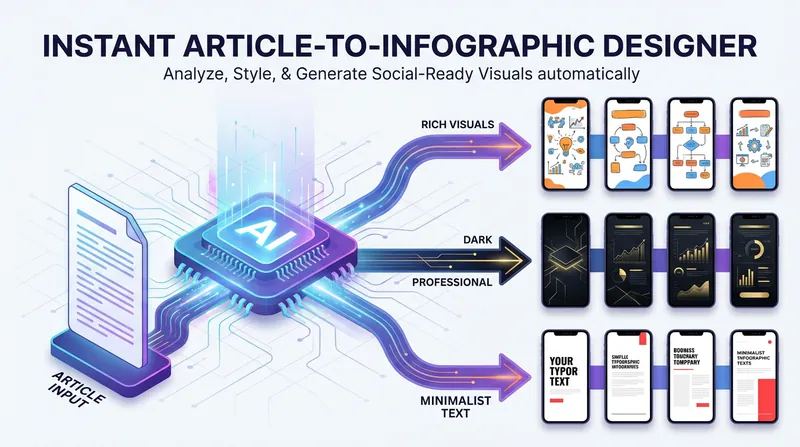
Xiaohongshu Image Generator
Automatically break down an article and generate 4-6 vertical infographics in Xiaohongshu style. Supports 3 styles: Rich Visual (illustration narrative), Dark Premium (business minimalism), Text Minimal (luxury white space). Automatically analyzes article structure, distinguishes cover pages from content pages, generates matching images in batches, and inserts them at the end of the article.
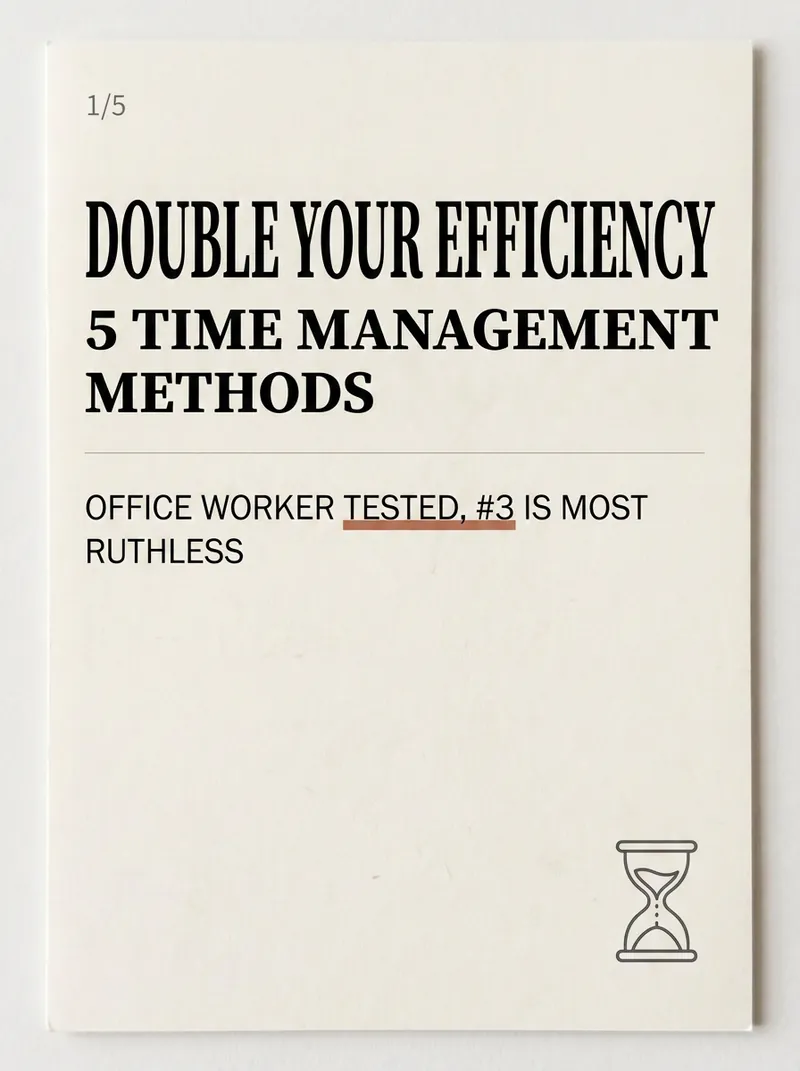
Xiaohongshu Card Generator
Being a Xiaohongshu knowledge blogger, the hardest part isn't writing content—it's formatting it into card images that people want to click and save. Searching for templates, adjusting fonts, colors, alignment—a single set can take two hours, and it still often has that AI-generated tacky feel. The Xiaohongshu Viral Knowledge Card Generator compresses this into one minute: input a topic or text, and it automatically splits into cover + inner pages, applies layouts that match real Xiaohongshu aesthetics, and generates a complete set of vertical cards ready to publish. ✨ Core Capabilities 1. 6 combinable layout types—cover hook cards, checklist cards, step-by-step cards, comparison cards, quote cards, and knowledge point breakdown cards—covering almost all informative posts. 2. 5 native styles—Cream Magazine, Morandi Minimalist, High Saturation Pop, Sticker Journal, Business Premium Gray—switch styles with one click, no rework needed. 3. 3 sizes—Xiaohongshu vertical 3:4, square 1:1, story 9:16—one input, multiple uses. 4. Cover formula—number hook + pain point + benefit, specifically designed to solve 'no one clicks'. 5. Anti-AI guardrails—rejects standard fonts, purple-white gradients, and rigid symmetry to deliver an authentic blogger feel. 📱 Applicable Scenarios Workplace, study, finance, science, and education bloggers' value-packed collections, knowledge sharing, list recommendations, opinion quotes; also works for WeChat Official Account headers and WeChat Moments infographics. Input a topic, leave the rest to it—make your notes irresistible at first glance.
Information
- Version
- v3
- Last updated
- Runtime credits
- Usage-based
- Models
- Auto
- Use cases
- Writing & content
- What you get
- Plan
