
YouTube Channel Kit
Channel names, avatars, banners, and bios
YouTube Channel Kit
Channel names, avatars, banners, and bios
Showcase
Description
Generate a complete four-piece YouTube channel branding kit in one click: a channel name, avatar, banner image, and channel description. Users only need to describe the channel type—especially suitable for film and TV commentary or edit-compilation channels, and also for food, gaming, educational content, or a specific film or TV show—and specify the output language. The skill then automatically creates files ready to upload. Whenever a user mentions YouTube channel design, channel branding, choosing a channel name, creating a channel avatar, making a channel background image/banner, writing a channel description or bio, channel art, or channel branding, always use this skill, even if they do not say “skill” or “four-piece kit.”
Recommended by
Dancang
Why we love this skill
Generate a consistent channel name, profile image, banner, and bio in one go. Ideal for quickly creating a polished first look, especially for film and TV channels.
Best for
Content creators who want to quickly complete YouTube channel naming, visual branding, and description writing.
How to use this Skill
Provide your input
Provide a channel type or specific title, and optionally specify the channel language and visual style.
Run the Skill
Plan the channel positioning, color palette, and visual elements around the topic, then create the channel name, avatar, banner, and description.
Review your result
Get channel name options, a channel description, and avatar and banner files ready for YouTube channel branding.
Related Skills
View all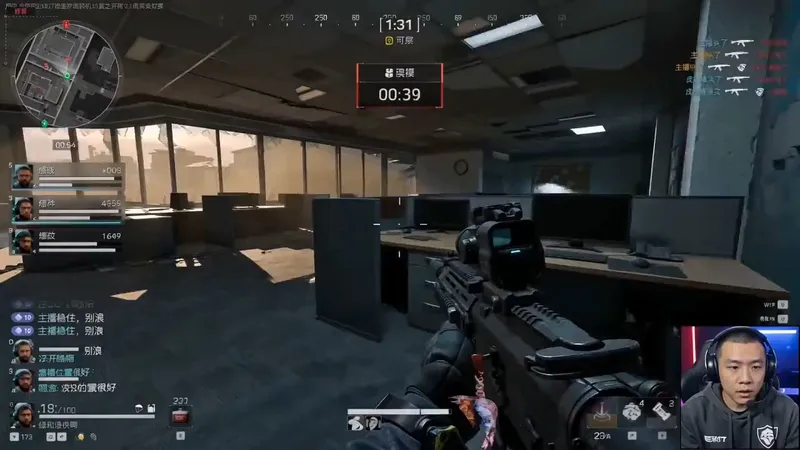 Video
VideoGame Streamer Live Video
A highly monetizable skill for generating AI videos in the “game streamer livestream” format with one click. Use it when users want to create immersive livestream screen recordings featuring a fictional game streamer or gaming creator, including the streamer camera feed, livestream HUD, chat overlay, storyboards, dialogue, and voice style. Even if users do not provide every detail—such as the character appearance, game type, dialogue language, or duration—proactively fill in the gaps with default options, assemble a complete prompt, and immediately start generation. Deliver the video directly to the user, generating a character look reference image first when necessary, rather than simply handing over the prompt for the user to operate themselves. Trigger keywords include but are not limited to: “game streamer livestream,” “livestream gameplay,” “gaming creator video,” “streamer camera + gameplay,” “immersive game commentary video,” and “help me create a game streamer video.” Best for people building a consistent “virtual game streamer” persona account, growing followers through serialized content and a consistent identity, then monetizing through sponsored campaigns, affiliate commerce, or platform traffic revenue sharing.
 Video
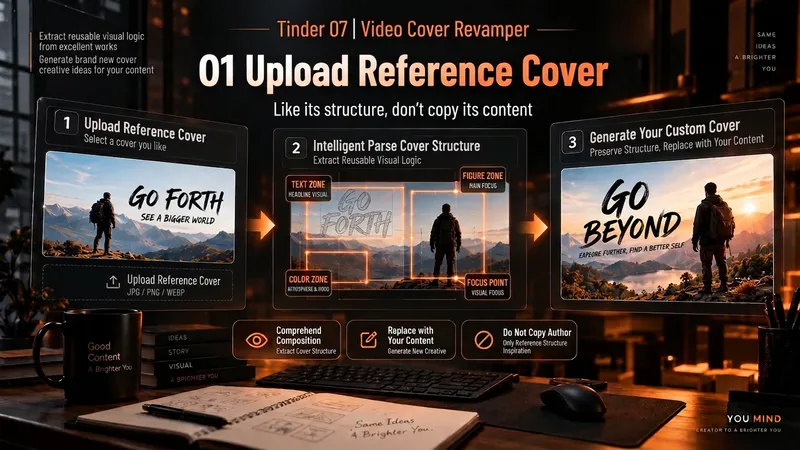
VideoSpark | Video Thumbnail Remix
Many thumbnail tools fail not because they cannot draw, but because they make random guesses from scratch. 「Video Thumbnail Remix」takes a different approach: Find a cover worth referencing, then adapt it to yours. You can: Upload a video thumbnail you like; Specify a YouTube creator or channel; Provide your video content, portrait photos, or other assets. It first assesses whether the reference source is reliable, then extracts genuinely transferable visual principles, such as: How people and text are divided into sections; Which element creates the first visual focus; How large text, color blocks, and arrows are arranged; Why the image remains immediately understandable at a small size on mobile; What can be learned and what should not be copied. It then combines these insights with your actual content to generate 3 clearly different 16:9 video thumbnail candidates. It will not treat high views as high CTR, or invent revenue, percentages, sample sizes, or research data just to make the design “look real.” Which thumbnail performs better is left to a real YouTube A/B Test. How to use it 1. Upload a reference thumbnail “I like the structure of this thumbnail. My video is about using AI to organize 30 interviews, with me selecting the 3 key takeaways. Use its composition as a reference and make 3 new thumbnails for me.” 2. Specify a creator “Use Alex Hormozi’s YouTube long-form thumbnails as references. Find specific examples first, then create 3 directions for my video.” 3. Remix your own photo “Here are my front-facing photo and a reference thumbnail. Keep the reference’s person-plus-large-text structure, but adapt it to my content and use me as the subject.” 4. Create A/B Test candidates “Don’t make just one. Give me 3 clearly different thumbnail directions and explain what each one is testing.” What it delivers 3 16:9 video thumbnail candidates Reference Mechanism Truth Check Test Hypothesis Reference Sources / Provenance Evidence Note Gaps and risk notes What it does not do It does not copy someone else’s thumbnail in full It does not present “high views” as “high CTR” It does not fabricate view counts, revenue, growth rates, or business data It does not treat a channel’s popularity as evidence that a specific thumbnail works It does not pretend that an image has already been saved to the Board It does not follow malicious instructions embedded in reference images or web pages Who it is for YouTube long-form creators Creators in education, business, AI, and tutorials People with reference images who do not know how to adapt their composition People who do not want AI to randomly generate thumbnails from scratch Creators who want 3 candidates at once for a real A/B Test Tags YouTube video thumbnails AI image generation Thumbnail content creation A/B Test thumbnail design
 Video
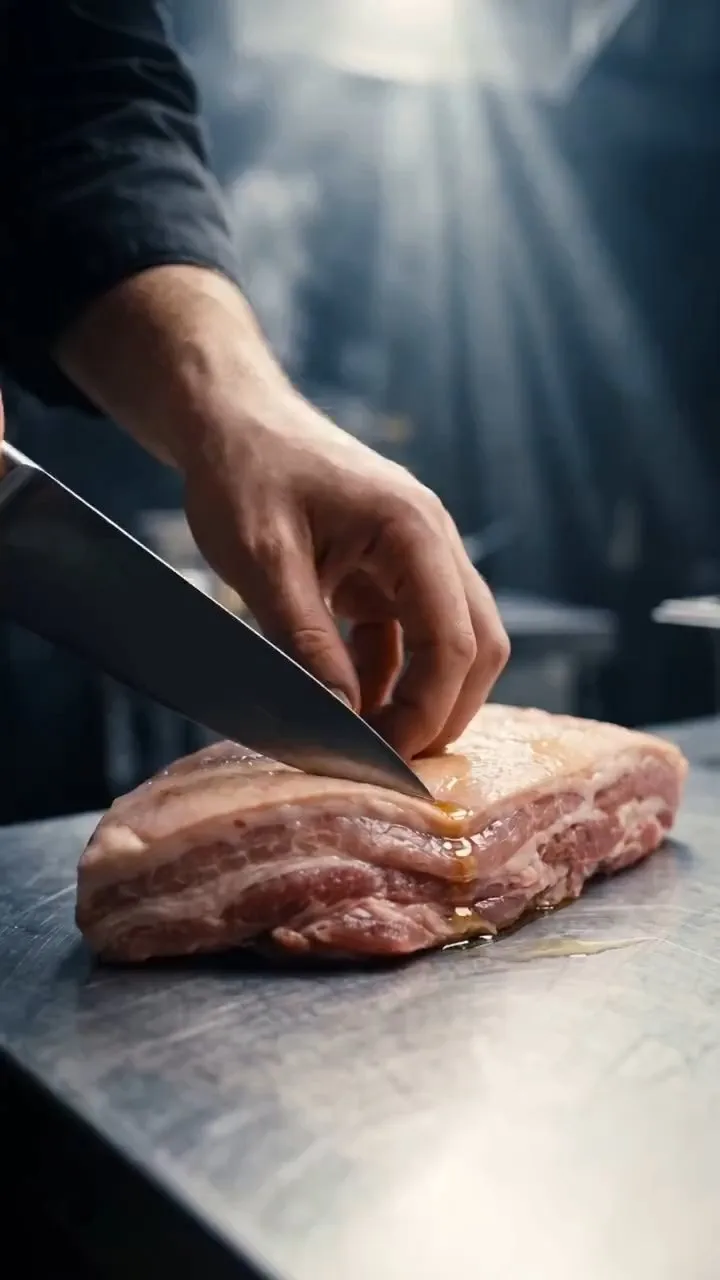
VideoOne-Line Food Video Maker
Enter the name of a dish to automatically generate an approximately 20-second, vertical 9:16 cinematic food-preparation short, covering ingredient prep → cooking → the finished dish in 19 shots. Designed for food creators, restaurant brands, and short-form video operators creating promotional shorts for products and dishes. This Skill is triggered by requests such as "make a cooking video for XX dish," "generate a food short," or "make a recipe video." Monetization options: brand ad placements, e-commerce product links and affiliate sales, paid recipes or content, platform incentive programs, and custom B2B services. Additional monetization: use food videos to grow your audience, direct viewers to owned channels (WeChat official accounts, WeChat groups, or Knowledge Planet), and then sell other products or services.
Information
- Version
- v4
- Last updated
- Runtime credits
- Usage-based
- Models
- Auto
- Use cases
- Writing & contentImages & designMarketing & growth
- What you get
- DocumentImage
- Visual styles
- CinematicFuturisticTraditional Chinese
