
Create Kahani Script & Scenes
YouTube-safe + Nolan-style Hinglish kahani, scenes & audio
Create Kahani Script & Scenes
YouTube-safe + Nolan-style Hinglish kahani, scenes & audio
Showcase
Description
Turn a theme, a one-line idea, or an existing viral script into a brand-new, original Hinglish 'kahani' story for YouTube — built end-to-end for Google Flow. You get a chapter-by-chapter script in a large-format, time-layered cinematic style; 8-second scene prompts designed to stay on the safe side of Flow's content policy (loss and grief handled by implication, never shown); a Google Flow build kit with locked character handles, one master cinematic style token, a shot list and a safety pre-flight; a complete audio kit covering per-scene narration, character voices, ambience, music, and the exact method for keeping audio and video in sync; a 30-second Hook Short; a thumbnail prompt; and honest titles, tags and description. WHY THIS SKILL IS DIFFERENT — WHAT YOU WON'T GET IN ONE PLACE ELSEWHERE • Tension-free on YouTube. Every story is written against a deep study of YouTube's current AI-content and monetization rules — fully original (never repetitive templates), no distress-bait, nothing banned on screen, plus a channel-safe packaging step. You can stop worrying about policy strikes, 'inauthentic content' flags and demonetization; the heavy lifting is already done. • Christopher Nolan–inspired direction. Each story is directed like a Nolan film: a striking flash-forward open, cross-cut past and present, a ticking-clock build to the climax, one recurring motif, and a large-format, muted-cool cinema look — described purely as a style, never with a real person's name inside a generation prompt. • One complete system. Flow-safe prompting + locked character consistency + a fixed 8-second editing grid + a full audio-sync kit + a no-repeat story registry, in a single Hinglish story workflow. The Skill checks a story registry first, so it never repeats a story you already made, and it keeps your channel policy-safe throughout.
Recommended by
Dancang
Why we love this skill
An end-to-end Urdu-Hindi storytelling system that turns an idea into an original, YouTube-safe, Flow-ready production. Its standout strength is the disciplined Nolan-inspired time structure, locked visual continuity, clip-level audio planning, and safety checks carried through script, prompts, and publishing.
Best for
YouTube storytellers who need an original Hinglish kahani with cinematic scene planning, audio guidance, and publishing assets.
How to use this Skill
Provide your input
Provide a theme, one-line idea, genre, an existing script to adapt, or no input for an original concept.
Run the Skill
The Skill develops a Hinglish story blueprint, then builds the script, scene prompts, production guidance, audio plan, and publishing package in stages.
Review your result
Receive a chaptered story script, Flow-oriented scene and thumbnail prompts, audio and sync guidance, and honest YouTube metadata.
Related Skills
View all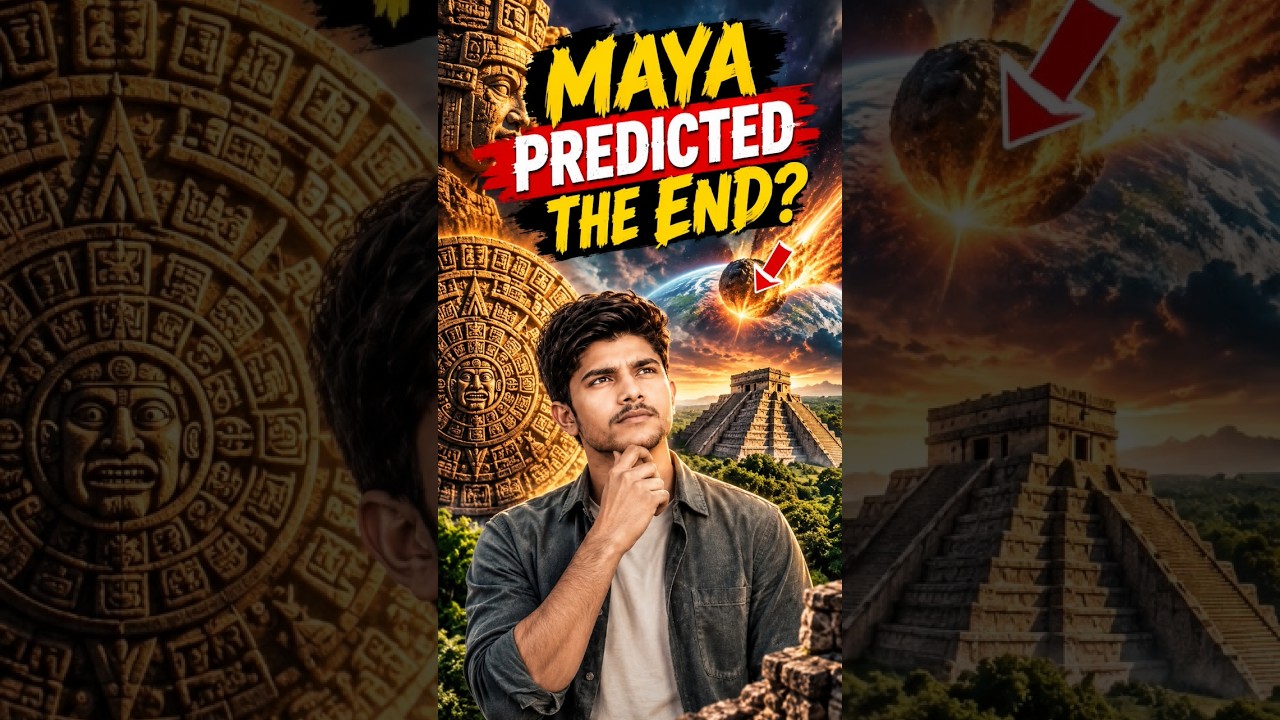
YouTube & content creation
Turn a single topic into a complete day of YouTube content for faceless history, mystery, and education channels. You’ll receive an engaging long-form video script in an accessible Roman Urdu and English mix, with cinematic storytelling, factual context, hooks, talking points, and visual suggestions ready for production. The package also includes three short-form scripts built around different angles, plus a Roman Urdu community post and an audience poll to encourage engagement. This makes it easy to extend one research topic across your main video, YouTube Shorts, and community tab without starting from scratch. To support publishing, you’ll get five copy-ready AI image prompts for thumbnails and historically accurate video visuals, along with a complete SEO and thumbnail pack. Use the suggested thumbnail text, video titles, optimized description, tags, and hashtags to shape a consistent content release around topics such as Vikings, the Great Wall, Cleopatra, and other educational subjects. Enter one topic and receive reusable content assets for a full day of channel activity.
 Video
VideoSolo talk video
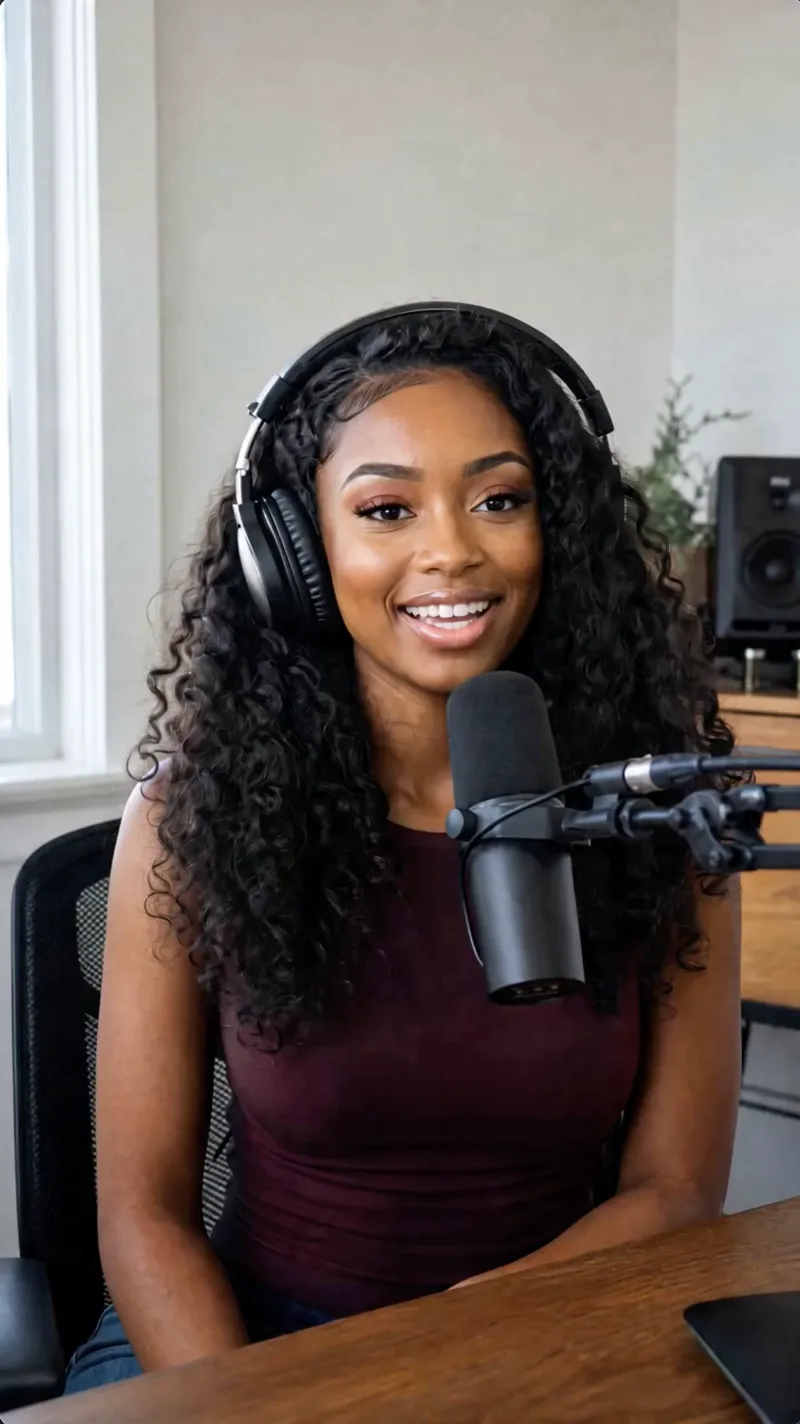
Create engaging 15-second solo talk videos with a personalized touch. Simply provide a character concept and your topic—whether it's a simple phrase, a web link, or a draft—and this skill will craft a complete script, ready for production. It intelligently researches your topic if needed, then structures a compelling narrative with a hook, core message, and clear call-to-action, all tailored to your specified character's personality and speaking style. Before generating the final video, you'll review a detailed script that includes scene descriptions, camera directions, and even audio cues like background music and sound effects. You'll also get to approve a cover frame image, ensuring the visual concept for your character and setting is perfect. Once confirmed, your lip-sync video is produced, featuring your character delivering the lines naturally and expressively, making your message resonate with viewers.
 Video
VideoUGC Product Video Studio
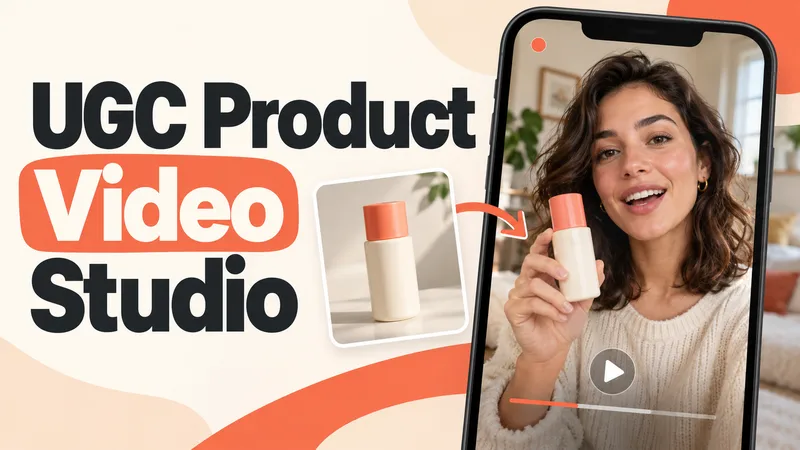
Turn a product photo into a complete UGC video workflow: a lifelike AI creator, a connected sequence of scenes, natural dialogue, and prompts tailored to your chosen video model. Built for product owners, marketers, and creators who want to show their product through a believable everyday story. You guide the creative decisions: • Design your character step by step. Approve the look, refine specific features, or request a different person. • Build a sequence of portrait shots, product details, demonstrations, location changes, and a product-only closing shot. • Explore image variations and approve the final scene set before the script is finalized. • Review the scenario and spoken text, then adjust the hook, tone, pacing, or closing line. Realism goes beyond skin texture. Prompts account for natural facial detail, smartphone framing, lighting, and character consistency. Images are checked for awkward grips, floating caps, nozzle direction, and other physical contradictions. Complex actions can be simplified or split into separate shots before animation. Choose your platform, video model, spoken language, and audio method: • Speech generated directly inside the video. • Separate speech text or audio for lip sync. • Off-screen narration. Prompts adapt to the selected model, with language and audio support checked for that route. After approval, generate the video in YouMind, prepare a prompt package for another platform, or stop with the production report. Receive complete image and video prompts, the approved script, reference mappings, timing, and quality-check notes. Your character. Your scenes. Your approval at every key stage.
Information
- Version
- v8
- Last updated
- Runtime credits
- Usage-based
- Models
- Auto
- Use cases
- Writing & contentImages & designVideo & audio
- What you get
- ScriptPromptPlan
- Visual styles
- CinematicPhotorealistic
