For millions of builders, Google AI Studio has become the fastest path from prompt to a production app. At Google I/O 2026, we reimagined not just how you build, but what you can build, too.
Here's everything we announced.
Build across the Google ecosystem
Great apps don't live in isolation. We've steadily woven AI Studio into the broader Google ecosystem, and we’re continuing that expansion.
Google Workspace is now directly accessible from the apps you build within AI Studio. With this integration, you can build dashboards on top of your Sheets data, create tools that organize your users’ Drive or spin up apps that work with the documents and data your team already lives in. You can do this all without leaving AI Studio.
And if you want local development for faster iteration, you can now export directly to Google Antigravity. Your conversation history, project files and secrets all come with you, so you can pick up exactly where you left off, bring in your wider team and start scaling your development workflow.
Design your app’s look and feel
You should have control over your app’s look and feel, designing it to reflect your vision and work well for your users. We've shipped several new design features in AI Studio to help you customize your app's visual style:
- Custom asset generation: The AI Studio Build agent can automatically generate custom images on the fly using Nano Banana. This helps you build tailored interfaces or mock up specialized use cases without needing external placeholder assets.
- Customize your app in preview: Our new edit tool lets you annotate right in the preview window. Draw on your app, tweak components and generate new visuals to iterate on your build, right in the flow.
Pre-register for the Google AI Studio app
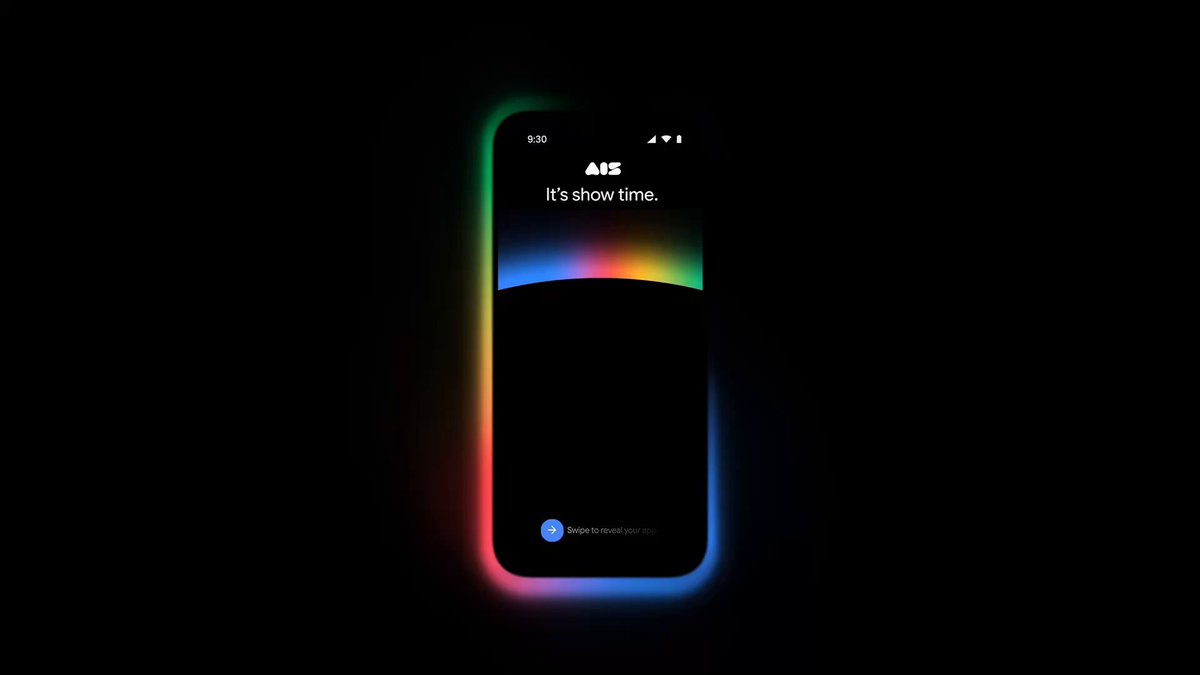
Great ideas don't wait for you to be in front of a laptop. That's why we're bringing the full build-mode experience to your phone with a new mobile app. Available for pre-registration now, the AI Studio app allows you to iterate on code and preview builds directly from your pocket.
With the Google AI Studio app, you can start on mobile on the go and then go deep in the flow when you’re back at your desk. Remix apps from the mobile gallery for inspiration and share live deployments with your friends to gather feedback and collaborate.
Create and share your next idea in minutes, all from your phone.
Build Android apps in Google AI Studio
You can now build native Android apps right in the build tab. Just select “Build an Android app” and begin prompting. No software to install, no SDKs to manage and no local environment needed.
The experience includes:
- Production quality native code: Describe your idea and AI Studio can generate production-quality Kotlin code using the latest Jetpack Compose pattern.
- In-browser emulator & ADB support: Preview your app on an Android Emulator running in the browser or install your app on an Android device using the Android Debug Bridge (ADB).
- Direct-to-Play Store testing: Connect your Google Play Developer account in AI Studio to publish your app to Google Play's Internal Test Track with a single click.
Native Android development once required a high-performance computer and deep technical knowledge. Now, with AI Studio, you can go from prompt to fully native Android app on your own device in minutes.
Deploy at no cost, no credit card required
Builders who are just getting started can now deploy their first two apps to Google Cloud at no cost, no credit card required. Users with billing already enabled in their projects will continue to default to the Cloud Run Free Tier.
Start building today
Whether you're a seasoned developer looking for a faster way to prototype or a creator building your first app, Google AI Studio is ready for you.
Head over to Google AI Studio to get started.


