
3D Motion Studio AI
Turn ideas into 3D animations and Blender projects
3D Motion Studio AI
Turn ideas into 3D animations and Blender projects
Showcase
Description
Transform text prompts, scripts, documents, product photos, logos, audio, and 3D models into genuine 3D animated videos, procedural 3D meshes (`.obj`/`.mtl`/`.gltf`), executable Blender Python (`bpy`) / `.blend` project files, and storyboard PDFs across five independently framed aspect ratios (`16:9`, `9:16`, `1:1`, `4:5`, `4:3`) using YouMind's native and portable 3D production capabilities
Related Skills
View all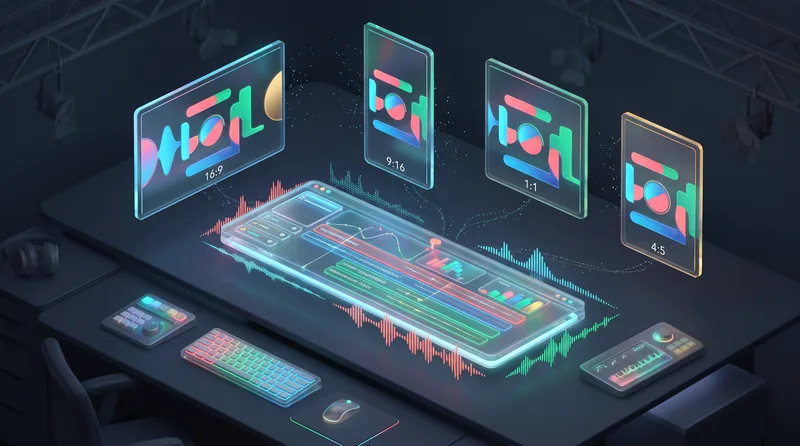
Universal Motion Graphic Creator
Transform any supported document, dataset, article, infographic, or transcript into an autonomous motion graphic video campaign across four independent aspect ratios (`16:9`, `9:16`, `1:1`, `4:5` at 1080p 30 FPS MP4) alongside complete scripts, schema-validated storyboards, design system tokens, vector/SVG assets, synchronized subtitles, and a 4-state automated QA report using YouMind's native and portable capabilities.
HumanFrame AI — Human Video Creator
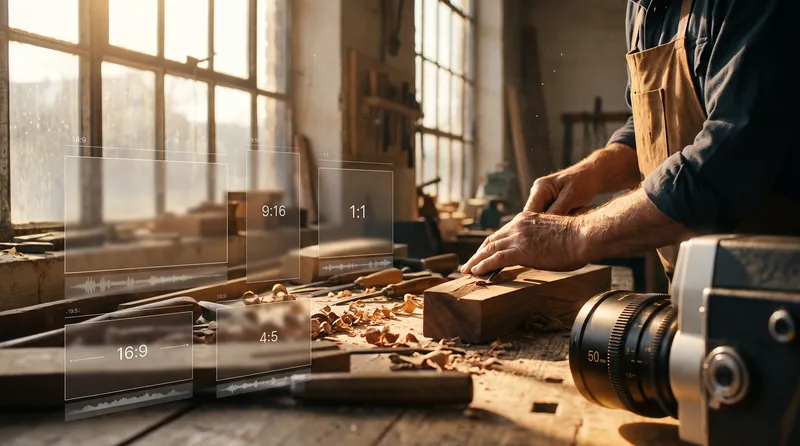
Transform stories, articles, personal experiences, photographs, footage, brand concepts, educational materials, and documentary briefs into authentic, human-centered cinematic videos and complete 18-document production packages across `16:9`, `9:16`, `1:1`, and `4:5` aspect ratios using YouMind's native capabilities. Powered by the Human Story Intelligence Engine, Human Authenticity Rules, Character Continuity Bible, and a 7-gate, 100-point Quality Assurance system, HumanFrame AI crafts films that feel lived rather than manufactured.
 Video
UGC Product Video Studio
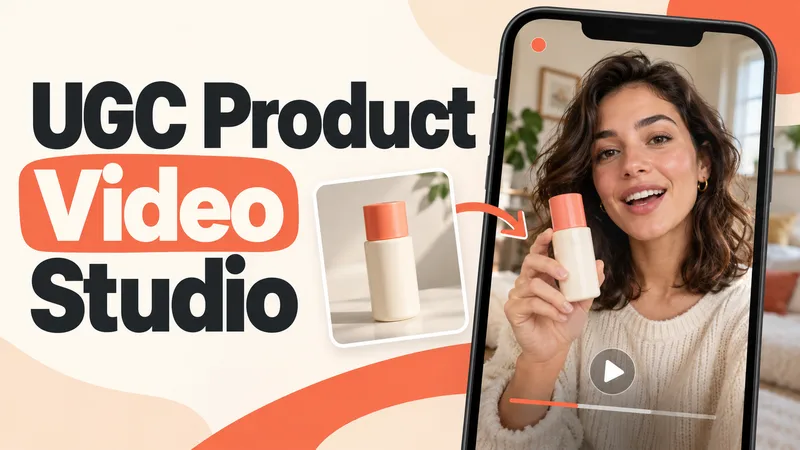
Turn a product photo into a complete UGC video workflow: a lifelike AI creator, a connected sequence of scenes, natural dialogue, and prompts tailored to your chosen video model. Built for product owners, marketers, and creators who want to show their product through a believable everyday story. You guide the creative decisions: • Design your character step by step. Approve the look, refine specific features, or request a different person. • Build a sequence of portrait shots, product details, demonstrations, location changes, and a product-only closing shot. • Explore image variations and approve the final scene set before the script is finalized. • Review the scenario and spoken text, then adjust the hook, tone, pacing, or closing line. Realism goes beyond skin texture. Prompts account for natural facial detail, smartphone framing, lighting, and character consistency. Images are checked for awkward grips, floating caps, nozzle direction, and other physical contradictions. Complex actions can be simplified or split into separate shots before animation. Choose your platform, video model, spoken language, and audio method: • Speech generated directly inside the video. • Separate speech text or audio for lip sync. • Off-screen narration. Prompts adapt to the selected model, with language and audio support checked for that route. After approval, generate the video in YouMind, prepare a prompt package for another platform, or stop with the production report. Receive complete image and video prompts, the approved script, reference mappings, timing, and quality-check notes. Your character. Your scenes. Your approval at every key stage.
Information
- Version
- v2
- Last updated
- Runtime credits
- Usage-based
- Models
- Auto
