Hand-Drawn in Sec -SlowTeacher
Hand-Drawn in Sec -SlowTeacher
Showcase
Description
Convert a piece of text, PPT screenshot, or ordinary image into a hand-drawn academic science infographic with a 16:9 pure white background.
Related Skills
View all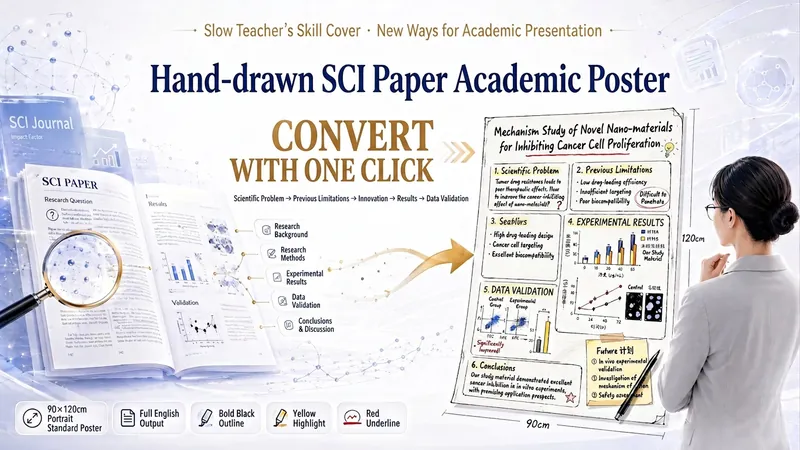
Man Laoshi: 1-Click SCI Poster
One-click transform any SCI paper into a hand-drawn academic poster! Fully replicates Man Laoshi's signature hand-drawn style — thick black outlines, yellow highlights, and red underlines. Generates standard 90×120 cm vertical posters. The content strictly follows a scientific logic chain: scientific question → previous limitations → innovation → results → data validation. All output is in Chinese, perfect for researchers who want to stand out in academic presentations. Trigger: 'SCI paper hand-drawn poster'.
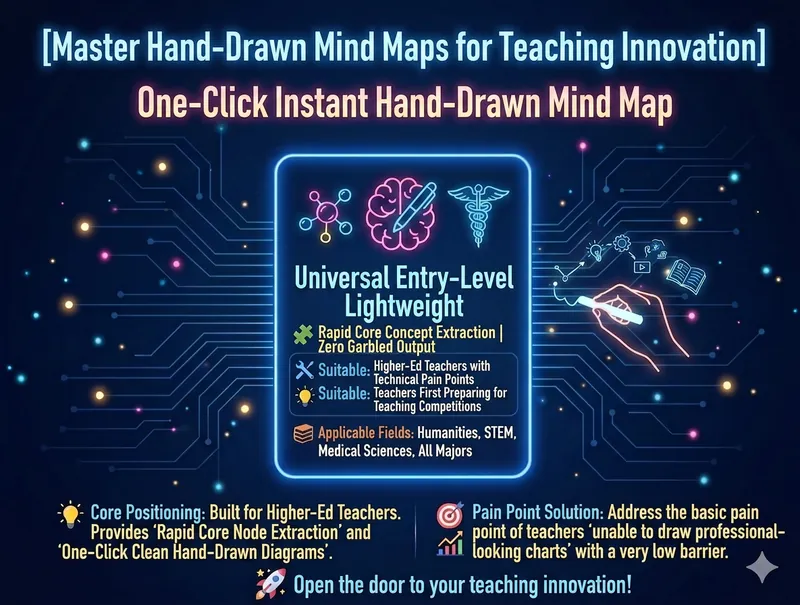
Mind Map Sketch Starter v15.0
Tired of struggling with PPT layout for teaching materials? Long blocks of text causing judge fatigue in teaching competitions? Try this 'visual score booster' specially designed for university faculty! Just drop in your lectures, and this skill automatically organizes the logic, generating a sophisticated blackboard hand-drawn style mind map in one click, making your courseware stand out instantly! 👨🏫 Who needs it most? 1. University faculty across China preparing for various teaching competitions (applicable to all disciplines: humanities, social sciences, STEM, medicine, business, agriculture); 2. Corporate trainers needing high-quality training courseware; 3. University instructors eager to enhance the visual appeal of their teaching materials through information visualization. Wait a few seconds and get a beautiful hand-drawn mind map ready to be placed directly into your PPT and other teaching materials!
 Image
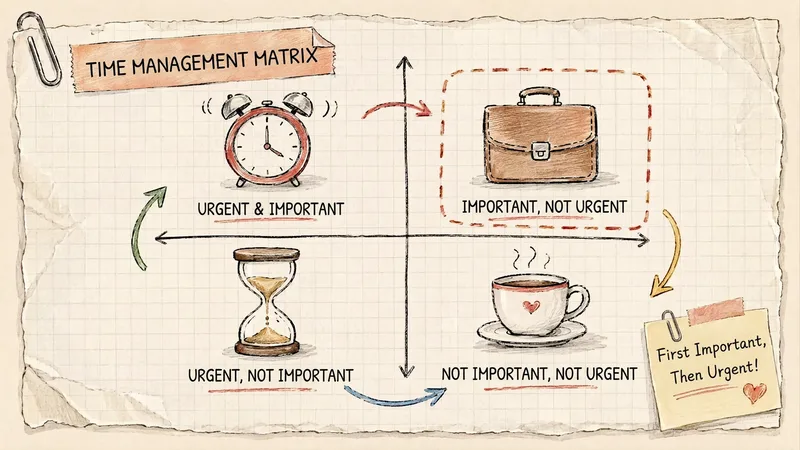
Grid Paper Sketch Infographic
Turn any topic into a hand-drawn science infographic in a grid-paper journal style, or transform an existing image into the same style with one click. It includes seven-dimensional style definitions, bilingual style prefixes, a negative checklist, and a self-checklist. First, confirm the topic and canvas (3:4 portrait / 16:9 landscape / 1:1 square), or read the original image you provide. It then generates a complete image-generation prompt for your confirmation before creating the image. Afterward, it checks each item on the list and automatically redraws anything that does not meet the requirements. Ideal for public account layouts, Xiaohongshu creators, professionals making PPTs, and teachers creating visual learning materials.
Information
- Version
- v3
- Last updated
- Runtime credits
- Usage-based
- Models
- Auto
- Capabilities
- Web research
