Dr. Sun AIopus 5.5 Animations
Turn text into animated scenes automatically
Dr. Sun AIopus 5.5 Animations
Turn text into animated scenes automatically
Showcase
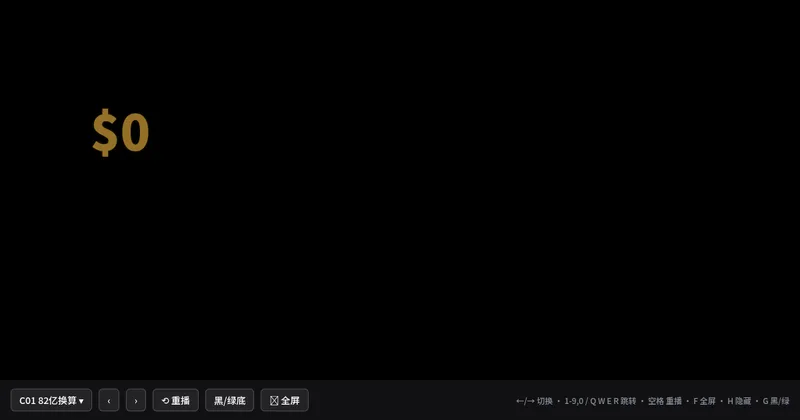
生成视频文案动画建议
物理AI动画场景
生成视频文案动画建议
物理AI动画场景
Description
Enter a voiceover script to automatically extract key points and plan the storyboard, then generate a webpage of animated scenes that can be played scene by scene, screen-recorded, and overlaid on a voiceover video. Within the same webpage, switch between dark (screen blend for background removal), light (multiply for background removal), and green-screen backgrounds, with a storyboard comparison table and an editing and compositing guide.
Recommended by
淡苍
Why we love this skill
Turns voiceover copy into a recordable, composable knowledge animation player with automatic fact extraction, storyboard planning, and scene generation. Switch dark, light, and green-screen themes in one click, with safe areas, hotkeys, and video export.
Related Skills
View all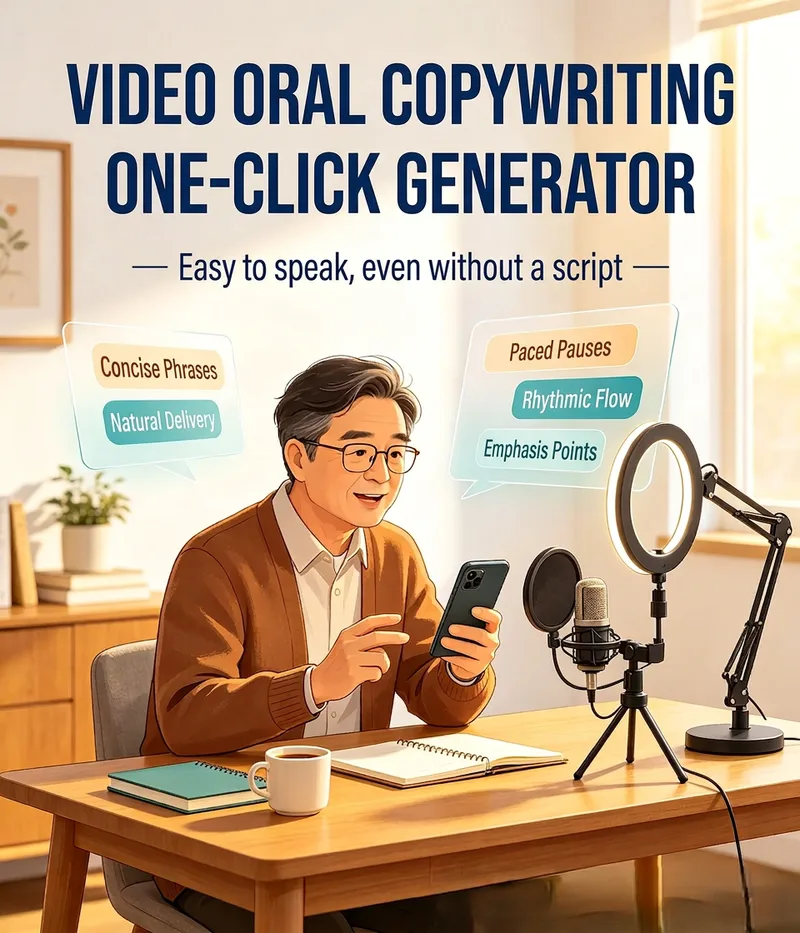 Write
WriteWeChat Channels Script Maker
A spoken-script tool designed for individual WeChat Channels creators, business owners, knowledge bloggers, and middle-aged and older content creators. Enter a topic to instantly generate a conversational, natural-flowing script with short, rhythmic sentences, plus automatic pause markers, emphasis cues, and facial expression and gesture suggestions. Switch between persona styles such as expert, friendly neighbor, entrepreneur, and emotional coach. Get a script you can deliver directly to the camera and leave the "reading from a script" feeling behind.
 Webpage
Yazi - Pro Voiceover Demos
Jacky Motion: Turn Chinese voiceover scripts into screen-recordable, single-file HTML informational animations. Choose pure HTML with manual progression (16:9 or 3:4), or automatic playback with SRT (16:9, including a B-roll screen-recording frame). The workflow covers script review, storyboarding, style locking, assembly, and visual QA. Choose from seven key styles, with preset layouts, motion effects, and quality gates.
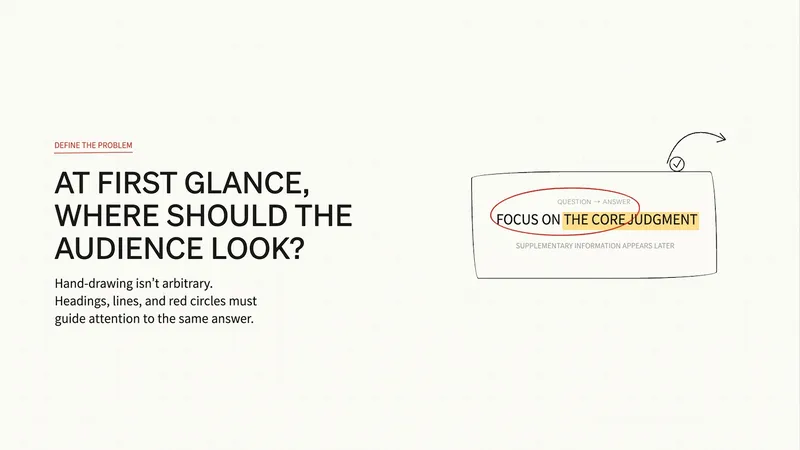
Simple Drawing Video Assistant
Generate simple drawing talking-head video content in one place—from topic to script to visual assets. Choose from 4 art styles: ① Color characters + black-and-white settings (pure hand-drawn style with white backgrounds and open space); ② Pure black-and-white line art; ③ Real objects + IP hybrid (the real product as the main subject, with large conflict-word headlines, suitable for food identification and product reviews); ④ Color characters + black-and-white realistic scenes (layered saturation, with IP characters integrated into real-world storytelling, suitable for social, workplace, and lifestyle topics). Choose cover and storyboard art styles separately for flexible combinations, such as cover 4 + storyboard 1. Supports script confirmation, consistent hand-drawn cover styles, character appearance pre-approval, unified visual styles across assets, and high-performing publishing materials.
Information
- Version
- v2
- Last updated
- Runtime credits
- Usage-based
- Models
- Auto
