
Animated Video Studio
Turn topics into exportable animated videos
Animated Video Studio
Turn topics into exportable animated videos
Showcase
Description
Enter any topic and choose from 16 animation styles. It automatically handles fact-checking, scene-by-scene scripting, voiceover narration, visual assets, and an animated web page to create a 3–10 minute animated video with subtitles and music. It also includes “Export MP4” for direct downloads. Optimized for Opus 5.5.
Recommended by
Shuting@YouMind
Why we love this skill
Transforms history, science, and cultural topics into complete animated works with verified research, structured scripts, synchronized audio, subtitles, visuals, sound effects, and MP4 export.
Best for
For creators and content teams turning history, science, people, culture, or brand topics into animated content.
How to use this Skill
Provide your input
Provide a topic, with optional details such as duration, audience, language, key points, animation style, and existing assets. Any omitted options can be determined from the topic.
Run the Skill
First choose or confirm an animation style. The system organizes the research and creates a scene-by-scene script; after you confirm it, it produces the voiceover, visuals, subtitles, music, and animated web page.
Review your result
Get a finished web page with a scene-by-scene script, voiceover, subtitles, and animation controls. You can also try exporting a video file in supported desktop browsers.
Related Skills
View all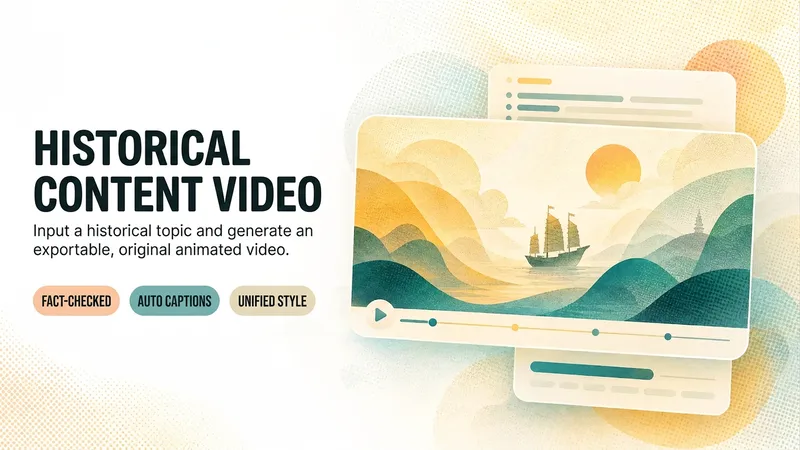 Video
History Video Director
Enter a "The History of ___" topic, confirm the language, duration, and voiceover method, and get a fact-checked, chaptered voiceover script with automatic duration calculations. Once approved, it creates a 16:9 original animation webpage ready for video export, styled in a classic parchment history illustration theme. It also includes a timestamped voiceover script, YouTube titles, chapter descriptions, SRT subtitles, and originality tips for YPP applications. Ideal for creators looking to build a serialized history education channel.
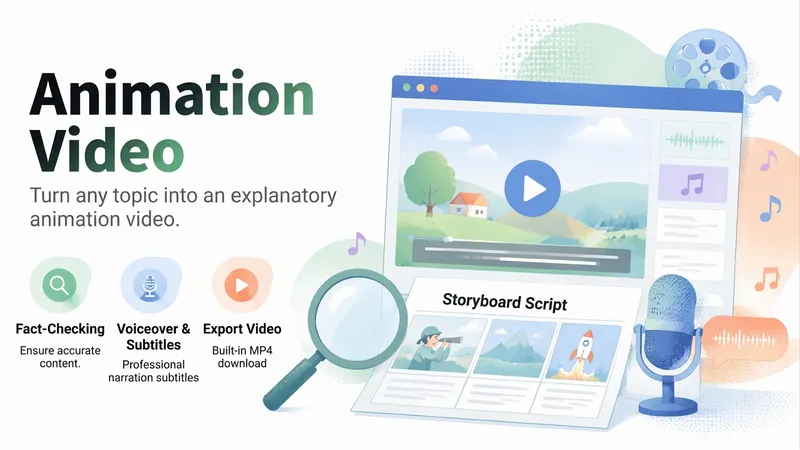
Animated Explainer Videos
Use this when prompted with requests like "turn a certain topic into an animated video," "generate an explainer animation," "create an animated webpage with voiceover, subtitles, and music," or "input a topic and animation style to get a video." This Skill guides you through a six-step pipeline: information verification → scene script → voiceover narration → visual assets → animated webpage (including player, subtitles, and music) → built-in "Export MP4" download. It supports 16 animation styles, with a final runtime of 3 to 10 minutes.
 Video
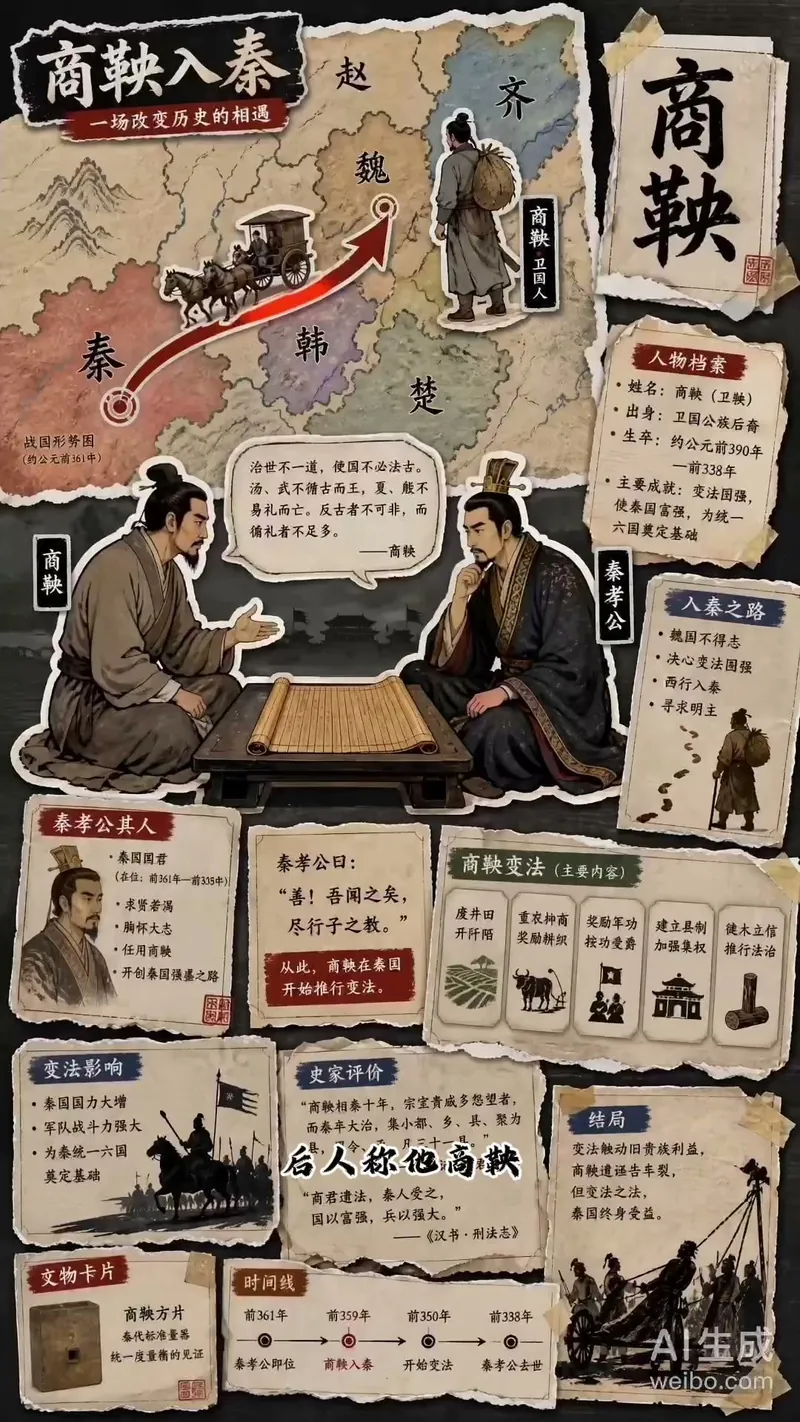
Vox-Style History Material Gen
Want to create engaging Vox-style content for history popular science short videos? The "Vox-Style History Material Generator" can turn any historical topic (such as figures, events, dynasties, reforms, wars, or systems) into a complete set of short video production materials. Just provide a historical topic, and it will generate an approximately 270-word, 45-second explainer script, along with 9 vertical 9:16 paper-cut collage style storyboard image generation prompts. The unique aspect of this skill is that it not only provides image generation prompts but also accurately matches 9 Seedance 2.0 image-to-video generation prompts for each storyboard frame. This means you can easily create historical explainer shorts with a "paper-cut collage" and "stop-motion animation" visual effect. Whether you're making history popular science animations, designing historical storyboards, or creating paper-cut collage keyframes for dynasties, reforms, wars, or historical figures, it offers an all-in-one solution. Through compact conversational copy and rich visual elements such as maps, coins, seals, and silhouettes, this tool ensures your video content is both informative and fun. The generated prompts strictly follow the principle that "video actions must correspond one-to-one with scene elements," ensuring smooth and natural image-to-video effects and avoiding disconnection between scene elements and animation effects. Make your historical short videos more visually impactful and content engaging.
Information
- Version
- v3
- Last updated
- Runtime credits
- Usage-based
- Models
- Auto
- Use cases
- Writing & contentImages & designVideo & audio
- What you get
- WebpageVideoScript
- Visual styles
- CinematicFlatPhotorealistic
