
Animated Explainer Videos
Create exportable animated videos with voiceovers and subtitles from any topic
Animated Explainer Videos
Create exportable animated videos with voiceovers and subtitles from any topic
Showcase
Description
Use this when prompted with requests like "turn a certain topic into an animated video," "generate an explainer animation," "create an animated webpage with voiceover, subtitles, and music," or "input a topic and animation style to get a video." This Skill guides you through a six-step pipeline: information verification → scene script → voiceover narration → visual assets → animated webpage (including player, subtitles, and music) → built-in "Export MP4" download. It supports 16 animation styles, with a final runtime of 3 to 10 minutes.
Best for
Content creators and educators who need to turn topics into animated videos with narration, subtitles, and background music.
How to use this Skill
Provide your input
Provide a video topic, with optional animation style and target duration (3–10 minutes).
Run the Skill
The system verifies the information, writes a scene-by-scene script, generates voiceover, subtitles, and animation web pages, and automatically sets up player and export functions.
Review your result
Receive a self-contained animation video webpage with synchronized subtitles, background music, chapter playback controls, and a video export button.
Related Skills
View all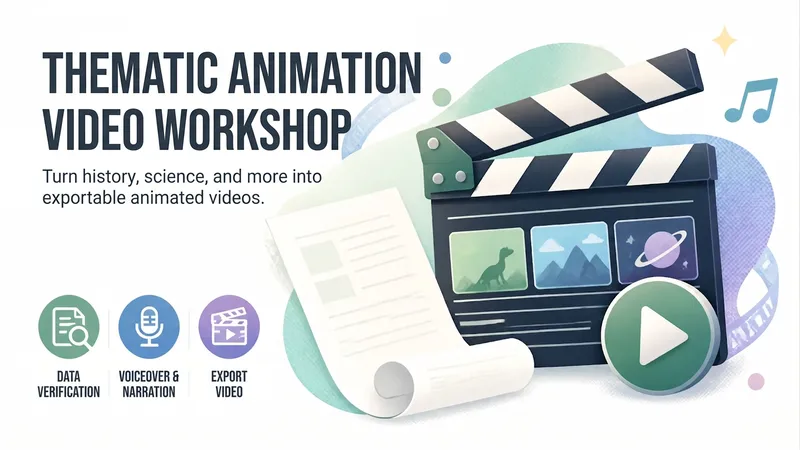 Video
VideoAnimated Video Studio
Enter any topic and choose from 16 animation styles. It automatically handles fact-checking, scene-by-scene scripting, voiceover narration, visual assets, and an animated web page to create a 3–10 minute animated video with subtitles and music. It also includes “Export MP4” for direct downloads. Optimized for Opus 5.5.
Process Explainer Video Maker
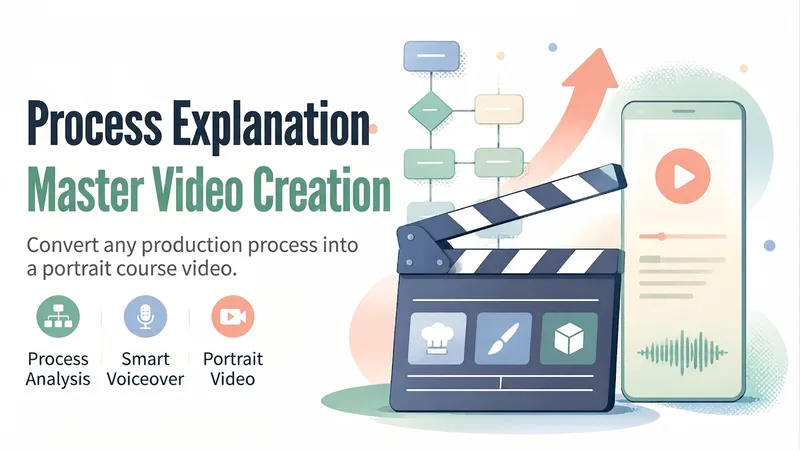
Turn a “making process”—cooking, crafts, painting, software操作, and more—into a 45–90-second vertical explainer course video. The Skill first analyzes the topic and creates a six-part storyboard script, then generates or uses a presenter character, animated visuals and subtitles for each segment, and finally records the voiceover, assembles the timeline, and performs quality checks before delivery. Uploaded user audio is preferred for the voiceover. If no audio is uploaded, the Skill automatically selects a suitable, natural-sounding voice and does not use any personal cloned voice. Suitable for process explainers, workflow training, tutorial shorts, and similar use cases.
Topic Animation Director Pro
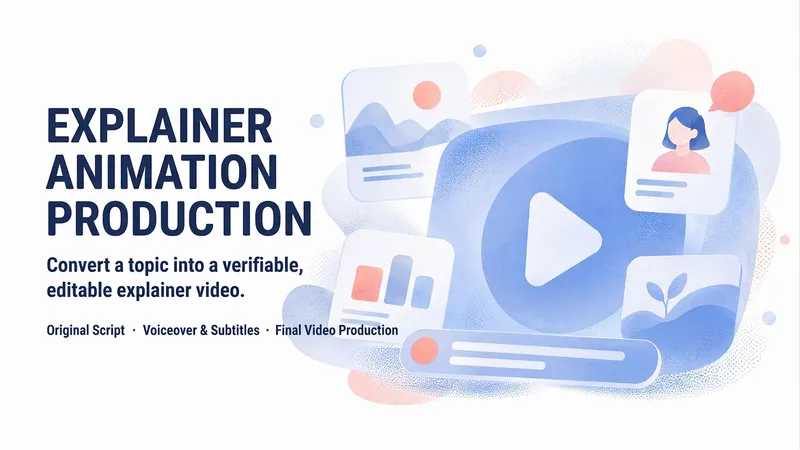
Turn a topic or source material into an original narrated animation: first clarify requirements and check capabilities, then conduct research and develop the core narrative, script and storyboard, visual style, voice-over, captions, and timeline. Validate the result with a 20–30-second test clip before rendering the final video. Clearly distinguish between the finished video, animation preview, and production package, and deliver the storyboard, captions, and source notes. Supports targeted revisions by scene.
Information
- Version
- v2
- Last updated
- Runtime credits
- Usage-based
- Models
- Auto
- Use cases
- Images & designVideo & audioLearning & education
- What you get
- WebpageVideo
