
App UI/UX Fix — Images to Developer
Better app UI, annotated images, and developer prompts.
App UI/UX Fix — Images to Developer
Better app UI, annotated images, and developer prompts.
Showcase
Description
Turn existing Android and iOS app screenshots into clear UI/UX improvements your developer can implement. For each change, receive: • A clean mockup showing the proposed result. • A matching annotated image with numbered arrows. • A copyable implementation prompt explaining what to change, what to preserve, how interactions should work, and how to verify the result. Designed for app owners, developers, and designers working with human programmers or AI coding assistants. Preserves your application's identity by default and focuses on the problems you want to solve. Considers small and large screens, text scaling, accessibility, and multilingual RTL/LTR layouts. English is the default language. The skill responds in the user's language when identifiable and preserves the application's interface language unless translation is requested. Requires image understanding, image generation, and reference-image editing capabilities for visual deliverables. Produces design proposals and developer instructions—not a compiled, implemented, or tested application.
Related Skills
View all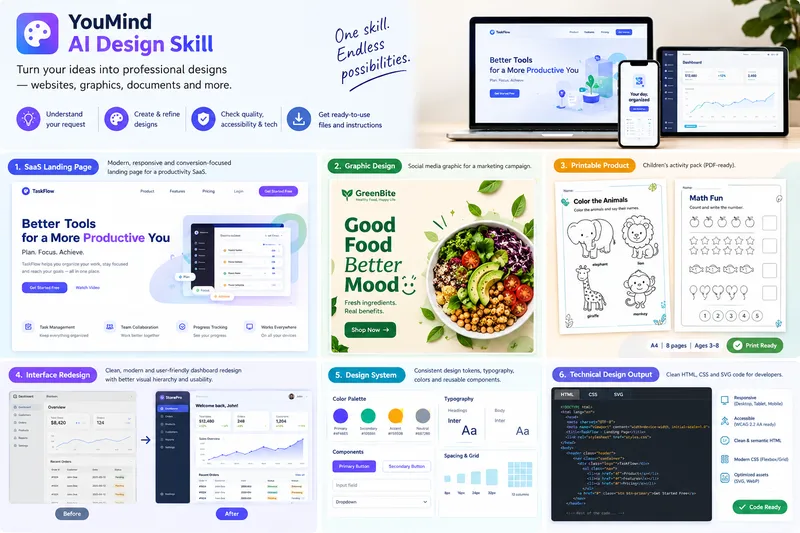 Webpage
Design-to-Deliverable AI Studio
Turn rough ideas, content outlines, or interface screenshots into polished, implementation-ready design deliverables through a structured 8-phase workflow. ### Who It's For Founders, product managers, marketers, educators, creators, and developers who need accessible visual designs and clean front-end code without trial-and-error prompting. ### What to Provide - Your design goal and audience (SaaS landing page, dashboard, mobile UI, printable worksheet, social graphic, poster, or brand kit). - Any required copy, dimensions, brand colors, or reference screenshots (if omitted, the skill applies sensible defaults and discloses them). ### How It Works 1. **Brief & Strategy**: Extracts your objective and constraints, flags conflicting specs early, and selects a tailored strategy (Conversion, Task-Efficiency, Readability/Print, or Accessibility-First). 2. **Visual System**: Locks in a semantic color palette (with WCAG 2.2 AA contrast math), modular typography scale, and 4px/8px grid. 3. **Production & Smart Fallbacks**: Generates semantic HTML5/CSS3, scalable SVG vectors, print-ready worksheets (`@page` / `@media print`), and W3C design tokens—plus 3 standalone image prompts (Strict Hierarchical, Creative Aesthetic, Hybrid) when raster image tools aren't active. 4. **Honest 4-State QA**: Audits contrast, labels, links, and print geometry, tagging every check as `VERIFIED`, `NOT VERIFIED`, `FAILED`, or `NOT APPLICABLE`. ### What You Get - Concise Design Brief & Visual System Token Table - Implementation-ready HTML/CSS/SVG files or printable layouts - 4-State QA Report with editing and export instructions ### Boundaries Outputs open formats (`.html`, `.css`, `.svg`, `.pdf`, `design-tokens.json`) that import into Figma/Illustrator rather than closed binaries (`.fig`, `.psd`). Commercial CMYK press proofs and legal trademark checks require human review.
 Image
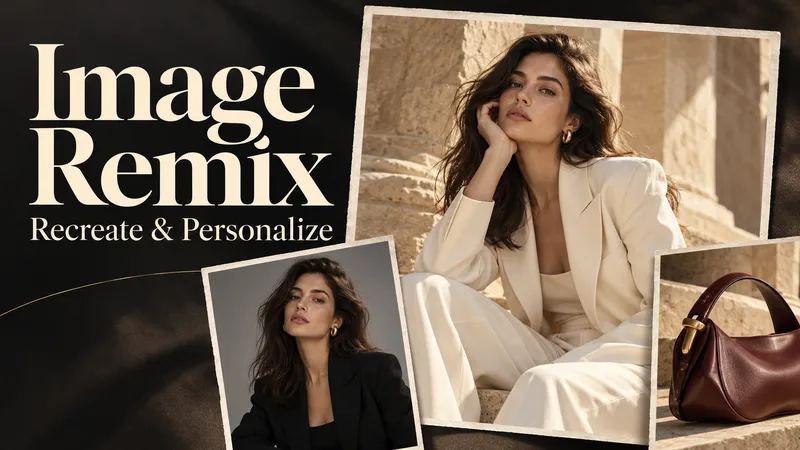
Image Remix: Recreate & Personalize
Create personalized visuals from striking reference images—for advertising, fashion concepts, editorial portraits, product scenes, and visual exploration. Image Remix analyzes what makes your reference work, then helps you adapt it to your subject, style, or product. Keep the composition and atmosphere you love while changing selected details through five guided choices. YOUR FIVE CREATIVE CONTROLS • Character / Subject — Preserve the source appearance, describe changes, or supply a reference. • Wardrobe — Keep the outfit, describe a new look, or use a clothing reference. • Environment — Preserve the setting or move the scene somewhere new. • Skin Realism — Choose smooth but realistic skin, natural texture, subtle freckles, or your own description. • Jewelry — Preserve, redesign, replace, remove, or provide a reference. HOW IT WORKS Upload a source image and make your selections. Add person, wardrobe, or product references where needed. The skill gathers any essential missing details, prepares a complete English generation prompt, explains the intended result in your language, and generates one image. CONTROL THE CHANGES. KEEP THE VISUAL IMPACT. Pose, framing, perspective, and atmosphere stay consistent unless you choose to change them. Lighting, shadows, reflections, and materials adapt to help the new elements feel naturally integrated. References have separate roles: a clothing reference guides the outfit, while a product reference guides the product’s design. This helps prevent unrelated faces, backgrounds, or accessories from carrying over. WHAT YOU RECEIVE • One personalized generated image. • A complete, reusable English image prompt. • A clear explanation in your language. Add optional instructions for lighting, framing, aspect ratio, or text. Refine the result through targeted revisions while keeping your accepted choices. Reference-guided recreation; pixel-perfect duplication is not guaranteed.
 Image
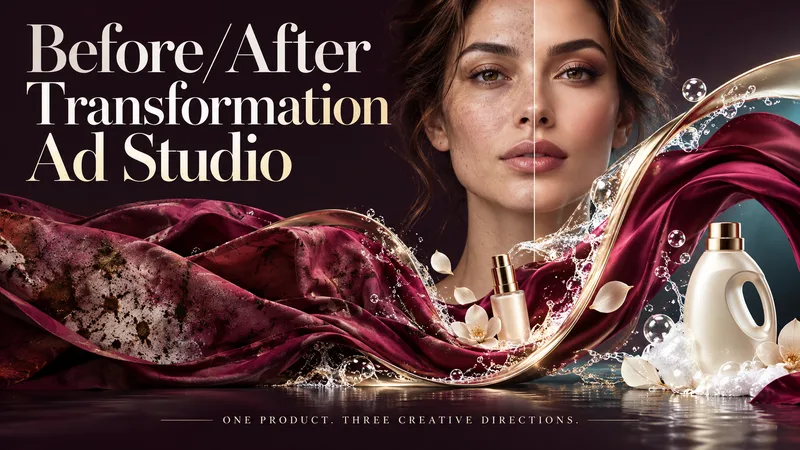
Before/After Transformation Ad Studio
Make the transformation the hero. Turn a single product photo into bold before-and-after advertising visuals with expressive art direction, striking compositions, and a transformation that takes center stage. From cosmetics and personal care to cleaning and fitness, this skill explores your product’s uses and develops creative ways to visualize its relevant benefits. YOUR PRODUCT. YOUR CREATIVE DIRECTION. Start with a photo. The skill researches the product, then helps you choose the scene, materials, visual elements, format, and text style. Prefer a surprise? Let AI take the creative lead. THREE CONCEPTS. THREE DISTINCT VISUAL IDEAS. Explore three tailored concepts with complete image-generation prompts. Think flowing fabric reveals, sculptural environments, dramatic close-ups, glass transitions, or an unexpected world built around your product. Each concept offers a different visual story. BEFORE & AFTER, FRONT AND CENTER. Large, clearly readable transformation scenes lead the composition. Product placement, atmosphere, and typography work together to make the change stand out—even on a phone screen. YOU APPROVE. THEN IT CREATES. Review the prompts, request adjustments, and select one concept or all three. Image generation begins only after your approval, using the capabilities available in your workspace. BUILT AROUND YOUR PREFERENCES. Choose square, portrait, landscape, or custom dimensions. Add a bold headline, keep the copy minimal, or let the visuals speak. The workflow adapts to your language, while production prompts are written in English by default. Upload your product. Shape the scene. Bring the transformation into focus.
Information
- Version
- v2
- Last updated
- Runtime credits
- Usage-based
- Models
- Auto
