
给文章配图大师
给WORD配图大师
给文章配图大师
给WORD配图大师
Showcase
Description
Generate Guizang-style material illustrations, labeled explanatory visuals, material-styled chart illustrations, and data-first editorial images from articles, notes, product concepts, workplace reports, creator posts, tutorials, school materials, humanities topics, science explanations, screenshots, or chart data. Use when the user asks for 配图, 带字插图, 解释图, 图解插画, 概念拆解图, 图表美化, 数据图美化, 3D 图表, 汇报配图, 内容配图, 小学课文配图, 生物/化学/物理解释图, 人文类配图, process/loop/system diagrams, or wants GPT-Image / image generation to create supporting images that can sit inside social cards, docs, slides, PPTs, or posts.
Related Skills
View all
Article Illustration Master
Generate fun hand-drawn style illustrations based on Chinese article content. Supports three modes: no IP, custom IP, and auto-generated IP. You can use commercial IPs, customer-provided character reference images, or automatically create entirely new original characters. Trigger commands: 配图, 给文章配图, 帮我配图, illustration
 Image
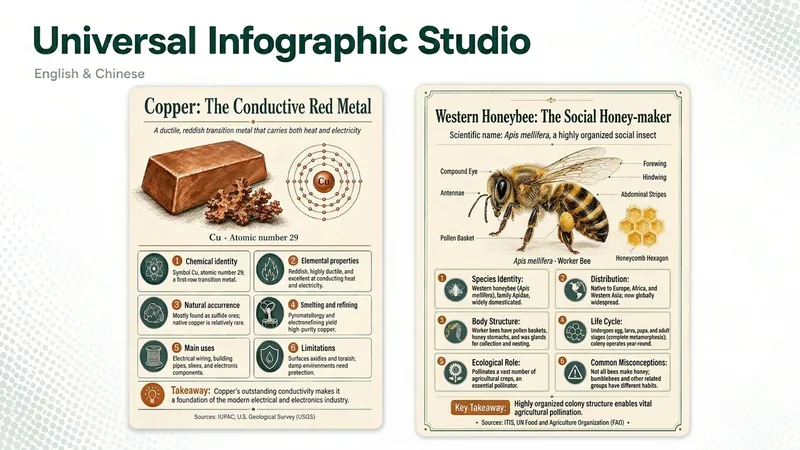
Universal Infographic Studio
Universal Infographic Studio turns a topic — or material you supply — into one clear, structured knowledge infographic. Give it a subject, or paste a document, article, or image you want explained; it returns a finished infographic image, the exact on-image text in copyable form, and the sources it used. It works in English and Chinese, follows the language of your topic, and defaults to a museum field-guide look in a single 3:4 poster with four to six knowledge modules. Figures such as percentages and rankings appear with their context, and every point is checked before it is drawn. When image generation is unavailable, you receive a complete render prompt instead. Turn a topic, article, document, or image you provide into one clear, structured knowledge infographic. Give it a subject or source material to receive a finished infographic, copyable text from the image, and the sources actually used. It supports English and Chinese, follows the language of the topic by default, and uses a museum field-guide style in a single 3:4 image with four to six knowledge modules. Figures such as percentages and rankings are labeled with their context, and every key point is checked before rendering. If image generation is unavailable, it returns a complete render prompt. AI-generated text, data, and illustrations should be reviewed before publication. AI-generated text, data, and illustrations still require human review before publication.
 Image
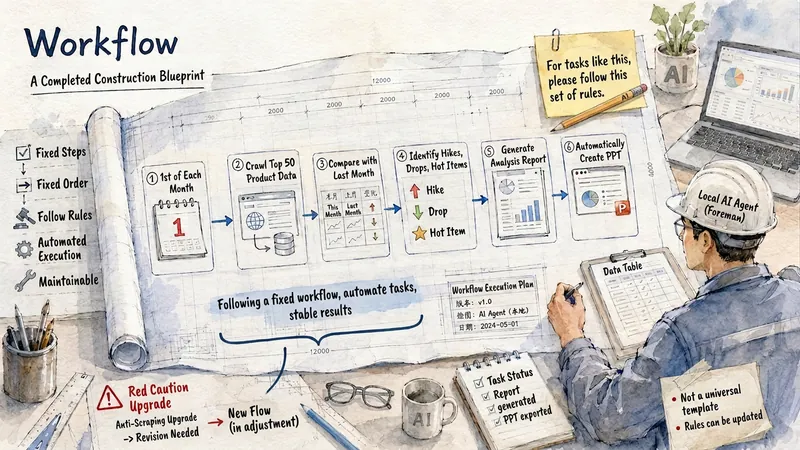
Watercolor Engineering Sketch
Quickly convert text content into watercolor engineering sketch illustrations with a paper texture. Users simply input the content they wish to express, and the Skill generates images featuring light watercolor, engineering sketches, and fine-line annotation styles, adding short, readable titles or keywords based on the content. Supports Chinese, English, and mixed Chinese-English content. Default output is landscape 4:3 images; you can also freely specify aspect ratios such as 3:4, 1:1, and 16:9. Suitable for illustrations in knowledge notes, WeChat Official Account articles, social media, course content, concept explanations, and work reports.
Information
- Version
- v3
- Last updated
- Runtime credits
- Usage-based
- Models
- Auto
