YouTube thumbnail templates
Pick a style, type the words you want on the thumbnail and add a photo if you have one. AI designs a new thumbnail in that style, built around your video rather than a stock layout.
Pick a template
14 styles, each with its own type, colors and layout.
Templates
All YouTube thumbnail templates
Each template is a YouMind Skill with its own look, from moody monochrome to scrapbook collage. Open one to see an example, or use it right away.
Want a look of your own? Describe your thumbnail instead, or check the YouTube thumbnail size before you upload.
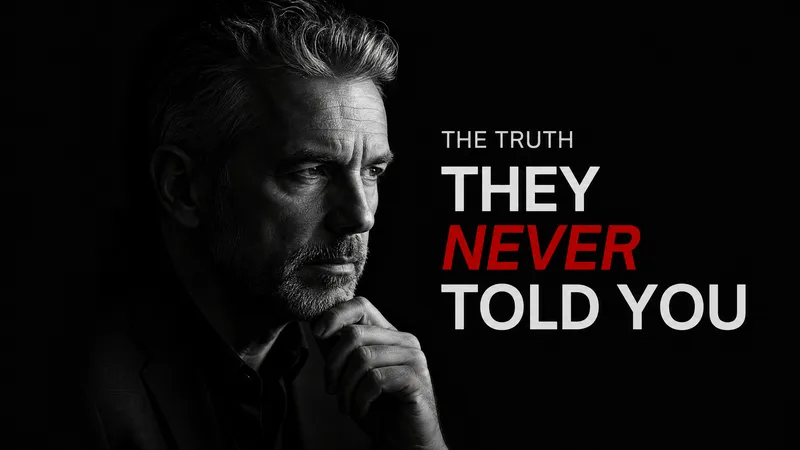
Dramatic YouTube Thumbnail
Moody monochrome covers with bold red accents
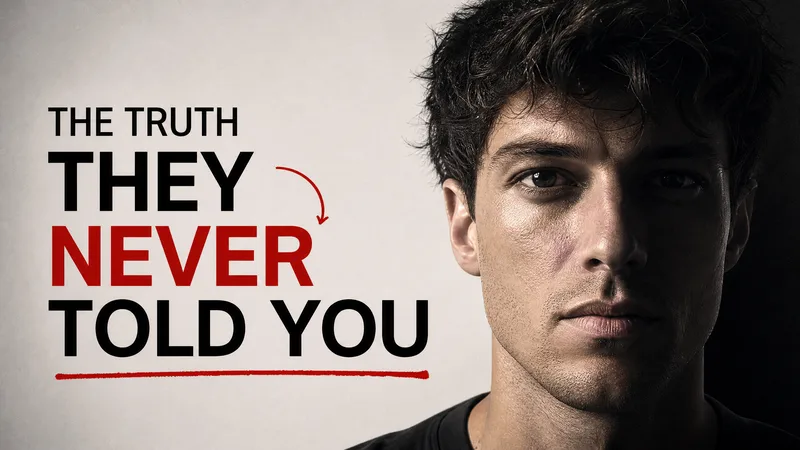
Truth Editorial YouTube Thumbnail
Bold monochrome portraits and red accents
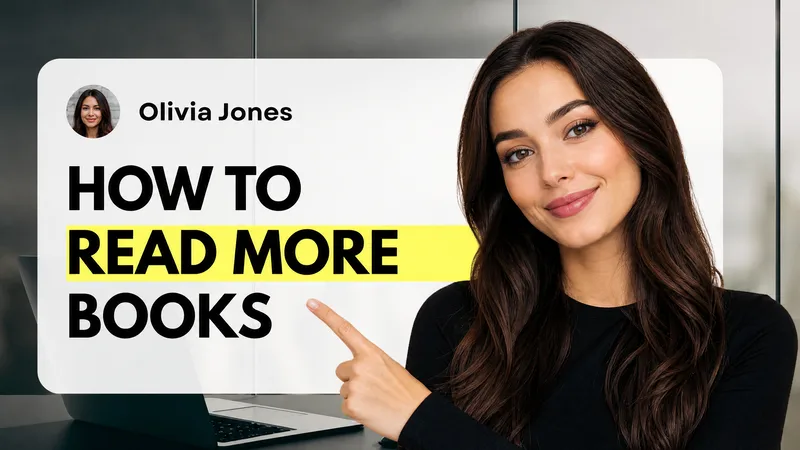
Modern How-To YouTube Thumbnail
Black, white and yellow modern how-to design
AI Tools Designer YouTube Thumbnail
Blue, black and yellow modern AI tools design
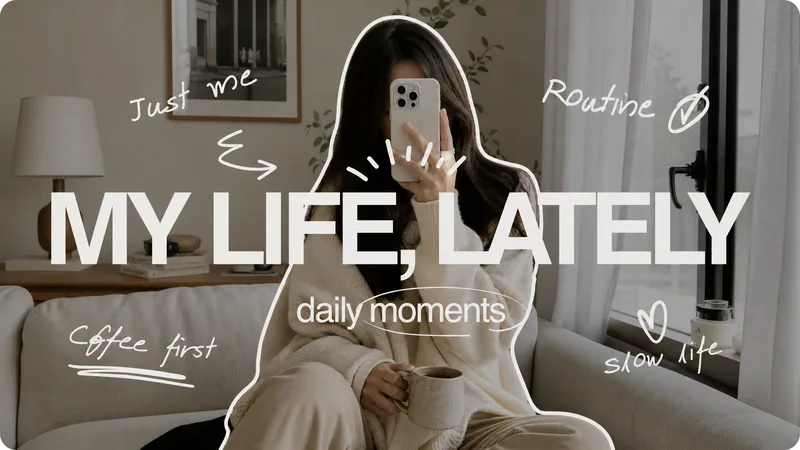
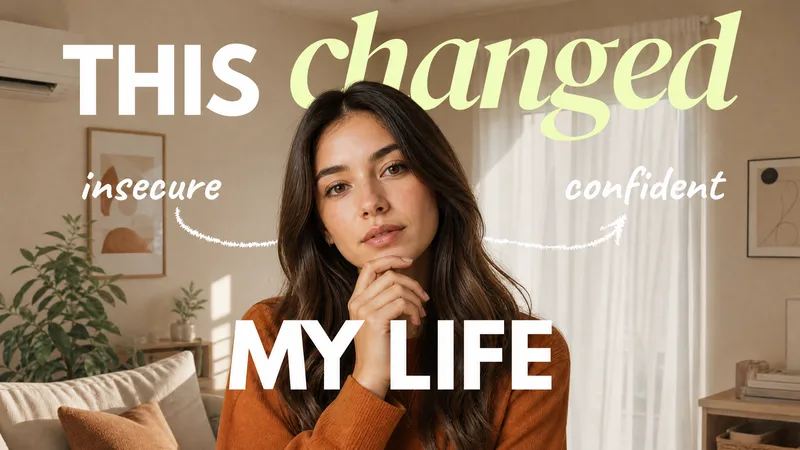
Lifestyle YouTube Thumbnail
Muted vlog photography with handwritten accents
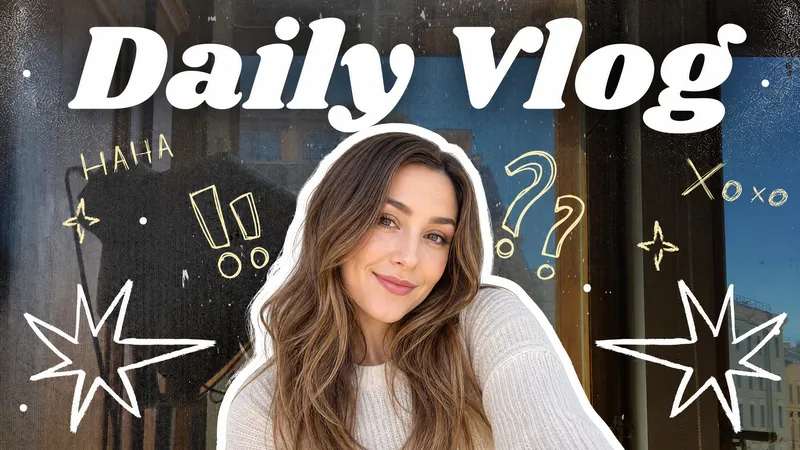
Minimal Daily Vlog YouTube Thumbnail
Playful portrait cutouts with hand-drawn doodles
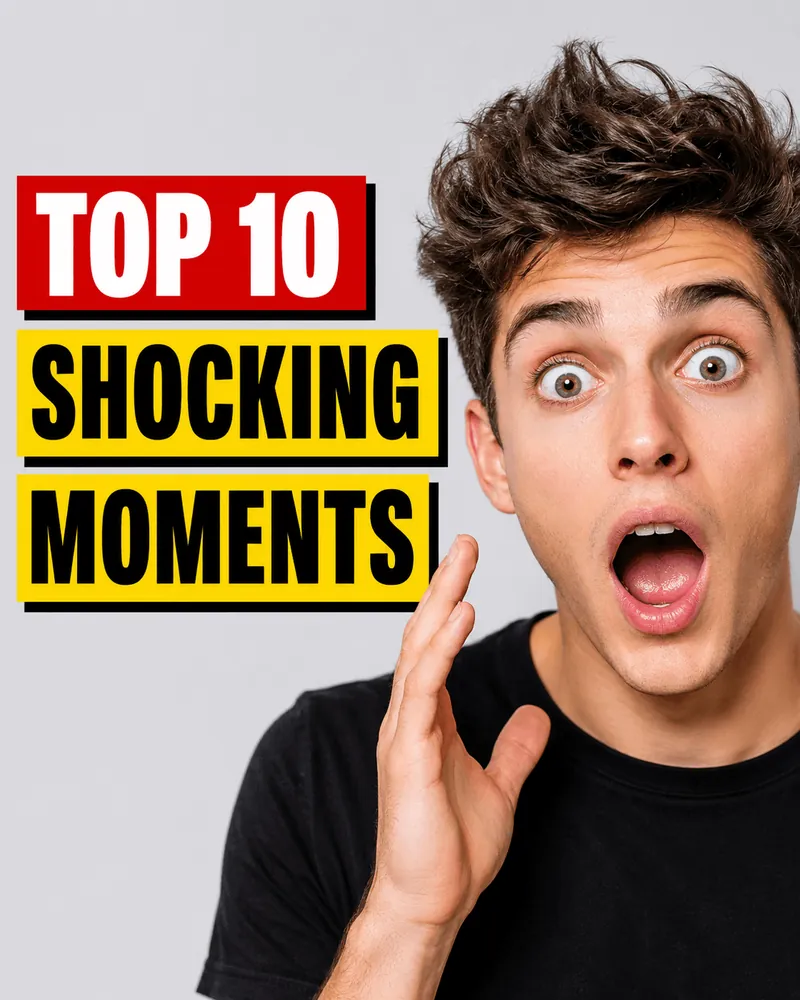
Viral video thumbnail
Transform any portrait into a viral social media cover. Designed for YouTube shorts, TikTok and etc., get high-impact thumbnails with bold, click-worthy headlines and expressive faces, grab attention instantly.
Torn-paper collage YouTube Thumbnail
Generate bold, editorial-style YouTube thumbnails that capture attention and command clicks, making your content irresistible to serious viewers.
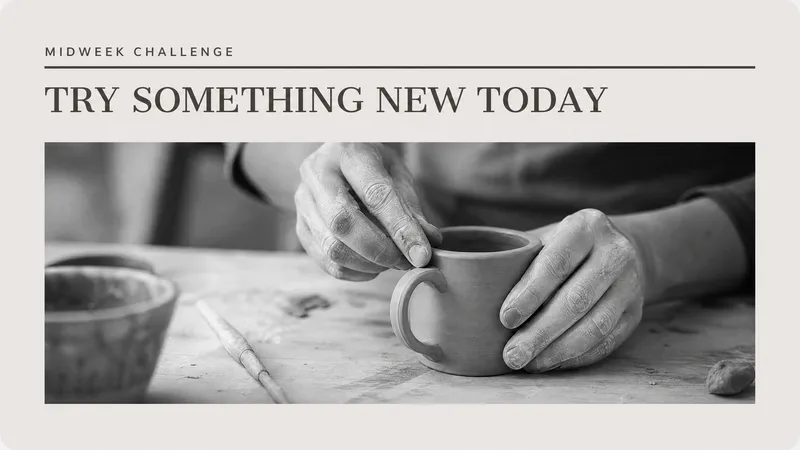
Editorial YouTube Thumbnail
Ivory editorial layouts with monochrome photography
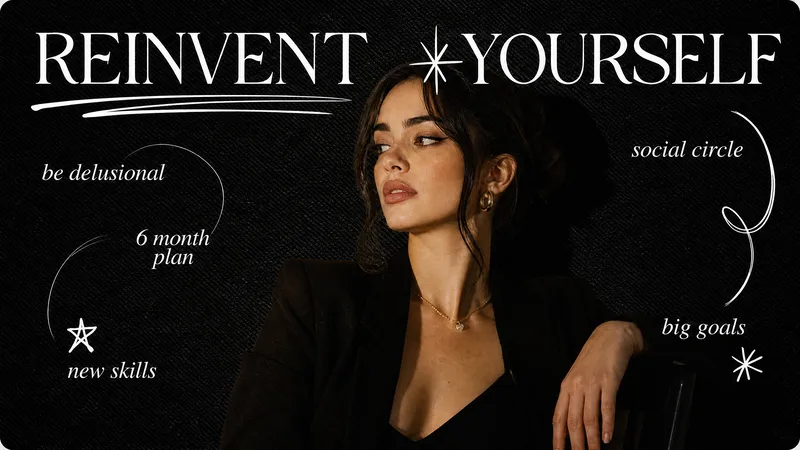
Feminine Editorial Thumbnail
Retro magazine and doodle thumbnail
Green Beige Yellow Thumbnails
Warm editorial portraits with bold typography
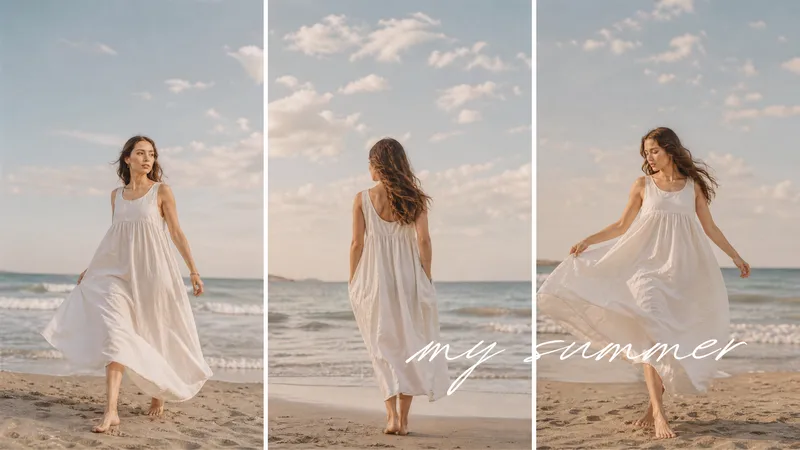
Beach Collage YouTube Thumbnail
Airy seaside-inspired photo collage covers
Cozy Pet YouTube Thumbnail
Warm scrapbook-style thumbnails for pet moments
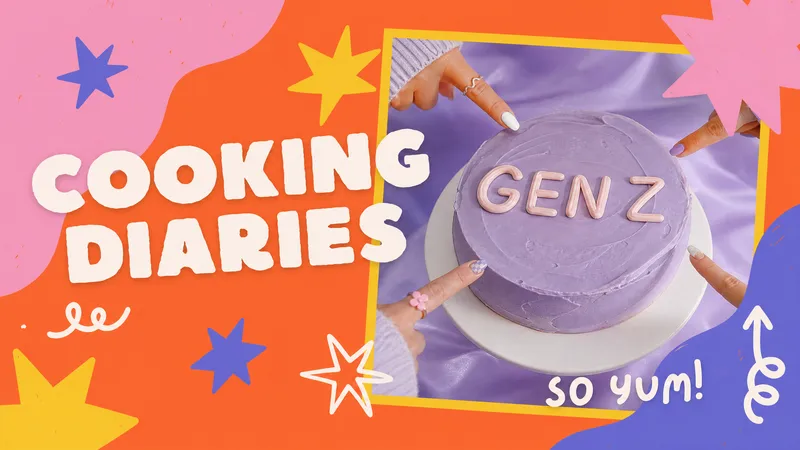
Quirky YouTube Thumbnail
Colorful scrapbook-style video covers



How it works
Make a YouTube thumbnail from a template
Pick a template
Choose the style that fits your video. Each template has its own type, colors and layout.
Add your text and photo
Type the words for the thumbnail, add a few notes about the video and, if you like, a photo of you or your subject.
Generate and refine
YouMind opens with your template and creates the thumbnail. Ask for changes in the chat, then download it.
YouTube thumbnail templates FAQ
How are these different from regular thumbnail templates?
A regular template is a fixed layout where you swap the text. Here, each template is a design style saved as a YouMind Skill. You give it your text, notes and photo, and it designs a new thumbnail in that style.
Do I need to upload a photo?
No. A photo helps when you want your face or product on the thumbnail. Without one, the template creates the visuals from your text and notes.
Can I change the thumbnail after it's made?
Yes. Ask for changes in the chat, such as a different headline or color. You can also use Edit text to change the wording and Crop to adjust the frame before you download.
Are the templates free?
Yes, the templates are free to use. Creating a thumbnail uses AI credits, and free accounts come with credits to start.
What size are the thumbnails?
The templates are made for YouTube's 16:9 thumbnail frame. If you need another ratio, ask for it in the chat or crop the image. YouTube's upload size and file limits are in our YouTube sizes guide.
YouTube toolkit
More tools for your YouTube channel


Learn deeper. Create bolder.
Prefer to describe it in your own words? YouMind will use the template you picked above.