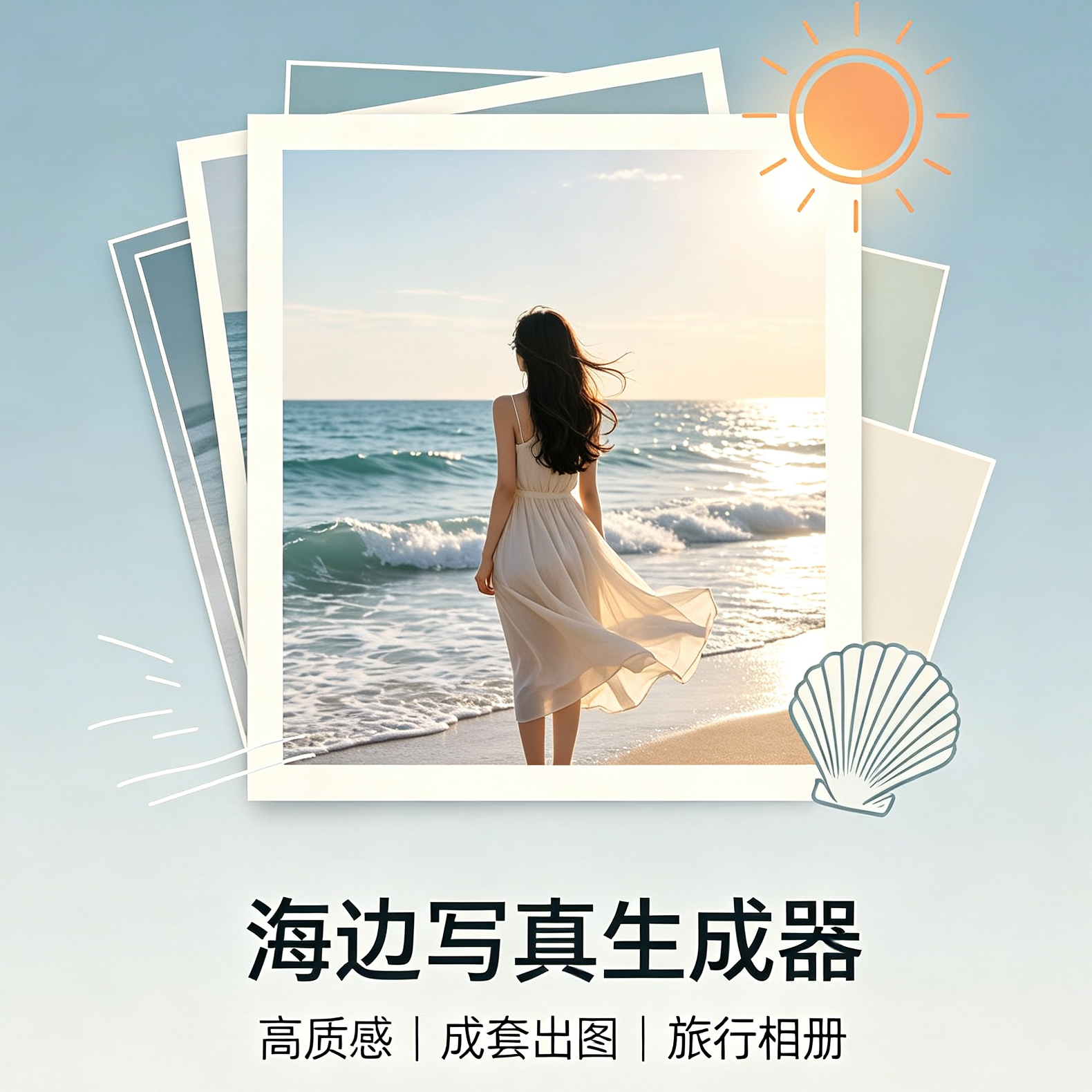
Beach Portrait Generator
Create cohesive, story-driven beach photos
Beach Portrait Generator
Create cohesive, story-driven beach photos
Showcase
Description
Generate high-quality AI beach portraits in one click. Designed to solve common issues with beach photography prompts, such as repetitive styles, inconsistent character appearances, monotonous angles, and a lack of travel album narrative. You can specify clothing colors, the number of images, time of day, and accessory preferences. The Skill will first provide a storyboard plan along with copyable prompts for each shot. Once you confirm, it generates a cohesive set of beach portraits with consistent character looks, outfits, color grading, and photographic quality.
Recommended by
Dancang
Why we love this skill
Focuses on consistency in characters, outfits, and photographic style by planning storyboards before generating images. It covers diverse angles from wide shots to close-ups to create coherent travel-style beach photo series.
Best for
Ideal for anyone looking to create beach portraits with consistent character settings, a strong sense of story, and a travel vibe.
How to use this Skill
Provide your input
Provide the clothing color, number of photos, time of day, and accessory preferences, and state whether to create a plan first or generate directly. Confirm the plan to proceed with generating a cohesive set of beach portraits.
Run the Skill
Receive a photo shoot plan containing storyboards, compositions, and copyable prompts. Once confirmed, generate multiple varied beach portraits while maintaining consistent character features, outfits, and photographic style.
Review your result
Receive a beach portrait plan with a travel album narrative and prompts, or a complete set of beach portrait images generated according to your confirmed preferences.
Related Skills
View all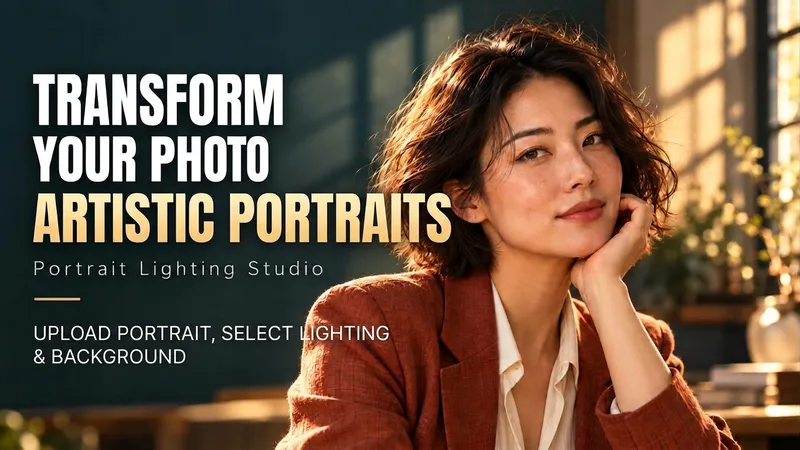 Image
Portrait Light & Shadow Studio
Upload portraits, adjust lighting, poses, and backgrounds to generate window soft-light, night scene, or studio-style portraits. Upload a portrait photo or describe a fictional character to create photographic avatars, personal portraits, and magazine-style portraits. The Skill combines the subject's visible features to arrange poses, lighting, framing, clothing, and environment, ensuring natural hand gestures, grounded body posture, and directional lighting. Three original scenes are ready to use: • Warm Pottery Window: Terracotta and warm wood tones, with a natural medium shot near a studio window. • Rainy Night Set: Warm light in a movie theater porch, cold wet street tones, and expressive gazes. • Coastal Golden Breeze: Sunset rim lighting, sea breeze, and relaxed full-body travel portraits. Professional headshots, solid-color studios, black-and-white portraits, and custom themes are also supported. Uploading a photo preserves primary clothing and accessories by default; to change outfits, backgrounds, or poses, simply specify your request. By default, it generates one 3:4 vertical text-free image per run; you can change the aspect ratio, create a series, or request Chinese, English, or bilingual prompts. Multiple images are generated separately, and after generation, subject recognition, hands, feet, support points, and lighting are verified. You can say: "Use this photo for the rainy night set, keep the hairstyle, and change to a dark jacket." or "Create a mature woman with short curly hair walking naturally in the coastal sunset."
 Image
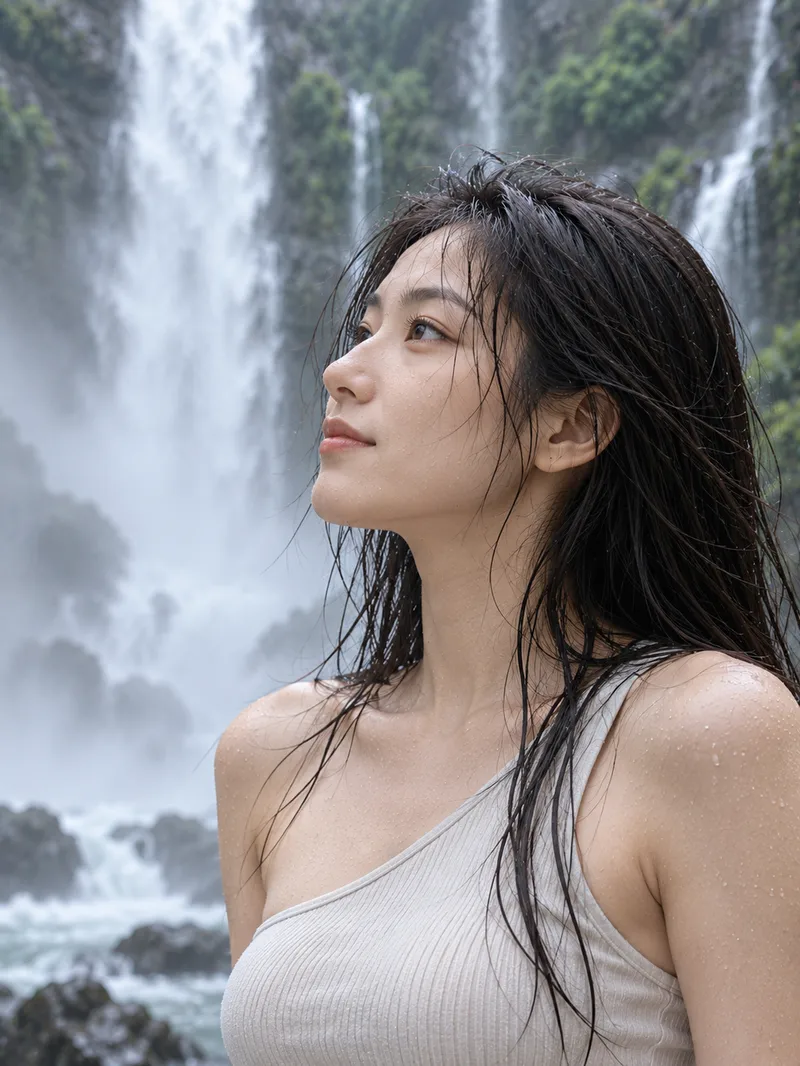
Waterfall Travel Photo Generator
Designed for waterfall canyon and misty environments, this tool generates a complete set of travel portrait photos with one click. It includes multiple camera angles such as waterfall panoramic shots, canyon low-angle views, over-the-shoulder medium shots, close-ups of misty profiles, dynamic side-walking shots, and back views. It maintains consistent character outfits and facial features to simulate natural travel documentary snapshots taken by a friend. The visuals feature realistic atmospheric effects like waterfall mist, damp hair, and wet rock environments, delivering authentic portrait photography without an overly polished commercial feel.
 Image
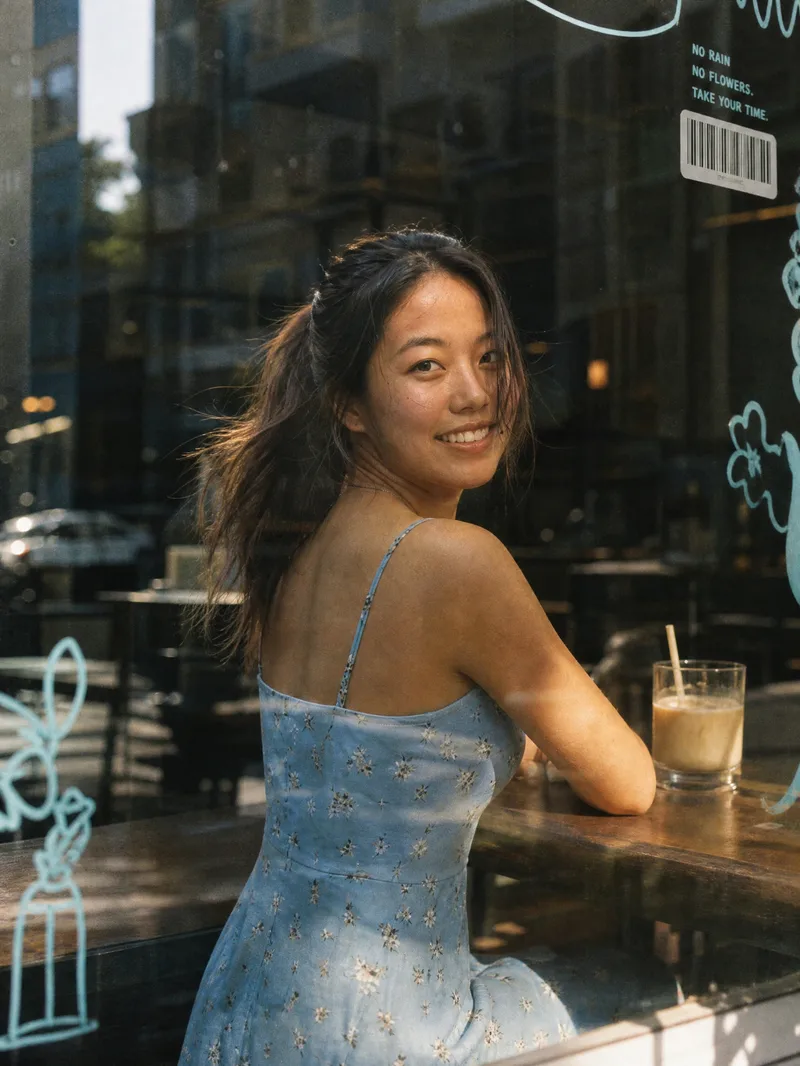
Window Film Portrait Generator
Core Advantages: 1. Accurate Face Preservation: Strictly maintains the face shape, facial features, hairstyle, and skin tone from the uploaded photo without face-swapping, distortion, or excessive skin smoothing. 2. Clothing Retained: Automatically keeps the clothing from the uploaded photo by default, with an option to specify new ones. 3. One-Click Generation: Features a default 3:4 vertical composition that generates immediately upon upload, requiring no prompt writing. 4. Flexible Customization: Supports changing aspect ratios, scenes (bookstores, flower shops, convenience stores, subway windows), lighting (warm twilight, cool overcast, night neon), expressions, and glass decoration styles. Product Description: Upload a portrait photo to automatically generate a Korean-style film street portrait shot through a café window. The image features realistic glass textures: subtle reflections, street scene mirror images, dust, fingerprints, and water spots. The edges of the glass are adorned with blue hand-drawn doodles, barcode stickers, Polaroids, and small English lettering. The background is a blurred city street with soft, transparent lighting, low-saturation tones, warm highlights, and subtle film grain, resembling a casual everyday snapshot taken by a friend. Best For: Ideal for profile pictures, social media covers, lifestyle portraits, blogger persona photos, and creator branding images.
Information
- Version
- v2
- Last updated
- Runtime credits
- Usage-based
- Models
- Auto
- Use cases
- Images & design
- What you get
- ImagePromptPlan
- Visual styles
- Photorealistic
