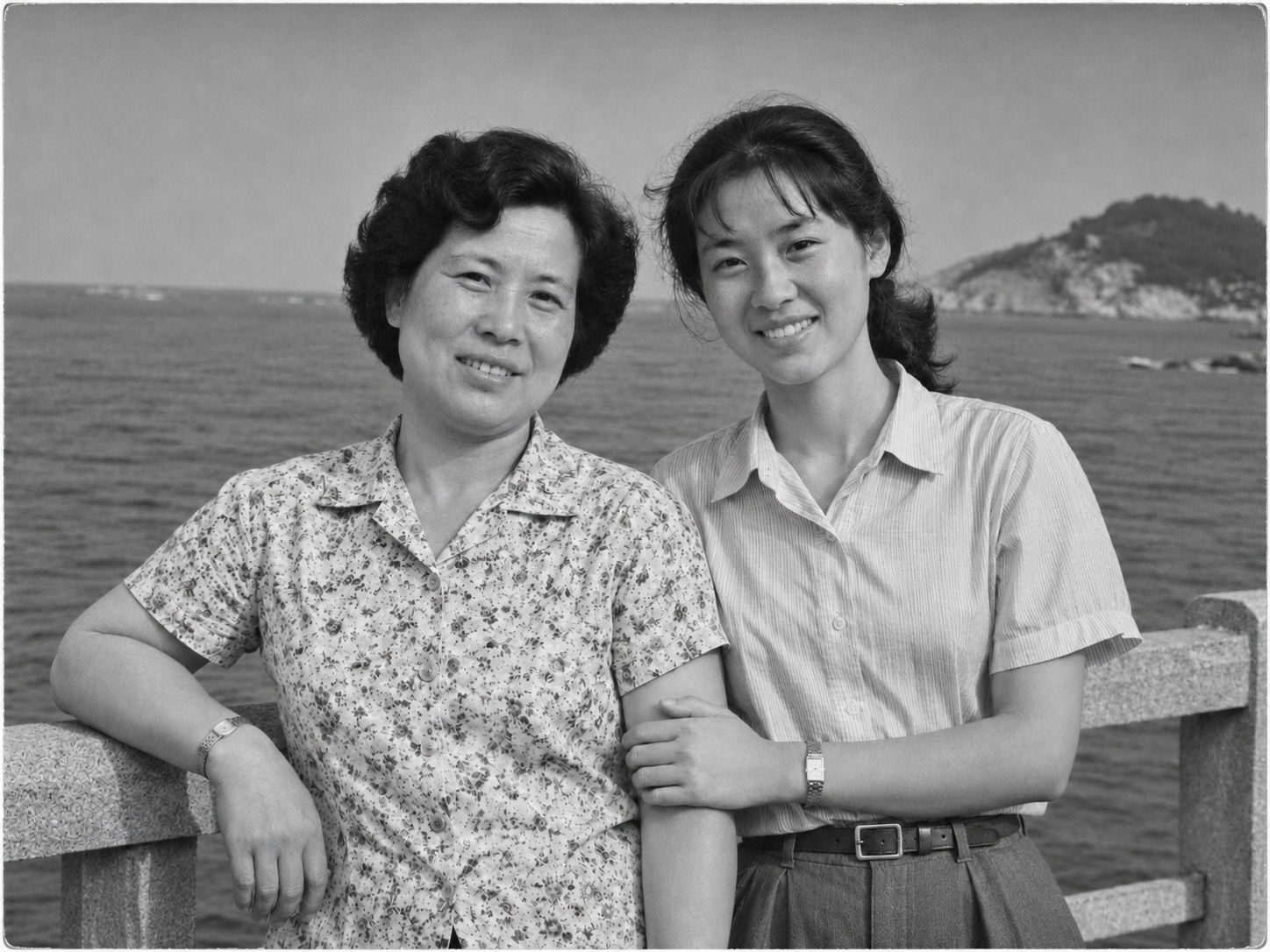
B&W Photo Colorizer
Naturally colorize and tag guesses
B&W Photo Colorizer
Naturally colorize and tag guesses
Showcase
Description
Add natural colors to black-and-white photos while preserving original light and shadow layers, and indicate speculated colors.
Why we love this skill
It colorizes naturally based on the light, shadow, and details of black-and-white photos, preserving wrinkles, shadows, and grain texture while marking known and reasonably inferred colors zone by zone. Rather than pretending to be absolute historical fact, it transparently and restrainedly brings believable color vitality to old photos.
Best for
Best for users who need to create naturally colorized versions of old or black-and-white photos and understand color uncertainties.
How to use this Skill
Provide your input
Provide a recognizable black-and-white photo and specify known colors or areas to preserve; indicate specific regions and target colors for local color adjustments.
Run the Skill
Adds natural colors to different areas based on the photo's contrast and structure, preserving details while distinguishing between known colors and reasonable guesses, and modifying only specified regions.
Review your result
Receive a colorized photo with a brief color speculation note indicating which colors come from known information and which need human verification.
Related Skills
View all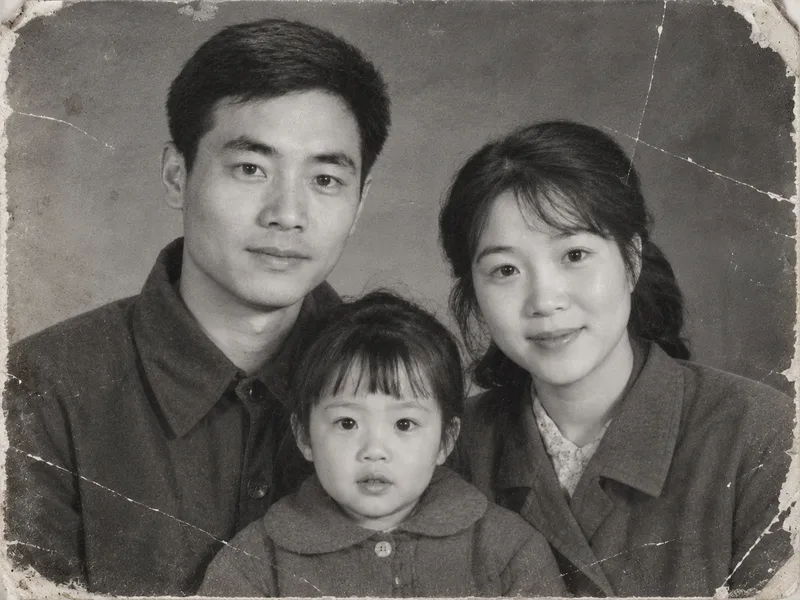 Image
Vintage Photo Restoration and Colorization
Transform black-and-white, yellowed, blurry, or damaged vintage photos into high-definition, natural color images. Remove scratches, creases, cracks, mold, stains, water damage, noise, and yellowing. Repair damaged corners and missing edges, rebuild clear facial details, hair strands, and clothing textures, and correct exposure and lighting contrast while applying reasonable, period-appropriate coloring based on ethnicity, clothing style, and era. Strictly lock facial structures, facial proportions, expressions, age traits, hairstyles, poses, and positioning of all subjects in the original photo, while keeping the composition, shooting angle, number of people, clothing styles, background objects, and scene layout unchanged. No face-swapping, no heavy beautification, no adding or removing people or objects, and no modern alterations. By default, it uses the image generation model with the highest fidelity to the reference image. The default output is one image per original photo with an aspect ratio matching the original. Clothing colors, background colors, and overall tones can be specified manually. Supports both single-image touch-ups and batch processing for multiple vintage photos.
 Image
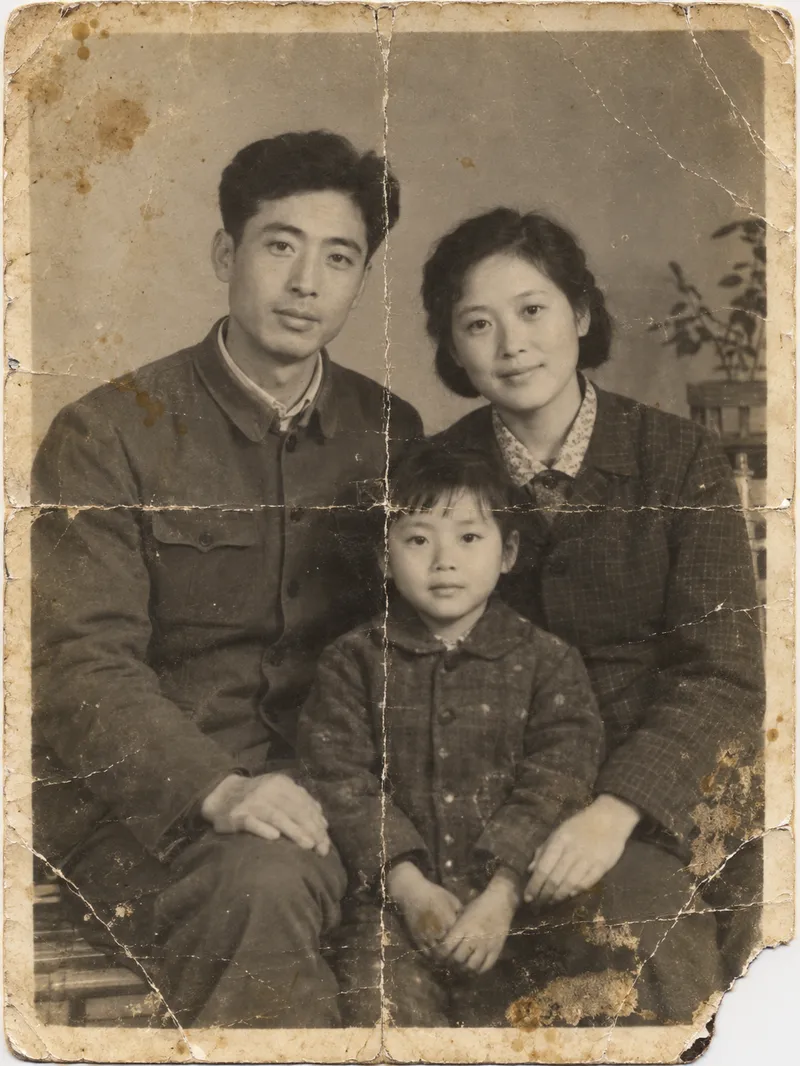
Old Photo Restoration
# Old Photo Restoration | AI Photo Renewal Upload a yellowed, creased, scratched, or stained old photo to restore it into a clean and clear version. You can naturally colorize it according to the era, or keep it in black and white or vintage tones. Every person in the photo remains just as they originally were. ## What You Will Get - **Photo Diagnosis**: Estimates the era of the photo, identifies the number of people, and highlights where the damage is most severe - **Restored Photo**: Removes creases, scratches, cracks, stains, mold spots, and yellowing, and fills in missing corners - **Three Modes**: Restoration plus colorization (default), keep black and white, or keep the warm yellowish tone of old photos - **Faithful Preservation of Individuals**: No beautification or making people look younger; when a crease crosses a face, only the crease is removed without adding glasses, wrinkles, or other unoriginal items - **Individual Verification**: For group photos with more than 3 people, each person is checked to ensure consistency before and after restoration, with verification results listed - **Preservation of Historical Marks**: Handwritten dates, photo studio stamps, and decorative white borders are kept as they are - **Transparent Explanations**: Clear notes on which areas were inferred and filled in by AI, and which colors were AI-generated ## Who It Is For Children wanting to restore old photos of their parents or grandparents; people making commemorative albums or longevity banquet gifts for family; and those organizing family or institutional historical photos. ## Usage Tips - Scanned copies yield the best results; when taking a photo with a phone, try to shoot straight on and avoid reflections - Knowing the shooting era, location, or clothing colors and noting them down (e.g., "Mom is wearing a red sweater") will make colorization more accurate - AI restoration infuses inferred missing details, so please keep the original copy for important photos - Each run consumes about 100–200 credits (generating 1 restored image; an extra image is generated during auto-correction)
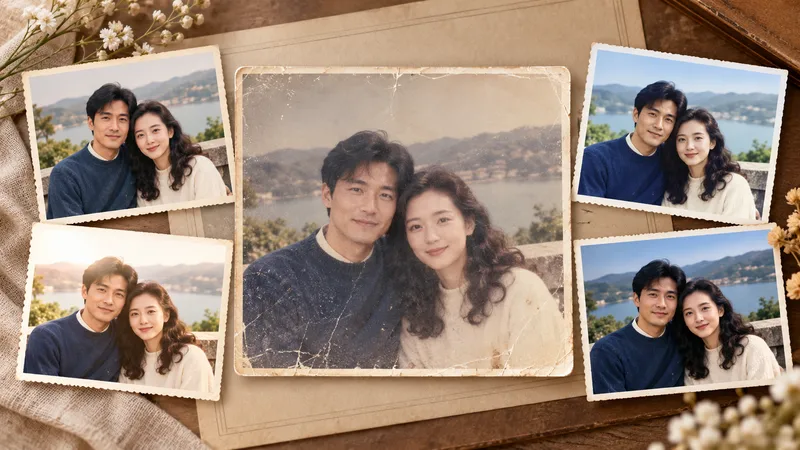
Photo Restoration and Cinematic Enhancement
Transform ordinary, out-of-focus, poorly exposed, faded, or damaged photos into clearer, more textured results ready for sharing and printing. Whether working with portraits, travel landscapes, architecture, interiors, food, products, museum exhibits, old photos, black-and-white images, or scans, it handles light, shadow, color, detail, noise, scratches, and visual depth based on the subject's characteristics while preserving personal identity, object details, architectural structures, text, logos, and historical marks. In addition to faithful and natural restoration, it re-evaluates cropping, aspect ratio, subject size, negative space, perspective, and visual flow to make the image look professionally shot and edited rather than simply brightened or filtered. Landscapes can be enhanced for sky, atmosphere, depth, and cinematic feel; portraits focus on natural skin tones, eyes, hair, and subject separation; architecture maintains realistic lines and textures; exhibits and documents prioritize accurate colors, textures, inscriptions, and details. Old photos undergo dust removal, repair, tonal recovery, and careful colorization, with prudent handling of any inferred reconstruction. Four clearly labeled results are provided by default: natural programmatic restoration, stylized programmatic enhancement, natural AI restoration, and a more impactful AI enhancement, making it easy to compare fidelity and visual presentation. The AI versions also include the optimization prompts used, making it easy to adjust the style or continue creating later.
Information
- Version
- v3
- Last updated
- Runtime credits
- Usage-based
- Models
- Auto
- Use cases
- Images & design
- What you get
- ReportImage
