Brochure Designer
Brochure Designer
Showcase
Description
Design and deliver multi-page brochures, product catalogs, or booklets tailored to specific needs based on the theme, text, and materials provided by the user.
Best for
Users who need to organize themes, text, and materials into a multi-page brochure, product catalog, or booklet.
How to use this Skill
Provide your input
Provide the theme, body text, images, and other materials, and specify requirements such as final product type, page count, size, style, audience, and delivery format.
Run the Skill
Organize the page order and content based on your requirements, plan the layout, typography, image-text relationships, and whitespace, and check for consistency among text, materials, and facts.
Review your result
Receive a complete multi-page brochure, product catalog, or booklet, delivered in the accessible format you requested.
Related Skills
View all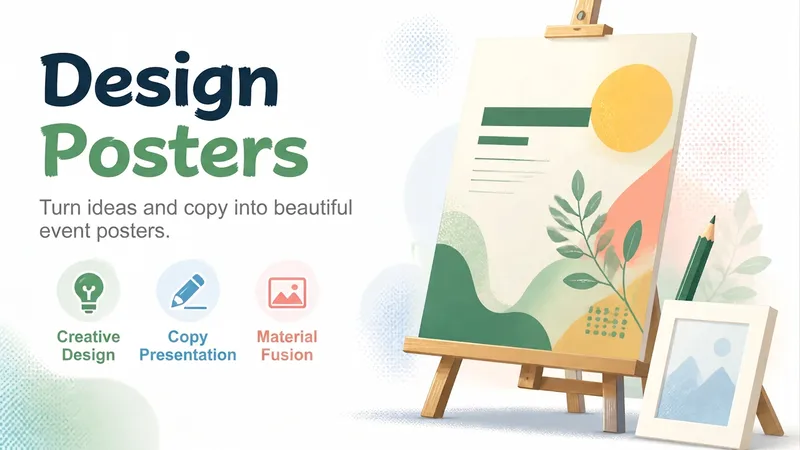
Poster Designer
Creates a single event or promotional poster using YouMind image generation capabilities, based on the theme, copy, and optional materials provided by the user.
 Image
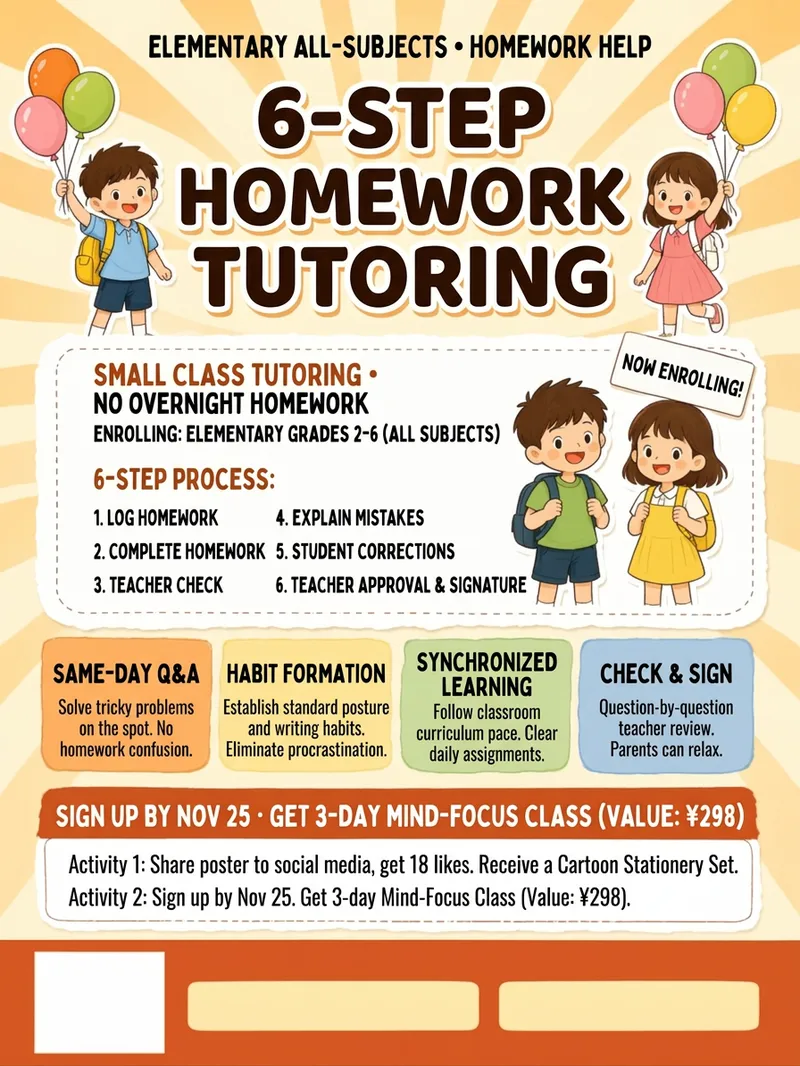
Flyer Designer
Flyer Designer: Provide an industry and the message you want to share, and get a one-page promotional design ready to print or post to social media—with a three-layer information structure, four tone options, tiered text to reduce typos, and reserved space at the bottom for a QR code and phone number. Trigger it with requests such as “make a flyer,” “design a flyer,” “make a poster,” “grand opening poster,” “event poster,” “promotional flyer,” “store flyer,” “hiring poster,” “menu flyer,” “social media poster,” “flyer,” or “poster.” Core guidelines: cover only three points per flyer, keep the main headline to eight Chinese characters or fewer, submit text organized by level, and never use words prohibited under advertising laws. The default format is a 3:4 vertical layout, which can be customized. The output includes Chinese copy layout, copyable English prompts for image generation, a list of text to add later, and print specifications.
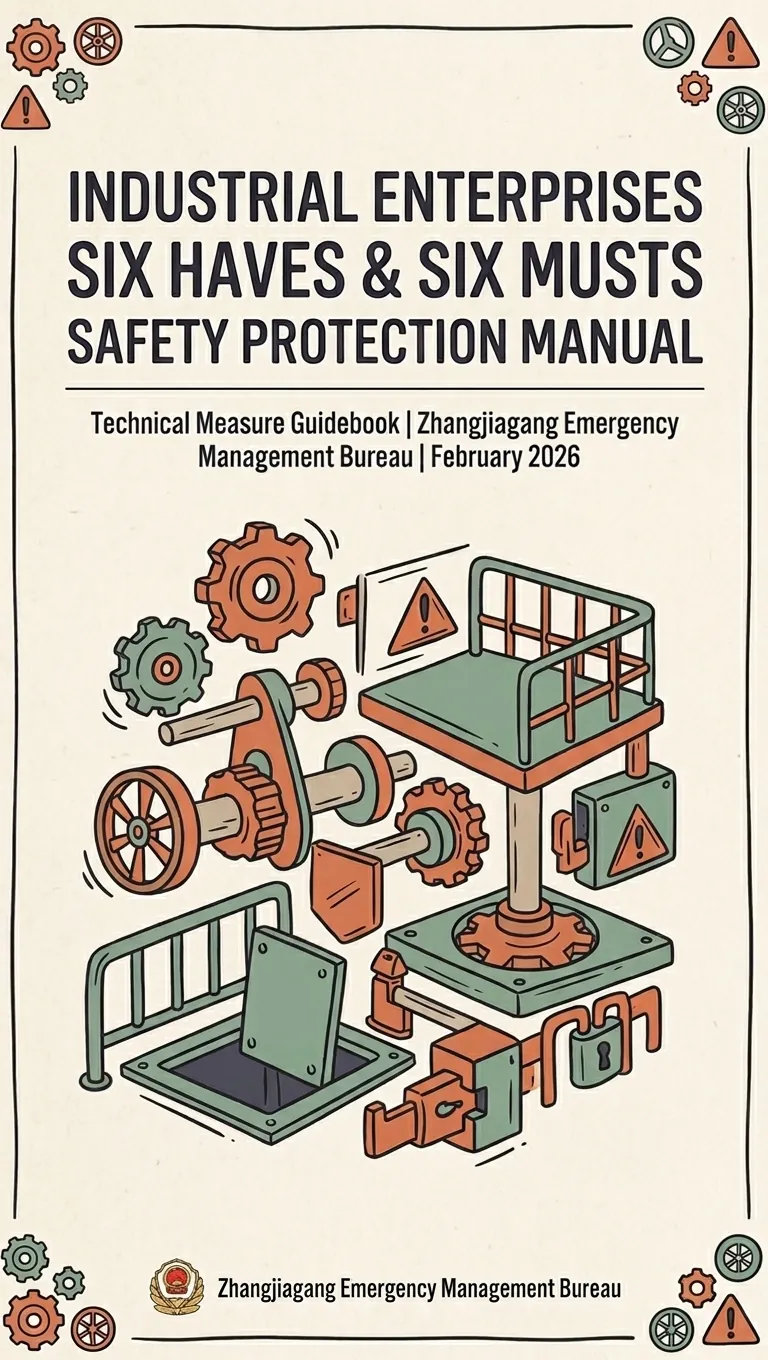
Safety Manual Design Assistant
Transform tedious safety regulations, accident cases, and operational standards into engaging hand-drawn popular science readings, making safety knowledge easier to understand and more shareable. Whether you need to interpret strict laws and regulations, analyze cautionary accident cases, spread positive personal thoughts, or develop clear safety standards, this assistant automatically matches appropriate color schemes and design styles—solemn, cautionary, positive, or professional—based on the type of content you upload. It transforms complex safety information into well-structured, illustrated promotional brochure pages with a 9:16 aspect ratio, ensuring an excellent reading experience on mobile devices. The assistant carefully designs each page to ensure that legal and regulatory clauses accurately correspond to the original text, and provides real-life cases and easy-to-remember mnemonics for each piece of knowledge. It also employs various visualization models such as life cycle diagrams, pyramid charts, and concentric circle diagrams, along with bold hand-drawn icons and cartoon elements, to enhance approachability and fun. Even if you upload images, the assistant can convert them into hand-drawn style and place them appropriately to supplement text, making safety measures and requirements clear at a glance. In the end, you will receive an authoritative, accurate, easy-to-read, and actionable hand-drawn safety promotional brochure. The cover, interior pages, and back cover are meticulously laid out—including the cover title, the issuing unit 'Safety Influence', page numbers, and a warm message on the back cover: 'Do safety well, and someone will be safe because of you'—all presented in a consistent style, helping your team and audience easily grasp key safety points.
Information
- Version
- v2
- Last updated
- Runtime credits
- Usage-based
- Models
- Auto
- Use cases
- Writing & contentImages & design
- What you get
- Document
