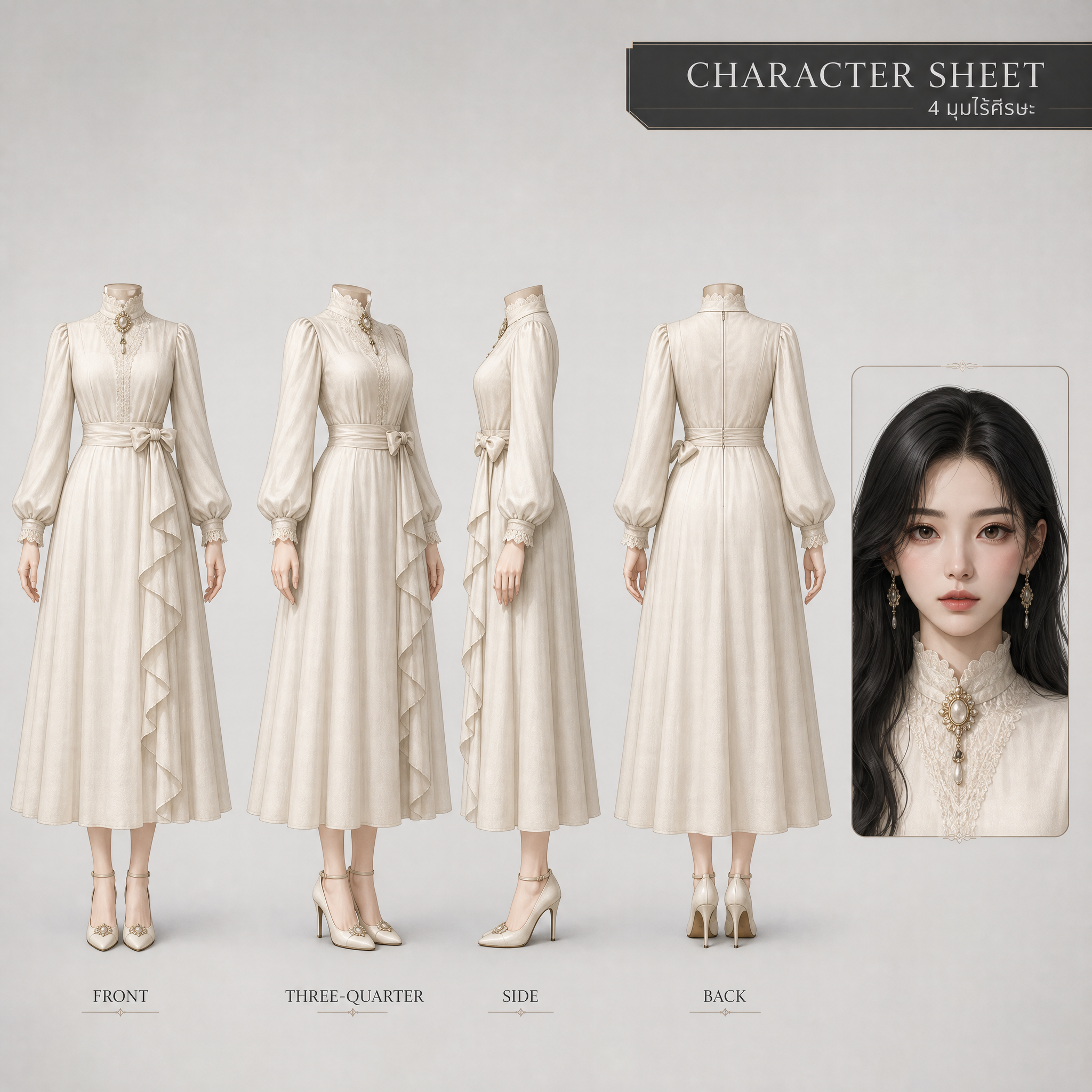
Character Reference Sheet
Character Reference Sheet
Showcase
Description
Use this to create a main character reference image, with the body shown headless and only one face displayed on the right.
Related Skills
View all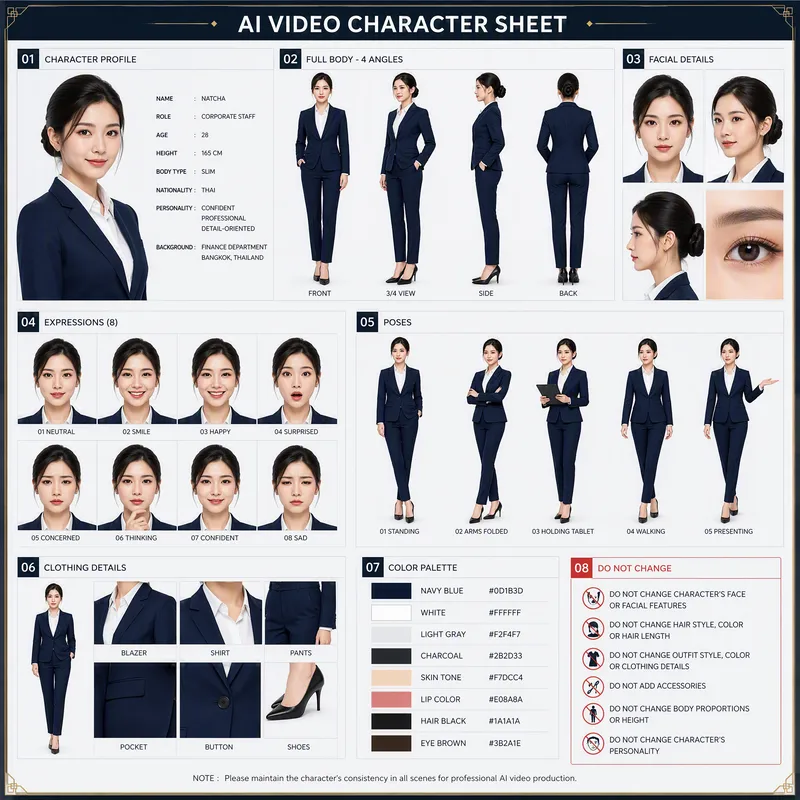 Image
Image360 Face Reference AI
Generates a complete 4-angle full-body character turnaround reference sheet (front, 3/4, side, and back). Ideal for maintaining strict character consistency in 3D modeling, animation, and game development
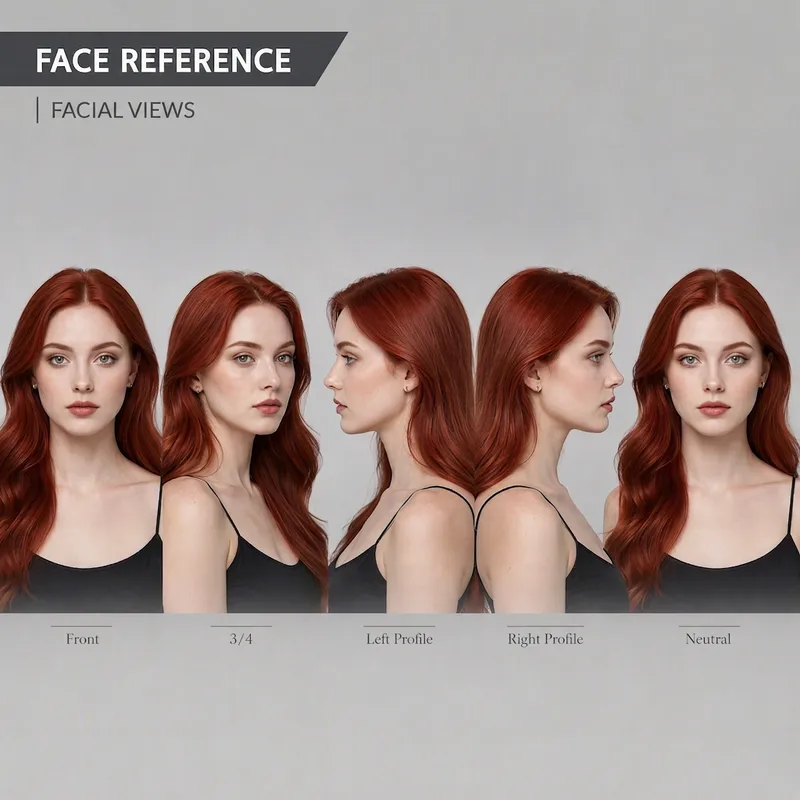
Face Detail Scanner
Tips for best results Use at least one reference image that shows the character as clearly as possible. If you have multiple images, choose ones that clearly show the face, clothing, and proportions from different angles. Avoid images with other people, dark scenes, or clothing that obscures too much of the character. For headless prompts, the most important instruction is to specify that the crop starts just below the base of the neck and reiterate: no head, no face, no hair, no neck-up content. Image models often try to add the head back in, so including these instructions in the Layout, Body Rules, and Negative Prompt sections can greatly reduce the problem. If you plan to use the result for a 3D model, use Front, Side, and Back images with the character in the same pose and the feet aligned at the same level. Three-quarter images can help check the depth of the character’s form and clothing components. For animation, create a Character Reference Sheet first, then create separate Expression Sheet and Pose Sheet sets. Avoid putting too many facial features, poses, and emotional expressions on the same sheet as the Turnaround, as this may make the character’s identity and proportions inconsistent.
 Image
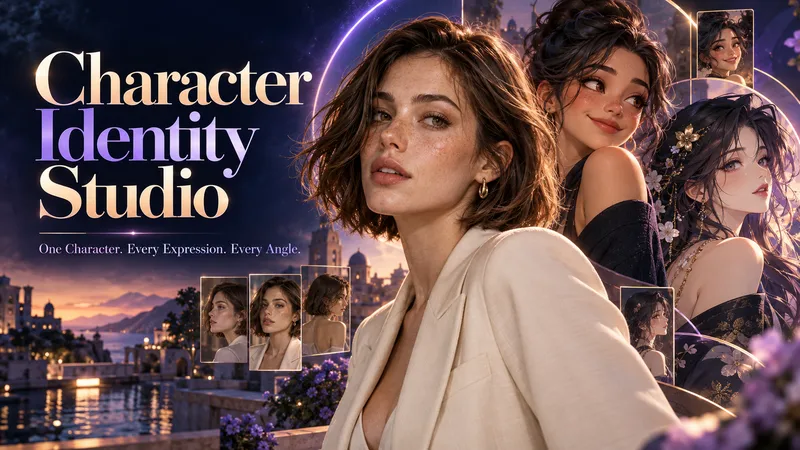
ImageCharacter Identity Studio
Give your character a clear identity—from the first look to every expression and angle. Character Identity Studio guides you through character creation with interactive selections. Explore ultra-realistic photography, realistic 3D, stylized 3D animation, 2D animation, anime, or illustration. Create a human, a fantasy character, or an animal mascot. DESIGN YOUR CHARACTER Choose appearance, facial features, hair, body type, clothing, and distinctive details. Describe exactly what you want or let the studio fill in the creative details. The guided workflow follows your language. APPROVE THE FIRST LOOK Start with one full-body character image. Refine specific features or request a new alternative. Reference production begins only after you approve the character. BUILD YOUR REFERENCE SET Receive three separate images, each arranged as a clean reference sheet: • 6 Facial Expressions: Neutral, gentle smile, laughter, sadness, anger, and surprise. • 6 Head Angles: Front, right profile, left profile, rear, and two 45° views—with neutral expressions wherever the face is visible. • 3 Full-Body Views: Front, side, and rear in a relaxed, neutral stance. Every sheet uses your approved image as its primary visual reference, helping preserve facial identity, hairstyle, outfit, proportions, and visual style. YOUR FINAL COLLECTION One approved character image + three reference sheets containing 15 panels. A practical visual foundation for AI character projects, animation planning, storytelling, and future image or video creation.
Information
- Version
- v4
- Last updated
- Runtime credits
- Usage-based
- Models
- GPT Image 2
