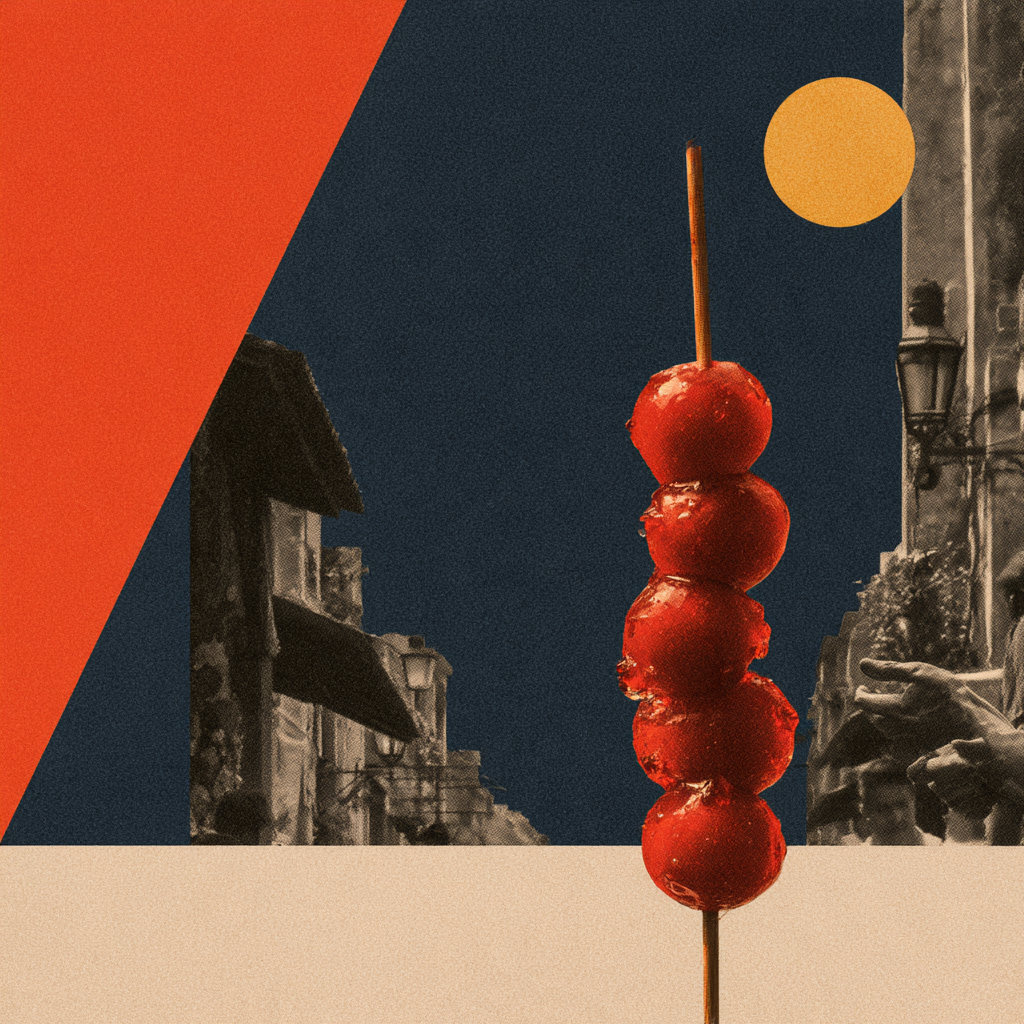
New Chinese Paper Collage
Turn text or images into collage prompts
New Chinese Paper Collage
Turn text or images into collage prompts
Showcase
Description
Turn a sentence or reference image into an original visual system for contemporary Chinese collage, cutout photography, and contrasting color planes, along with ImageGen prompts in Chinese and Midjourney V8.2 prompts in English. Designed for collisions between deep blue, vivid orange, lemon-yellow color blocks and black-and-white photographic slices, plus same-style character and environment image sets and drift correction.
Recommended by
淡苍
Why we love this skill
Distinctive new Chinese-chic collage combining deep blue, bright orange, and lemon-yellow planes with black-and-white photo cutouts, hard-cut contours, scale shifts, layered overlaps, prompt consistency, and local repair.
Related Skills
View all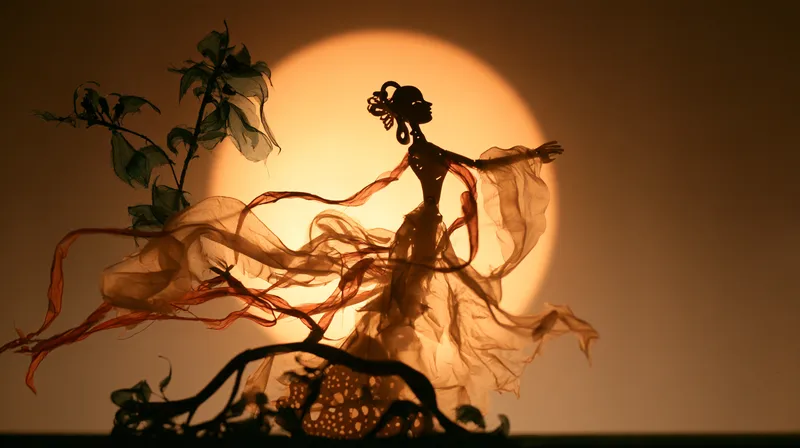 Image
ImageTraditional Shadow Puppetry
Turn a one-sentence idea or reference image into standalone visual rules for translucent-color, carved side-silhouette shadow puppetry, along with Chinese ImageGen and English Midjourney V8.2 prompts. Use it to create consistent scenes, characters, and environments with warm amber screen light and red-green translucent leather cutouts forming a theatrical color palette, as well as to correct consistency drift. Not intended for video, card layouts, or unauthorized automatic image generation.
 Image
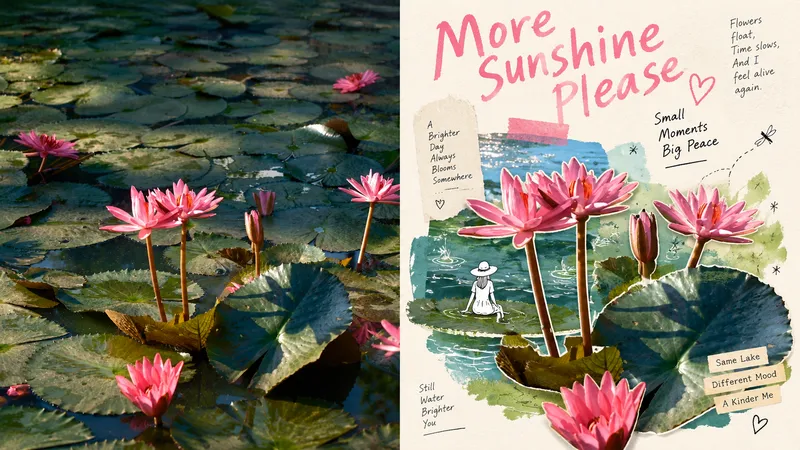
ImageGPT2 x Mingkuai Digital Collage
Suitable for organizing personal photography, independent publishing, exhibition exercises, and lifestyle-focused visual creation. Even when the original composition is ordinary, the background is cluttered, or the subject is too small, you can reestablish a focal point through subtraction, rearrangement, cropping, and changes in scale—instead of simply applying a filter to the photo. The overall look combines authentic photographic cutouts, hand-drawn doodles, paper collage, mismatched scales, generous negative space, and editorial-style layouts of images and text to create a refined mixed-media aesthetic. Whether the subject is a person, building, animal, plant, object, food, vehicle, or natural landscape, its clear identity and original narrative should remain intact, while re-editing and visual metaphors create a new expression. Avoid fully redrawing the subject, overcrowding the composition with assets, ordinary framed collages, cartoonization, complex UIs, overly realistic shadows, and templated commercial posters.
Mid-Blue Collage Poster v0.5
Turn the user's input into an image in a mid-blue interlocking collage poster style: a three-layer nested structure (an outer base of crumpled white paper with a visible white border → a centered, straight-edged blue square area on the white paper, approximately #2F5FA8-#35639D → white hand-torn paper pieces with irregular outlines covering the blue area; clean, crisp edges without fuzzy fibers or fraying, fitted tightly to the blue-area boundary with the four corners cut square), a black-and-white halftone-dot silhouette as the main subject (multiple scattered figures by default), thin handwritten uppercase English lettering split into words and arranged around it, onomatopoeia and a barcode (bottom left by default), and soft shadows. The layout framework stays fixed, with a playful, relaxed street-poster feel. Different subjects or copy produce different visuals in the same layout.
Information
- Version
- v2
- Last updated
- Runtime credits
- Usage-based
- Models
- Auto
