Viral City Guide Poster Maker
4 route posters + 1 at-a-glance city map
Viral City Guide Poster Maker
4 route posters + 1 at-a-glance city map
Showcase
Description
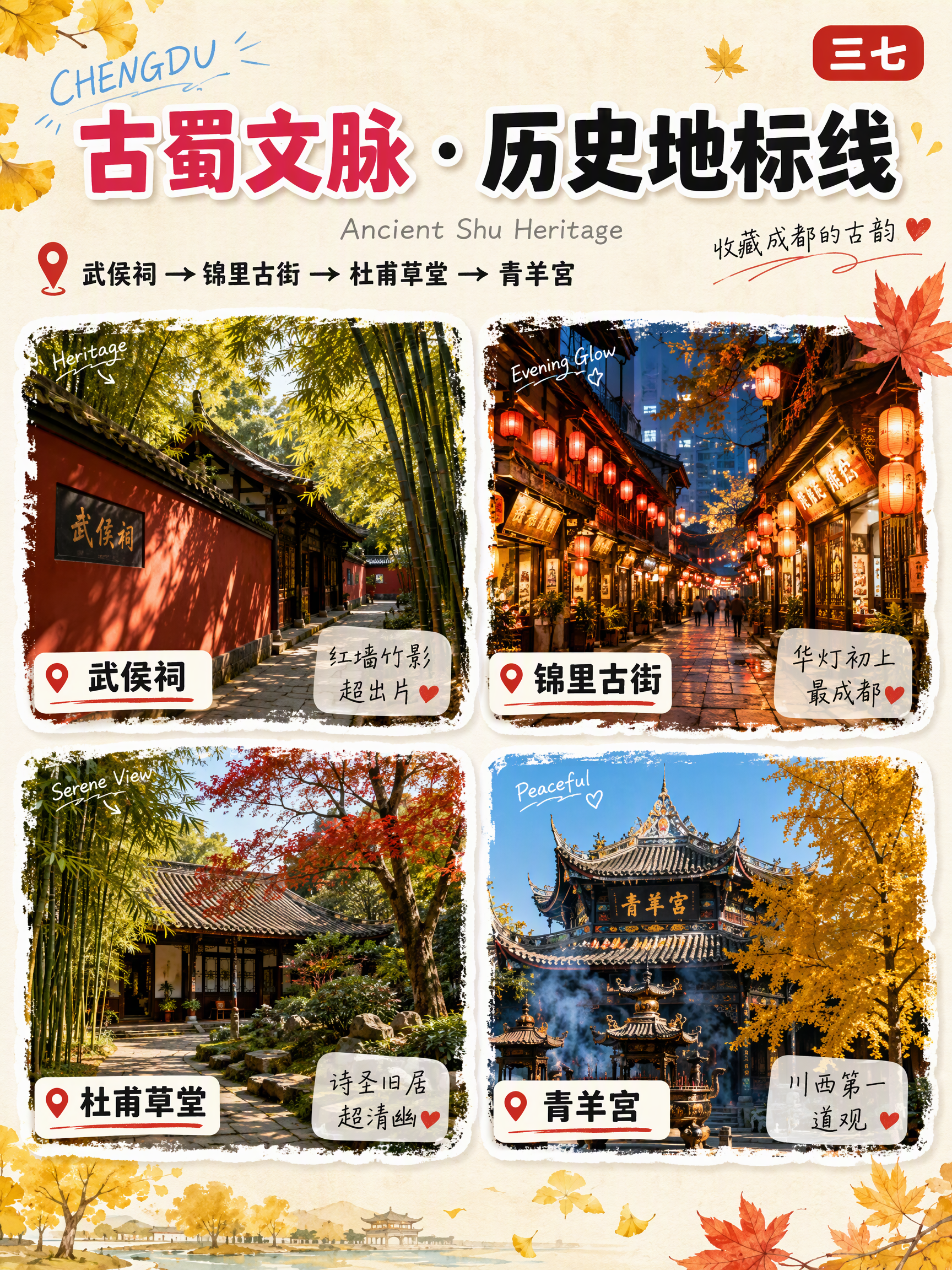
How to monetize: 1. Run a travel guide account and monetize through traffic on Xiaohongshu, Douyin, WeChat Channels, or WeChat Official Accounts. Create one set of visuals per city, then repurpose it into a cover, carousel, and collection to build an ongoing city series. 2. Take on promotional design projects for travel businesses, such as car rental companies, homestays, local guides, small travel agencies, and businesses near attractions. Their need is route promotional graphics. 3. Sell digital travel guides: combine route maps with itineraries, transportation details, and food lists, then package them as PDFs or digital planners for sale on Xiaohongshu, Xianyu, or knowledge storefronts. 4. Build a city-account network: use one skill to produce content for different cities, launch multiple accounts, and keep the best-performing ones based on conversion results. Best for: Travel bloggers and guide-account operators: want to post daily city guides but find visual production too slow Beginners who want to start an account: have no design background but want to quickly launch a travel-focused account Travel agencies, car rental services, homestays, and guides: need low-cost route promotional materials quickly Local lifestyle and tourism professionals: promote cities or attractions Freelancers and people building a side business: want to take on guide-graphic production projects Content studios and multi-account teams: need to create graphics in bulk with a consistent style Travel enthusiasts: want a beautiful guide graphic for their own itinerary or to share with friends This skill compresses the entire process into one sentence: enter a city name, and the system does the rest automatically. You’ll get a complete set of finished materials: 4 themed route posters, such as a popular arts-and-culture route, romantic night-view route, natural scenery route, and classic landmarks route. Each includes 4 watercolor-brush-edged scenic cards, white place-name labels, and handwritten short reviews. 1 cartoon overview map, “Understand 【City】 at a Glance,” with regional divisions, attraction lists, travel times, and notable experiences.
Recommended by
淡苍
Why we love this skill
Enter a city to generate 4 themed route posters and 1 overview map with real attractions, planned by theme and location in a cohesive Japanese travel-journal style.
Best for
Travel bloggers, tourism professionals, travel agencies, and individuals who want to create city guide graphics.
How to use this Skill
Provide your input
Enter a city, scenic area, or group of cities. You can also specify the aspect ratio, season, number of routes, language, or brand details.
Run the Skill
Plan themed routes and destination content based on the location, then create cohesive visual materials for a travel guide.
Review your result
Get multiple themed route posters and one city overview map for travel sharing, guide posts, or promotional displays.
Related Skills
View all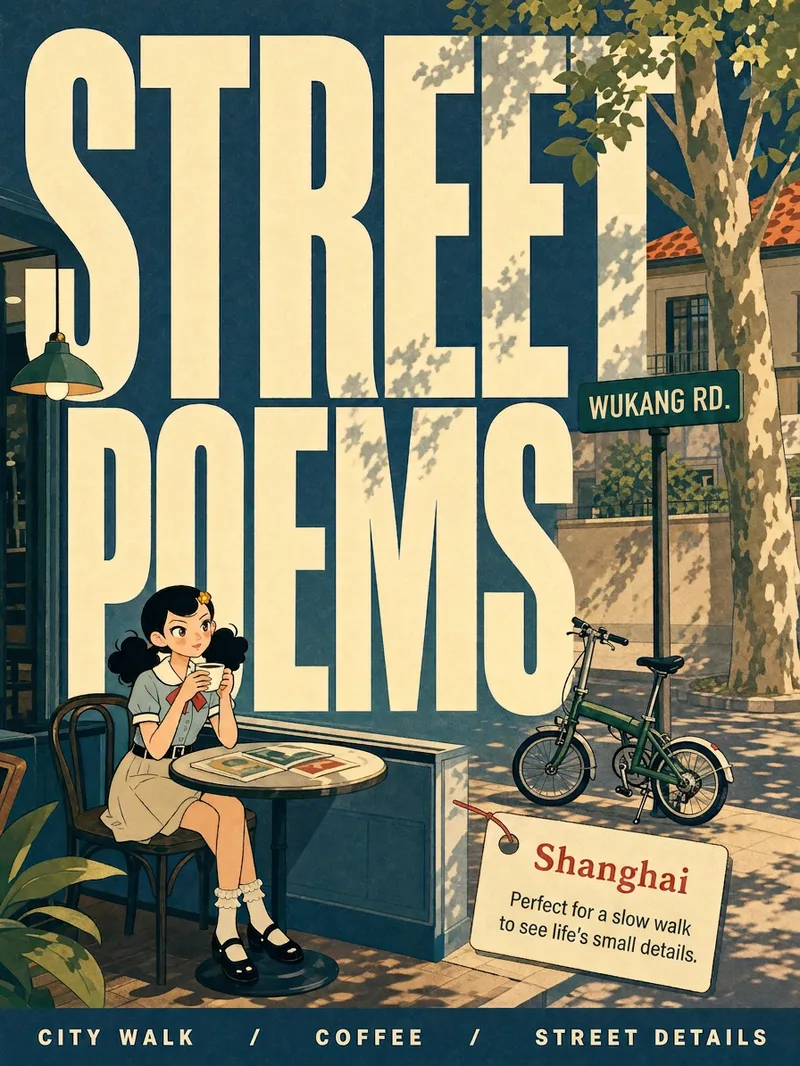 Image
ImageCity Observer Poster
Upload any character image and name a city to create a collectible City Observer poster. This is not a tourism promo—it’s a visual note on the city’s mood. The Skill preserves the character’s recognizable features, translates them into a unified flat illustration style, and places them in everyday city scenes. The three-step process (character analysis → city concept card → image generation) lets you confirm each step. A consistent visual system: vertical 3:4 format, oversized English title, blue-cyan line art, risograph print texture, and limited-color editorial layout. Create 10 cities and you’ll have a cohesive 10-poster city atlas. Minimum input: one image + a city name.
 Image
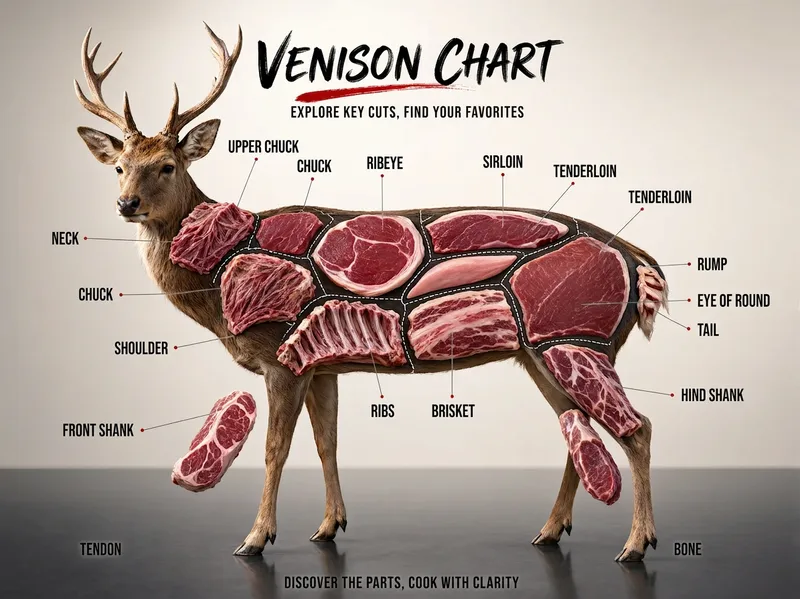
ImageFood Parts Diagram Maker
Create a “food parts diagram” series for Xiaohongshu, Douyin, or WeChat Channels: beef, pork, lamb, chicken, fish, vegetables, and fruit—one subject can become one episode. Ideal for food, ingredient education, and cooking tutorial creators; fresh food e-commerce, butcher shops, supermarkets, and community group-buying operators; as well as restaurant owners and marketing staff in hot pot, barbecue, steak, braised food, Japanese cuisine, and other businesses. Simply enter the name of an animal, vegetable, or fruit, such as “beef,” “pork,” “lotus root,” or “watermelon.” The skill automatically identifies the type, plans the parts, names them in Chinese, and integrates image-generation prompts to create a commercial poster-quality “parts diagram”: a realistic subject, clear internal structure, leader-line labels, and all text in Chinese. Monetization options include fresh food, steak, hot pot ingredients, ready-to-cook meals, and kitchenware promotions; storefront commissions; and sponsored advertising. Advantage: This tool-focused visual content is likely to be saved and shared. Its “check while grocery shopping” utility can help an account attract long-tail traffic.
 Image
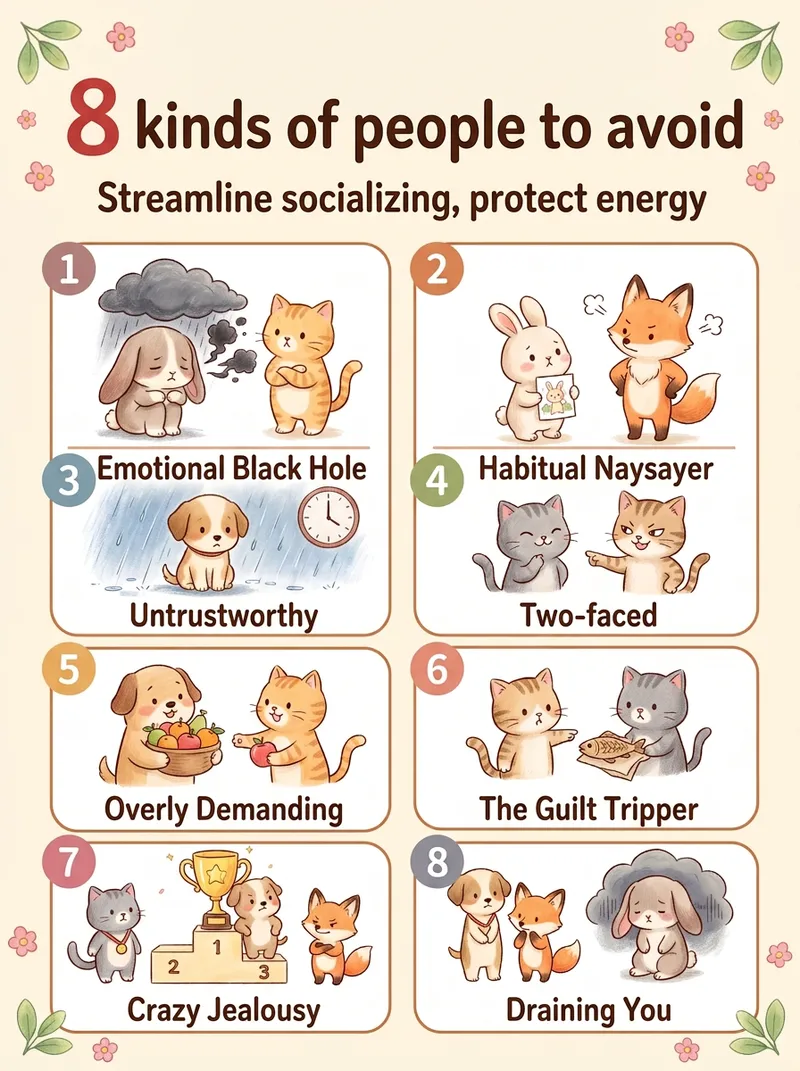
ImageViral Healing List Maker
Best for: 1. Xiaohongshu and Douyin creators who need a steady stream of highly saveable image-and-text posts, especially in the emotional wellness, personal growth, parenting, and workplace niches. 2. WeChat Channels and public account operators who need visuals, cover images, or long graphics for sharing in Moments. 3. Short-form video creators who want to animate each image one by one and turn them into image-and-text videos. 4. Professionals in paid knowledge and private-domain businesses, including counselors, educators, parenting advisors, and career coaches, who use graphics for lead generation and course posters. 5. Multi-account operators who need to create content for several accounts quickly and consistently. 6. Beginners without design skills who want to create side-project content. 7. Creators targeting overseas audiences who use English and Traditional Chinese options to make “Life lessons” content for overseas Chinese communities and English-speaking users. Simply enter a topic, such as “The 10 happiest moments in life” or “7 types of people you should stay away from,” and the Skill will automatically generate a warm, hand-drawn, soothing list infographic. It automatically identifies the number of items and topic type, writes concise copy for each item, matches it to a grid layout, keeps the characters and color palette consistent, and generates the image in one go.
Information
- Version
- v4
- Last updated
- Runtime credits
- Usage-based
- Models
- Auto
- Use cases
- Images & designMarketing & growthLifestyle & entertainment
- What you get
- Image
- Visual styles
- WatercolorCollagePaper art
