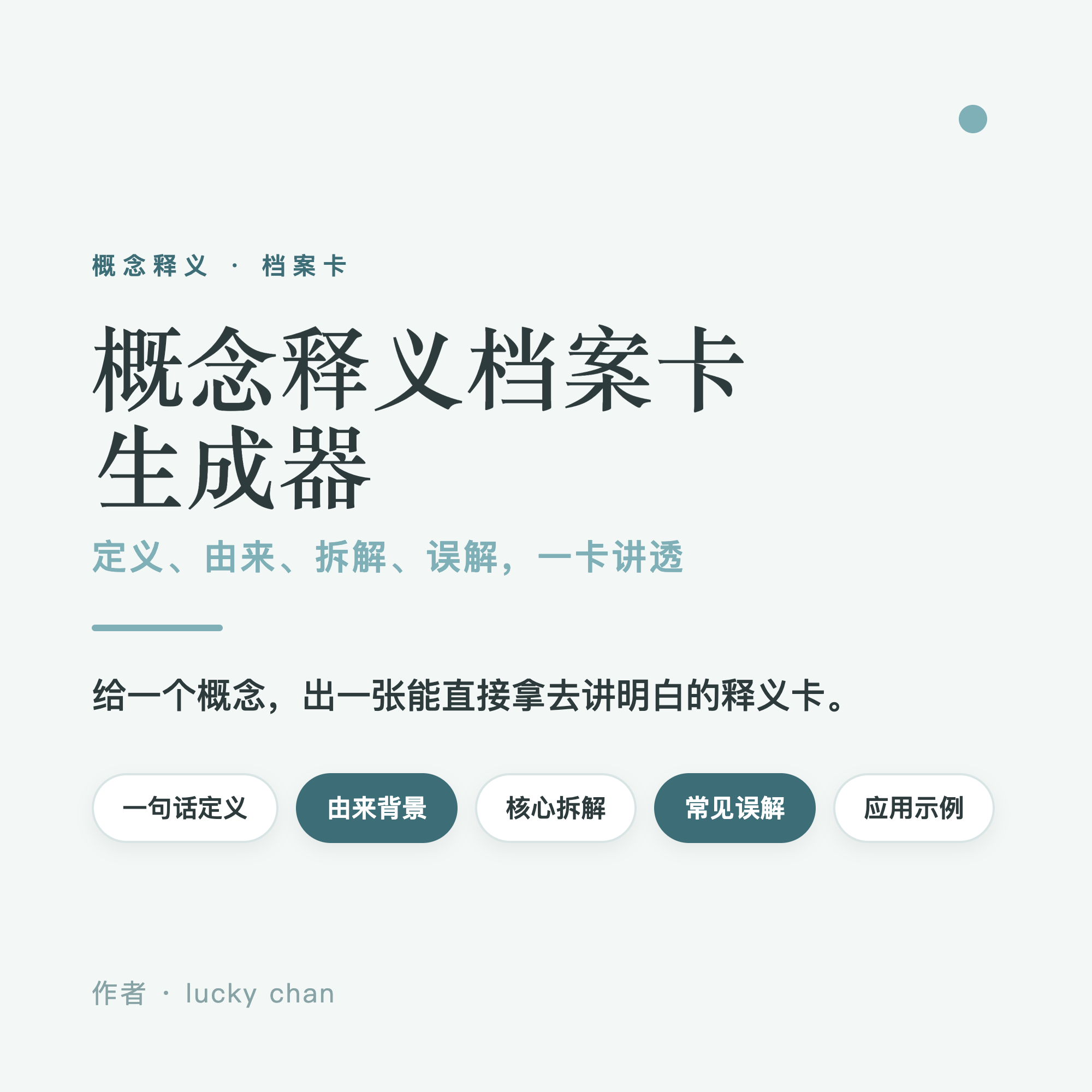
Concept Explainer Card Generator
Turn abstract concepts into visual, teachable cards
Concept Explainer Card Generator
Turn abstract concepts into visual, teachable cards
Showcase
Description
Drop in a concept and turn it into a clear, visual explanation card in five steps: 1. Pinpoint concept and audience; 2. Write a one-sentence definition; 3. Add origin and background; 4. Break down core elements with examples; 5. List common misconceptions and further reading. All abstract ideas are paired with concrete examples. The resulting card comes in three flexible formats: editable HTML, one-click long PNG image export, and print or save as PDF. Open it in a browser to edit and make it your own, click export to share in chats, or save as a PDF for easy archiving across devices. No unverified sources are ever fabricated.
Why we love this skill
Condenses abstract concepts into clear definitions and concrete scenarios while systematically presenting background, breakdowns, and applications in an editable format.
Best for
Best for knowledge creators, teachers, trainers, community leaders, and anyone who needs to explain concepts to newcomers.
How to use this Skill
Provide your input
Enter a term or abstract concept, along with your target audience, use case, and optional existing materials.
Run the Skill
The tool organizes definitions, backgrounds, core elements, misconceptions, application examples, and further reading, pairing abstract content with concrete scenarios.
Review your result
Get an editable web-based explanation card that you can edit in the browser, export as a long PNG image, or print and save as a PDF.
Related Skills
View all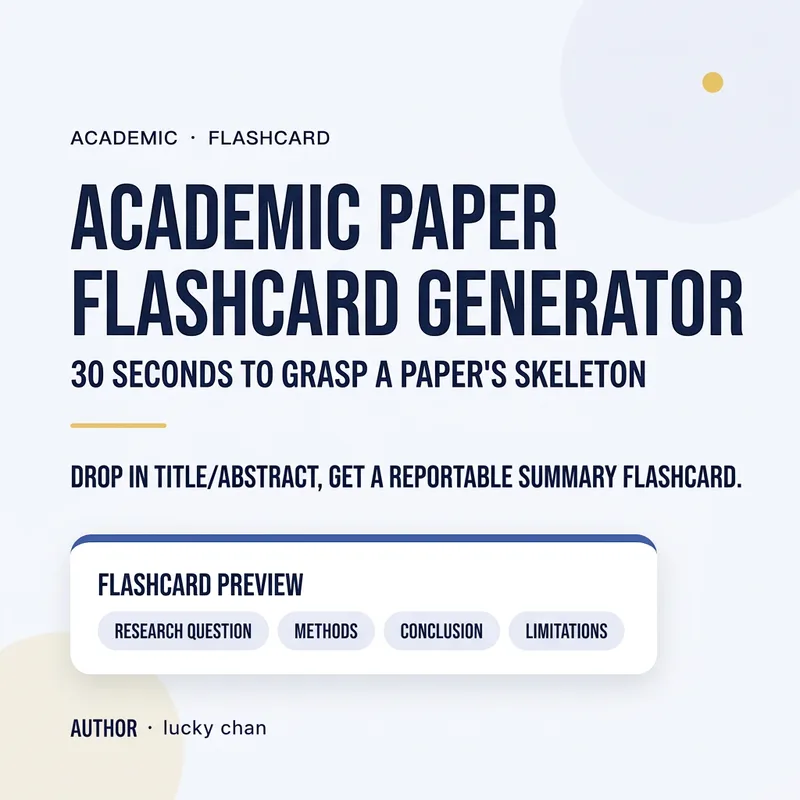 Research
Academic Paper Skimming Card
Too many papers to read? Drop in a title or abstract to generate a ready-to-present skimming card in 30 seconds. The brief card captures key points at a glance, while the detailed card provides a six-dimensional breakdown (Problem / Method / Conclusion / Limitations / Innovation / Takeaways), making lab meetings and literature reviews stress-free. Supports three export options: **Editable HTML + One-Click PNG Export + Print / Save as PDF**: - Editable HTML: Edit text on the fly and preview your changes instantly in the browser. - Export Long PNG: Use the bottom toolbar to export the entire card as a long image for group chats and posts. - Print / Save as PDF: Automatically hides the toolbar to leave a clean card ready for archiving. ## Target Audience - Undergraduate and graduate students buried in literature and rushing before lab meetings - Researchers and product managers who need to quickly decide if a paper is worth a deep read - Professionals writing literature reviews, sharing popular science, or citing papers in weekly reports
 Webpage
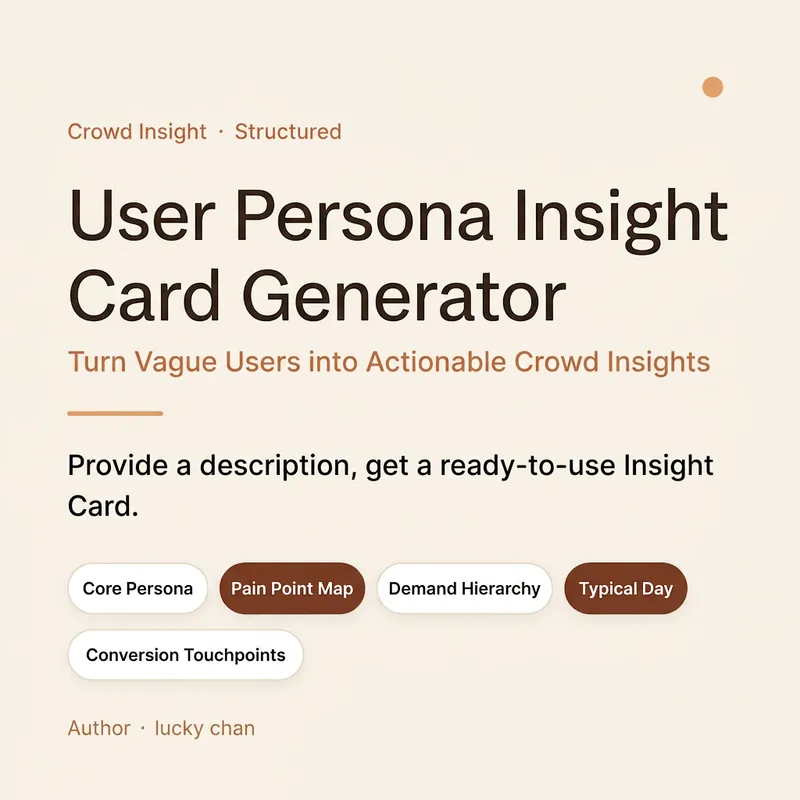
User Persona Insight Generator
Transform vague users into actionable insights. The most expensive sentence in product discussions is often guesswork about who the user is. Paste an audience description or research material to generate a card in five steps: (1) Lock in the audience and business goals, (2) Extract core personas, (3) Rank pain point severity, (4) Categorize basic, expected, and excitement needs, and (5) Add a typical day and conversion touchpoints, while explaining why they act that way. The card is available as editable HTML, one-click PNG export, and print/PDF save options. Open it in your browser to view and edit text, export a high-definition image to share, or save as a PDF for documentation. Missing data is marked with placeholders, serving as both a finished product and a template. Best for product managers, operators, marketers, founders, user researchers, and anyone conducting requirement reviews and planning.
 Research
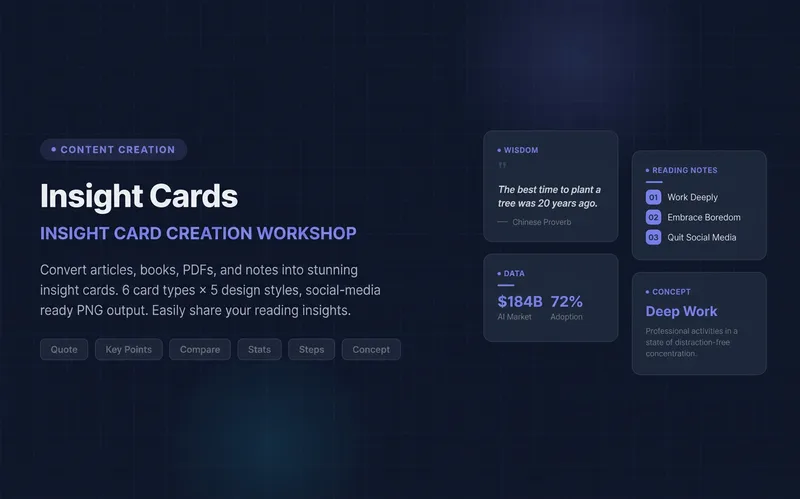
Knowledge Card Studio
Turn articles, notes, or book excerpts into a single knowledge card or a 3–5-page carousel. Choose from six card types and five existing styles; each page delivers one takeaway while preserving quotes, numerical qualifiers, and sources. Create a reusable series brand profile with fixed colors, font hierarchy, margins, title placement, page numbers, and byline. For the next edition, provide the profile to reuse the same system and keep the series consistent—no need to explain the design requirements again. The default deliverables are editable HTML/SVG and the brand profile. When the environment supports actual rendering, sequentially numbered PNGs are also included. Missing glyphs, overflow, and inconsistencies across pages are checked and fixed; if the images were not actually rendered, the skill will not claim that image checks passed. No local scripts are required. Try it directly: create a five-page book-notes carousel, use a brand profile for the next edition, or turn quotes from the original text into cards. For complex relationships or charts, use Infographic Maker. For a finished WeChat Official Account post, use the WeChat Official Account Formatter.
Information
- Version
- v3
- Last updated
- Runtime credits
- Usage-based
- Models
- Auto
- Use cases
- Images & designPresentations & reportingLearning & education
- What you get
- DocumentWebpageImage
- Visual styles
- Hand-drawnPaper art
