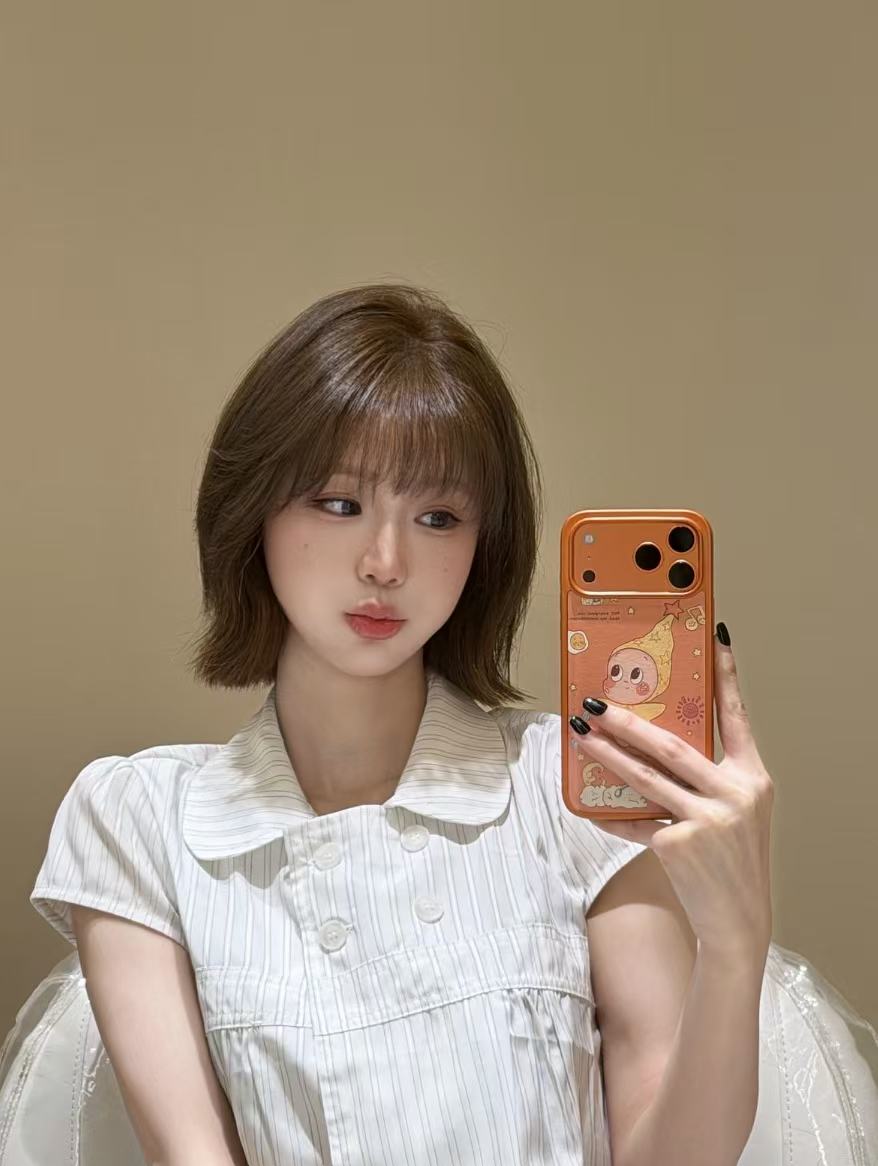
Creamy Mirror Selfie Portrait
Creamy Mirror Selfie Portrait
Showcase
Description
Generate a creamy minimalist room mirror selfie lifestyle portrait with one click: authentic mobile photography texture, slight film grain, natural skin tones, no beauty filters, and no text watermarks. The default subject is a young Asian woman with dark brown shoulder-length bob hair and see-through bangs, wearing a creamy white fine-striped doll-collar short-sleeve top, holding a phone with an orange moon and stars illustration case in front of her chest. The subject, phone case, wall colors, props, and aspect ratio are all customizable. The default is a 3:4 vertical format, 1 image, generated directly using the best image model.
Recommended by
Dancang
Why we love this skill
Turns casual snapshots into a stable template: a minimalist cream room, full-body mirror selfie with the phone back facing the mirror, and slightly tilted composition are essential, while strictly validating mirror logic, hand anatomy, and natural skin textures to avoid common AI retouching and errors.
Best for
Ideal for users looking to create lifestyle portraits, social media imagery, or personal visual assets.
How to use this Skill
Provide your input
Provide settings for the subject, clothing, phone case, room color scheme, props, composition, aspect ratio, or count, or upload reference images. Default settings are used if none are provided.
Run the Skill
Generates a mirror selfie portrait in a minimalist creamy room based on your settings, preserving the authentic lifestyle feel of mobile photography.
Review your result
Receive one or more vertical mirror selfie images featuring the specified subject and scene, with natural skin tones, slight grain, and no text watermarks.
Related Skills
View all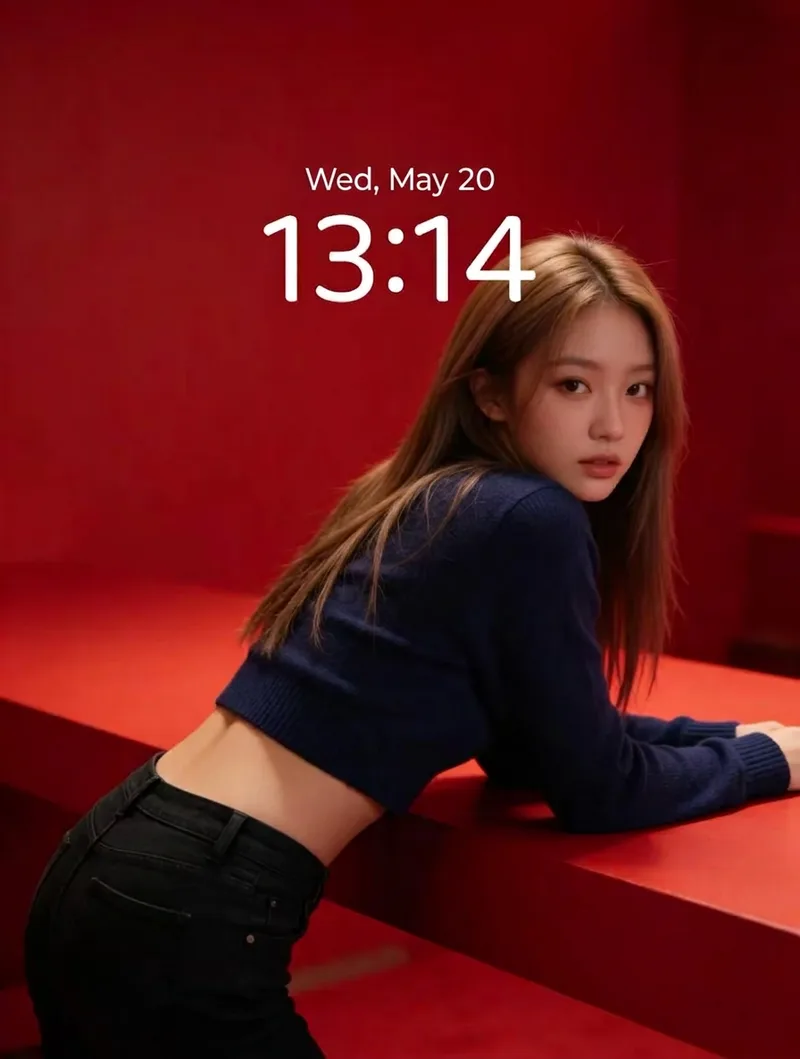 Image
ImageRed Immersive Fashion Portrait
Turn any portrait description into a vertical magazine-grade fashion portrait. It applies a default baseline template: a minimalist red monochrome immersive scene with red steps and walls, soft studio lighting, realistic skin texture, film grain, top one-third negative space, and no text or watermarks. The portrait DNA (young Asian female, light brown long hair, dark blue cropped knit sweater, black jeans) is systematically reused to ensure the same face and styling across batches. You can customize the portrait appearance/clothing, wall material and red tones, number of steps, pose and gaze, lighting type, texture intensity, negative space position, aspect ratio, and quantity. Defaults to a 3:4 vertical format and 1 image, generated directly using the best image model.
 Image
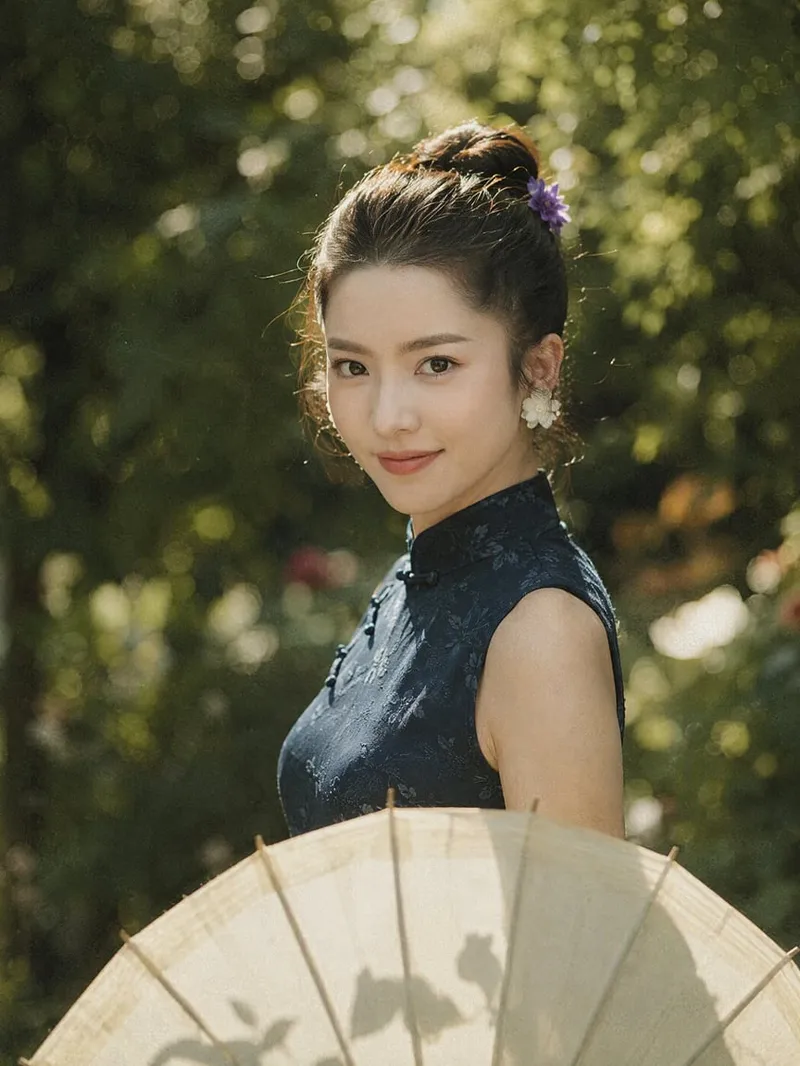
ImageRetro Garden Cheongsam Portrait
Provides one-click generation for retro film portraits featuring a retro garden, cheongsam, and oil-paper umbrella in backlighting. Users simply describe the subject or scene adjustments in a single sentence, and the skill automatically applies the fixed garden backlighting baseline template, generating a vertical 3:4 portrait directly using the best available image quality model. If left unspecified, the default character features a round face with almond-shaped eyes, fair skin, and wispy bangs, double buns adorned with small purple flowers, and a dark blue mandarin-collared frog-button cheongsam. The foreground features an ivory oil-paper umbrella, and the overall image presents a retro film texture in sage green, dark blue, and cream tones with soft golden backlighting.
Infinite Loop Selfie
Turn your written concept or character reference image into a selfie photo with a Droste effect: the person in the image holds a phone with its screen facing the camera, clearly showing the complete scene—including the person, phone, and white studio background—nested and shrinking layer by layer to form a visible visual loop with at least three levels. Customize the person’s gender, age, hairstyle, clothing, pose, and expression. You can also specify a portrait 3:4, square 1:1, or vertical 9:16 aspect ratio. When you upload a reference image, the person’s facial features, hairstyle, skin tone, body type, accessories, and visible clothing will be faithfully recreated. If the reference is only a half-body shot or even a close-up, unseen bottoms, shoes, and accessories will be carefully inferred from visible cues such as the collar, top fabric, and color palette to complete a coordinated outfit in the same style. These details will only be changed when you explicitly describe the changes in text. Without a reference image or character specifications, an original character will be generated, with a consistent appearance, pose, and outfit at every layer. The final image uses a pure white or light gray seamless studio background, soft high-key lighting, and a realistic photographic look, highlighting natural skin tones, fabric details, and a clearly visible phone screen. The composition remains a clean, front-facing shot of one person against an uncluttered background. It avoids incorrect screen content, mirrored text, watermarks, and distorted phones or fingers, keeping the infinite nesting effect natural and easy to recognize.
Information
- Version
- v3
- Last updated
- Runtime credits
- Usage-based
- Models
- Auto
- Use cases
- Images & designLifestyle & entertainment
- What you get
- Image
- Visual styles
- MinimalistPhotorealistic
