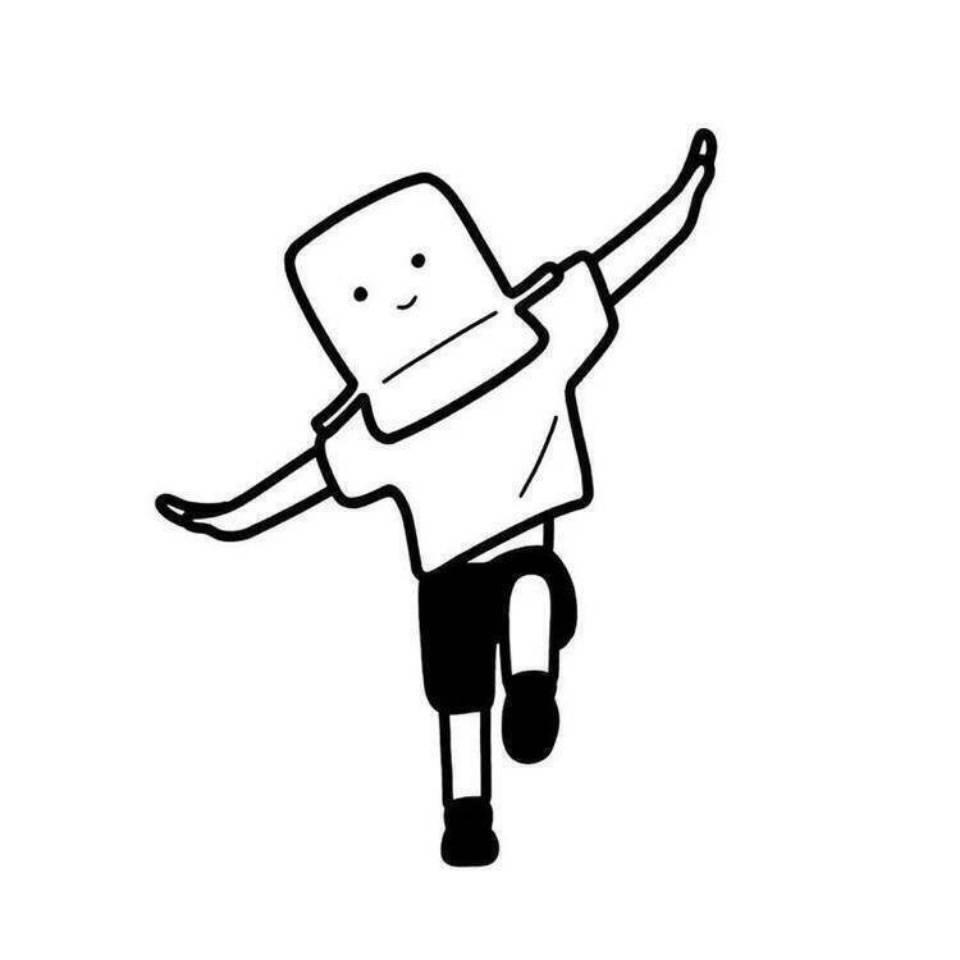
Custom Cake Design
Clear visual drafts for clients
Custom Cake Design
Clear visual drafts for clients
Showcase
Description
Custom cake orders often run into a common problem: the final product doesn't match the client's imagination. Text descriptions can be vague, so generating clear visual concepts is the most efficient solution. Custom Cake Design creates 3 distinct design proposals based on your client's reference and occasion, detailing frosting texture, piping direction, fruit placement, and color schemes. It also includes size and serving guides so you can secure approvals and confirm orders with ease.
Recommended by
Dancang
Why we love this skill
Transforms custom cake ordering from guesswork into three actionable, confirmable visual concepts. It details sizes, cream textures, and decorative elements to align expectations and minimize disputes.
Related Skills
View all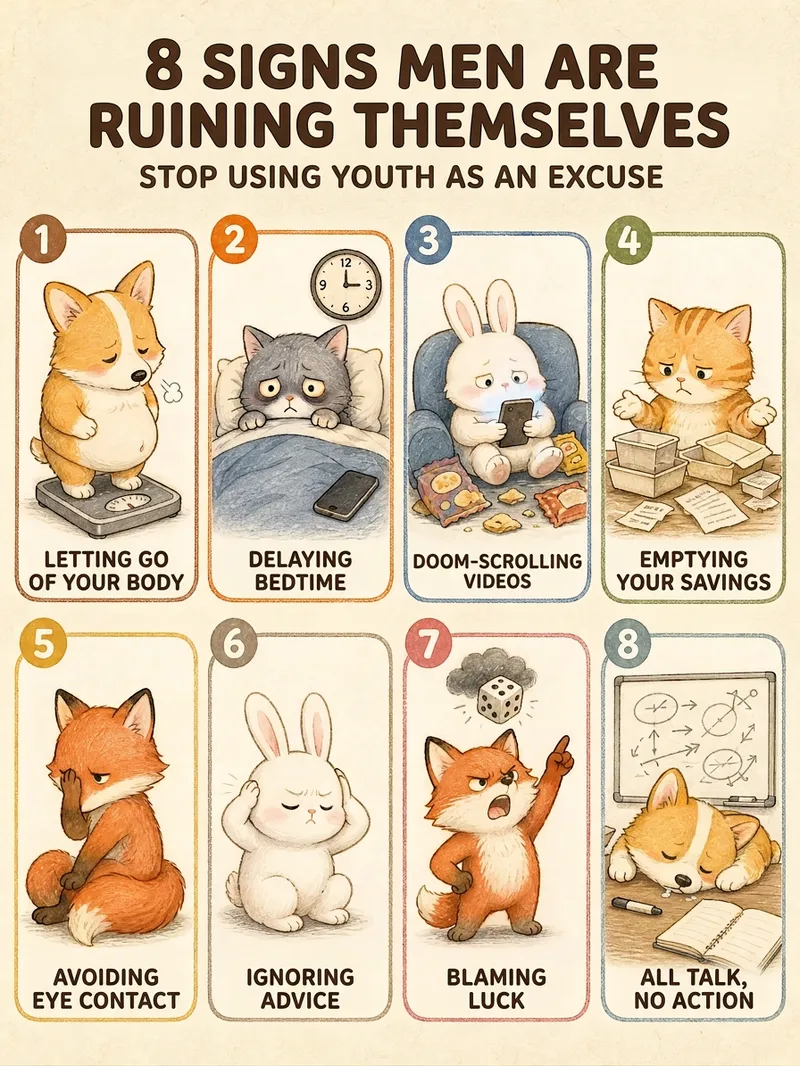 Image
Healing List Graphic Generator
Give it a single sentence, and get a publishable graphic. Say "7 types of people to avoid" or "10 happiest moments in life"—it handles the rest: deciding how many items to include, writing the copy for each point, choosing the layout, and locking in the character and color scheme to deliver a finished product. ■ What the final image looks like Creamy textured paper background + rounded card grids + a chibi hand-drawn illustration per card + 4-6 character tags. Numbers in the title are enlarged and recolored so "8", "7", or "10" stand out at a glance; small green leaves and pink flowers accent the corners in a 3:4 vertical format, ready for RED without cropping. ■ Three pitfalls it helps you avoid · No garbled Chinese text — the title and card tags are crystal clear. · No broken grids — 3 to 12 items have matching layouts, keeping grid sizes uniform. · Consistent character style — create one today and another next week; the character and color palette remain consistent. ■ Adapts to your topic automatically For relationships (types of people to avoid, annoying behaviors) -> uses chibi animals to keep it lighthearted. For daily life (happy moments, healing small things) -> uses the same girl for better user resonance. Deep topics get steady colors, while warm topics get candy colors—no manual selection needed. ■ Who this is for Creators posting daily to maintain follower growth | Solopreneurs managing multiple accounts | Consultants, teachers, and parenting advisors with insights who struggle with design | Beginners starting a side hustle without design skills | Global creators making English and Traditional Chinese content. In short: others give you a graphic, this gives you a sustainable content series. Supports Simplified Chinese, Traditional Chinese, and English. Defaults to a 3:4 vertical format, perfect for RED, WeChat Channels, and Moments without cropping.
 Image
Style Set Visual Design
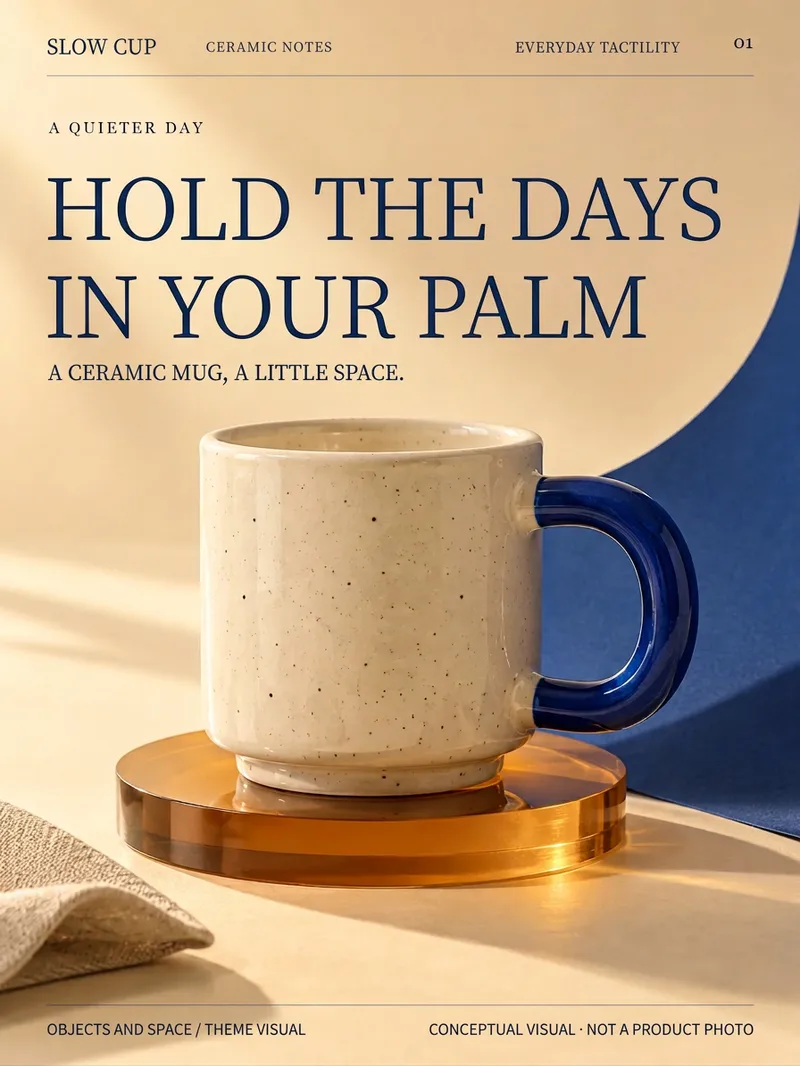
See great design but not sure how to make it your own? Upload reference images, product photos, and copy, or describe the look and feel you want. Style Set Visual Design first establishes a visual concept, then organizes typography, photography, color schemes, materials, and graphics into reusable design cards, planning covers, content pages, detail views, and promotional images by use case. The key visual attracts, the scene immerses, details invite closer inspection, and the info page clarifies. The same set of rules creates different viewing rhythms; create just one image, or continue building the next based on approved designs. Great for small business owners, personal brands, and content creators who continuously produce images. Supports analysis only, direction generation, prompt writing, and image generation or modification depending on host capabilities. Reference binding, precise subject retention, and editing features depend on host tools and actual results; installation does not include generation credits. Workflow and product design by leowang.
 Image
Your Free Infographic Prompt Expert
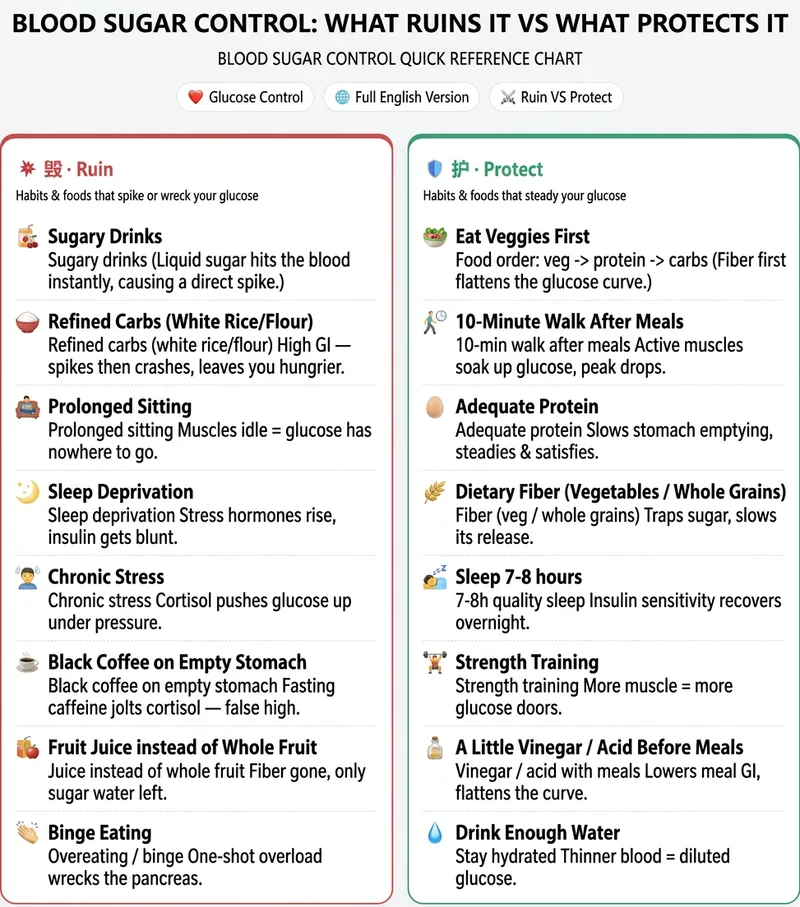
Knowledge Infographic Studio: Enter a topic or source material to get a structured knowledge infographic plan with a “layout framework + ready-to-copy Chinese and English text + image-generation prompts.” Use it with external AI tools such as 即梦, 通义, or GPT Image to create the image. Supports high-performing “Damage VS Protect” side-by-side comparisons. Use when users mention infographics, knowledge cards, educational long-form images, knowledge infographics, infographic, comparison images, split-screen layouts, or Damage VS Protect. We don’t create the images, but we provide the plan and prompts to make your infographics more professional! Anyone creating content for social media probably knows the feeling: You see someone else’s hair-care “Damage VS Protect” comparison image get thousands of likes, and you want to make one too. Then you open your design software—how should the layout be divided? What should the text say? How do you write the prompt? After a lot of trial and error, either the image comes out wrong or every generation costs hundreds of credits. When the end of the month comes, it really hurts. What you’re missing isn’t design taste—it’s a structure you can copy directly. That’s exactly what this skill does: Give it one keyword, such as “hair care” or “blood sugar control,” and it locks in the layout, prepares every word to appear on the image, and hands you a precise bilingual Chinese-English prompt. Take it to any image-generation AI to create the image in one click: **reliable structure, a consistent series style, and not a single credit spent**. Another skill for this kind of “high-performing comparison image” costs 4,688 credits to redeem. Ours is free and provides an equally effective “Damage VS Protect” split-screen structure—the image-generation step is simply handled by the AI you already use, so you can save those credits for what really matters.
Information
- Version
- v2
- Last updated
- Runtime credits
- Usage-based
- Models
- Auto
