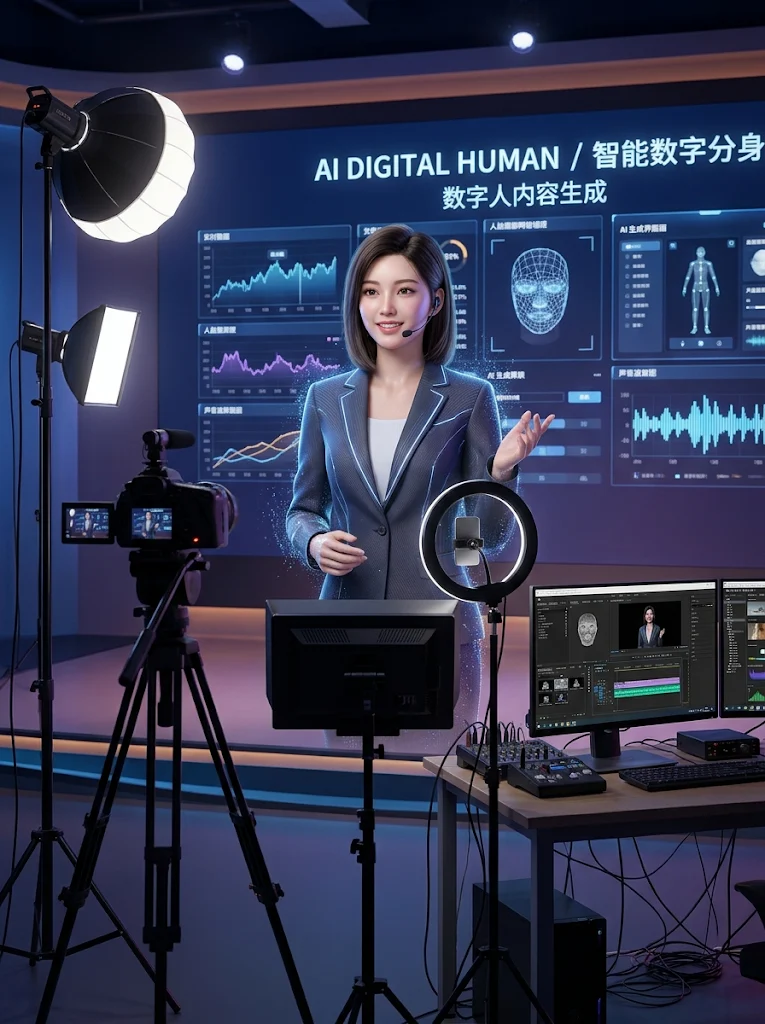
Digital Human Video Creator
Digital Human Video Creator
Showcase
Description
Use authorized portraits and confirmed voice recordings, or previewed synthetic voiceovers, to produce a single voice-driven digital human presentation video.
Best for
Content creators and marketers who need to turn scripts or audio into digital human presentation videos.
How to use this Skill
Provide your input
Provide authorized portrait and confirmed audio, or a short script and preferred voice options.
Run the Skill
Check authorization, media availability, and production limits. Preview synthetic voiceovers if needed before creating the digital human video.
Review your result
Receive a digital human video generated with your portrait and confirmed audio, along with a review scope summary.
Related Skills
View all
Talking-Head Video Maker
Save and reuse user-uploaded digital human assets (avatar/voice) to generate talking-head explainer videos. Use this skill when users want to keep a specific digital human appearance or voice, turn a script, URL, or PPT into a talking-head explainer video, or need reusable prompts/templates for generating talking-head videos. This skill only handles generation; if users need final editing, burned-in subtitles, or MP4 compositing, hand off to “Talking-Head Final Cut,” “Talking-Head Editing,” or talking-head-remotion.
Slideshow Narration Video
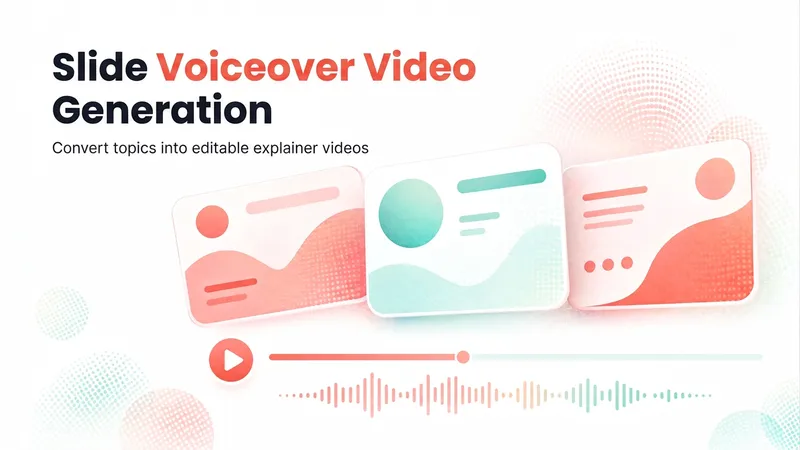
Turn a presentation topic—or your existing script, materials, or Slides—into an editable 16:9 video with Chinese narration for each slide. The Skill first plans the main narrative and asks you to confirm the outline and preview, then generates the slide visuals, writes and synthesizes Chinese narration for each slide, and assembles an editable video with one slide visual and one narration segment per page. Subtitles are enabled by default. The visual style, voice, slide count, and tone adapt to the topic, audience, and platform.
 Image
Wedding Story Video Director
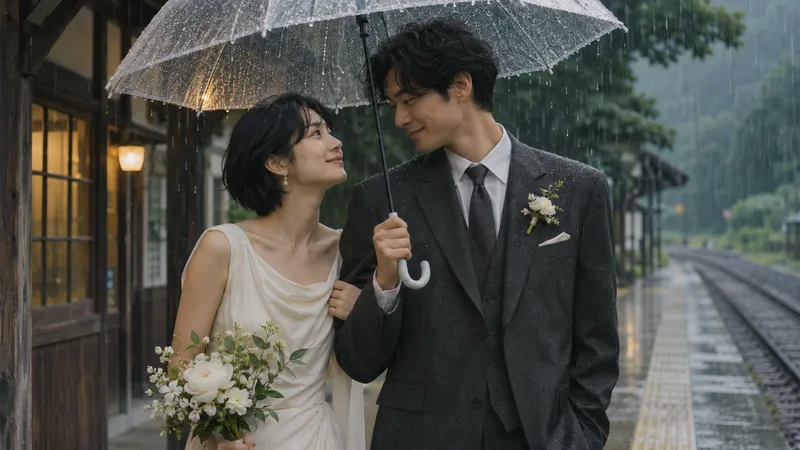
Ideal for creators, planners, and couples who want to organize a couple's story into a video proposal. Provide the stories both parties are willing to share, desired style, aspect ratio, duration, and authorized materials. The Skill organizes facts and items to confirm, and plans a story synopsis, narration draft, shot list, static image prompts, and optional video motion prompts. When the runtime environment supports image generation, you can further explore creating keyframes; video generation, voiceover, and editing require additional tool configuration and authorization, which may incur costs. This Skill does not guarantee the automatic generation of finished videos, nor does it guarantee cross-shot character consistency or exact likeness to real people. The four display images are fictional AI static visuals manually generated and edited locally based on the Skill's prompts, and are not real couples, client projects, live-action footage, or videos. Some images use character reference photos, yet details still vary. Full testing has not yet been completed on YouMind, and results depend on the models and tools used. How to use: Enter a few shareable key story segments, character descriptions, target duration and aspect ratio, and whether you want a static image or video proposal. Specify authorization scopes for real-person photos, voices, or music. Verify facts and storyboards first, then proceed with production based on available tools.
Information
- Version
- v2
- Last updated
- Runtime credits
- Usage-based
- Models
- Auto
- Use cases
- Images & designVideo & audioMarketing & growth
- What you get
- Video
