
Talking-Head Video Maker
Talking-Head Video Maker
Showcase
Description
Save and reuse user-uploaded digital human assets (avatar/voice) to generate talking-head explainer videos. Use this skill when users want to keep a specific digital human appearance or voice, turn a script, URL, or PPT into a talking-head explainer video, or need reusable prompts/templates for generating talking-head videos. This skill only handles generation; if users need final editing, burned-in subtitles, or MP4 compositing, hand off to “Talking-Head Final Cut,” “Talking-Head Editing,” or talking-head-remotion.
Related Skills
View all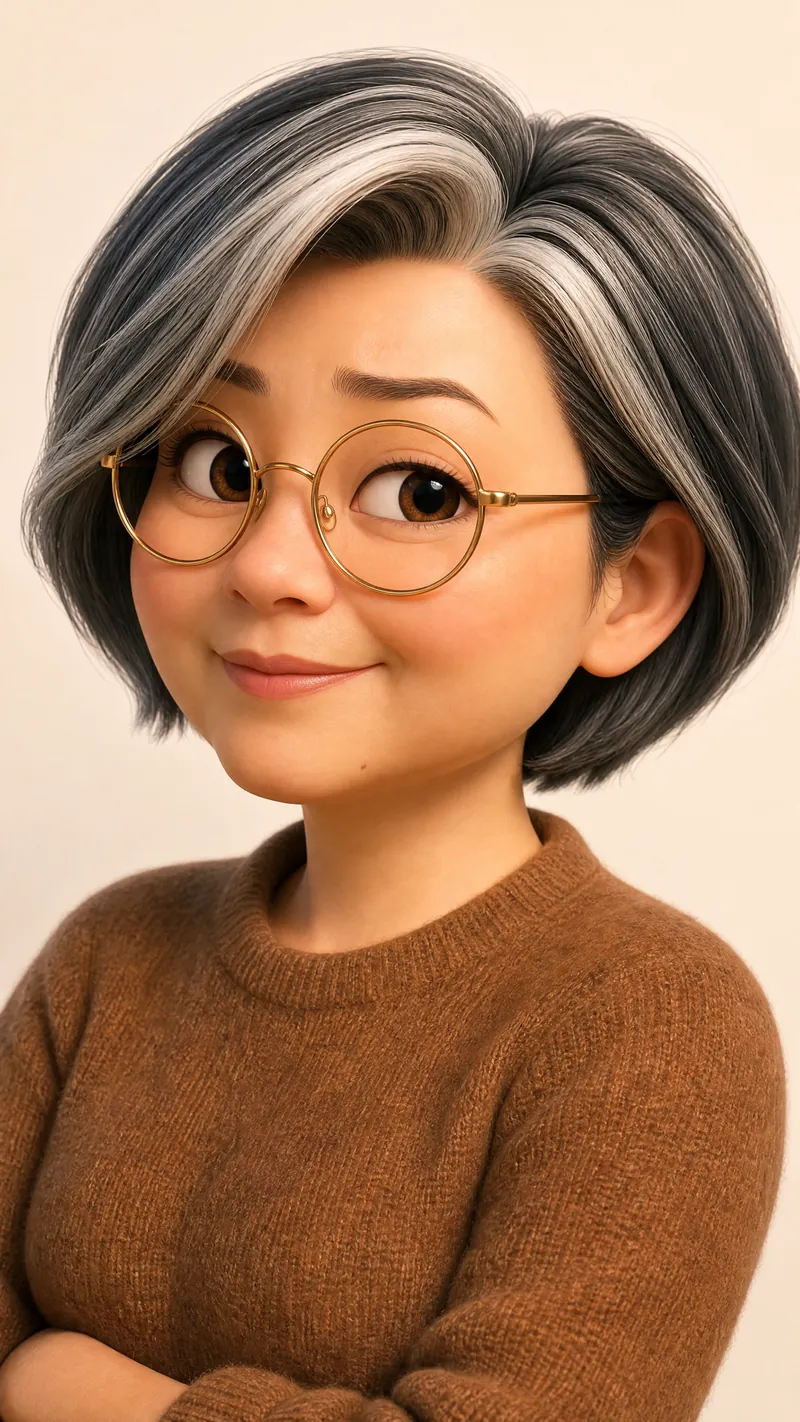
Cartoon Self-Intro Video Maker
Upload your photo and self-introduction script to automatically create a cartoon digital twin and generate a cartoon self-introduction video using a fixed three-part script template: medium shot, close-up, and wide shot, with a flexible order, hard cuts, and fixed camera positions. Visual styles come in two tracks: standard (Pixar 3D / Shanghai Animation Film Studio) and distinctive (Keith Haring, Romero Britto, silhouettes, claymation, ukiyo-e, Tim Burton, and other niche art styles). The Skill automatically recommends a tone—serious, humorous, or warm—and can add narration in your own voice, either from an uploaded recording or a voice cloned in YouMind. Ideal for job applications, social media profiles, annual meetings, podcasts, and other self-introduction scenarios. YouMind handles the entire workflow, although video generation can be a little slow. Don’t underestimate how simple this Skill looks: in general, these workflows can’t be completed end to end in YouMind without it. Technical challenges—such as real-person photos not being accepted by the model as references, voice files not being usable as model references, and video-generation tasks timing out—have all been addressed in this Skill, saving you a substantial number of credits.
 Video
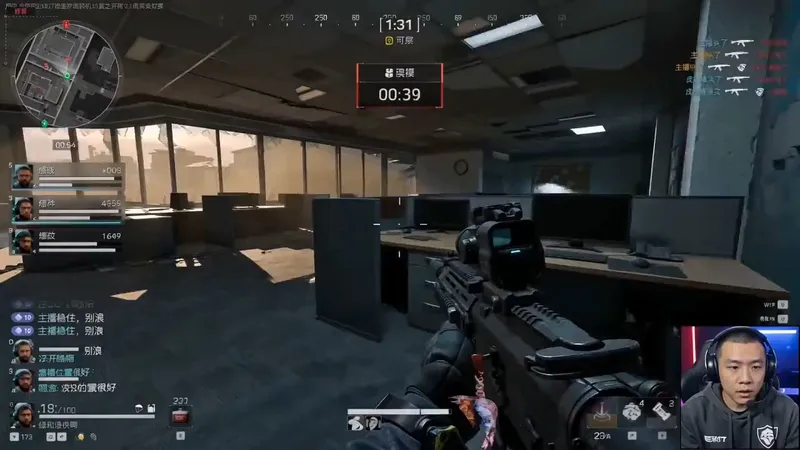
VideoGame Streamer Live Video
A highly monetizable skill for generating AI videos in the “game streamer livestream” format with one click. Use it when users want to create immersive livestream screen recordings featuring a fictional game streamer or gaming creator, including the streamer camera feed, livestream HUD, chat overlay, storyboards, dialogue, and voice style. Even if users do not provide every detail—such as the character appearance, game type, dialogue language, or duration—proactively fill in the gaps with default options, assemble a complete prompt, and immediately start generation. Deliver the video directly to the user, generating a character look reference image first when necessary, rather than simply handing over the prompt for the user to operate themselves. Trigger keywords include but are not limited to: “game streamer livestream,” “livestream gameplay,” “gaming creator video,” “streamer camera + gameplay,” “immersive game commentary video,” and “help me create a game streamer video.” Best for people building a consistent “virtual game streamer” persona account, growing followers through serialized content and a consistent identity, then monetizing through sponsored campaigns, affiliate commerce, or platform traffic revenue sharing.
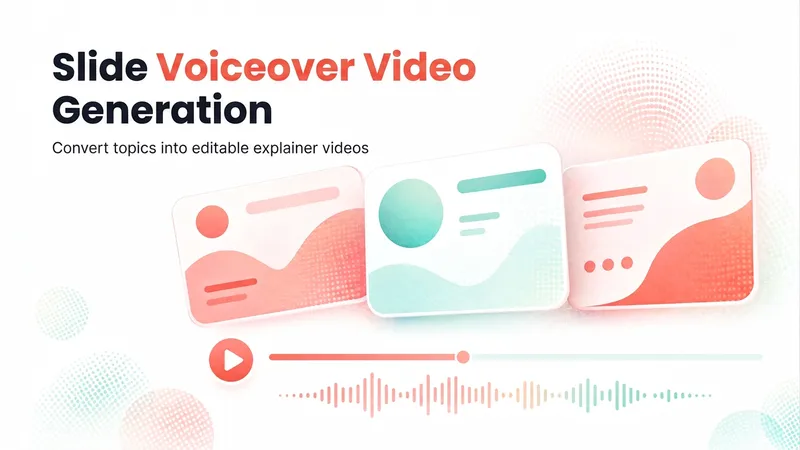
Slideshow Narration Video
Turn a presentation topic—or your existing script, materials, or Slides—into an editable 16:9 video with Chinese narration for each slide. The Skill first plans the main narrative and asks you to confirm the outline and preview, then generates the slide visuals, writes and synthesizes Chinese narration for each slide, and assembles an editable video with one slide visual and one narration segment per page. Subtitles are enabled by default. The visual style, voice, slide count, and tone adapt to the topic, audience, and platform.
Information
- Version
- v2
- Last updated
- Runtime credits
- Usage-based
- Models
- Auto
