Any Document-to-Training Course
AI Training Creator for Teachers, Trainers & HR Teams
Any Document-to-Training Course
AI Training Creator for Teachers, Trainers & HR Teams
Showcase
Description
Transform supported source documents into accurate, learner-centered training presentations and optional course materials using YouMind’s native capabilities.
Related Skills
View all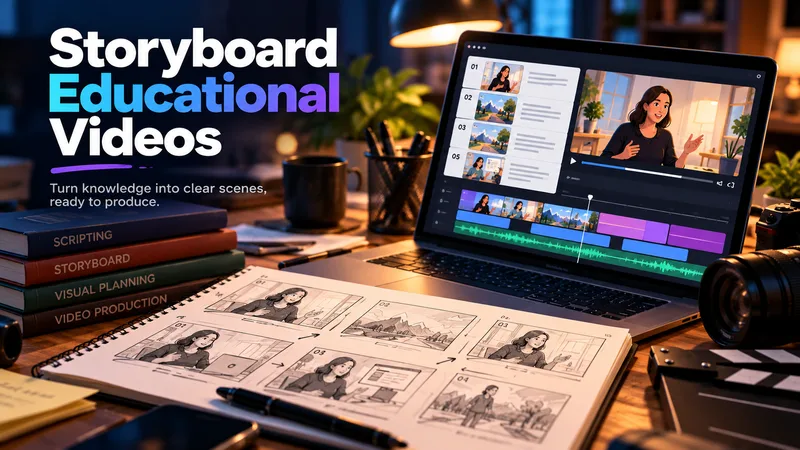 Video
Storyboard Educational Videos
Hand it a document — a training guide, an SOP, a product brief, a course chapter — and get back a shooting plan you can film today: numbered scenes, one idea each, each with a clear visual direction, an English image prompt, spoken narration that fits the clock, and subtitles that match the voiceover word for word. Most documents are written to be read, not performed: the narration rambles, the visuals repeat the text, the subtitles drift out of sync. This Skill rebuilds the material for the screen — 3–6 observable learning objectives, a hook → orientation → teaching beats → recap → CTA arc, and a fixed time budget of 2.2 words per second per scene, so nothing gets cut later in the edit. Every plan ships with an overview, one visual style guide reused across all scenes, a scene index with exact timings, a per-scene breakdown (purpose, framing, on-screen text, English image prompt, voiceover, subtitle cues, audio), production notes and an explicit list of assumptions and content risks. How to ask for it — four shapes that work best: • Just the file: "Turn this into an educational video plan." Audience and runtime are inferred and stated as assumptions. • File + runtime + audience: "A 4-minute onboarding video for new support hires; screen recordings only, no on-camera presenter." • File + format: "A 60-second vertical 9:16 plan for LinkedIn, high tempo, one-line subtitles." • Thin or messy source: "These notes are scattered bullets — still build a 3-minute plan, mark the gaps TODO: and list your assumptions." Output language follows your message: ask in Turkish, Spanish or Japanese and the whole plan comes back in that language. Only the image prompts stay in English, ready for any image model. Built for L&D teams, course creators, product marketers and anyone handed a twelve-page PDF and told "make it a video".
 Slides
Presentation Architect PRO
Presentation Architect PRO turns any idea, document, business problem, research topic, or dataset into a complete, research-grounded presentation. It analyzes the objective, audience, and language; writes a short brief and states its assumptions; verifies material claims against trustworthy sources and cites them; selects the most suitable narrative framework (executive strategy, investor pitch, scientific research, sales, or educational); designs the deck slide by slide with an insight-driven headline, one key message, concise content, a recommended visual, design direction, speaker notes, and evidence; applies a premium visual system with an audience-appropriate theme; handles data visualization honestly; and self-audits across ten quality dimensions. The finished, editable deck is generated natively in YouMind. Supports operating modes such as /pitch, /executive, /research, /finance, /teach, /sales, /redesign, /document, /compare, and /keynote.
 Research
Tech Made Learnable
Technical documents are often hard to learn not because you lack ability, but because the language, terminology, and hidden assumptions make it difficult to build a clear mental model. Tech Made Learnable turns a complex document into a complete beginner-friendly learning path. First, it creates a structured Technical Reference Guide that protects the original meaning, important distinctions, rules, exceptions, and uncertainty. Then it creates a simplified, story-led Learning Guide that explains the topic step by step, using realistic scenarios, concrete examples, and visual thinking where they genuinely help. Next, it prepares copy-ready NotebookLM prompts for an explanatory audio dialogue and a visual learning video. The goal is to help you read, hear, see, and mentally picture how the topic works. Assessment comes last. After you finish learning, simply say you are ready for review. The Skill then creates a final quiz with clear answer explanations and directs you back to the exact concepts that need reinforcement. Best for technical manuals, standards, procedures, complex articles, professional training materials, software documentation, engineering topics, quality systems, and any subject that feels difficult because it was written for experts.
Information
- Version
- v2
- Last updated
- Runtime credits
- Usage-based
- Models
- Auto
