Elite UI Design Studio
High-craft UI design, design systems, and reviews
Elite UI Design Studio
High-craft UI design, design systems, and reviews
Showcase
Description
An elite UI design specialist for web, mobile, and desktop. It reviews and improves existing interfaces, builds executable UI code, produces compact design systems and specs, and generates visual concept mockups, all at a high level of craft, usability, and accessibility. Every output is designed to be distinctive rather than generic, with strong hierarchy, a coherent visual system, responsive layouts, and full state coverage. It enforces a strict token-economy discipline: it delivers the artifact directly with no preamble, no restating, and no filler. Output language follows the user's language.
Related Skills
View all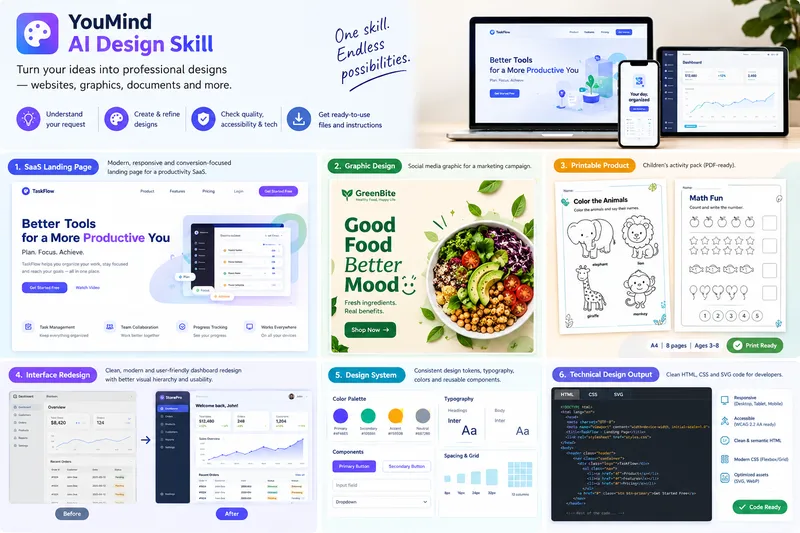 Webpage
Design-to-Deliverable AI Studio
Turn rough ideas, content outlines, or interface screenshots into polished, implementation-ready design deliverables through a structured 8-phase workflow. ### Who It's For Founders, product managers, marketers, educators, creators, and developers who need accessible visual designs and clean front-end code without trial-and-error prompting. ### What to Provide - Your design goal and audience (SaaS landing page, dashboard, mobile UI, printable worksheet, social graphic, poster, or brand kit). - Any required copy, dimensions, brand colors, or reference screenshots (if omitted, the skill applies sensible defaults and discloses them). ### How It Works 1. **Brief & Strategy**: Extracts your objective and constraints, flags conflicting specs early, and selects a tailored strategy (Conversion, Task-Efficiency, Readability/Print, or Accessibility-First). 2. **Visual System**: Locks in a semantic color palette (with WCAG 2.2 AA contrast math), modular typography scale, and 4px/8px grid. 3. **Production & Smart Fallbacks**: Generates semantic HTML5/CSS3, scalable SVG vectors, print-ready worksheets (`@page` / `@media print`), and W3C design tokens—plus 3 standalone image prompts (Strict Hierarchical, Creative Aesthetic, Hybrid) when raster image tools aren't active. 4. **Honest 4-State QA**: Audits contrast, labels, links, and print geometry, tagging every check as `VERIFIED`, `NOT VERIFIED`, `FAILED`, or `NOT APPLICABLE`. ### What You Get - Concise Design Brief & Visual System Token Table - Implementation-ready HTML/CSS/SVG files or printable layouts - 4-State QA Report with editing and export instructions ### Boundaries Outputs open formats (`.html`, `.css`, `.svg`, `.pdf`, `design-tokens.json`) that import into Figma/Illustrator rather than closed binaries (`.fig`, `.psd`). Commercial CMYK press proofs and legal trademark checks require human review.
SwiftUI Expert Companion
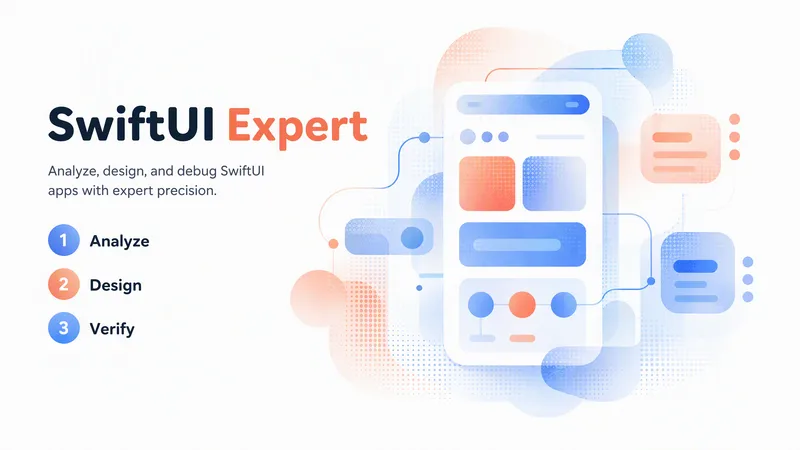
An elite engineering companion for SwiftUI developers. It covers the full range of day-to-day SwiftUI work: analyzing and debugging issues, making architectural decisions, designing view composition and state management, building new features, reviewing and optimizing existing code, and applying modern SwiftUI best practices (Swift 6 concurrency, the Observation framework, NavigationStack), performance, accessibility, and Apple Human Interface Guidelines. It adapts its depth to the task: a concise fix for small problems, and a full engineering report (diagnosis, architectural rationale, code, trade-offs, self-check) for complex ones. It always aims to return compiling, up-to-date, production-ready SwiftUI code, and responds in the user's language.
App UI/UX Fix — Images to Developer
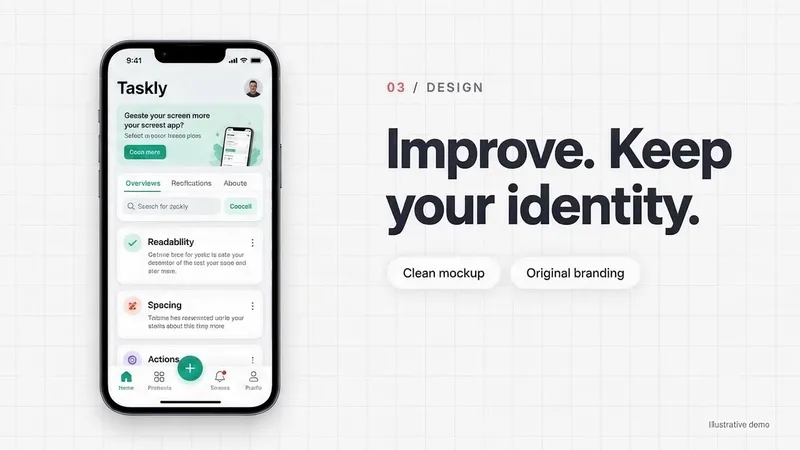
Turn existing Android and iOS app screenshots into clear UI/UX improvements your developer can implement. For each change, receive: • A clean mockup showing the proposed result. • A matching annotated image with numbered arrows. • A copyable implementation prompt explaining what to change, what to preserve, how interactions should work, and how to verify the result. Designed for app owners, developers, and designers working with human programmers or AI coding assistants. Preserves your application's identity by default and focuses on the problems you want to solve. Considers small and large screens, text scaling, accessibility, and multilingual RTL/LTR layouts. English is the default language. The skill responds in the user's language when identifiable and preserves the application's interface language unless translation is requested. Requires image understanding, image generation, and reference-image editing capabilities for visual deliverables. Produces design proposals and developer instructions—not a compiled, implemented, or tested application.
Information
- Version
- v3
- Last updated
- Runtime credits
- Usage-based
- Models
- Auto
