Focus Wallpaper Studio
Turn notes, workflows, formulas, checklists into wallpapers
Focus Wallpaper Studio
Turn notes, workflows, formulas, checklists into wallpapers
Showcase
Description
Focus Wallpaper Studio transforms important information into visually compelling mobile and desktop wallpapers designed for repeated daily viewing. Use it for study notes, formulas, schedules, checklists, workflows, decision frameworks, personal systems, and other information you want to keep constantly visible. The skill can work with text, tables, screenshots, diagrams, and visual references. It analyzes each input separately to understand whether it is a content source, design reference, layout reference, or structured information such as a schedule or table. Before writing prompts, it asks for any missing choices such as visual direction, content density, safe areas, and device preferences. If no design reference is provided, you can choose a visual direction or let the skill create the most suitable artistic concept. It then prepares separate mobile and desktop wallpaper strategies with two prompt options for each device. Prompts are shown first, and image generation only starts after you select which version you want. After generation, the skill checks both information accuracy and wallpaper quality, including text fidelity, missing content, readability, safe areas, visual balance, and overall design impact.
Related Skills
View all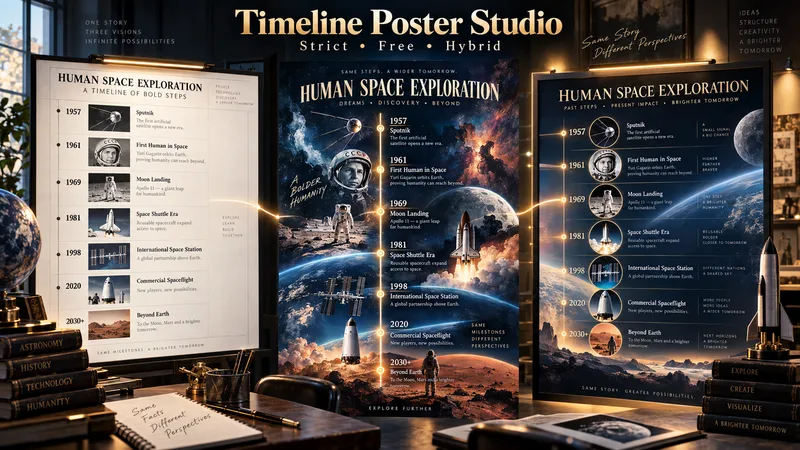 Image
Timeline Poster Studio
Timeline Poster Studio transforms history, biography, technology, science, art, cultural change, product evolution, and other time-based subjects into informative and visually distinctive timeline posters. The skill first defines the topic, scope, audience, and time range, then performs focused research only to the level needed for the poster. It curates the most meaningful events, identifies turning points and natural eras, distinguishes exact, approximate, and duration-based events, and detects parallel storylines or geographic movement when relevant. It then builds an adaptive poster structure instead of forcing every topic into the same template or fixed aspect ratio. Depending on the content, the poster may use vertical, tall vertical, horizontal, or wide layouts. Visuals are selected according to their role: narrative scenes can blend naturally into the composition, while artworks, products, objects, documents, maps, and other reference visuals remain clearly organized and controlled. The design system protects chronology, readability, and factual structure while giving the visual AI creative freedom in color, typography, panel design, framing, decoration, background treatment, and overall art direction. For the same verified content, the skill produces three complete standalone poster prompts: Strict Hierarchical Design — optimized for educational clarity and structured reading. Free / Expressive Design — gives the visual AI greater freedom to create a bold and distinctive poster identity. Hybrid Design — balances clear information design with creative visual character. The prompts are designed to work across different image-generation tools, allowing the user to review, modify, or choose a design direction before generating the final poster.
 Image
Tattoo Flash Studio
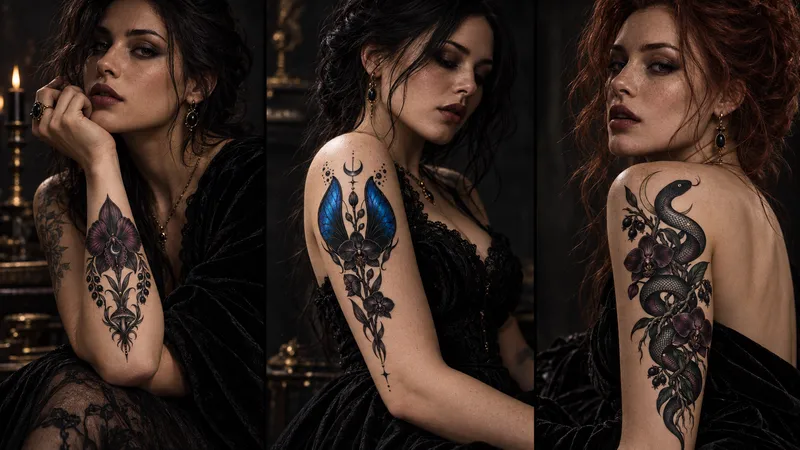
Tattoo Flash Studio helps you shape original, print-ready tattoo concepts through a guided creative process. It explains style and design choices in clear language, so both clients and tattoo artists can use it comfortably. Start with a subject, mood, placement or collection idea. The skill asks focused questions about visual direction, line density, scale, composition, colour, body placement and intended use. When a cultural tradition or established art movement is requested, it first researches the visual context and respectful boundaries before translating it into an original tattoo direction. You receive polished tattoo-flash prompts, optional variations, practical artist handoff notes, printable design guidance and vector-preparation notes. It can also create professional image-to-image mockup prompts that preserve the approved design accurately on skin. Images are never generated automatically. First, review the written design prompt. Then choose whether to create the flat flash design or a realistic placement mockup here or on another image platform.
 Image
Motivational Quote Poster Studio
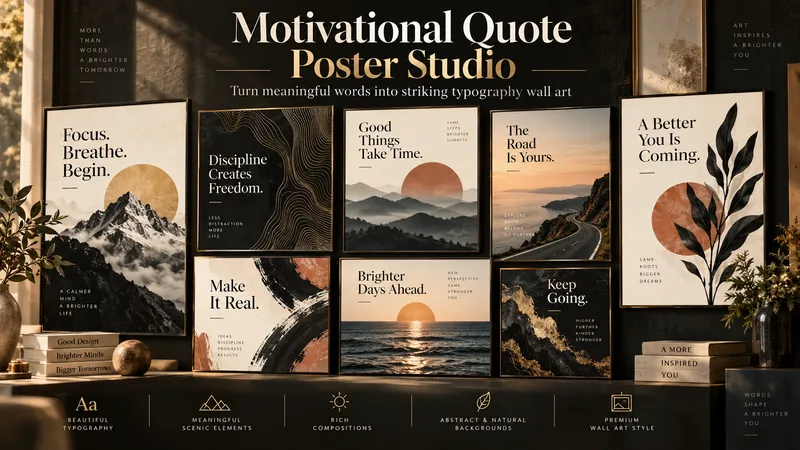
Turn a motivational idea, quote, or feeling into visually striking typography wall art designed for real interior spaces. Motivational Quote Poster Studio combines quote discovery, typography, composition, symbolic imagery, and artistic direction to create posters that feel like genuine design-store wall art — not generic social media quote graphics. Start with your own quote or simply describe a theme such as focus, courage, growth, peace, discipline, freedom, or creativity. If you do not have the right words yet, the Skill generates a curated collection of poster-ready quotes and multi-quote combinations for you to choose from. Once the message is selected, the Skill analyzes its meaning and translates key ideas into visual language. A quote about mountains can inspire summit forms or topographic lines. A message about the sea can influence flowing shapes, horizons, or atmospheric imagery. Themes such as light, growth, movement, and freedom can become part of the composition itself. The Skill automatically develops: - Typography hierarchy and text composition - Meaning-driven visual motifs - Color and background direction - Artistic and editorial poster layouts - Abstract, illustrative, scenic, or hybrid backgrounds - Rich visual compositions for decorative wall art - Three distinct final creative directions Final concepts range from refined and premium to rich artistic and bold statement designs. The default output is a flat poster artwork — not a framed room mockup — so the focus stays on the actual design. Whether you want a calm office print, dramatic statement poster, artistic bedroom piece, or commercially appealing wall-art concept, the Skill turns words into a complete visual experience.
Information
- Version
- v8
- Last updated
- Runtime credits
- Usage-based
- Models
- Auto
