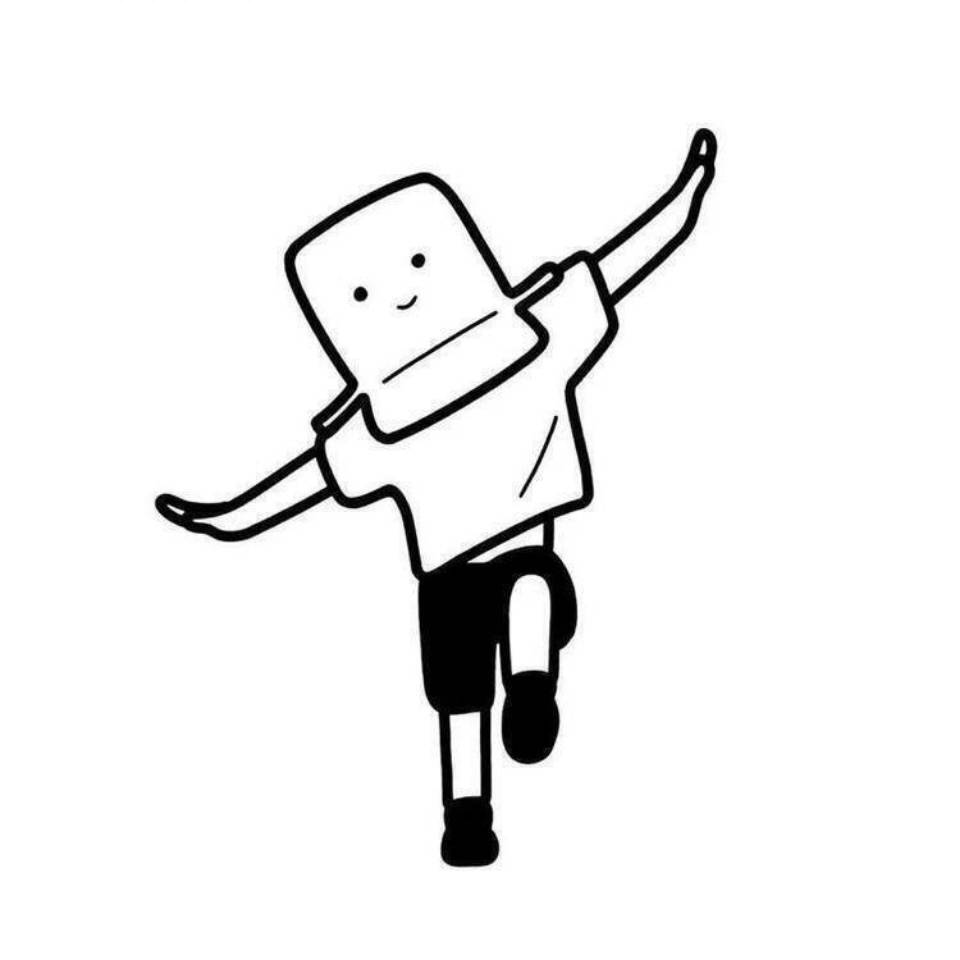
Handwriting to Neon Sign
Turn handwritten text into neon sign mockups
Handwriting to Neon Sign
Turn handwritten text into neon sign mockups
Showcase
Description
Turn handwritten text directly into neon sign mockups. Handwriting to Neon Sign lets you upload handwritten text or simply provide the words you want, define the font style, and transform them into neon tubes. It ensures continuous strokes at connections, rearranges stroke thickness for neon logic, and includes wall-mounted previews and color schemes. Perfect for shop signs, room decor, and creative gifts. Strict rules: the text content must match what you provide, changing only the presentation format; tubing routes must follow real neon craftsmanship; and it does not involve real brand signboards.
Recommended by
Dancang
Why we love this skill
Transforms handwriting into practical neon tubing paths, balancing character recognition, bending craftsmanship, and realistic glow effects. It provides main wall-mounting scene images and color alternatives, along with fabrication suggestions for tubing, spacing, and power supplies, making it ready for direct communication with manufacturers.
Best for
Great for turning handwritten text into mockups for shop decor, room styling, or creative gifts.
How to use this Skill
Provide your input
Upload a handwritten text image or provide the text directly, along with your preferred font style, background, and color choices.
Run the Skill
Redesigns the text into neon tubing layouts that follow real neon craftsmanship while keeping the characters clear without replicating real signs.
Review your result
Receive a neon sign mockup featuring mounting scenarios, alternative color schemes, font style notes, and production parameter suggestions.
Related Skills
View all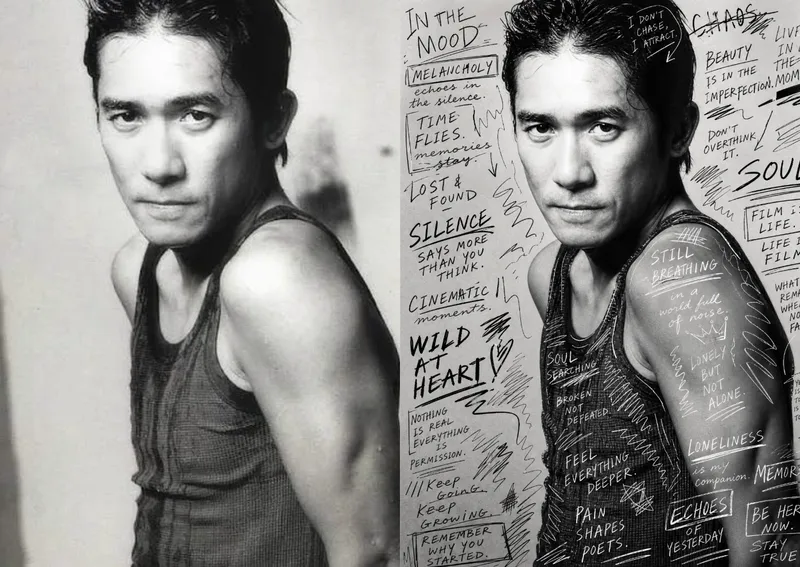 Image
ImageHand-Drawn Photo Posters
Turn an ordinary photo into a vertical art poster with an authentic hand-drawn feel. Upload a photo and describe the lettering, doodles, or theme you want to add. You’ll get handwritten copy, free-flowing lines, and stylized icons drawn directly onto the original image, preserving the photo’s subject and atmosphere while adding a natural, spontaneous creative touch. Based on the photo’s composition, subject, and overall mood, it plans a suitable 3:4 portrait layout, balances the original image with areas of negative space, and designs hand-drawn elements and lettering styles to match each placement. The results emphasize authentic physical pen strokes: lines have natural curves and texture, avoiding printed fonts, computer-generated text effects, and a digital painting look. Handwritten content defaults to English but can be changed to Chinese as needed. Along with the finished image, you’ll receive a complete, reproducible image-generation prompt and a brief creative explanation—ideal for social media visuals, personal photo posters, travel keepsakes, and artistic photos with a handcrafted feel.
 Image
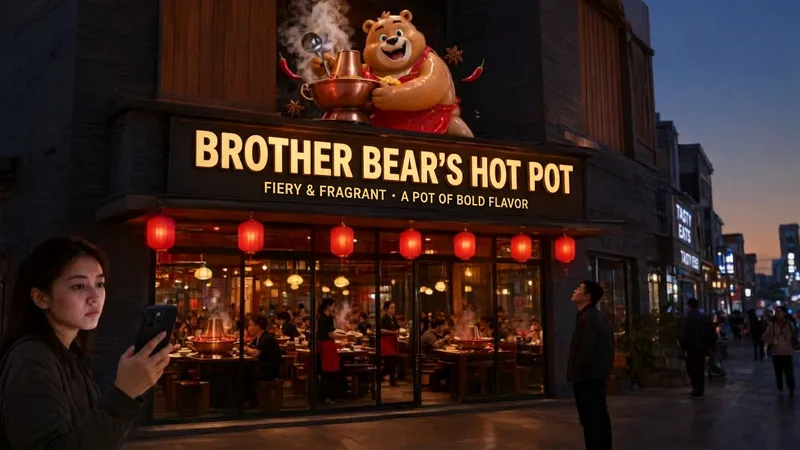
ImageStorefront Sign AI Wordsmith
A professional prompt generator for commercial storefront signs, designed for aspiring business owners and designers. Provide your store category and name, then optionally add a style, slogan, or IP elements. It automatically creates standardized English image-generation prompts compatible with leading AI image models such as Qwen Image, GPT Image, and Nano Banana. Core capabilities ・Automatically lays out a three-layer storefront structure: primary sign text, 3D sculptural IP elements, and storefront materials and surroundings ・Optimizes Chinese sign text rendering to greatly reduce AI typos and distorted lettering ・Recommends an image model based on your needs ・Uses a 16:9 landscape composition by default, suitable for realistic storefront photos and trendy, social-media-ready store concepts ・Supports custom styles, including night-market stalls, neighborhood shops, trendy cafés, hot pot restaurants, and tea drink shops Best for: brick-and-mortar entrepreneurs, advertising and storefront sign designers, and AI art enthusiasts who want to quickly generate storefront concepts for previewing designs before opening and comparing sign proposals.
 Image
ImageReal-Person Doodle Portrait
Blend your real-person photo into a room or scene drawn with bold hand-drawn lines, creating a creative portrait that places a real person alongside a doodle environment. The person retains realistic photographic texture, facial features, clothing, and lighting, while the environment uses monochrome marker sketches to outline furniture, walls, and spatial contours. The result creates a striking visual effect of a “real person floating in a line-art world,” making it suitable for profile pictures, social cards, and stylized portrait artwork. You can upload a headshot, half-body photo, or full-body photo, then describe the living room, bedroom, study, café, studio, balcony, or other scene you want, along with the person’s clothing, pose, and expression. If you only have a headshot, the image can complete the body and place it in the specified space. If the original photo already includes a real environment, you can also keep the person unchanged while converting the background furniture, floor, walls, or street scene into a simple doodle line drawing, while maintaining the original composition. Deep ocean blue, burgundy, charcoal black, and other line-art colors are supported, with suitable aspect ratios matched to indoor portraits, open outdoor scenes, sports, or spacious environments. The setting will not be filled with excessive detail. Instead, it selects a few key objects and preserves negative space, making the contrast between the real person and the hand-drawn room clearer and more thoughtfully designed.
Information
- Version
- v2
- Last updated
- Runtime credits
- Usage-based
- Models
- Auto
- Use cases
- Images & designLifestyle & entertainment
- What you get
- ImagePlan
