Health Science Display Board
Provide a topic, get a wall-ready display board
Health Science Display Board
Provide a topic, get a wall-ready display board
Showcase
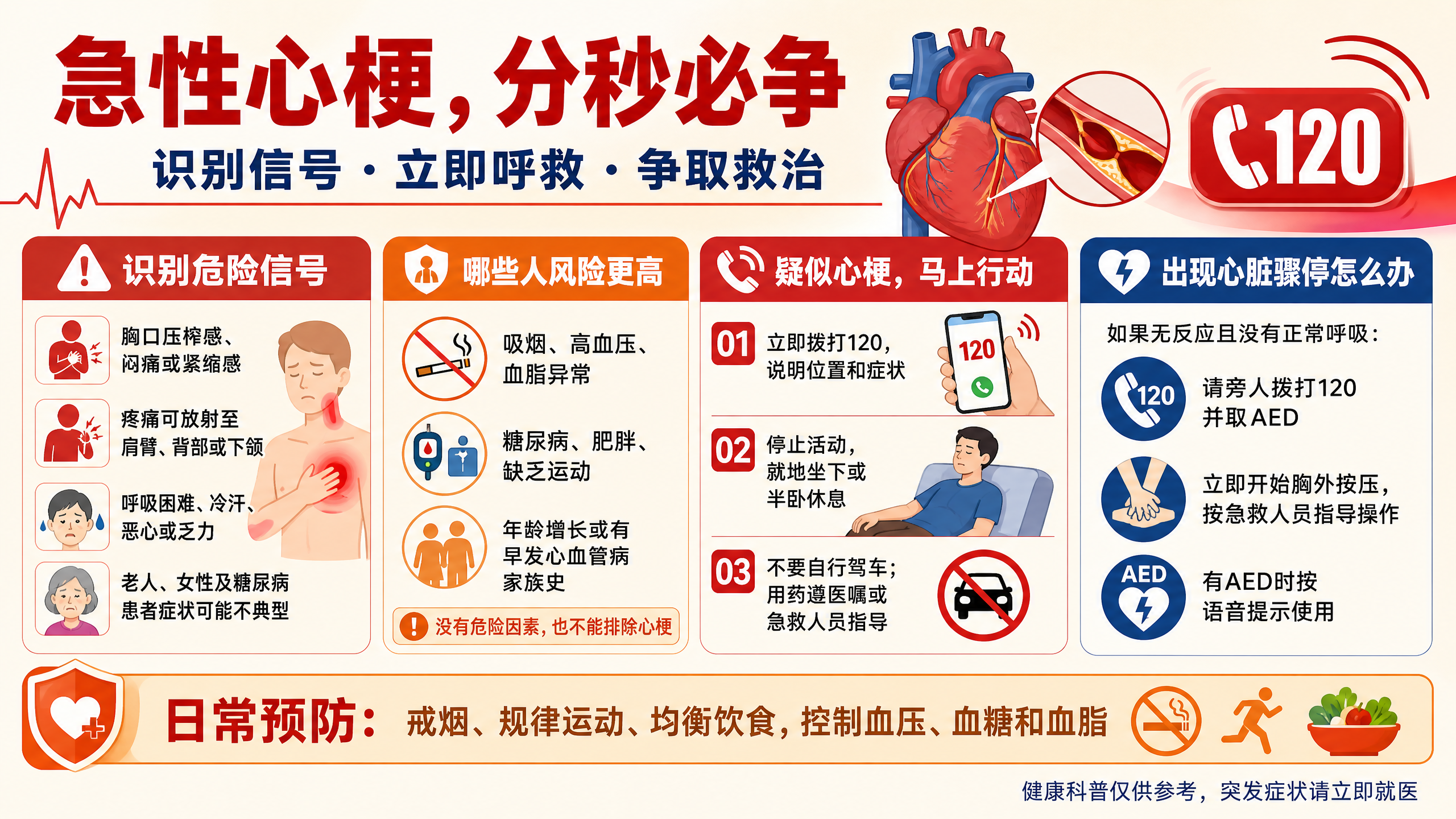
心梗与疫苗科普海报
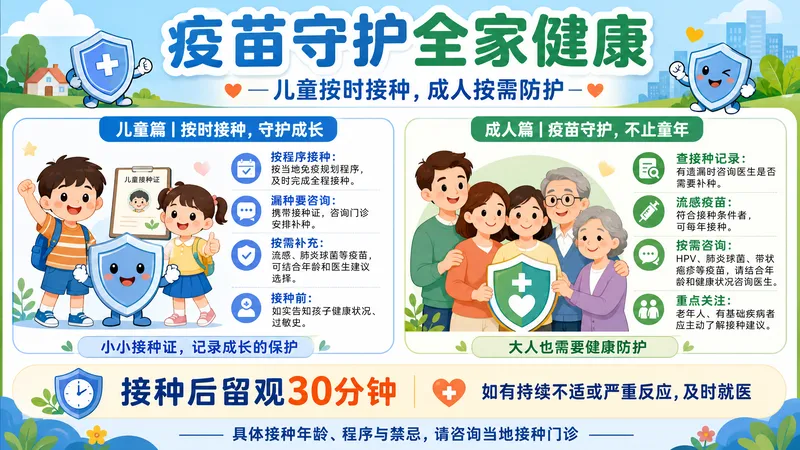
疫苗守护全家健康科普海报
心梗与疫苗科普海报
疫苗守护全家健康科普海报
Description
Turn any health science topic into a wall-ready, print-ready display board. It automatically sets the tone based on content properties: medical blue-green for chronic diseases and daily prevention to project professional calm, and warning orange-red for emergency and high-risk topics to create urgency. It then splits the content into four sections: disease overview, high-risk groups and key indicators, prevention and self-rescue steps 01 02 03, and misconception warnings. Next, it provides both Chinese and English image generation prompts (the Chinese version for models that render Chinese characters for main titles, and the English version for models suited to vector anatomical illustrations and complex grids). Finally, it includes text anti-garbling handling methods (inpaint redraw or export to Canva or Gaoding to re-typeset with sans-serif fonts) and compliance checks to avoid non-compliant claims like 'cure' or '100% effective', while retaining 'For reference only' and AI notices.
Recommended by
Dancang
Why we love this skill
Directly transforms a health topic into a horizontal science exhibition board plan, balancing multi-column copy, visual color schemes, model adaptation, and bilingual image generation prompts. It excels at the modular presentation of medical information while completing printing implementation, text anti-corruption, and content compliance details.
Best for
Ideal for health educators, community outreach teams, and science content creators producing printable public health display boards.
How to use this Skill
Provide your input
Provide a public health or health science topic, such as disease prevention, first aid, or daily health management.
Run the Skill
Organizes the topic into modular display board content, matches it with appropriate visual directions, and generates Chinese and English prompts for image generation tools.
Review your result
Receive a display board title, sectioned science copywriting, visual design suggestions, bilingual image generation prompts, and text layout and content compliance advice.
Related Skills
View all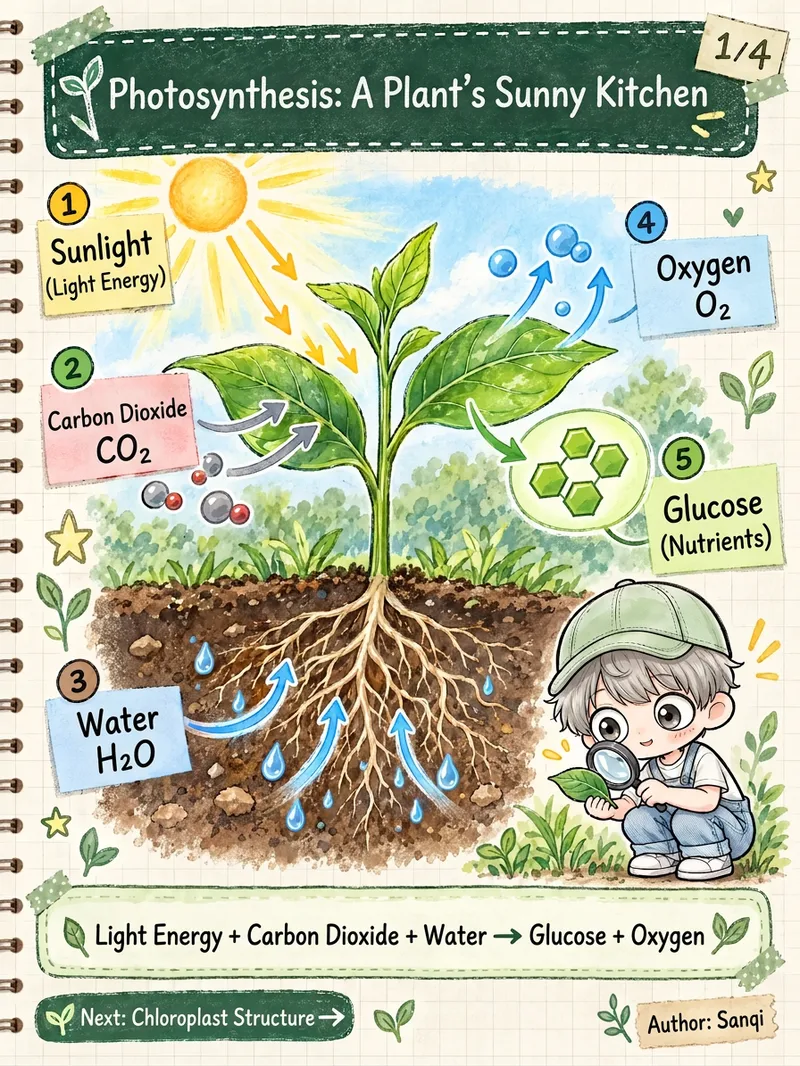 Image
Science Illustration Series
This skill takes a single topic and delivers a complete set of ready-to-publish science infographics rather than isolated single images. What it can do: - Automated series planning: Overview -> Structure -> Principle -> Connections and Summary. Each image covers one clear point, complete with page numbers, unified color palettes, and "Next" previews. - Fact-checking before drawing: Organizes a fact checklist first, verifying process order, arrow directions, and spatial orientation. Uncertain numbers are omitted or marked as "approximate" rather than guessed. - Multilingual localization: Supports Simplified Chinese, Traditional Chinese, Japanese, Korean, English, Spanish, French, German, Portuguese, and more. It rewrites content naturally for local audiences rather than direct translation, adapting terminology, punctuation, and grade-level labels. - Unified style: Cream-colored notebook paper, dark green chalkboard headers, washi tape, sticky notes, hand-drawn annotations, and realistic scientific illustrations. Pastel and dark chalkboard variants are also available. - IP-free by default: Keeps visuals clean. To add a mascot, simply upload a character image or text description to keep the character consistent across the entire set. - Aspect ratios: Default is 3:4, with support for 9:16, 4:5, 1:1, and 16:9. - Model matching: Defaults to top-tier image quality settings, switchable for strong consistency, pure Chinese output, or fast drafts. - Exportable prompts: Complete prompts for each image can be copied directly for use in other tools. Best for: - Science graphic creators on platforms like Instagram, TikTok, and Xiaohongshu - Teachers and educational institutions making slide decks, review cards, and knowledge posters - Global creators managing multilingual accounts - Content teams looking to batch-produce science series Suitable topics: - Human body and health (circulation, digestion, immunity, sleep), biology and nature, physics and chemistry, earth and universe, history and culture, tech and AI basics. Notes: - Health content is for educational purposes only and does not constitute medical advice, diagnosis, or dosage instructions; local-language disclaimers will appear on the graphics. - AI image generators may occasionally make errors with small text, so the skill checks images one by one with automatic retries. A final review before publishing is recommended. - Generates 3-4 images at a time; additional content can be created as a second series.
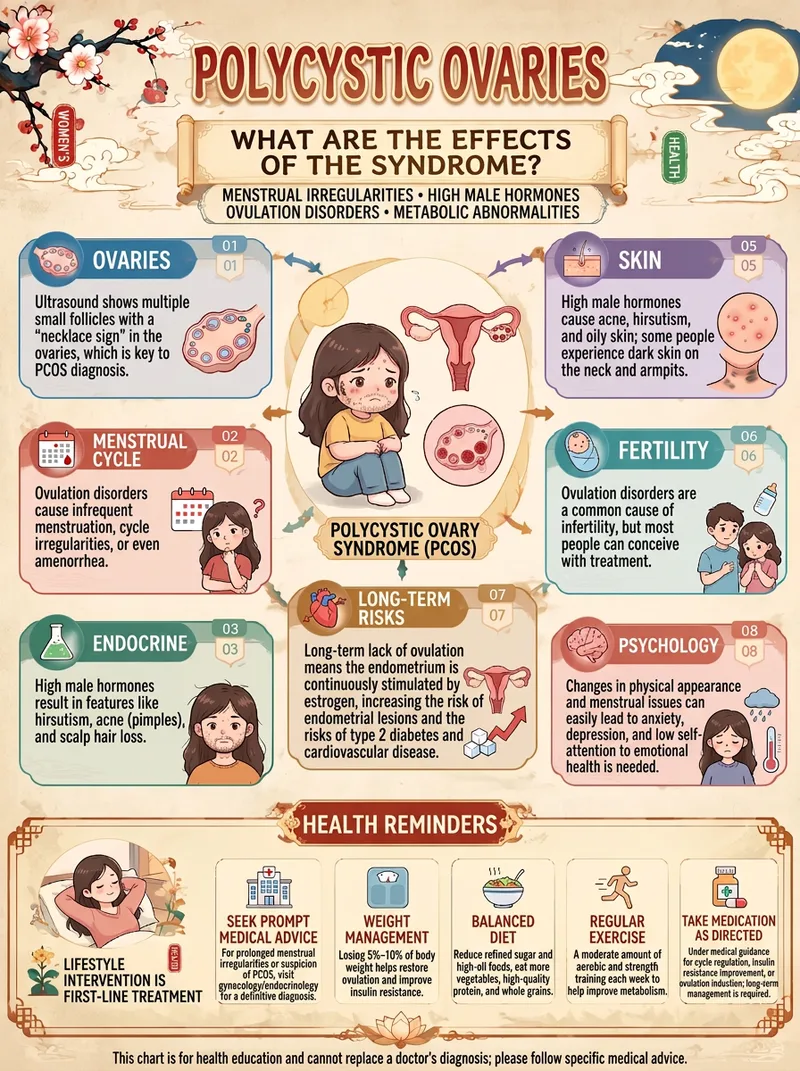
One-Click Health Infographic
Enter just one topic to transform complex health knowledge into an elegant Chinese-style educational infographic. You can use it to create: • Guides to the five internal organs, other body organs, and their physiological functions • Explainers on bodily changes caused by staying up late, insomnia, fatigue, and more • Guides to hydration, diet, nutrition, and healthy lifestyle habits • Everyday health knowledge about exercise, prolonged sitting, and weight management • Visual explainers on seasonal wellness, traditional Chinese medicine theories, and health culture Default: a distinctive modern Chinese visual style Rice-paper-inspired off-white backgrounds, traditional Chinese plaques, auspicious clouds, plum blossoms, seals, refined borders, cartoon organ illustrations, and modular knowledge cards create cohesive, polished visuals with a strong series identity. More than just attractive—the focus is also on knowledge quality It prioritizes the most representative knowledge from each topic and avoids piling on irrelevant information. Modern medical evidence is distinguished from traditional Chinese medicine theories, and health claims are not invented just to fill the layout. Flexible for different creative needs The default format is a 3:4 portrait layout. You can also specify 9:16, 4:5, 1:1, or 16:9, making it suitable for health education accounts, social media posts, short-video visuals, and series content. How to use it: Enter a topic → Extract key knowledge → Design the layout → Generate the image. No need to design from scratch—give every health topic its own visual guide. Note: Generated content is for health education and does not replace professional medical diagnosis or treatment advice. Medical content and text in images should still be verified before publication.
 Image
Viral Health Theory Slides
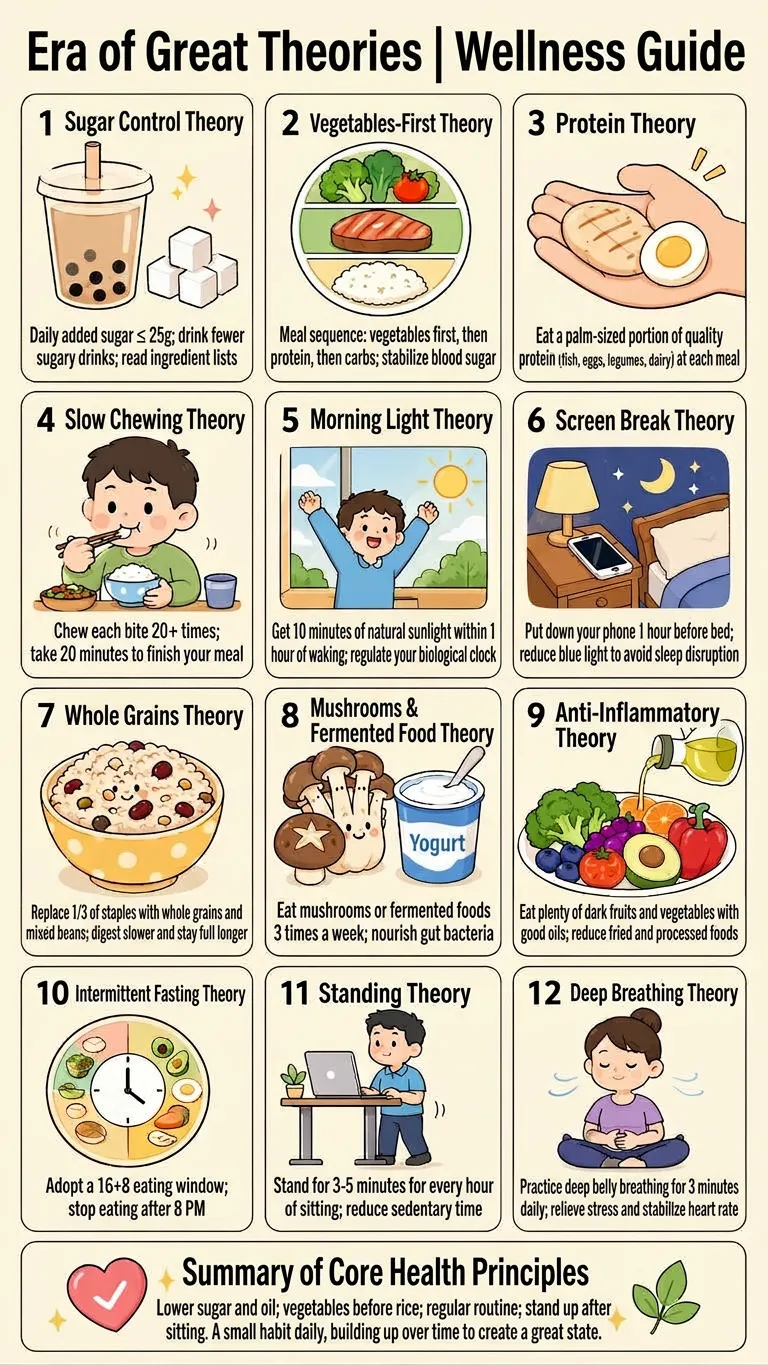
Just say “generate an image” to get a vertical health infographic suited for Xiaohongshu and Douyin. You can also specify the number of images and topics such as fat loss, sleep routines, diet, or office-worker health. Content is planned around current health and wellness trends to help you consistently create memorable, easy-to-understand “XX theory”-style educational content. Each image includes 12 distinct health theories covering everyday areas such as food, hydration, sleep, exercise, sun exposure, and bowel movements. Each point comes with a concise, positive, actionable suggestion that includes a number or frequency, along with a matching cute flat cartoon illustration. The content avoids medical diagnoses, claims of effectiveness, and absolute statements, making it better suited for sharing everyday health knowledge. The finished images use a 9:16 vertical mobile infographic layout, with a light beige background, rounded cards with thin black borders, and bright, soft pastel cartoon illustrations. Each includes a prominent topic title, 12 core content panels, and a summary panel at the bottom. When you need multiple images, each one uses a different combination of theories, illustrations, and colors, making it convenient for daily health content, launching an account, and preparing posts in batches.
Information
- Version
- v2
- Last updated
- Runtime credits
- Usage-based
- Models
- Auto
- Use cases
- Writing & contentImages & designLearning & education
- What you get
- DocumentPrompt
