
Home Decor Proposal
Colors, materials, and purchases on one page
Home Decor Proposal
Colors, materials, and purchases on one page
Showcase
Description
Interior soft furnishing often goes wrong: individual pieces look great, but clash together because nobody manages the color ratios. Home Decor Proposal condenses a room into a single page featuring a 60-30-10 color bar, material board, three core furniture items, color temperature, and dimensions, making it easy for clients to understand at a glance and approve with confidence.
Best for
Ideal for homeowners and interior decorators who need to quickly determine home color schemes, materials, core furniture, and purchasing priorities.
How to use this Skill
Provide your input
Provide the space type, size and orientation, existing hard-finish colors, and desired atmosphere; you can also add budget and family details.
Run the Skill
Organizes color schemes, materials, core furniture, lighting, and dimensions based on spatial conditions to create a clear one-page decor proposal.
Review your result
Receive a one-page decor proposal, color code list, and a prioritized purchasing order table.
Related Skills
View all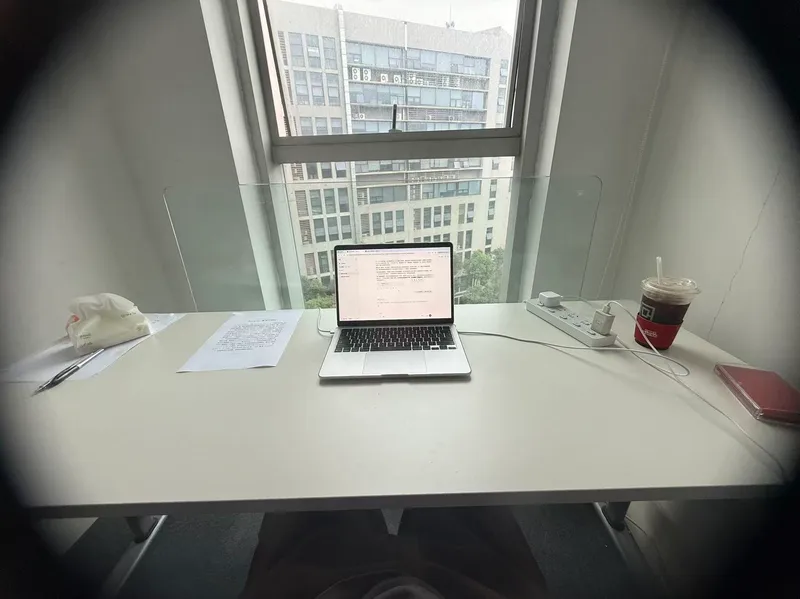 Image
Room Corner Makeover
Upload a real room corner photo along with its intended use and budget, and this Skill generates two finished effect renders: a full daytime version and a nighttime version. Using the same camera angle, table, and items, the only difference is light and time—the daytime version relies on window light, while the nighttime version depends on lamp lighting. A cost table is included showing what to buy, individual prices, budget savings, or cut priorities if over budget. No more than three new items are added, all with realistic reference prices. It keeps your existing items, leaves walls, floors, and window placements untouched, maintains the camera angle, and matches your original photo aspect ratio. It does not overwhelm you with ten options to choose from, avoid forcing you to run prompts in other tools, and avoids buzzwords. Who is it for, and who is it not for? It is suited for renters, office desk users, people with clear budgets, and those tired of stock photo websites who just want to know what to buy. It is not suited for whole-house renovations, construction drawings, or adding large furniture. It handles a single corner, not an entire house. Three Hard Rules Do not throw away your things. Unless you explicitly state which item can be discarded, every existing item in the image must be identifiable across both renders. Its default stance is rearrangement first, purchasing second. Do not change hard finishes. Wall colors, flooring, window placements, and corner shapes are locked. It provides soft furnishing solutions, not construction plans. Do not change the camera angle. Both renders share lens parameters and height, and horizontal or vertical framing follows your original photo without unauthorized cropping for aesthetics. How to Use 1. Take a picture. Stand in place and capture the corner lines and countertop edges together, making sure the floor and window are visible. Blurry, overexposed, or floor-only photos may be rejected because the corner scope cannot be determined. 2. Speak. Describe the use, budget, and drilling permissions in one sentence. Missing details are fine as the Skill infers them, but clarity helps. More specific supplementary info yields more precise results: a desk and a display stand with the same wall and light need completely different items. Receive your images. Two images and one table, that is all. 3. For deeper content—a ten-direction style matrix, five progressive schemes across five axes, nine image sets (including main image, original comparison, detail close-ups, flat lay list), nine inspection checklists, and three-lock parameter cards—just ask, and it will expand. It is hidden by default to save credits since most decisions do not require draft processes.
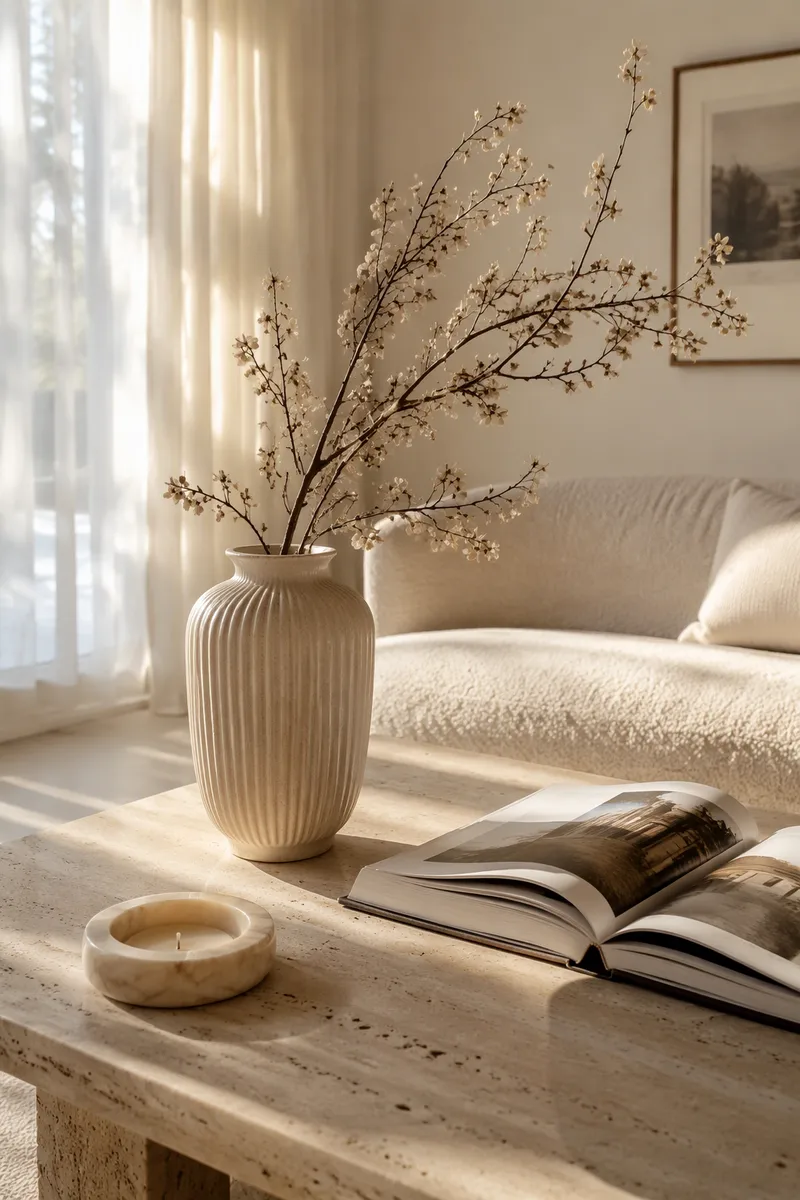
Home Decor Scene Generator
An AI-powered scene-styling tool built for home e-commerce brands, interior designers, product buyers, and lifestyle bloggers. Skip the time-consuming physical photo shoot: simply upload a white-background or snapshot product photo, and AI will place it into a high-end, magazine-style interior scene (such as a coffee table, sideboard, or nightstand) while faithfully preserving material details and proportions at a 1:1 scale. It also generates popular display formulas and matching decor recommendations in sync, significantly boosting visual appeal and product conversion rates!
 Image
5-Screen E-Commerce Detail Generator
Input the product category, specific item, core material, and brand primary color (or let it search online for selling points and ad slogans if not provided) to output a five-screen detail page image set: 01 Main KV establishes the tone and three verifiable selling points, 02 Lifestyle builds emotional appeal, 03 Material macro shots overcome quality doubts, 04 Craftsmanship cards clear lingering concerns, and 05 Close-ups deliver the final push to buy. Every screen includes copy and character budgets, maintaining a consistent key light direction, color temperature, and palette across all five. Suitable for any sellable goods: apparel and accessories, bags and leather goods, home textiles, footwear, food and beverages, beauty and personal care, 3C digital products, maternal and pet supplies, automotive accessories, and tools.
Information
- Version
- v2
- Last updated
- Runtime credits
- Usage-based
- Models
- Auto
- Use cases
- Images & designPresentations & reportingE-commerce & sales
- What you get
- DocumentSlidesData
