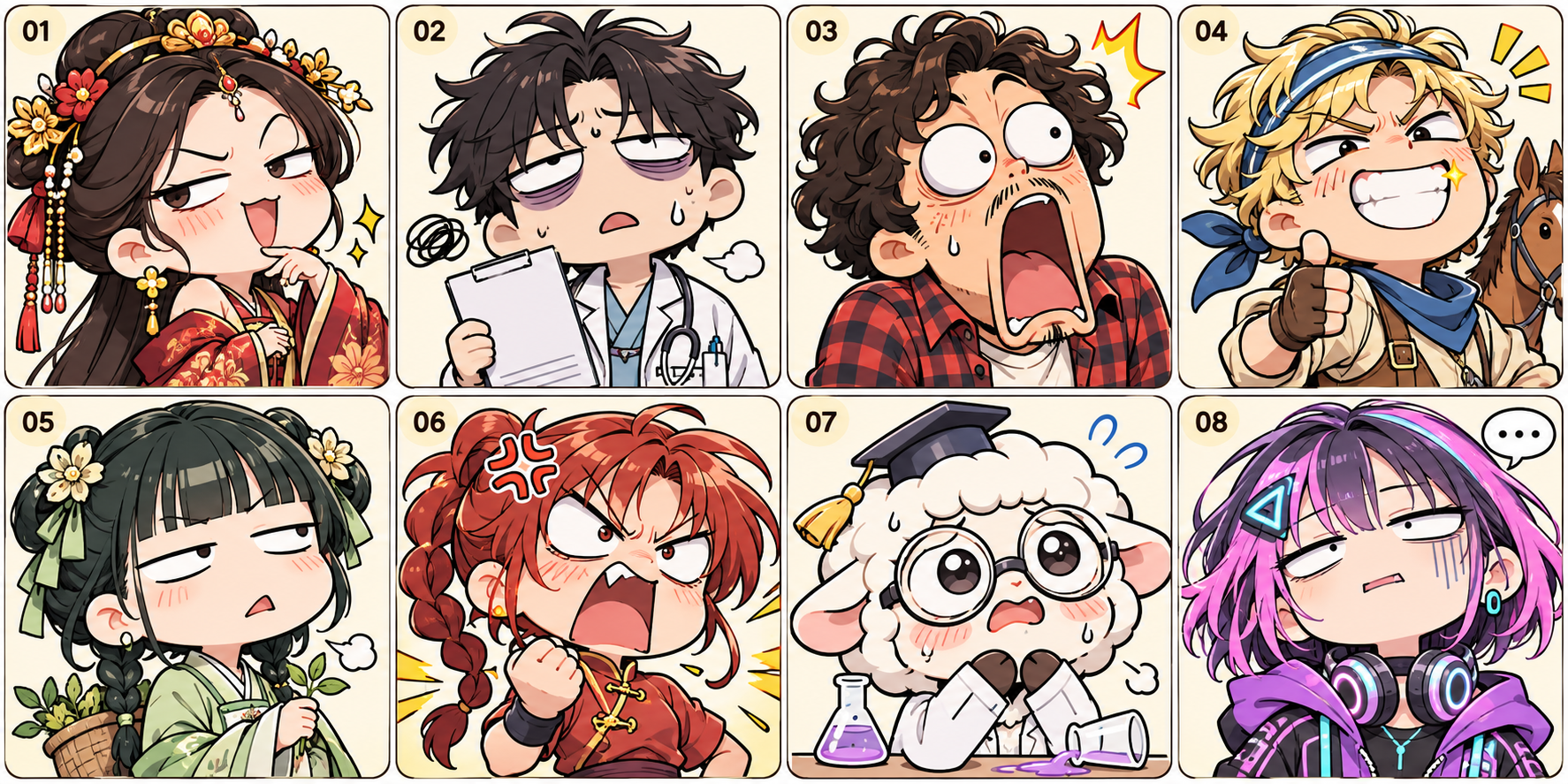
Image2.6 Animated Emoji Maker
Turn a character image into animated emojis
Showcase
Description
Upload a character image with usage and adaptation rights, plan emoji actions, generate an image set, and—when the runtime environment supports image generation and script execution—crop images, synthesize animated GIFs, and preview them. The model is chosen by you in YouMind; final formats and platform requirements should be verified in practice.
Recommended by
Dancang
Why we love this skill
Create a cohesive set of animated stickers from a single character image, covering common emotions and actions. It manages character consistency, storyboarding, slicing, GIF assembly, and quality checks without hallucinating results.
Best for
Ideal for content creators and individuals who want to turn character images into a cohesive set of animated emojis.
How to use this Skill
Provide your input
Upload a character image with usage and adaptation rights, and optionally specify the target platform, emoji count, actions, dimensions, and transparent background requirements.
Run the Skill
After selecting or planning the emoji actions, a style-consistent character image set is generated. When supported by the runtime environment, the images are cropped and synthesized into animated GIFs.
Review your result
Receive a set of character emojis, along with animated GIFs, previews, and packaged files generated when conditions permit.
Related Skills
View all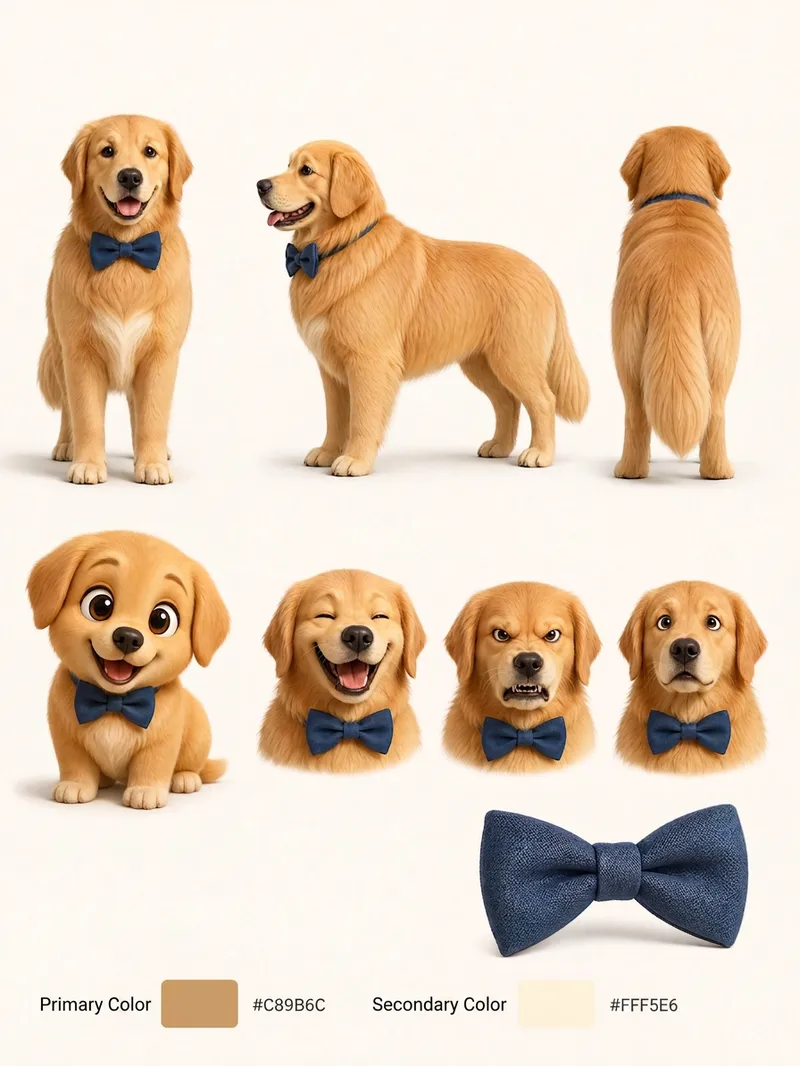 Image
Pet Cartoon Character Sheet
Turn an existing realistic depiction of your pet into a consistent, expandable cartoon character sheet. Use it as a stable visual reference for creating stickers, memes, comics, or animations. Before using this Skill, prepare a pet profile with realistic reference images, fur color, body type, distinctive features, accessories, and other details. The generated result will aim to preserve the character’s recognizability and maintain consistent details. The final result is a multi-view character sheet featuring front, side, and back views, a full-body chibi view, different emotional expressions, and signature accessories such as collars or tags. It also preserves the relationships between the primary and secondary colors. You can choose a 2D flat cartoon style, suitable for memes, stickers, and comics, or a 3D cartoon rendering style, suitable for animation, games, or 3D merchandise. If no style is specified, 2D is used by default. The generated cartoon character is also recorded in the pet profile, making it easier to maintain the same art style, fur colors, and accessory settings in future meme creation. This helps prevent character distortion or inconsistent styling from one creation to the next.
 Image
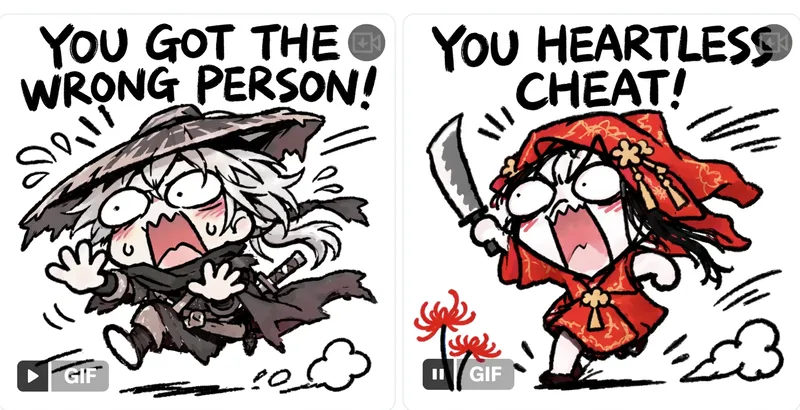
Trending WeChat GIF Stickers
Enter a meme or theme to design and lock in a character, with a static base image for your approval. Once confirmed, use GPT Image 2.6 native GIF output to generate 2 sample animations for review, followed by a complete set of 8 to 16 stylish, white-background square GIF stickers with trendy captions. Perfect for beginners with no prior experience.
 Image
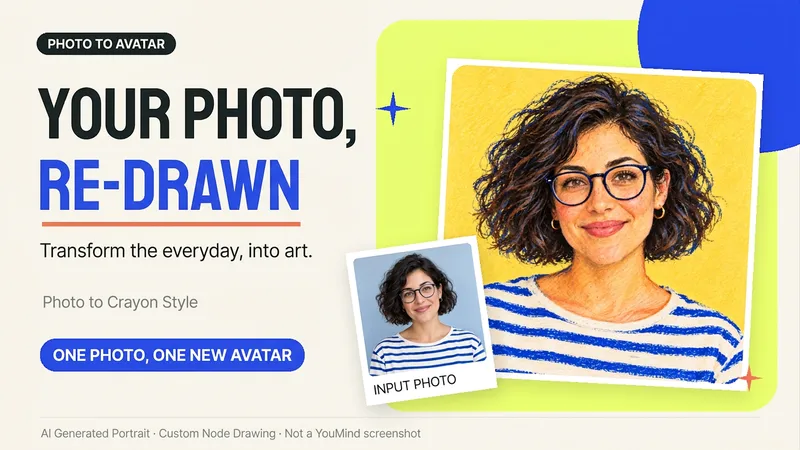
Photo to Hand-Drawn Avatar
Want a hand-drawn avatar while keeping your hairstyle, glasses, and distinctive expression? Upload a clear photo of one person, then choose a warm crayon or cool marker style to create a square avatar for WeChat, social accounts, and personal homepages. You can also start without choosing a style; warm crayon is used by default. You can get: ① One hand-drawn avatar: clean background, head-and-shoulders composition, and no text by default. ② Preserved features: focuses on the hairstyle, glasses, face shape, and noticeable accessories to reduce a generic look. ③ Avatar-friendly composition: designed for circular cropping and recognizability at small sizes; when supported by the tool, the thumbnail and circular preview are checked. ④ Targeted edits: when changing the background, expression, or accessories, the previously approved version is prioritized for continuity. Photo conversion is supported, as is creating fictional avatars from text descriptions. Delivery is one image by default; a full sticker pack is not generated automatically. The final image and edits depend on the image tools and usage limits available on the current platform, and exact consistency of personal features is not guaranteed. If an image cannot be generated, this will be stated clearly and a copyable conversion prompt will be provided; the prompt will not be presented as a finished avatar. Usage is calculated according to the platform's rules at the time.
Information
- Version
- v5
- Last updated
- Runtime credits
- Usage-based
- Models
- Auto
- Use cases
- Images & design
- What you get
- ImageVideo
