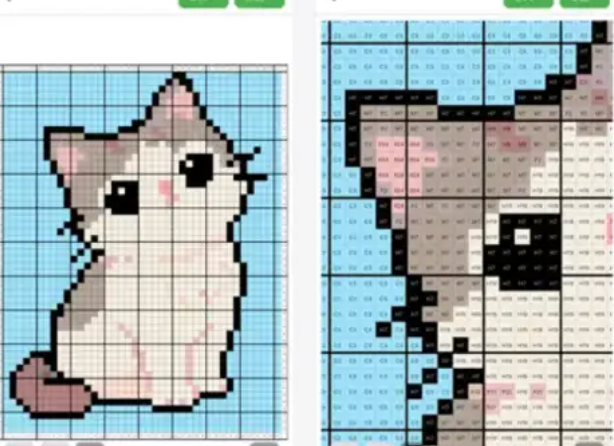
Image to Perler Bead Pattern
Image to Perler Bead Pattern
Showcase
Description
Upload an image, receive initial size, color system, and color count options, and after your confirmation, generate a perler bead pattern image featuring grids, color blocks, color codes, and row and column coordinates.
Best for
Great for turning avatars, illustrations, memes, or pet photos into follow-along perler bead patterns.
How to use this Skill
Provide your input
Upload an image and optionally specify the grid size, perler bead brand color system, maximum color count, and background handling.
Run the Skill
The tool first analyzes the image and suggests a crafting plan. Once you confirm or modify it, the perler bead pattern is generated.
Review your result
Receive a perler bead pattern image with grids, color fills, color codes, and row/column coordinates, along with a brief parameter summary.
Related Skills
View all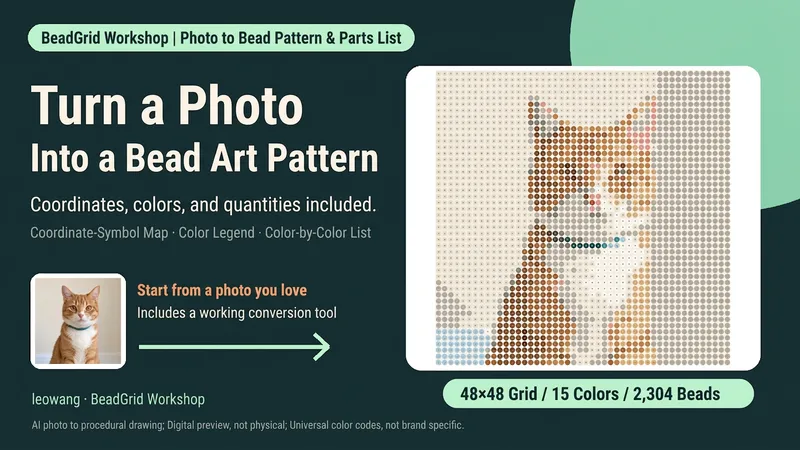
Photo to Bead Pattern
Want to turn a favorite photo into a bead design but unsure how many grid cells, colors, or beads you need? Upload a clear photo, set the crop, grid, and palette, and generate a bead pattern with row and column coordinates and symbols, a color legend, and a per-color bead list. You’ll also get pixel previews, a numbered-bead preview, row-by-row ranges, and a reproducible matrix. Suitable for bead-art beginners and craft enthusiasts. Includes a Python conversion tool, defaulting to 48×48 and up to 16 colors. Actual pattern generation requires a runnable Python and Pillow environment that can read the attached files; copying the instructions alone will not install the tools automatically. Without execution capabilities, it provides the parameters and a run plan, and clearly states that the pattern has not yet been generated. Default color numbers are general-purpose numeric identifiers, not physical color codes for a specific brand; backgrounds are not removed automatically. Opaque backgrounds are included in the quantity count. Physical assembly, color differences, and ironing have not been tested. Product design and workflow: leowang.
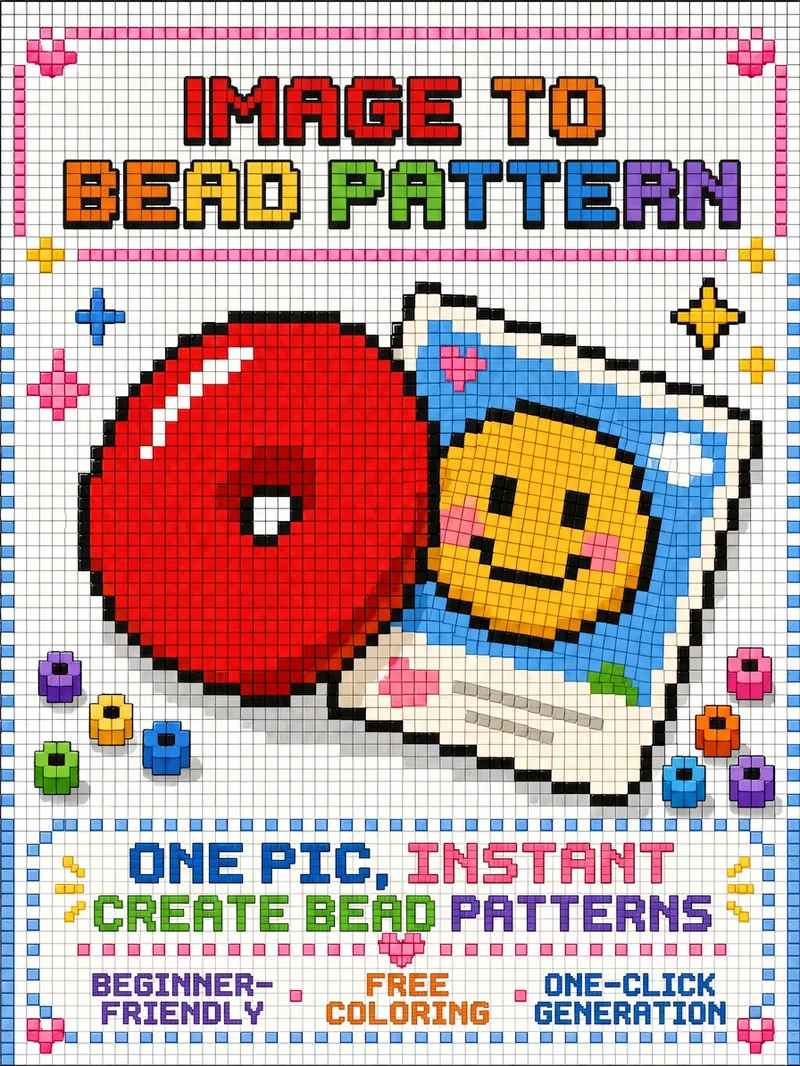
Turn Images into Bead Patterns
Upload any image to automatically analyze it and determine whether a beginner or advanced bead pattern is more suitable, with an explanation of the reasoning and a confirmation step. Generate a visual bead pattern image you can follow directly, and optionally add color-code references, bead lists, and assembly steps.
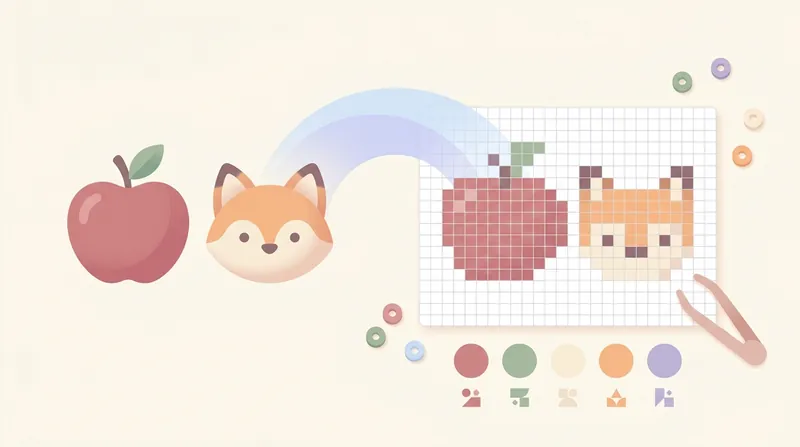 Image
Fuse Bead Pattern Generator
Convert cartoon images into fuse bead patterns, generating pixelated designs with a dual grid line system (darkened every 5 cells) and MARD color code palette.
Information
- Version
- v3
- Last updated
- Runtime credits
- Usage-based
- Models
- Auto
- Use cases
- Images & design
- What you get
- ImageDiagram
