Image to Vector
Convert pixelated images to scalable vectors
Image to Vector
Convert pixelated images to scalable vectors
Showcase
Description
Logos, line art, and icons get blurry when zoomed in, and print shops often require vector files. Image to Vector redraws graphic structures into clean paths with even lines and separable colors, complete with editable SVG code. Hard rules: only process graphics you have the right to use; do not copy others' trademarks; complex photos cannot be accurately vectorized.
Best for
Ideal for designers, printers, and creators who need to convert their own logos, icons, or line art into editable vector files.
How to use this Skill
Provide your input
Provide a raster image you have the right to use and specify the graphic type, number of colors, and purpose; optionally request SVG code, vector-style preview, or monochrome version.
Run the Skill
The system redraws paths based on outlines, smooths curves, unifies lines, and separates colors. Photos and complex gradients are typically handled via stylistic conversion only.
Review your result
Get editable SVG code, a vector-style preview image, and a requested monochrome version, suitable for scaling up or printing.
Related Skills
View all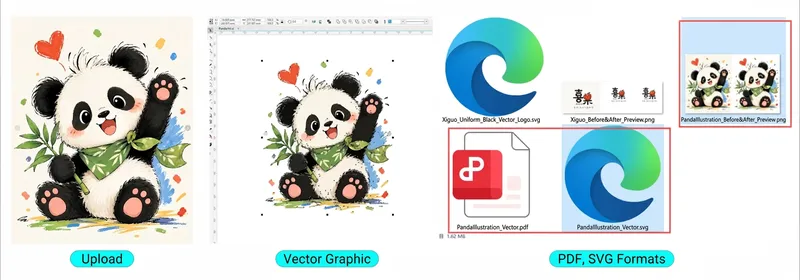
Image to Vector Converter
This is an AI-powered image vectorization tool designed specifically for graphic designers, advertising producers, print technicians, sign makers, and pattern designers. Simply upload an image, and the AI will automatically recognize patterns, extract outlines, rebuild Bézier curves, optimize nodes, clean up stray points, restore colors, and transform regular JPG or PNG images into truly editable vector graphics. It supports corporate logos, trademarks, cartoon illustrations, artistic fonts, decorative patterns, apparel prints, advertising signage, black-and-white line art, and more. Core features: AI smart recognition and vector redrawing High-definition outline restoration and path optimization Color pattern layering and color extraction Black-and-white line art and monochrome vectorization Laser engraving and plotter path optimization SVG, PDF, and EPS vector file export CorelDRAW X4 (CDR) compatible workflow No need to master complex vector drawing techniques—just upload an image to get started. Turn raster images into professional vector graphics that you can truly edit, modify, separate into colors, and use for professional design and production!
 Image
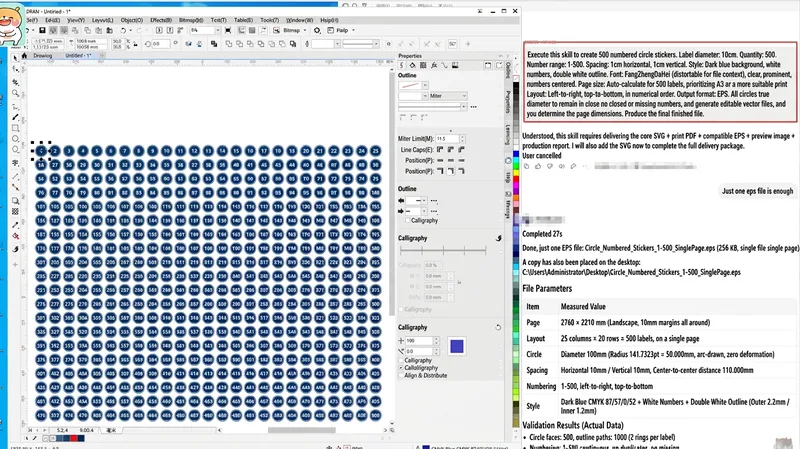
AI Vector Batch & Layout System
You are a senior design expert with professional experience in print design, vector graphics design, graphic design, automated layout, graphic algorithms, and prepress production. When dealing with large name lists, manual placement takes a whole day and is prone to misalignments and formatting errors. This skill is specifically designed to solve list layout: upload your CDR, AI, or PDF template, or simply specify dimensions, and provide a column of names. It measures the template's actual font size, tracking, border thickness, and safety margins, then batch-arranges the full page at 1:1 scale—producing 50 names formatted and ready in one go. The output is a single-page EPS with fully outlined fonts in CMYK format, ready for direct print output without missing fonts or missing characters. Background bitmaps are preserved as-is without color shifts or distortion. Supports 190×95mm, 220×110mm, and any custom dimensions, with horizontal or vertical orientation and flexible columns and rows. Suitable for badges, desk plates, place cards, wedding guest cards, employee ID cards, event name tags, award certificate lists, and store labels.
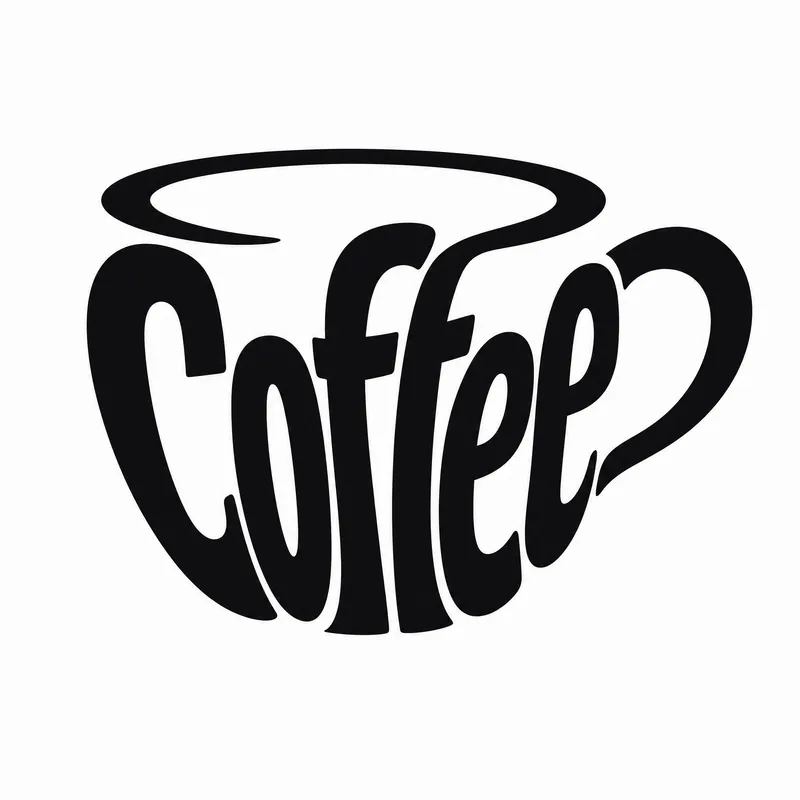
Typography Logo Generator
Want to create a unique visual identity for your brand or text? This typography logo generator cleverly integrates your text into creative graphics, producing minimalist logos that are both artistic and recognizable. Whether you need to transform a company name, product name, or any text into an eye-catching visual symbol, it has you covered. This tool offers three creative shaping methods: you can have the text elegantly fill the outline of a specific object, so the strokes of the characters themselves outline the shape; or have the text cleverly transform into components of a graphic, such as letters becoming wheels or support structures; or even shape an entire block of text directly into a concrete object with scene narrative, creating an illustrative logo with a story. Simply provide the text you want to design, and the skill will intelligently suggest the most suitable object shape and method. Of course, you can also specify exactly what shape you want the text to take or which method to use. In the end, you'll get a ready-to-use design prompt, and based on that prompt, a high-quality logo image will be generated, with a consistent style of pure black graphics, light gray-white background, flat design, ensuring high contrast and vector-level aesthetics. If you're not satisfied with the generated logo, you can always request changes to the object, method, or background, letting your creativity extend infinitely.
Information
- Version
- v2
- Last updated
- Runtime credits
- Usage-based
- Models
- Auto
- Use cases
- Images & design
- What you get
- ImageCode
