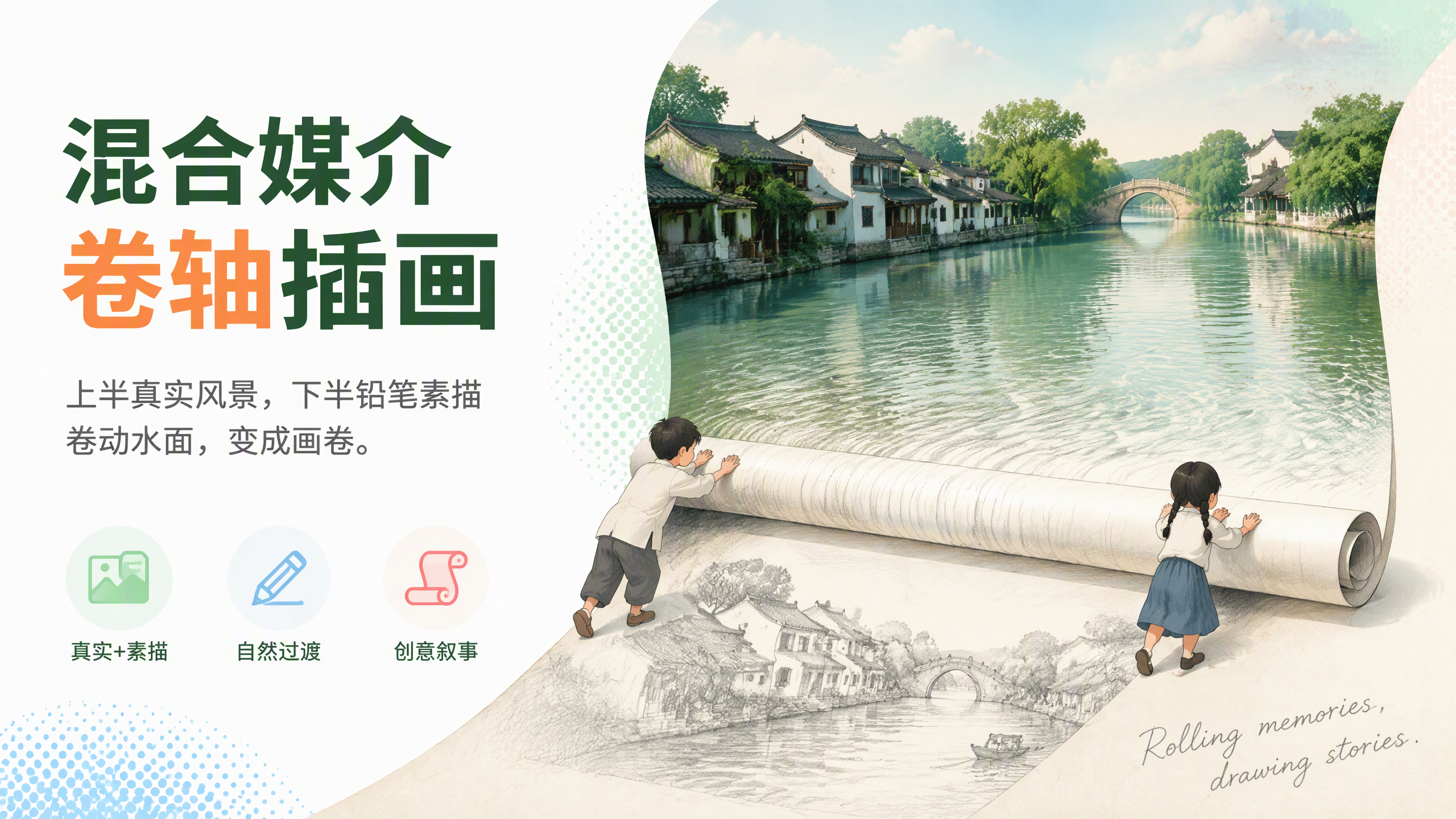
Mixed-Media Scroll Illustration
Real photography on top, pencil sketch on the bottom rolling the view into a scroll
Mixed-Media Scroll Illustration
Real photography on top, pencil sketch on the bottom rolling the view into a scroll
Showcase
Description
Transform any landscape into a vertical mixed-media illustration featuring realistic photography on the top half and a pencil sketch on the bottom half. The water in the photo is rolled up into a physical scroll by two hand-drawn children, with water ripples continuing onto the scroll's surface. At the junction, the ripples smoothly transition into pencil strokes and fade into the paper white, accompanied by a handwritten English phrase in the bottom right corner. It defaults to a Jiangnan water town scene, but you can also directly specify scenes like snow-capped mountains and lakes or coastal highways, generating images directly using the top image generation model.
Recommended by
Dancang
Why we love this skill
Featured for its clever blend of photorealistic scenery and pencil sketches, seamlessly transitioning textures into a physical scroll. Precise material boundaries, character actions, and text control make every piece look like a scrollable memory.
Related Skills
View all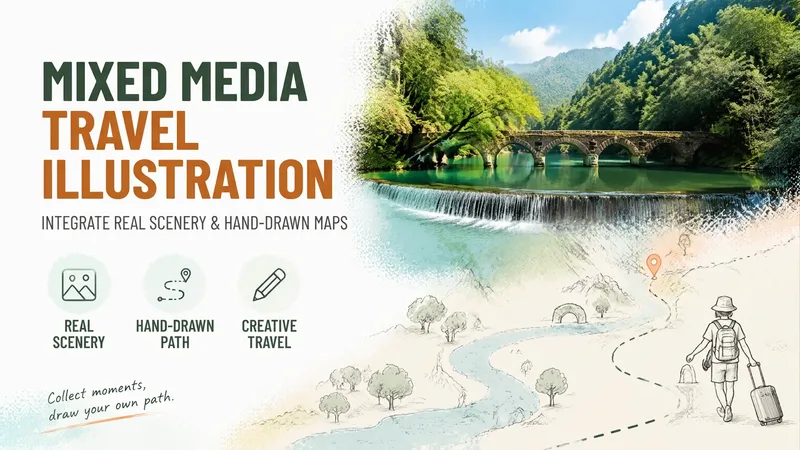 Image
ImageMixed-Media Travel Illustration
Turn any travel destination into a vertical mixed-media illustration featuring a photorealistic landscape in the upper half and a beige paper-textured hand-drawn map in the lower half. Natural textures blend into a route band led by a pencil-sketched tiny figure, finished with a handwritten English quote in the corner. Defaulting to Libo Xiaoqikong in Guizhou as the baseline template with a 3:4 vertical ratio. Locations, textures, route shapes, decorative symbols, quotes, and aspect ratios are fully customizable, generated directly using the best image model available.
 Image
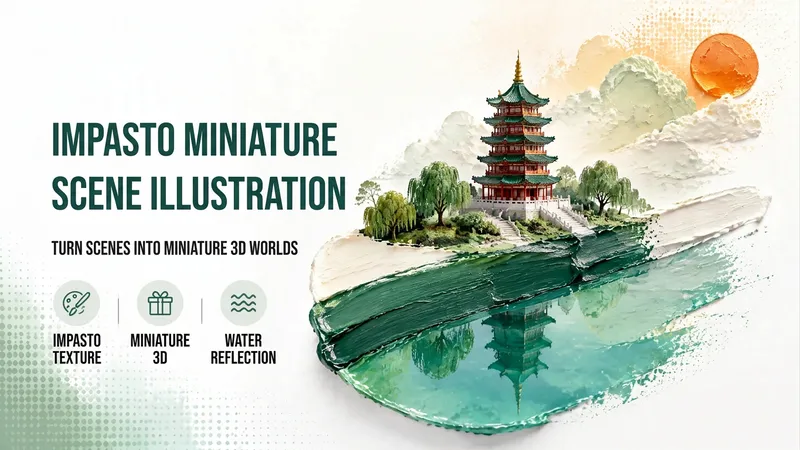
ImageImpasto Miniature Scene
Transform any landmark, scenery, or small scene into a miniature 3D illustration growing from a thick oil paint brushstroke. It features a white watercolor paper background with clear texture, heavy paint stacking and palette knife marks, and a finely detailed miniature model standing on the upper half of the brushstroke. The lower half turns into a clear lake reflecting the scene, complemented by thick 3D clouds and an orange hand-painted sun in the upper right. There is generous negative space with no text or watermarks. The default main color is lake green, the subject is the Leifeng Pagoda, and the background features a mini weeping willow and stone steps in a 3:4 vertical format. You can easily modify the main color, subject, background, or aspect ratio, while unmentioned slots automatically use the defaults rendered with the best image generation model.
 Image
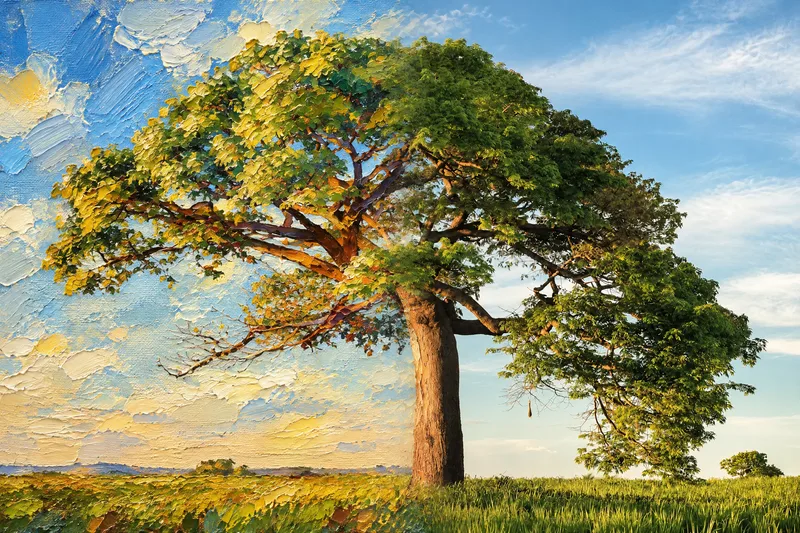
ImageSeamless Photo–Illustration
Transform photos of people, animals, pets, cars, buildings, products, food, plants, or scenes into dual-visual artwork featuring the same subject and composition in both realistic and illustrated form. One side preserves photographic texture, natural lighting, and material details, while the illustrated side clearly reflects a hand-drawn, anime, comic, watercolor, oil painting, clay, or vector illustration medium—not a simple filter effect. You can specify whether the visuals are arranged left and right or top and bottom, define where the realistic and illustrated areas appear, choose an illustration style, and set the aspect ratio. The subject’s pose, expression, facial features, structure, clothing, colors, and relationship to the scene remain coherent. People, animals, and objects transition according to their own visual centers, allowing both treatments to occur naturally within the subject rather than mechanically splitting the image. The final image emphasizes seamless integration: photographic texture gradually becomes lines, color blocks, or brushstrokes, while contours and lighting connect naturally. There are no dividing lines, hard edges, collage seams, torn-paper effects, or glowing boundaries. You’ll get a dual-visual image where the difference between the real world and the illustrated world is clear, yet no exact dividing point can be found.
Information
- Version
- v3
- Last updated
- Runtime credits
- Usage-based
- Models
- Auto
- Use cases
- Images & design
- What you get
- Image
- Visual styles
- Hand-drawnPhotorealisticPaper art
