Monthly top
 Video
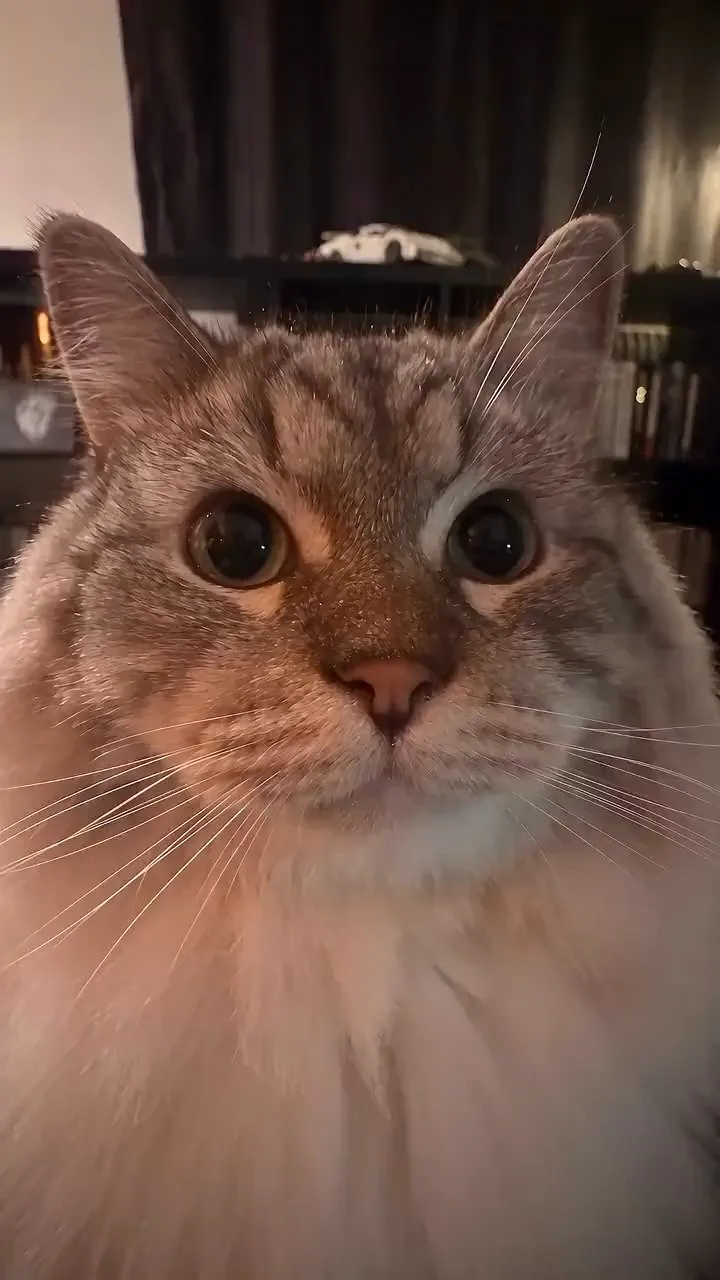
VideoCreate Pet Beat-Sync Video
Upload one pet photo to create an approximately 8-second silent short with the same beat-synced camera movements as the reference video. Your pet’s appearance is preserved. Uses Seedance 2.5; after you confirm the cost, the video is generated directly. Note: To reduce generation costs and ensure quality, this skill creates silent videos without background music. You’ll need to add the music yourself. Original creator: @fatiihh.shn
 Video
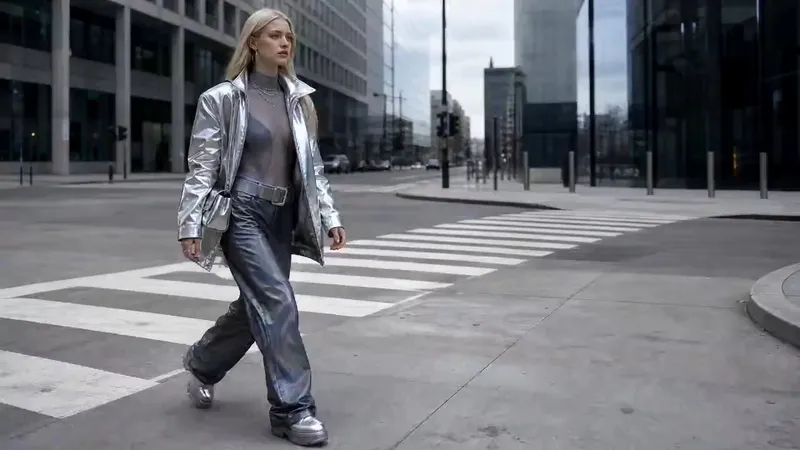
VideoFolding World Effect
Turns one character idea into a finished short film. It starts by building a cinematic environmental portrait of your character in a real-looking city, then animates that frame into a single continuous shot where the surrounding streets and buildings fold, flip and rotate over the character's head while the camera makes a full 360° orbit around them.
 Video
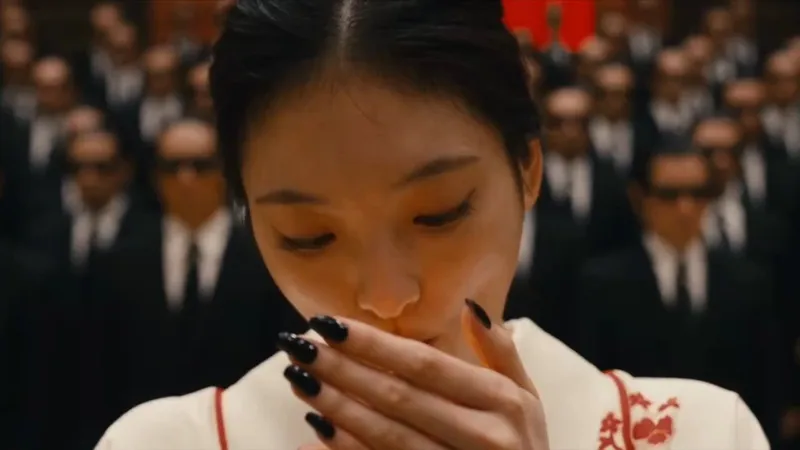
Video<Storm> Staircase Dance Film
A 30-second stepped-crowd character-swap dancing short film: generate a silent 16:9 clip with Seedance 2.5 from a fixed seconds-level script, then composite the fixed MP3 in YouMind Cast. Derivative of @ GENER8ION - STORM https://www.youtube.com/watch?v=Xoi7reIF2r8
 Video
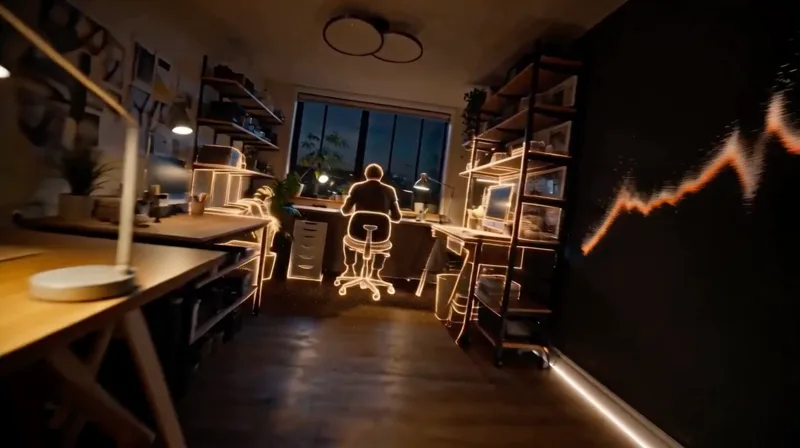
VideoSpatial Scan Effect
Create cinematic LiDAR reveal videos for a selected environment, with true void-to-particle-to-material construction, continuous first-person movement, synchronized audio, and optional character endings.
 Image
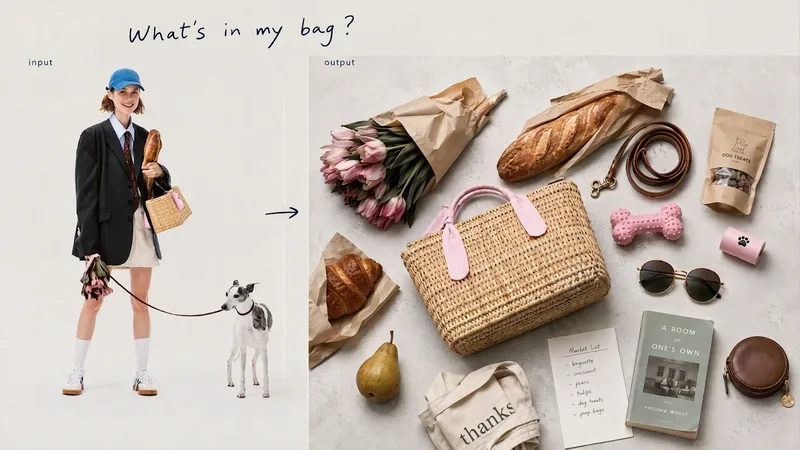
ImageThe Me in My Bag
Open a bag, and you can glimpse its owner’s lifestyle and personal obsessions. From describing a scene such as “a library on a rainy day” or “the walk home after a movie,” to making inferences from a portrait or defining a specific character’s personality—we unravel the owner’s everyday life through three entry points, then turn everything from essentials to beloved accessories into a single editorial image viewed from directly overhead.
 Webpage
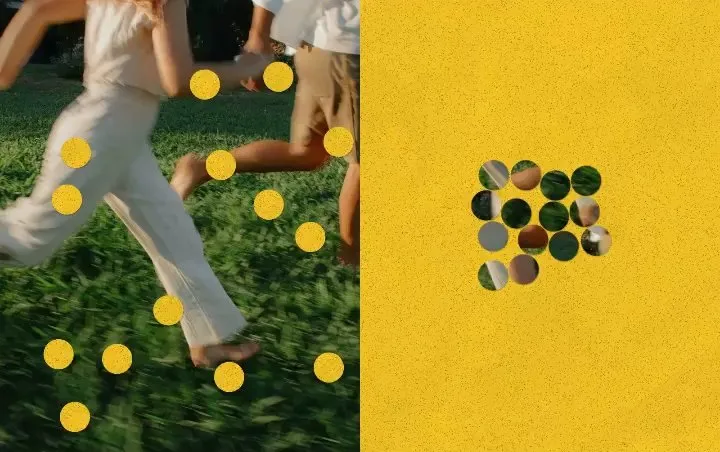
Punch Hole Photo Studio
A photo punch studio to swap cutouts between your photo and paper, then export images or animations.
 Image
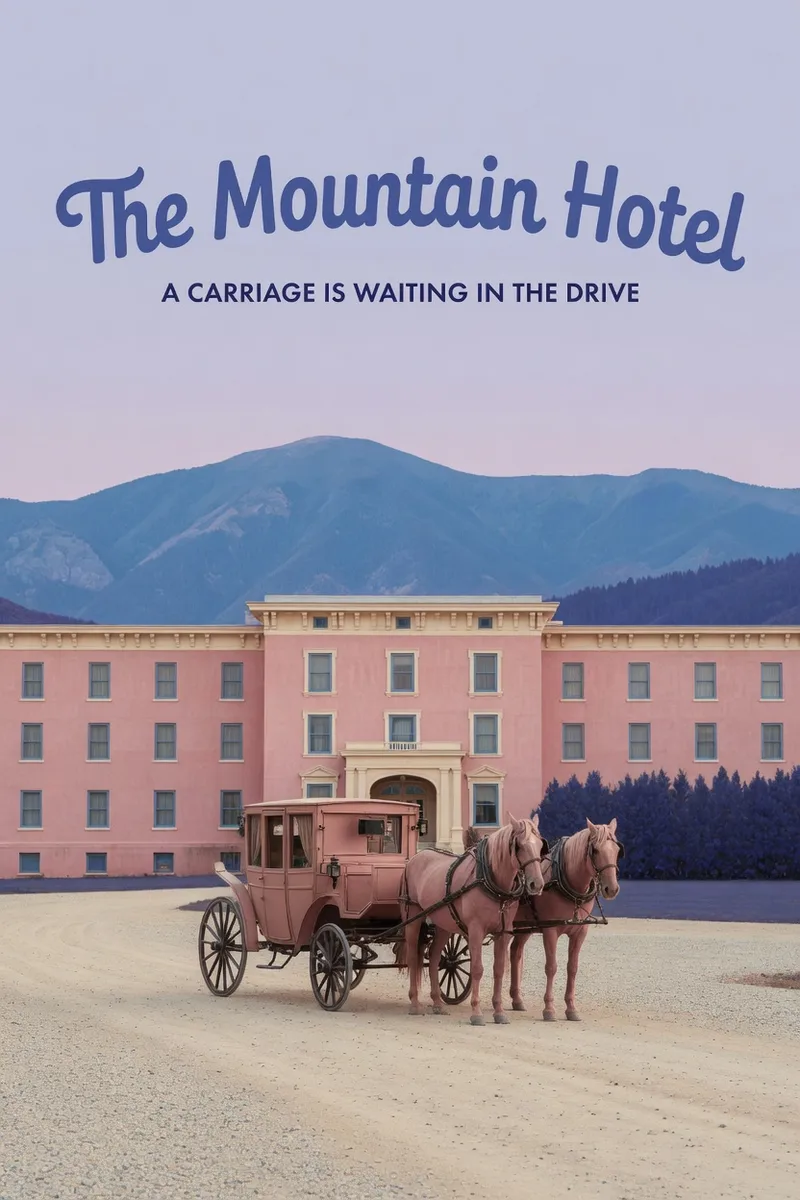
ImageWes Anderson–Style Poster
Turn a one-sentence theme or reference photo into a movie poster or scene with Wes Anderson–style order and theatrical atmosphere. People, animals, buildings, and props are arranged into clear little worlds through frontal or symmetrical framing, retro production design, carefully designed spatial relationships, and a restrained sense of anticipation, humor, or detachment. The style is expressed through the structure of the image—not just layered filters and retro adjectives. Posters default to a 2:3 portrait format with an English main title and subtitle. When you need a text-free film still or movie scene, the canvas can be adjusted to a suitable aspect ratio. Titles are treated as part of the overall composition, with attention to typography, reading flow, scale, rhythm, and negative space. The palette, film tones, lighting, and material textures work together in service of the theme while preserving important content from the photo, including people’s identities, key structures, the number of people, poses, and recognizable markings. You will receive the finished image and the actual image prompt used. If you only need a prompt, photo-editing suggestions, or a visual review, you can specify that directly. Suitable for creating retro movie posters, character scene portraits, architectural and prop displays, nature-themed images, and stylized work based on source images.
 Webpage
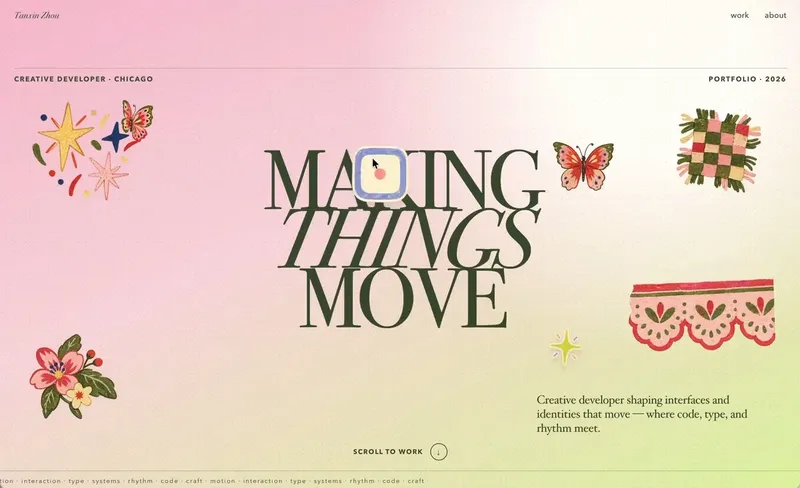
Little Gravity Portfolio
Build an intimate one-page portfolio where real work leads, airy Riso fragments decorate the margins, and small objects fall gently into motion. Use for a creative professional's personal portfolio or selected-work page; keep factual claims user-supplied and generated imagery decorative.
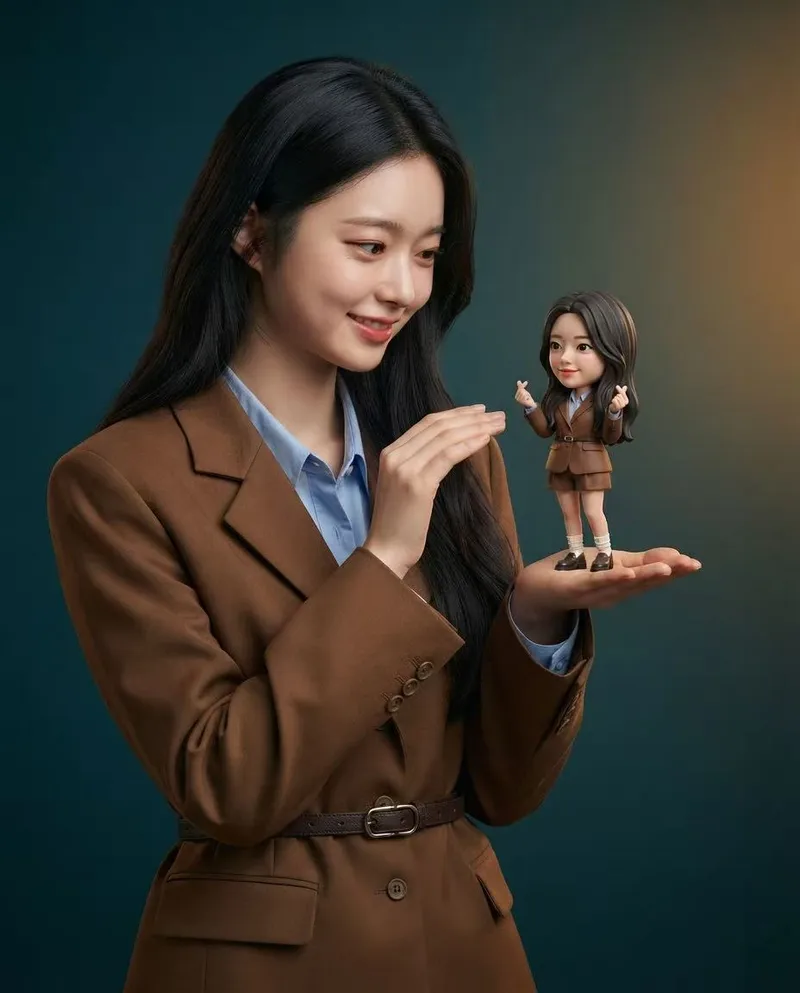
Mini Chibi Alter-Ego Poster
Upload a portrait photo to generate a hyper-realistic, cinematic commercial poster: the person interacts with a mini chibi 3D “alter ego” on their palm, while closely preserving their identity, hairstyle, accessories, and clothing. The skill automatically selects a varied combination from six poses and eight background color schemes, prioritizing contrast between the background and clothing. The result is a single vertical poster, defaulting to a 3:4 aspect ratio.
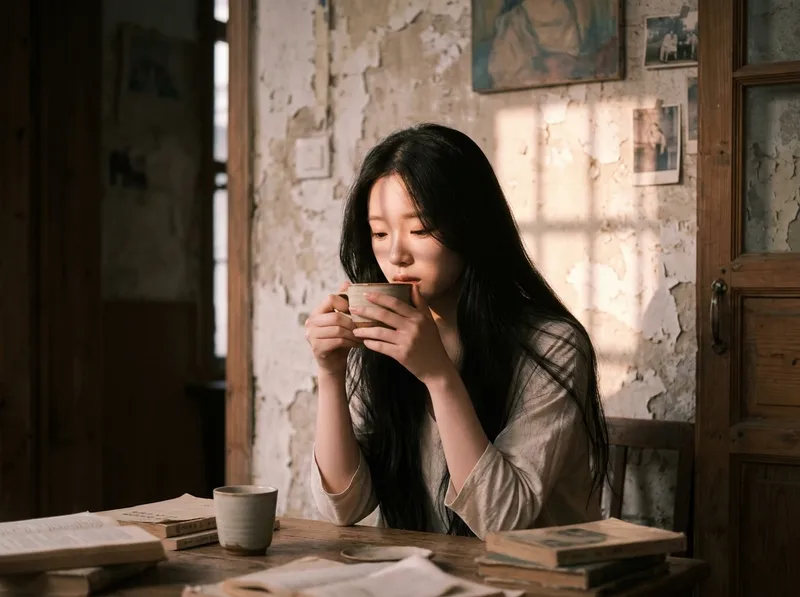
Cinematic Sunset Portraits
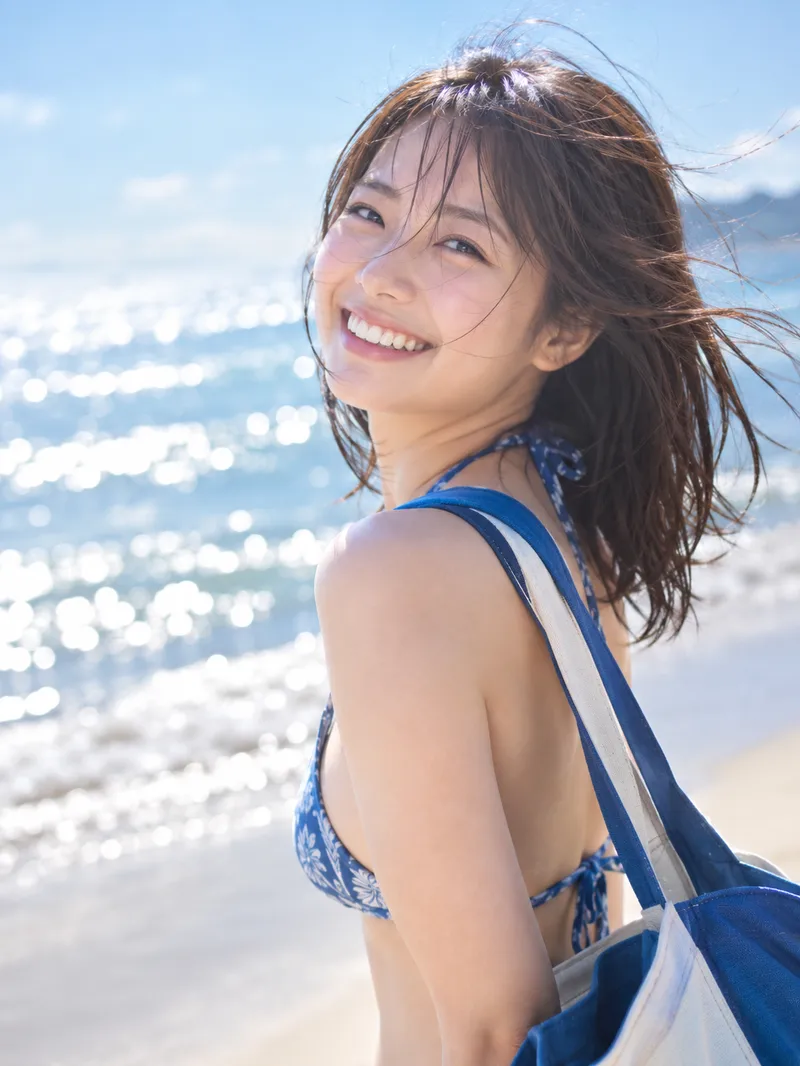
Upload a portrait to generate a hyper-realistic cinematic sunset portrait that closely preserves the subject’s facial features, hairstyle, and overall presence. Choose from multiple poses and color tones, or let them rotate automatically. The result is a vertical atmospheric portrait image, with the aspect ratio customizable.
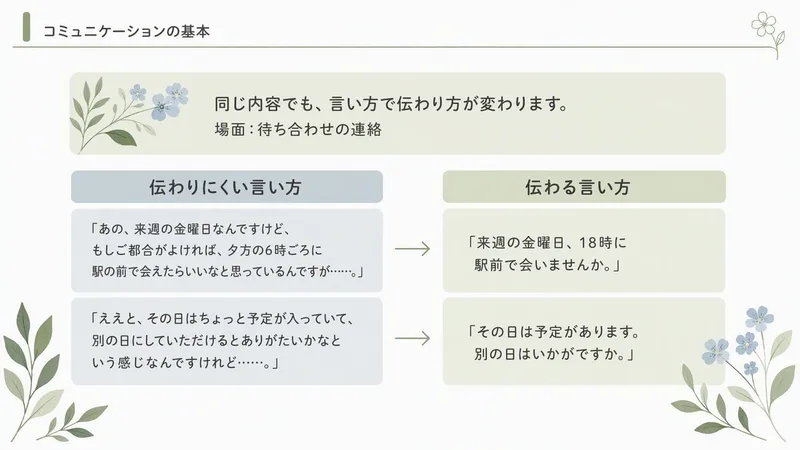
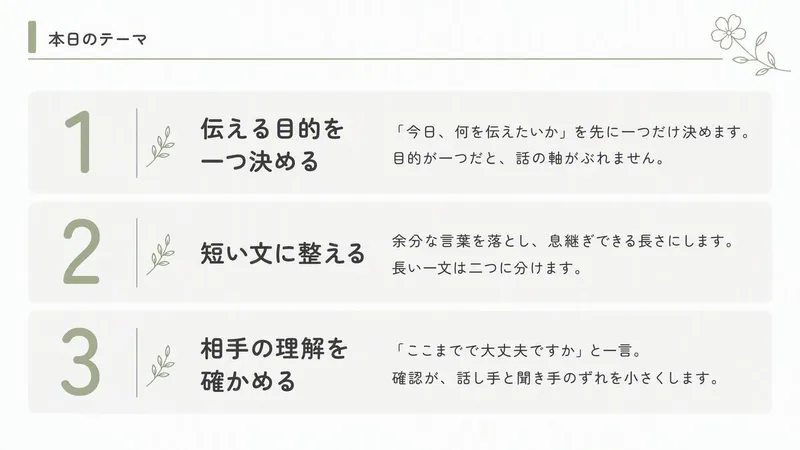
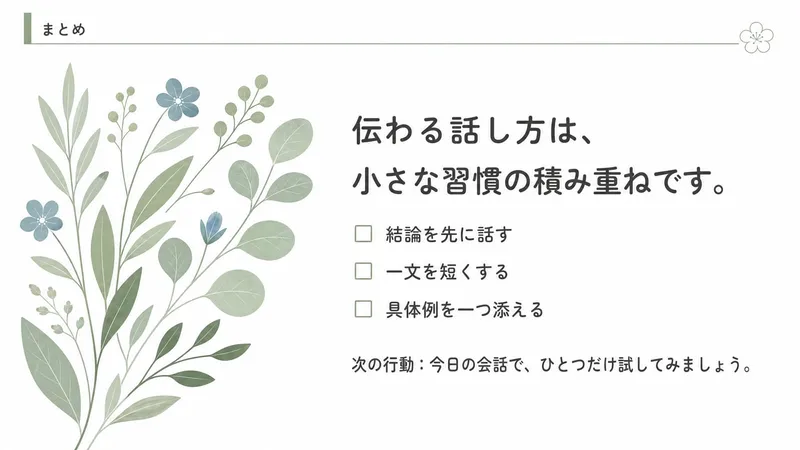
Delicate Botanical Slides
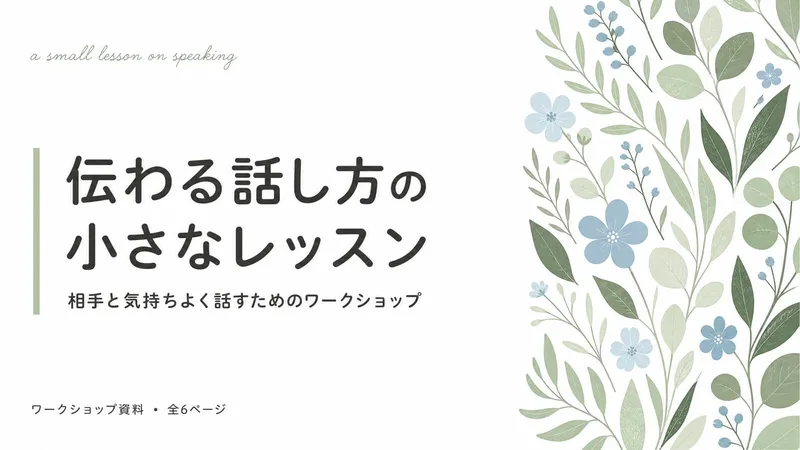
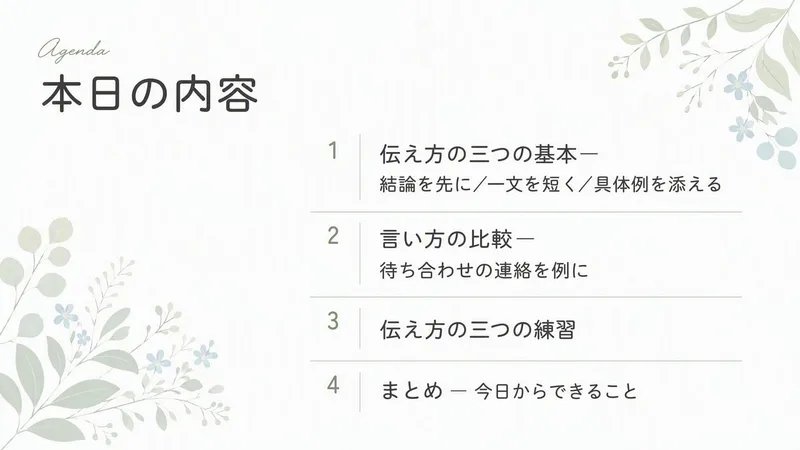
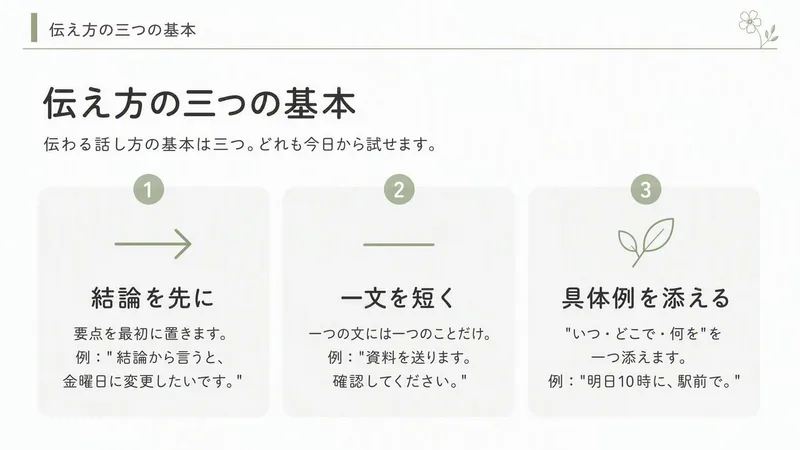
Create 16:9 static slides that gently explain courses, workshops, and consultation services with botanical decorations on a white and sage-green background.
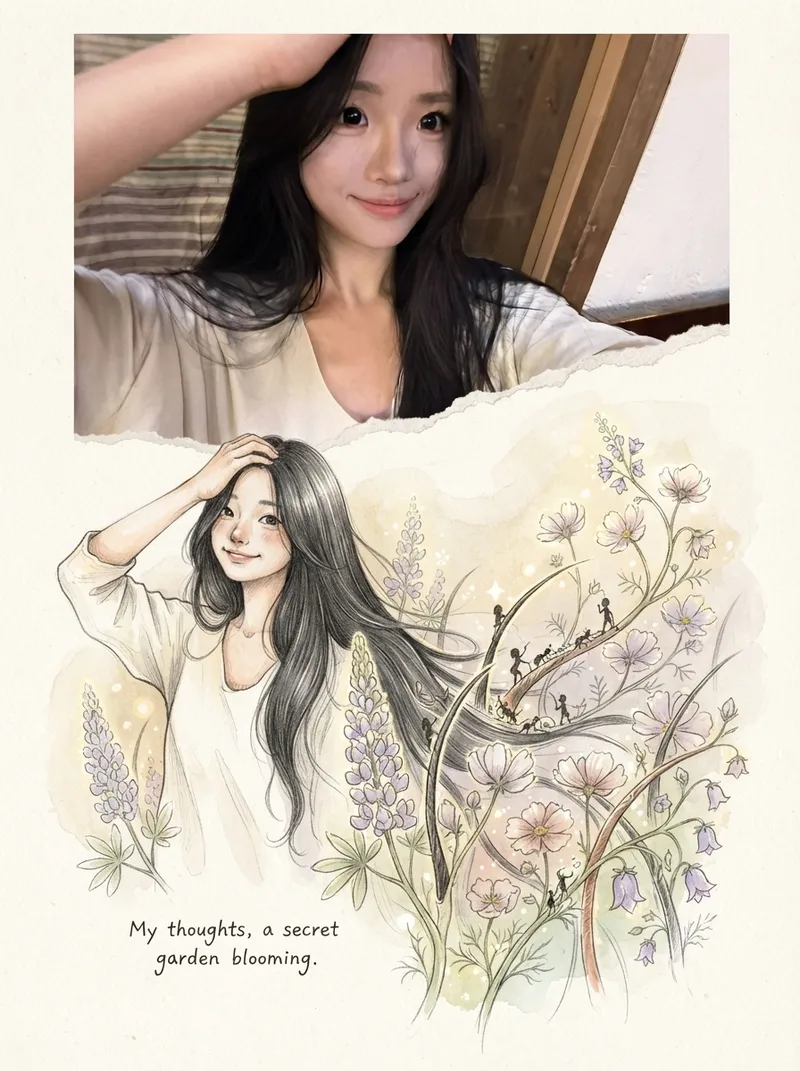
Photos into Storybooks
Using the uploaded photo as the sole reference, create a portrait-format (default 3:4) composite image with an editorial feel, combining the photo with a hand-drawn illustration: preserve the original photo in the upper half, naturally extend it into a hand-drawn storybook illustration in the lower half, and add a short handwritten-style caption in the blank space.
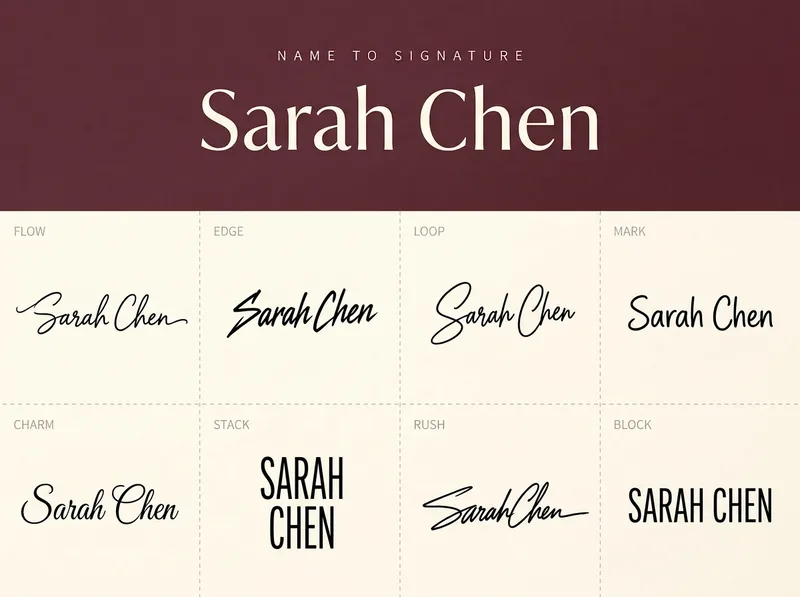
Handwritten Signature Maker
For anyone who wants to design a personal signature: Turn a name in any language (Chinese, English, Japanese, Korean, or mixed) into a design sheet. The top displays the original name in a neat print style, while the bottom shows 8 distinctly different handwritten signatures that can be used for signing contracts, documents, and package deliveries: FLOW, EDGE, LOOP, MARK, CHARM, STACK, RUSH, and BLOCK. Customize the top background color with a low-saturation tone and choose the canvas aspect ratio. The layout adapts to the selected ratio (landscape 4×2 or portrait 2×4), and the output is a single image.
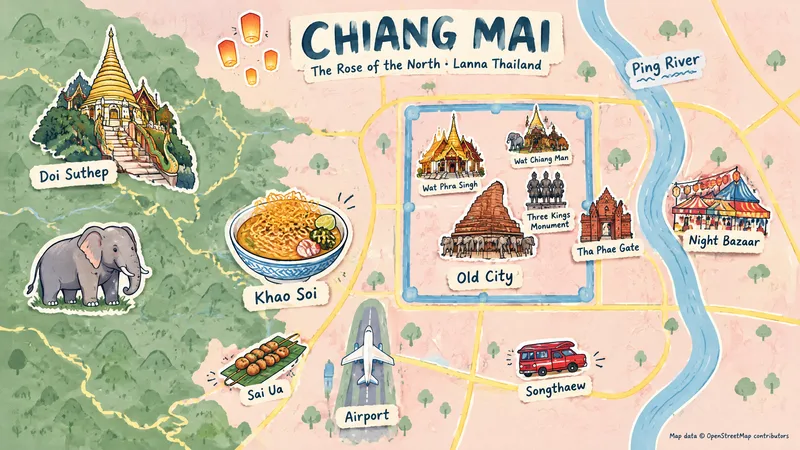
Illustrated Place Map
Users provide only a place and a display category; via a login-free map webpage and Browser Use, the skill automatically captures screenshots, searches for representative elements and their regions, and generates hand-drawn themed illustrated maps of places worldwide.
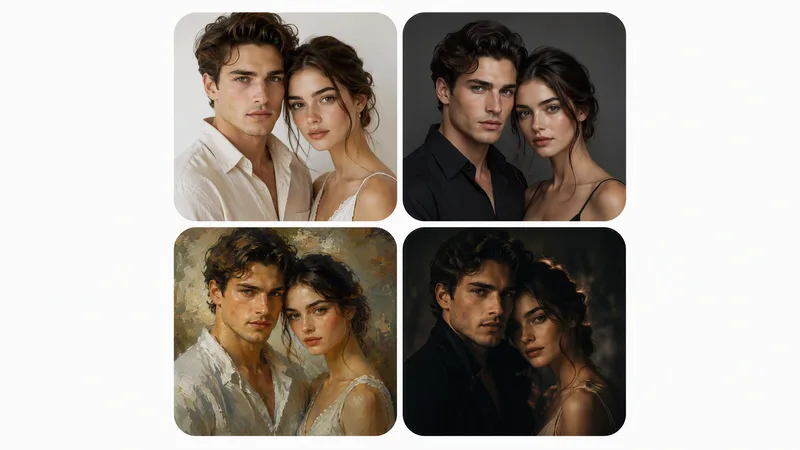
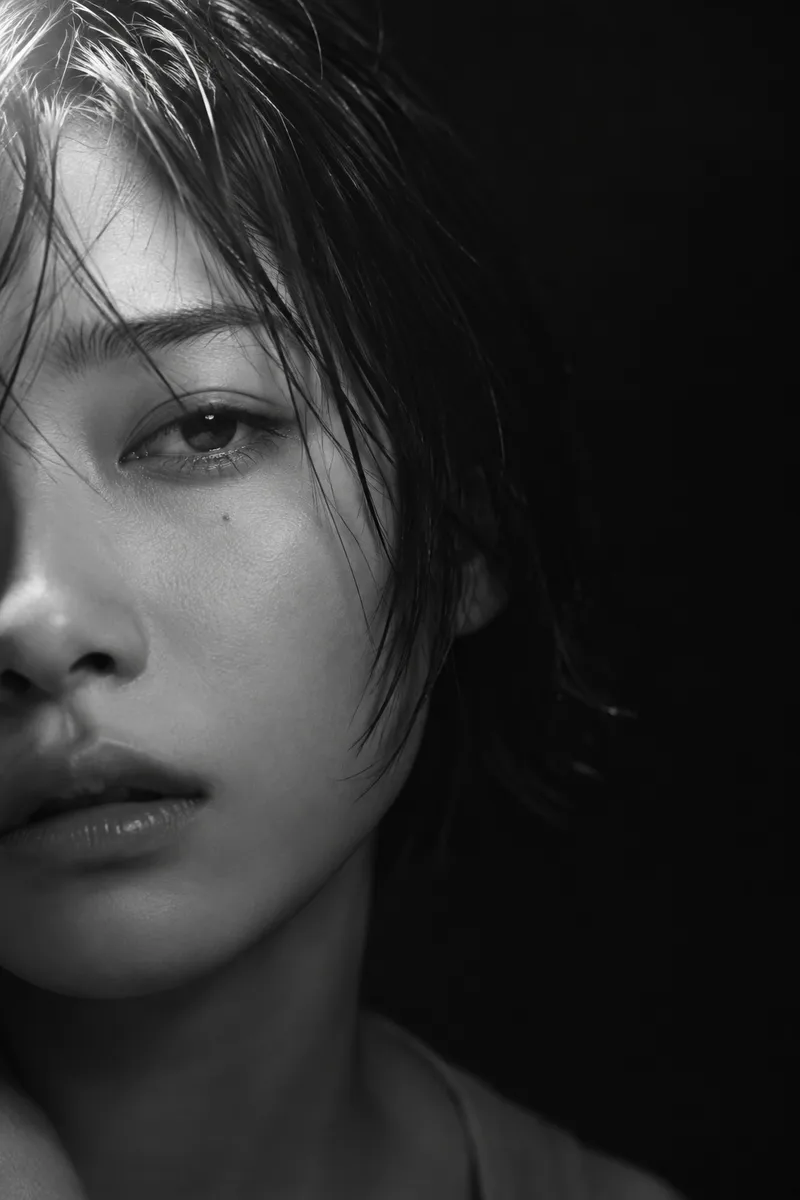
Perfect Portrait from Photo
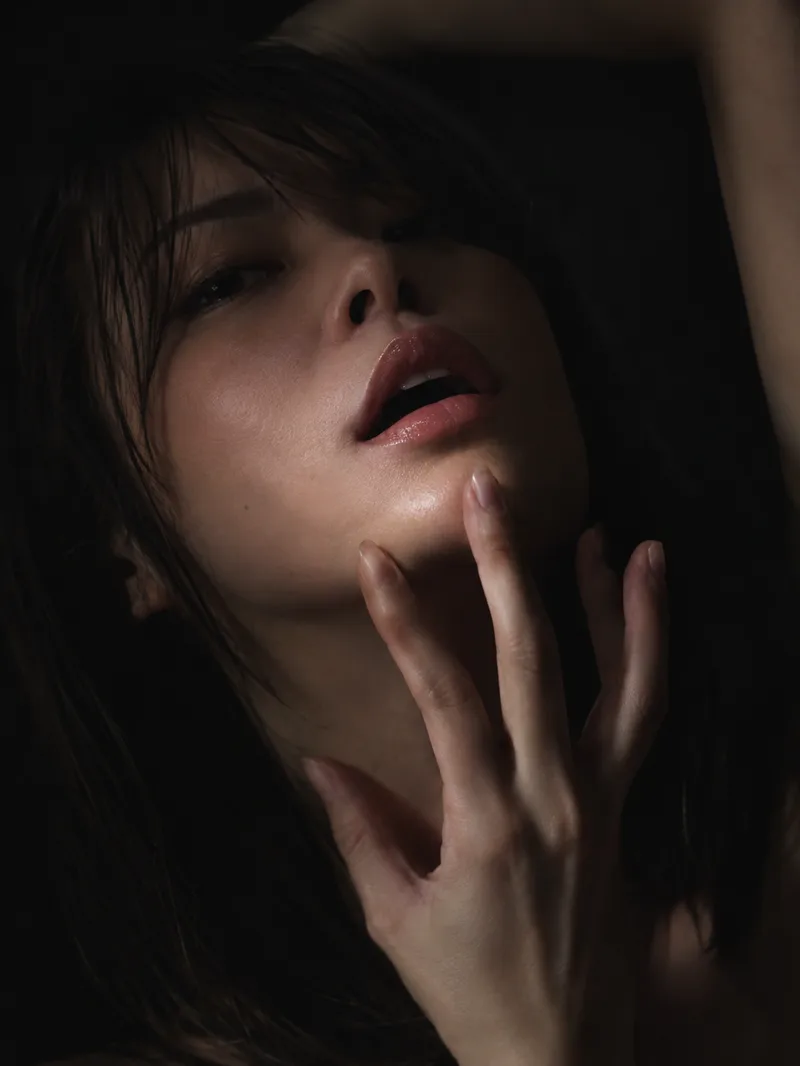
Perfect Portrait from Photo turns an amateur photo of a person (or a group) into a perfectly retouched portrait while strictly preserving likeness, then, on request, creates artistic variations: studio, painterly, cinematic, and black-and-white. First comes photorealistic retouching to an ideal result; artistic variations follow after confirmation. Works for a single person or a group. Hard rules: never change facial features or body shape, no plastic skin, no invented details, no artifacts. The skill replies in the user's language. Превращает любительское фото человека (или группы) в идеально отретушированный портрет с сохранением сходства, а затем по желанию создаёт художественные вариации: студийную, живописную, кинематографичную и чёрно-белую. Сначала выполняется фотореалистичная ретушь до идеала, затем — вариации по подтверждению. Навык отвечает на языке пользователя.
Philosophy Frontiers Weekly
Enter the philosophy fields you follow, along with optional subtopics, key figures, and keywords. The skill searches for new English-language philosophical literature and academic events from the past seven days, checks your existing materials to remove duplicates, and ranks the results by relevance. It then produces a Chinese or multilingual weekly report in your language, saves it as a document, and asks whether you’d like to set up a recurring weekly task.
 Image
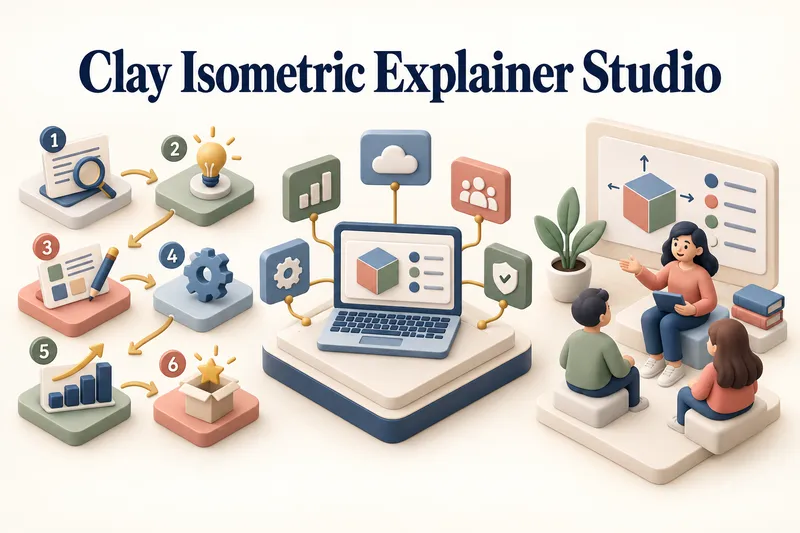
ImageClay Isometric Explainer Studio
Turn any topic into a clear, memorable visual explanation. Clay Isometric Explainer Studio transforms products, processes, services, systems, and educational subjects into polished hybrid 3D clay and isometric visuals. You can start with only a topic. The Studio performs a focused research snapshot, identifies the core message, recommends the clearest visual direction, and guides you through the creative process step by step. It builds the information architecture, maps each idea to a visual object, defines a consistent style system, and prepares a complete production prompt. Titles, numbered stages, information cards, labels, and short explanations are planned and included directly during image generation. Choose an Explainer Scene, Process Flow, Product Feature Board, Educational Visual, or a coherent 3–5-piece Visual Series. After the still image is approved, optionally turn it into a short image-to-video animation with subtle object motion, natural clay character gestures, or guided focus through numbered stages. Ideal for presentations, websites, social posts, posters, PDF pages, product communication, onboarding, and learning materials. Not intended for decorative 3D scenes without an explanatory purpose, random visual elements, dense paragraphs inside images, or final editable design files.