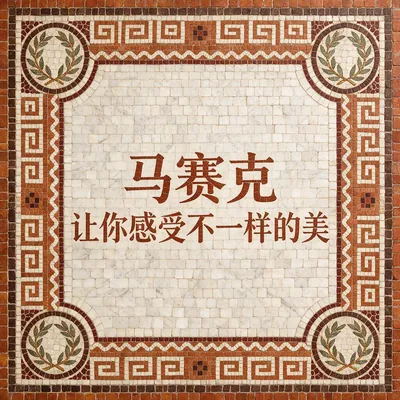
Photo & Text Mosaic Art
Turn photos or text into mosaic art
Photo & Text Mosaic Art
Turn photos or text into mosaic art
Showcase
Description
A studio for transforming and generating mosaic art. Supports more than 15 historical and contemporary mosaic styles, including Byzantine, Soviet Socialist Realism, Gaudí Trencadís, Islamic Zellij, Ancient Roman, Renaissance, Mexican mural, Art Deco, and contemporary abstract styles. Use it when you want to transform an image, photo, or portrait into a mosaic style; generate mosaic artwork from a text description; explore different mosaic styles; or work with concepts such as mosaic,碎瓷砖拼贴, or glass tessellation. Users can specify a style, or let AI recommend the most suitable mosaic style based on the image content or scene description. Built-in full-frame, no-exceptions mosaic processing handles high-realism risk areas such as people's eyes, skies, metal, and glass.
Recommended by
Dancang
Why we love this skill
Transforms photos or text into full-image mosaic art across 15+ historical and contemporary styles, with intelligent recommendations that preserve the subject while handling realistic details like eyes, skies, and glass.
Related Skills
View all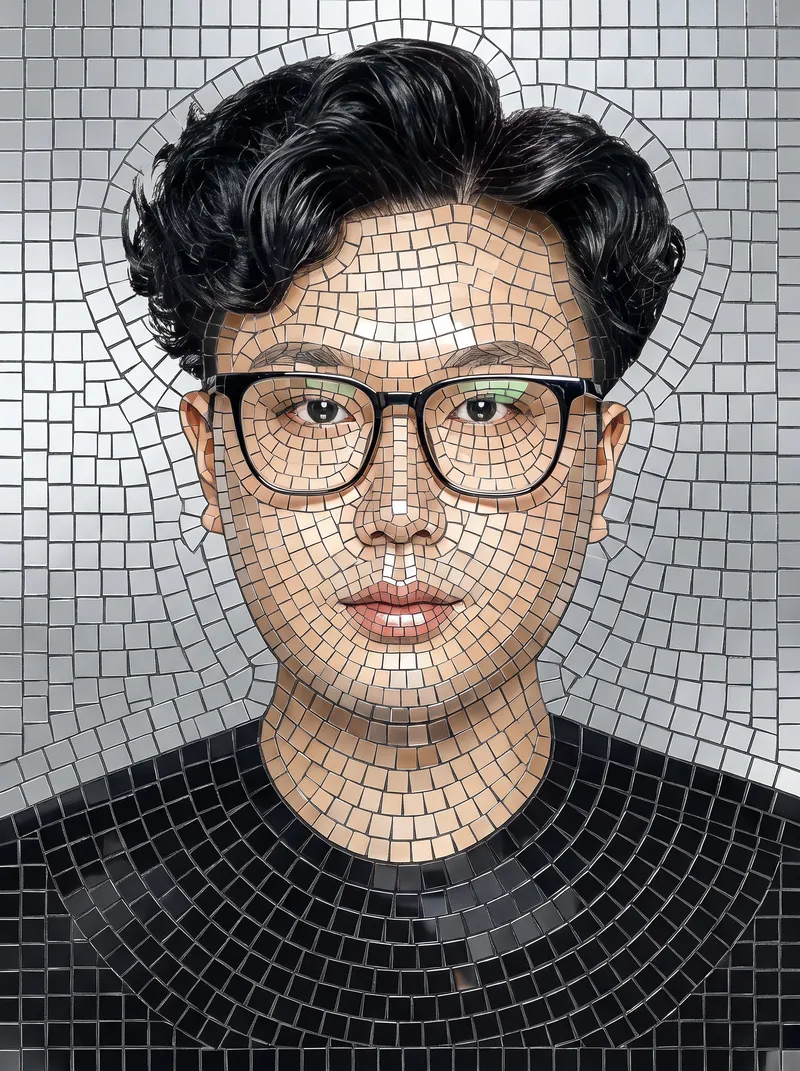 Image
Photo Mosaic Art Generator
Upload any photo to automatically redraw it into mosaic art made of hundreds of small tiles and materials. Supports 8 styles: Classic Ceramic, Gold-Thread Marble, Vintage Faded, Stained Glass, Mirror Metal, Pebbles, Pixel Art, and Photo Fragments. Changes only the material style without altering facial features or adding random people. Customize the output aspect ratio (default 3:4) and quantity (default 1), compatible with mainstream image generation models.
 Image
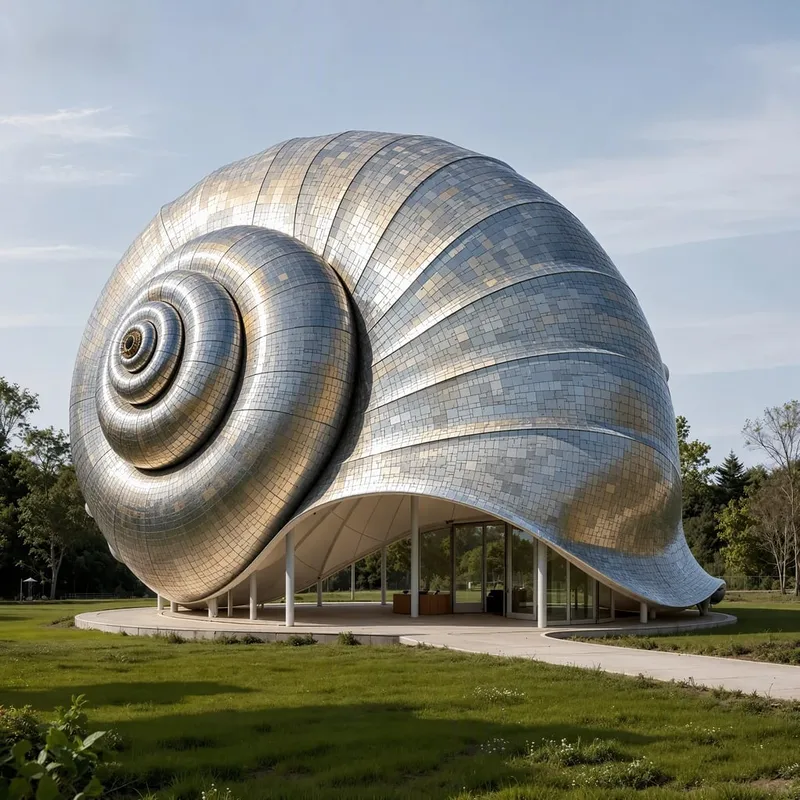
Anything Can Be Mosaic
Upload a photo and give an ordinary scene the texture of a work of art! “Anything Can Be Mosaic” is a multi-style AI mosaic art generation Skill. Whether you’re working with portraits, wedding photos, pets, food, products, landscapes, or architecture, it can transform the original photo into a distinctive mosaic artwork. Multiple art styles to explore Switch freely among fine pixels, stained glass, crystal gemstones, low-poly, ceramic collage, 3D relief, metallic textures, retro pixels, and more. Each style gives your photo a different visual character. Preserve the original subject as closely as possible Using your uploaded photo as a visual reference, it focuses on preserving facial features, hairstyles, poses, clothing, and the key characteristics of products and pets, helping the artistic style remain as consistent with the original content as possible. Flexible ratios and quantities Supports common portrait, landscape, square, and custom aspect ratios. You can specify the number of images to generate or have the same photo rendered in different mosaic styles. Explore multiple creative directions from one photo From translucent stained glass to sparkling gemstone collages and design-forward geometric pixels, transform ordinary photos into visual works for profile pictures, wallpapers, posters, social media graphics, and creative designs. No complex design software or manual collage work is needed. Upload a photo, choose a style, and let AI help you begin your mosaic art journey. Recommended approach: upload a photo and enter “Generate 4 different styles, ratio 3:4, preserving the original subject as closely as possible” to explore different artistic effects at once. Note: Final image details, subject similarity, image ratio, and output quantity depend on the image generation model and platform capabilities used.
 Image
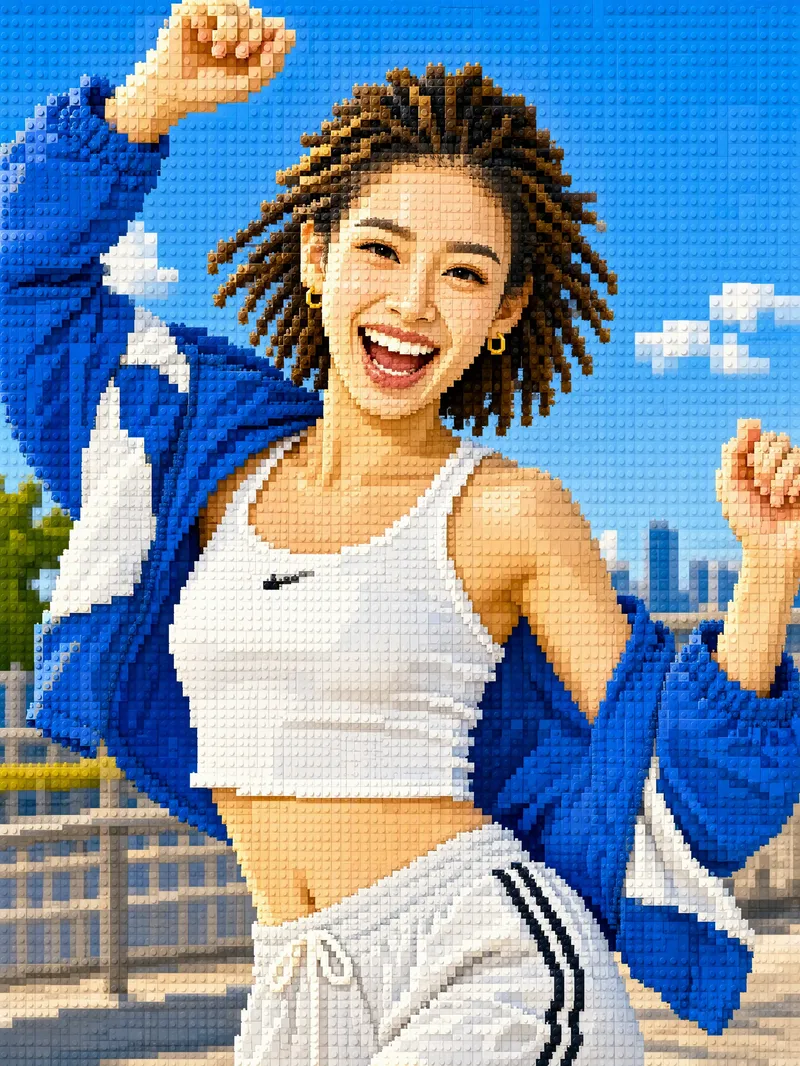
Turn Photos into Mosaic Art
Mosaic transformation magic: reassemble your photo into a work of mosaic art. 12 styles: pixel blocks, tiles, ancient Roman mosaic, stained glass, honeycomb hexagons, polka dots, LEGO, cross-stitch, low-poly, gold leaf, 8-bit, and paper-cut collage. Choose a style, or let it automatically create a combination with the greatest differences. True to your appearance: faces and key areas are recreated with finer color blocks, while the composition, pose, and clothing stay the same—it's still clearly the same person at a glance. Choose any aspect ratio: 3:4 by default, or switch to 1:1, 9:16, 16:9, and more. Choose the number of images: generate 1 to 9 at a time, each in a different style with the same subject. Works across models: ready to use with mainstream image-generation models. Great for profile pictures, social media covers, short-video covers, personal IP visuals, and custom gift artwork.
Information
- Version
- v5
- Last updated
- Runtime credits
- Usage-based
- Models
- GPT Image 2
