Multi-Document Translation
Multi-Document Translation
Showcase
Description
Translate one or more documents while preserving the original structure and keeping terminology consistent, with risk notes and quality checks provided for each document.
Related Skills
View all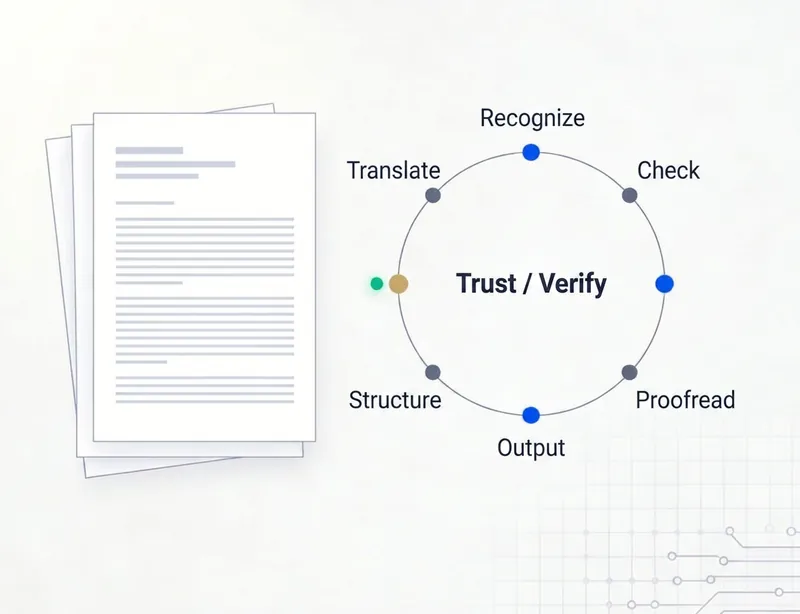
English Document Deep Dive
Intelligent adaptive translation and in-depth analysis for highly specialized English documents. Automatically identifies the document type and level of specialization, then selects an efficient basic mode or an advanced deep-analysis mode. Covers complete translation, authoritative web-based fact-checking, structured extraction, professional interpretation, and multiple rounds of final review and proofreading—aiming to stay 100% faithful to the original meaning, maintain consistent terminology, minimize errors and omissions, and meet professional standards. **Risk notice:** This tool uses AI for automated information processing and generation. Although it is governed by strict rules and review procedures, the risks of model misjudgment, missing information, and “hallucinations” cannot be completely eliminated. All outputs are provided for reference only. For high-risk decisions involving legal matters, compliance, investment and financing, medicine, or similar areas, always verify the output against the original text and have a qualified professional conduct the final review and confirmation.
 Write
Academic Paper Editor
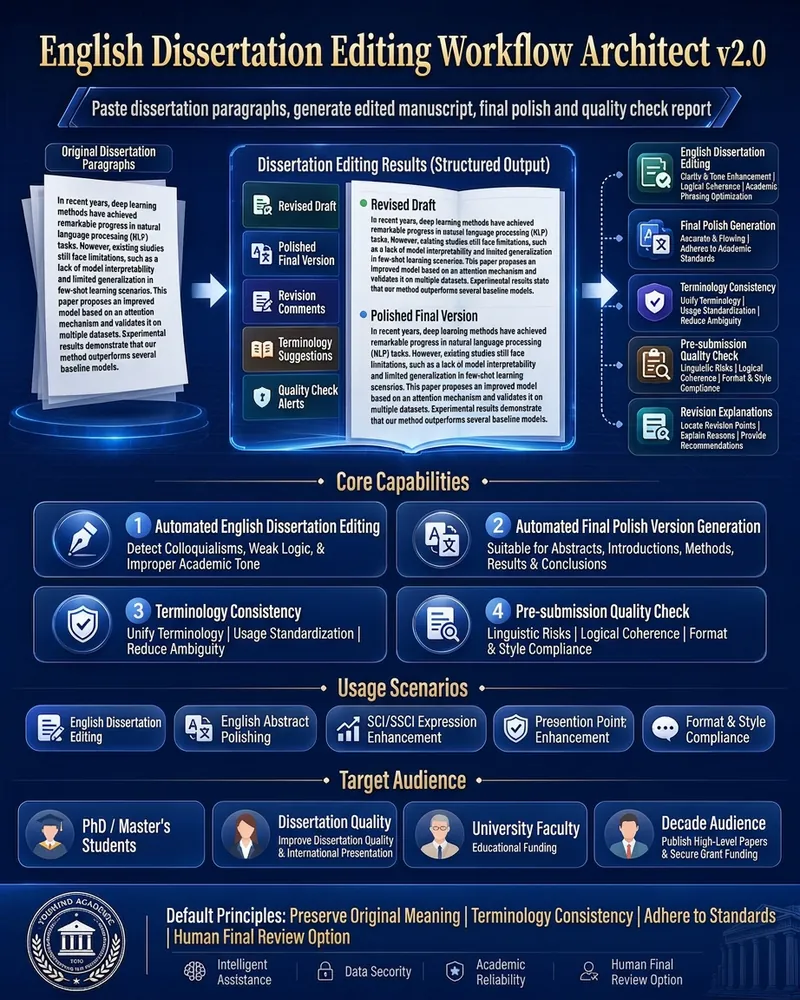
Paste a paper paragraph to generate a polished version, an English translation, and a quality-check report. It can help you: 1. Automatically polish Chinese academic papers Identify conversational wording, loose expression, logical jumps, and insufficiently academic tone, then produce more standardized and clearer academic Chinese. 2. Automatically generate an English translation Translate Chinese paper paragraphs into English that follows academic writing conventions while preserving terminology, logical relationships, and the tone of the research. 3. Automatically perform bilingual quality checks Check terminology consistency, logical flow, semantic deviations, grammar issues, long-sentence risks, and whether the academic phrasing is sound. 4. Automatically explain revisions In addition to providing the results, explain what was changed and why, making it easier to continue revising the full paper. Suitable for: PhD students, master's students, university instructors, researchers, paper submission authors, research group members, and writers of English abstracts and SCI/SSCI papers. How to use: Paste a paper paragraph and say what you want to do: “Please polish this Chinese academic paragraph.” “Please translate it into English.” “Please polish the Chinese first, then translate it into English.” “Please check whether this English paragraph fits academic writing conventions.” If you do not specify a mode, I will default to “Chinese polishing + English translation + quality-check report.”
English Slides to Bilingual
Convert an English PPT or PDF into a clear, editable English-Chinese bilingual document for course materials, meeting presentations, training materials, project proposals, and archiving. The original information and structure are preserved as much as possible, making titles, key points, steps, and data easier to read, search, and reuse. During conversion, unordered lists, ordered lists, and tables are organized appropriately based on the content. English text and its Chinese translation are arranged by paragraph and hierarchy, avoiding the separation of an entire English text from an entire Chinese translation while also avoiding the reading burden of alternating every line. English and Chinese titles are presented side by side to help readers quickly compare the original and translated text. For specialized content such as legal materials, the Chinese translation retains key English terms for proofreading, learning, and future professional use. Whether you need to preserve presentation content, create bilingual reading materials, or further edit course materials into a formal document, you will get a clearly structured and complete text result.
Information
- Version
- v2
- Last updated
- Runtime credits
- Usage-based
- Models
- Auto
