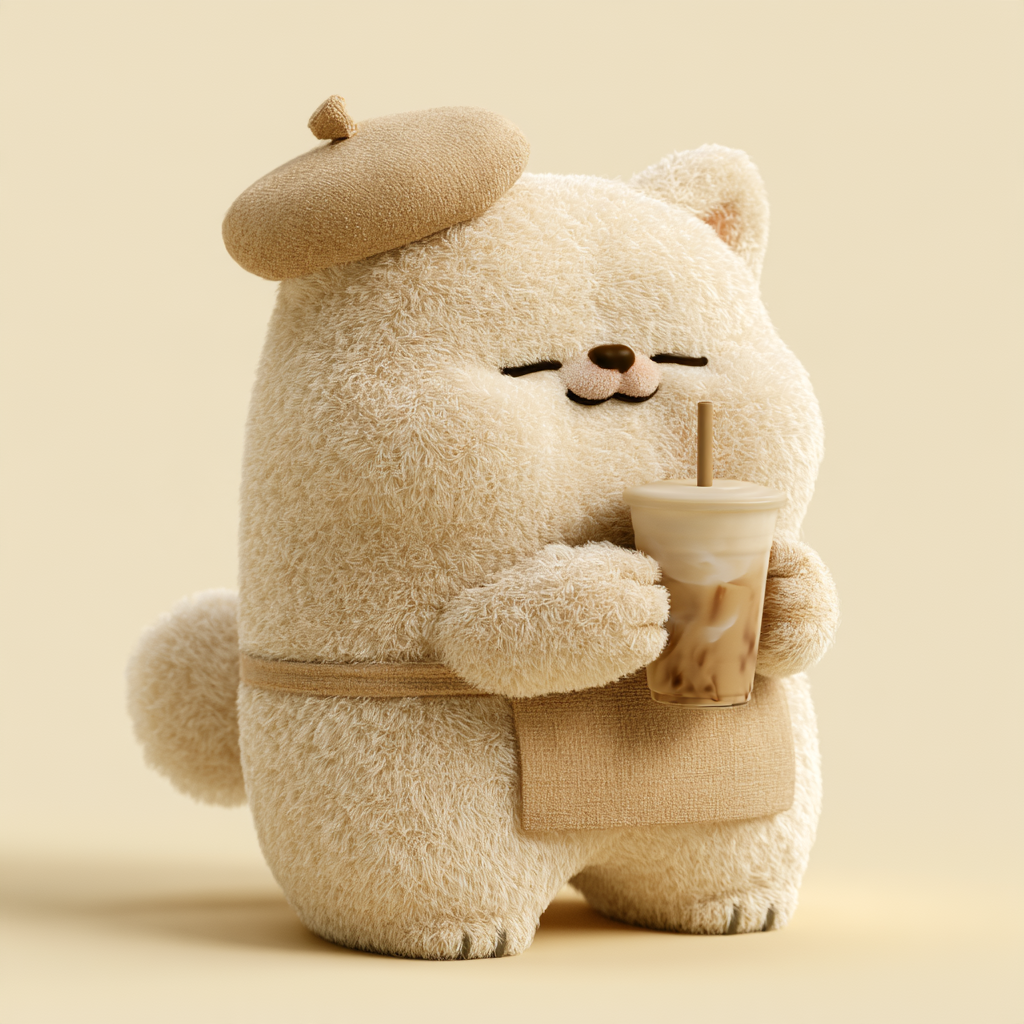
Plush Animal IP Design
Create cohesive plush animal art prompts
Plush Animal IP Design
Create cohesive plush animal art prompts
Showcase
Description
Design your own original animal IP character with a simple description of your idea.
Best for
Creators who want to quickly design original plush animal IP characters, series visuals, or short-video action prompts.
How to use this Skill
Provide your input
Provide the animal type, plush color, clothing or accessories, action, background, and aspect ratio, then choose Basic, Advanced, or Video mode. Video mode also requires a clear first-frame image.
Run the Skill
Organize your ideas into the character’s appearance, materials, colors, composition, and actions, then generate Chinese prompts for image or video models while preserving your specified text.
Review your result
Get a complete Chinese prompt ready to copy and use for creating original plush animal IP images or short videos with a consistent style.
Related Skills
View all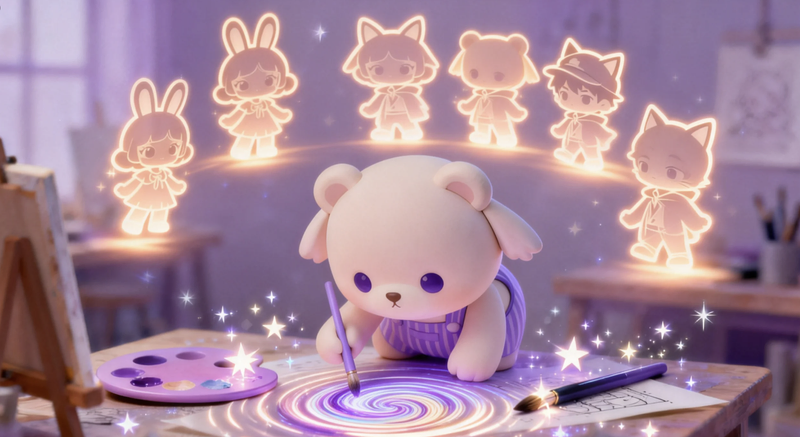
IP Character Creator·One-Line
Enter any keyword or character setting, and automatically generate IP character prompts in styles such as Pop Mart texture, Studio Ghibli style, 2.5D blind box, etc., along with positive and negative prompt words and composition suggestions. Anyone can design their own IP character. Example: User input: A glasses-wearing Shiba Inu, cute and silly, for use as a WeChat avatar. Output: 🎭 IP Character Prompt (Jimei Version) ✅ Positive prompt: A cute and silly Shiba Inu IP, wearing round glasses, Q version with 2-head-tall body, plush toy texture, cream color scheme, soft top light, solid color background, 3D rendering, blind box style, rich in detail. ❌ Negative prompt: ...
 Image
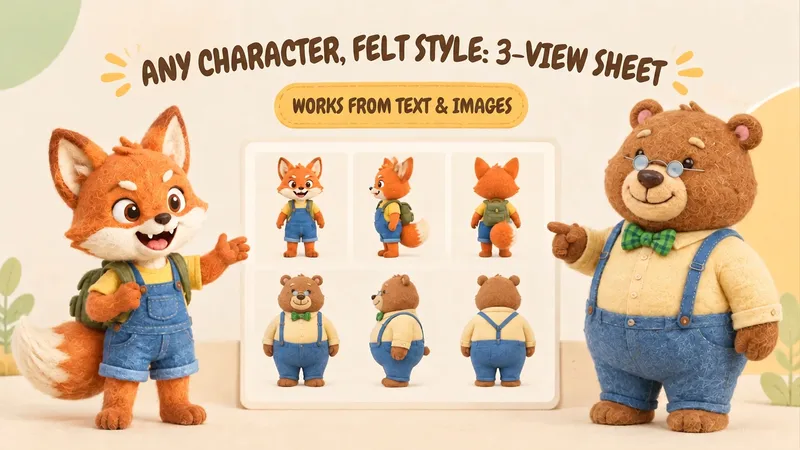
IP Character Felt Turnaround
Give your favorite character a soft, cozy felt texture with visible wool fibers. Upload a character image or write a one-line character description to create front, 90° side, and back views of the same character. Existing characters can retain their facial features, color palette, clothing, and signature accessories. With no reference image, you can also start from text. You’ll receive: • A complete felt-style front, side, and back character turnaround. • A clear visual description of the character’s appearance for future use. • Reusable generation prompts for further edits and expansions. The process first organizes the character’s traits, then designs the felt material, generates the three views, and checks consistency across angles, clothing, accessories, and distinctive structures. Visible discrepancies are corrected as needed. Details on the back that are not shown in the reference image are completed conservatively and clearly noted. Ideal for original IP characters, picture books and comics, short-form video development, and creators who want to turn a favorite character into a felt-style design. The generated reference sheet can support future image generation, storyboarding, and visual communication within a team. Leave the repeated work of refining material terms, viewpoint terms, and character constraints to this workflow, so you can focus on your character and story.
 Image
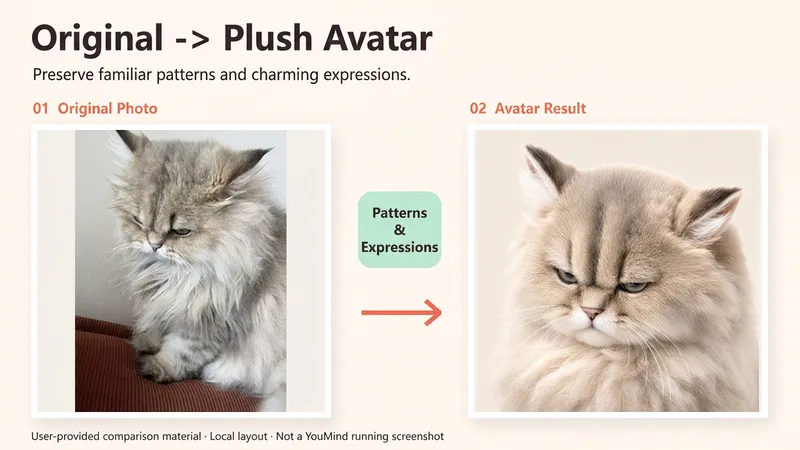
Fuzzy Pet Portraits
Your pet deserves a portrait of its own. Upload a cat or dog photo and turn it into a soft, dimensional plush 3D portrait. Preserve the forehead markings, familiar ears, and little collar that make your pet recognizable, so its cuteness stays uniquely theirs. You can get: ① Signature details: Focus on coat color patterns, facial markings, ear shape, eye color, and visible accessories. ② Plush little star: Soft short fur and natural lighting, while preserving your cat or dog's original muzzle, nose, and expression. ③ Profile composition: A default 1:1 layout with a clean background color and no text, leaving room for ear tips and circular cropping. ④ Further adjustments: Change the background, reduce exaggeration, or adjust accessories while prioritizing continuity with the version you already approved. Ideal for personal social profile images, pet accounts, and everyday keepsakes. The default is one pet in one image, but you can also create a fictional cat or dog from a description. Actual generation depends on the image tools and usage available on the current platform. Markings and details may vary; the original photo is not guaranteed to remain unchanged, and a successful result is not guaranteed on the first try. A background color is used by default—it does not imitate a transparent sticker. If the tool is unavailable, this will be stated clearly and a complete prompt will be provided.
Information
- Version
- v2
- Last updated
- Runtime credits
- Usage-based
- Models
- Auto
- Use cases
- Images & design
- What you get
- Prompt
