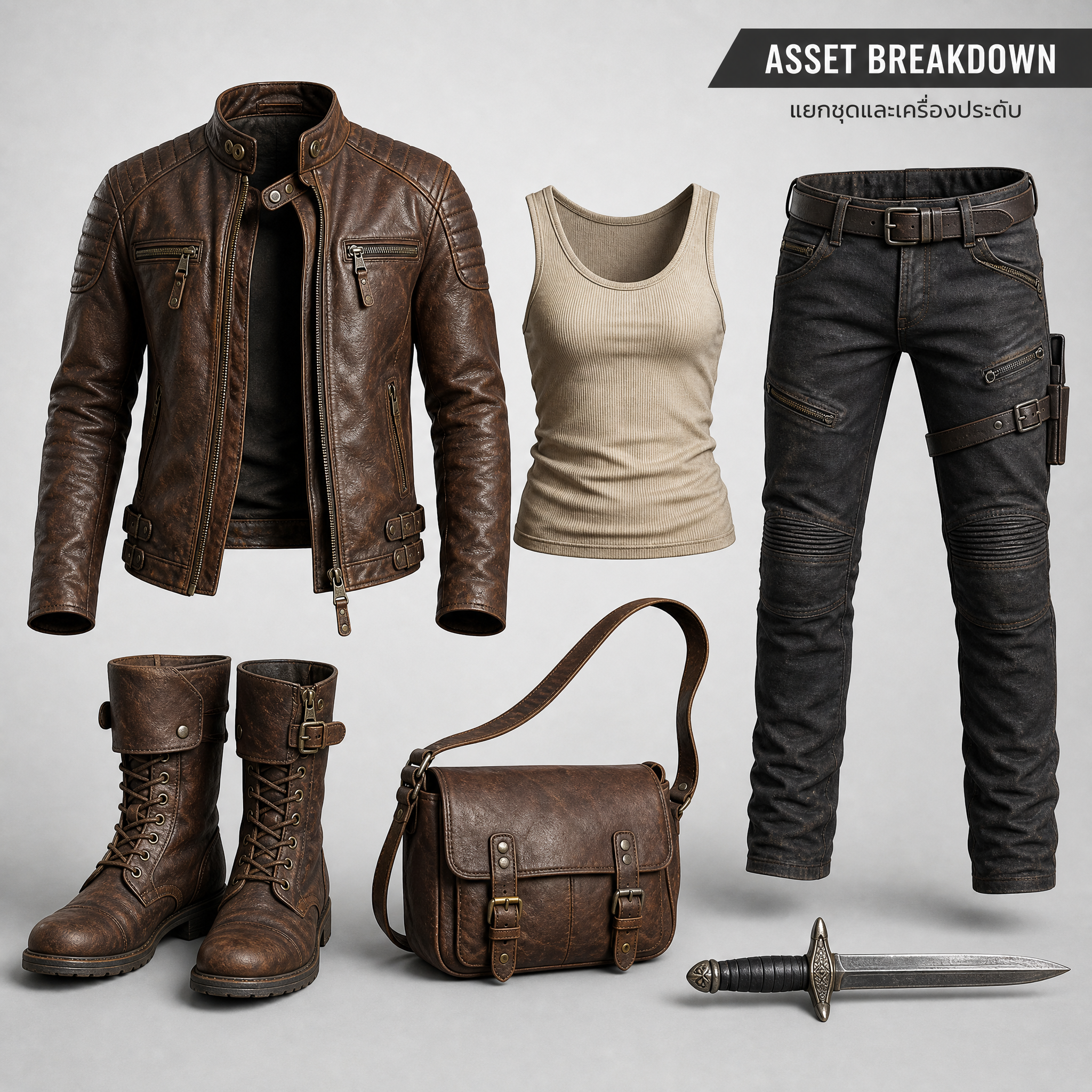
Outfit Asset Breakdown
Prompt to isolate character outfits and accessories
Outfit Asset Breakdown
Prompt to isolate character outfits and accessories
Showcase
Description
Prompt to isolate a character’s outfit and accessories Use when you want to separate clothing, shoes, bags, weapons, or accessories from a character into standalone product or reference images.
Related Skills
View all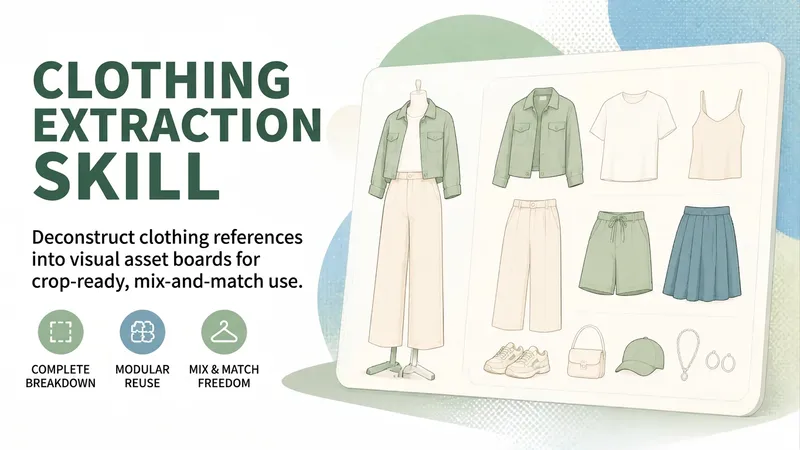
Outfit Extraction Skill
Use this Skill when you provide an existing character’s outfit reference image and want to extract the complete outfit, create a screenshot-ready and reusable clothing asset board, separate the top, jacket, bottoms, shoes, and accessories, or prepare clothing assets for mixing across outfits. By default, it creates one landscape 3:2 asset board. It does not handle character outfit changes, character four-view sheets, factory tech packs, or finished videos. It does not generate images when you are only analyzing, writing prompts, or discussing the Skill.
 Image
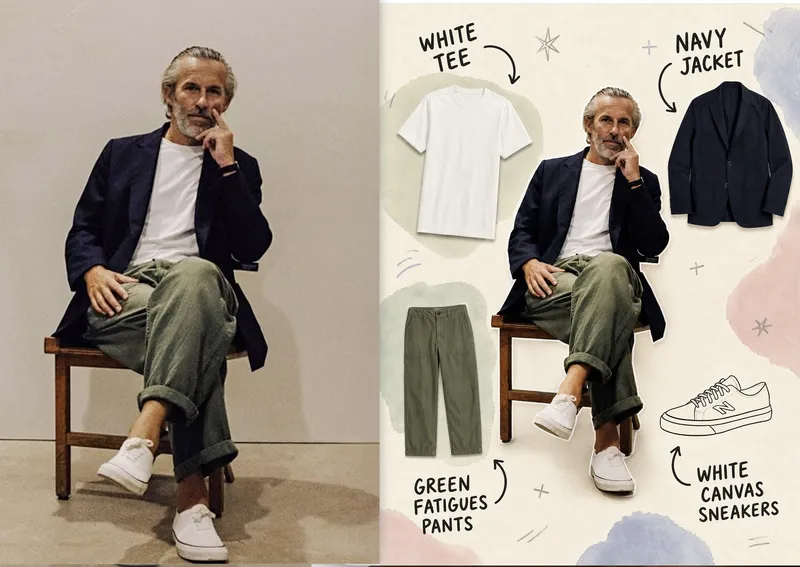
ImageAnnotated Outfit Breakdown
Turn a single outfit photo into a clear, easy-to-read outfit breakdown image—ideal for outfit sharing, fashion editing, styling records, and social media posts. The image preserves the person’s facial features, pose, and original outfit, while separating the jacket, top, bottoms, shoes, and visible accessories into individual product-style item images arranged naturally around the centered subject, making the full look easy to understand at a glance. Each item is labeled with handwritten doodle-style text and curved arrows that accurately identify its color, category, and material. Brand information is included only when you provide it and is never guessed. The overall design combines a warm off-white paper background, soft watercolor blocks, and a few hand-drawn symbols with a realistic person and clean item images, creating a relaxed, editorial collage effect while avoiding obstruction of the subject or inventing clothing that does not appear in the original photo. You can also adjust the label language, item-image style, color palette, number of items, and aspect ratio to better match your personal taste and publishing context.
 Image
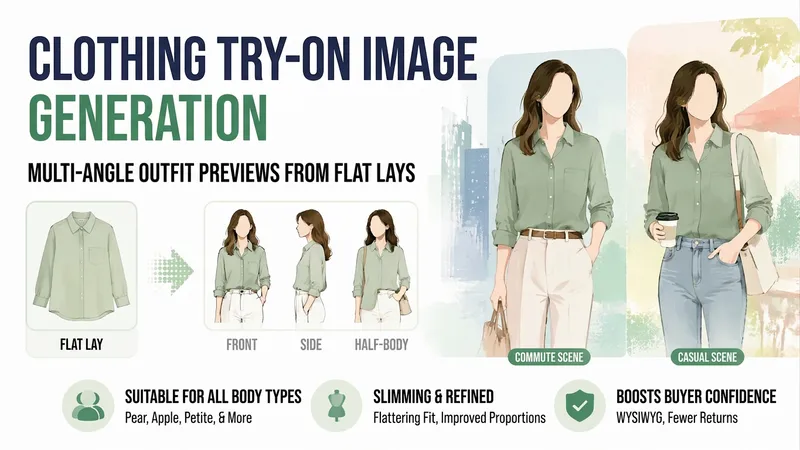
ImageApparel Try-On Images
Small shop owners know the challenge: you can only photograph clothes laid flat, so buyers swipe away after a couple of pages because they cannot tell what the clothes look like when worn. A model shoot can cost hundreds and requires a wait.【Apparel Try-On Images】uses your existing flat-lay photos and the style, fabric, and sizes you provide to create finished worn outfit images—one each from the front, side, and waist-up views, in both commuting and casual settings. It also includes notes on what body types the garment suits and where it may look more prominent, helping buyers see less difference between the images and the actual product and reducing returns.
Information
- Version
- v3
- Last updated
- Runtime credits
- Usage-based
- Models
- Nano Banana Pro
