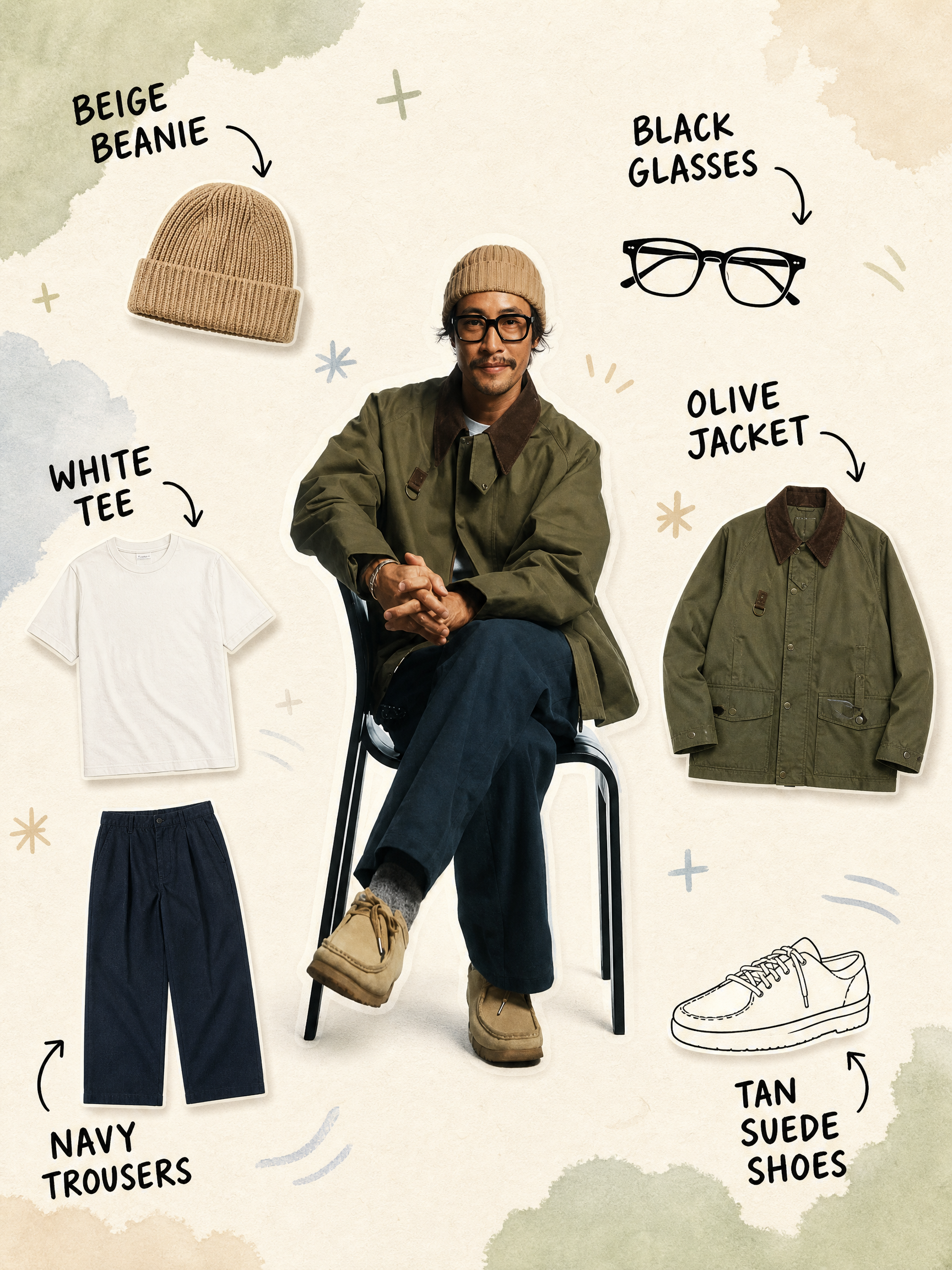
Annotated Outfit Breakdown
Create outfit collages with callout arrows
Annotated Outfit Breakdown
Create outfit collages with callout arrows
Showcase
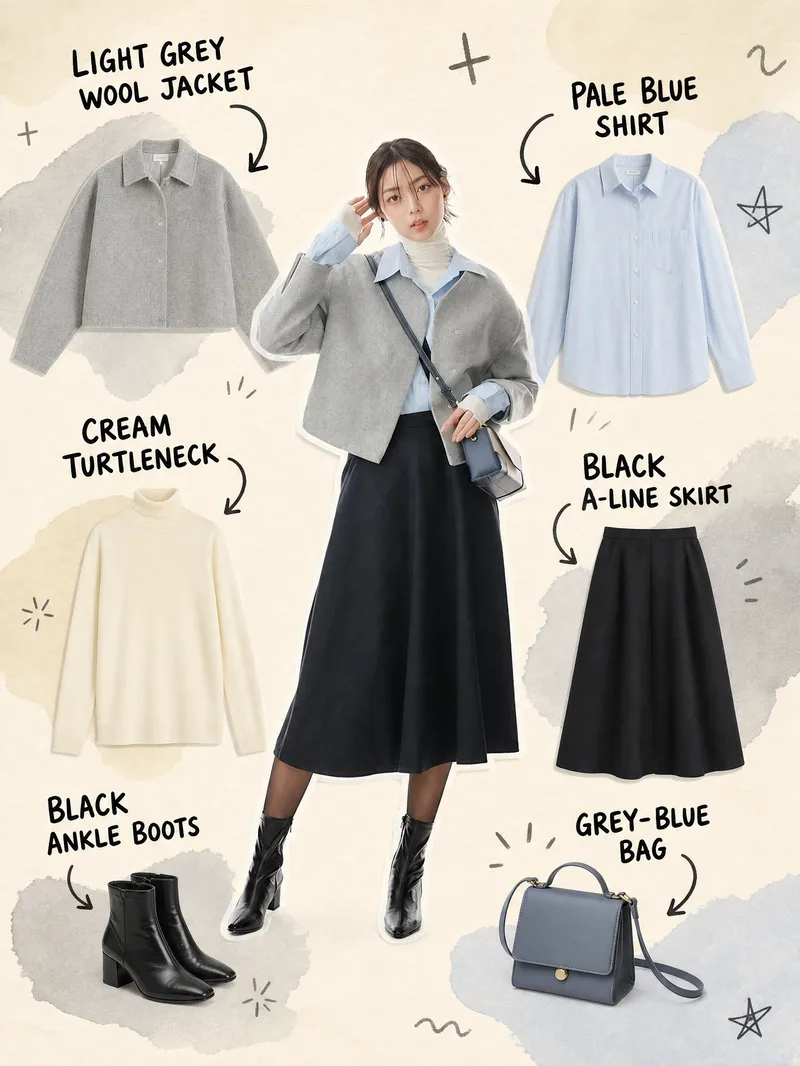
单品标注箭头拆解
穿搭拆解图 · 单品标注箭头
单品标注箭头拆解
穿搭拆解图 · 单品标注箭头
Description
Turn a single outfit photo into a clear, easy-to-read outfit breakdown image—ideal for outfit sharing, fashion editing, styling records, and social media posts. The image preserves the person’s facial features, pose, and original outfit, while separating the jacket, top, bottoms, shoes, and visible accessories into individual product-style item images arranged naturally around the centered subject, making the full look easy to understand at a glance. Each item is labeled with handwritten doodle-style text and curved arrows that accurately identify its color, category, and material. Brand information is included only when you provide it and is never guessed. The overall design combines a warm off-white paper background, soft watercolor blocks, and a few hand-drawn symbols with a realistic person and clean item images, creating a relaxed, editorial collage effect while avoiding obstruction of the subject or inventing clothing that does not appear in the original photo. You can also adjust the label language, item-image style, color palette, number of items, and aspect ratio to better match your personal taste and publishing context.
Recommended by
Dancang
Why we love this skill
Turns an outfit photo into an organized, editorial-style breakdown collage with preserved details, individually reconstructed items, handwritten labels, and curved arrows.
Related Skills
View all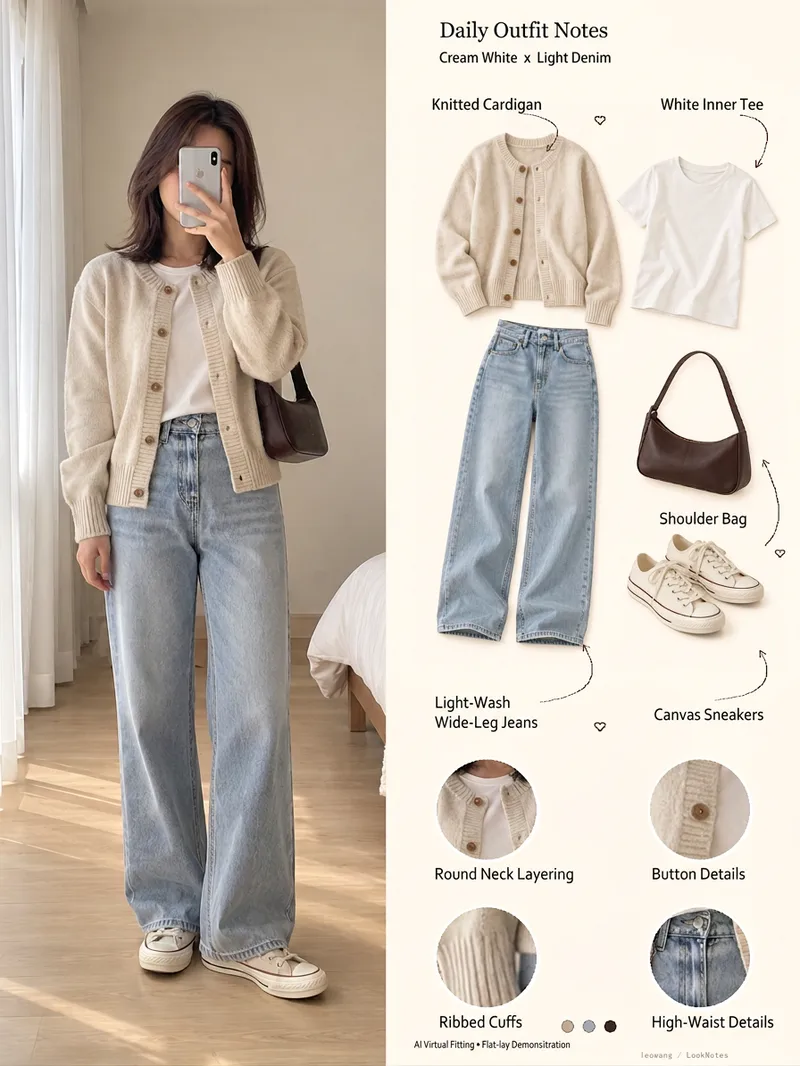 Image
Outfit Breakdown Poster
Upload an outfit photo to organize it into a lightweight Xiaohongshu outfit journal: the left side keeps the full-body look, while the right side displays item flats, original-photo detail circles, visible color schemes, and handwritten-style notes. Great for outfit sharing, wardrobe logs, and fashion content creation, defaulting to Chinese and a 3:4 light cream background. It also supports workflows for generating virtual adult model illustrations from individual item photos. Includes actual 1200x1600 English and Chinese examples: natural selfies, five item flats, four original detail callouts, and localized typography. Flat layouts are illustrative rather than actual product photos or exact pattern reproductions. The virtual try-on mode for item photos has not been fully tested yet. Image tools and credits are provided by the host; runs are not executed automatically in-platform, and results are not auto-published. Product and workflow design by leowang.
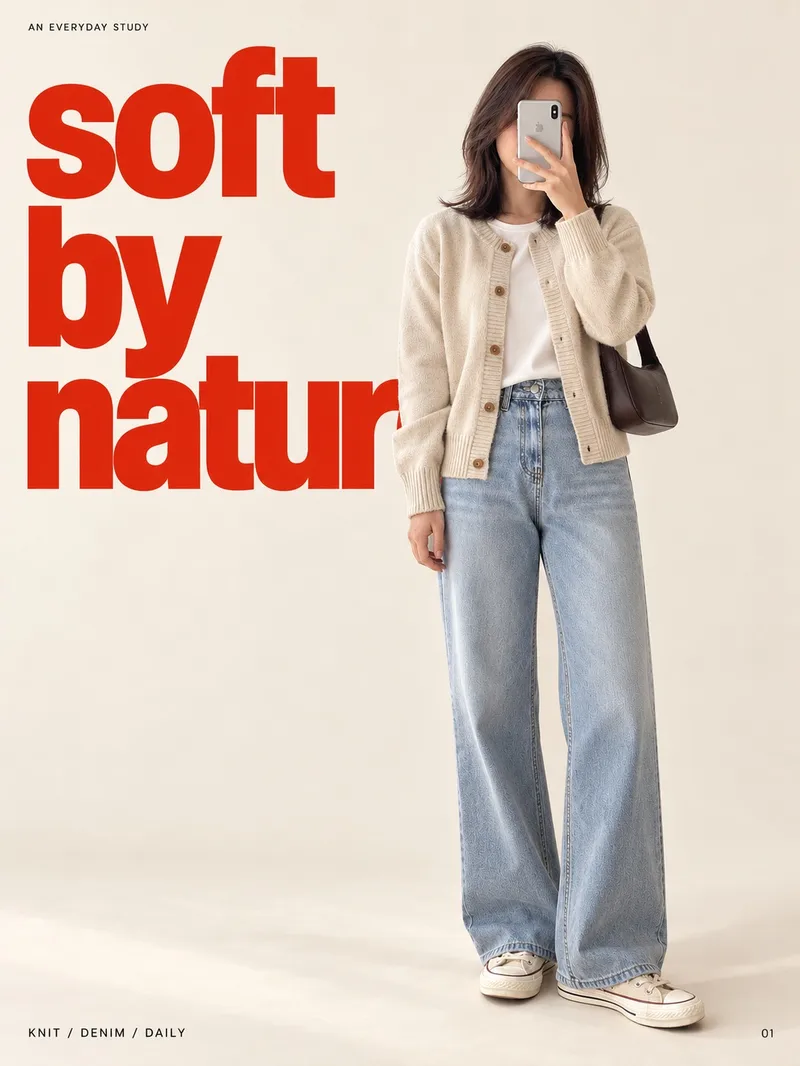
Outfit to Magazine Spread
Upload an outfit photo to create a balanced, spacious, and striking single-page fashion magazine layout centered on the subject, clothing, and overall mood. It defaults to one large image, a short title, and an accent color. Detail shots, color palettes, and notes are added as needed rather than filling every module by default. It supports Chinese or English titles, custom aspect ratios, and reference styles, defaulting to 3:4. It prioritizes preserving the original photo and outfit. If background cleanup is needed, it checks for clothing changes and clearly explains the processing method. It does not guess brands, fabrics, or prices from the photo. The classic outfit journal and flat-lay diagram modes are still supported. Product design by leowang. Actual execution relies on host image and file capabilities.
 Image
Street Style Flash Prompts
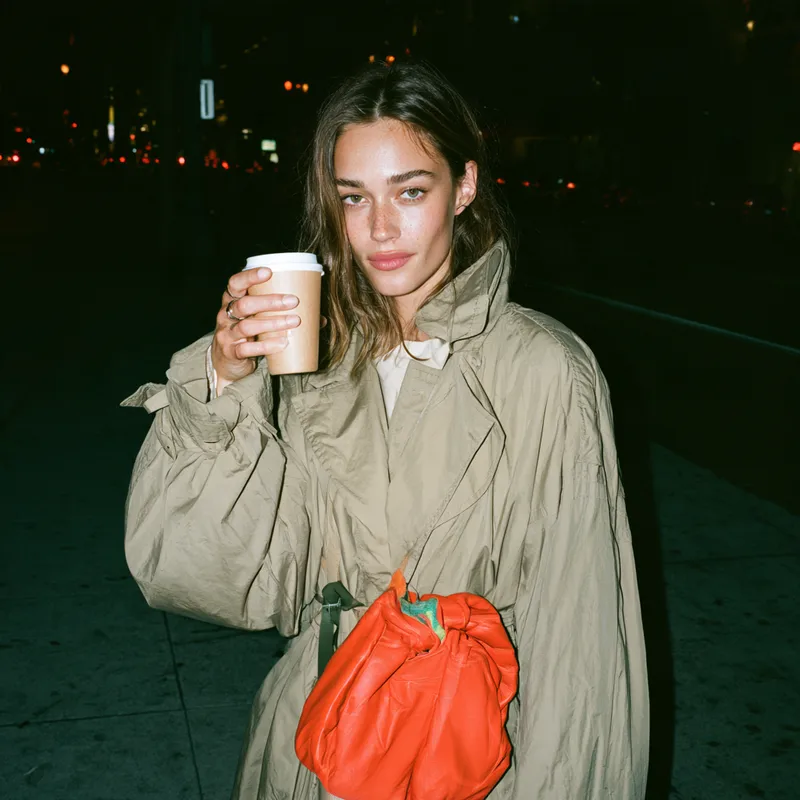
Generate image prompts for streetwear, bags, shoes, and other accessories with the candid feel of close-up direct flash. Keep products clear and eye-catching while preserving the relaxed poses and immediate snapshot atmosphere of a real street setting. Ideal for brand visuals, social media content, and early-stage fashion and accessory concept images, without turning the scene into stiff, formal studio photography or an overly polished advertising campaign. You can provide a single product, a person’s outfit, or a specific use case, along with colors, materials, quantity, carrying method, and aspect ratio. The skill builds each scene around close-range front-facing flash, short hard shadows, darker but still discernible ambient exposure, and street backgrounds in natural gray, white, deep blue, and other tones. It also adjusts the composition for different relationships, such as hand-carrying, crossbody wear, or placing an item on a table, making bag bodies, handles, soles, and garment structure easier to see. The default output includes standalone 16:9 visual concepts and prompts ready for use with Midjourney and Chinese ImageGen. If you need only one format, you can request it. For multi-image series, it can also maintain consistent product features and visual style while varying the settings and poses, making it suitable for building a cohesive street fashion image series.
Information
- Version
- v3
- Last updated
- Runtime credits
- Usage-based
- Models
- Auto
