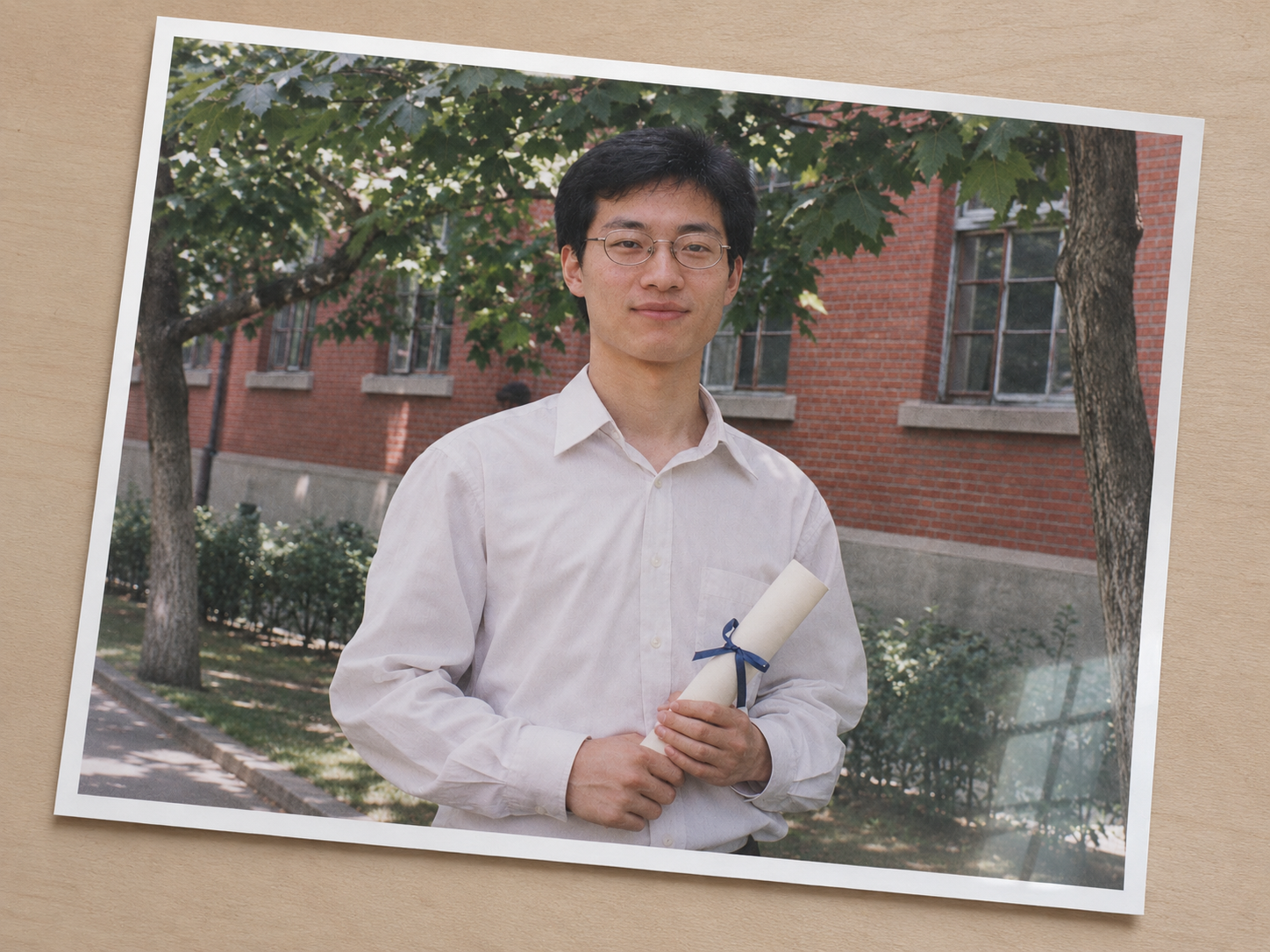
Photo Glare & Skew Correction
Corrects document photos and reduces glare
Photo Glare & Skew Correction
Corrects document photos and reduces glare
Showcase
Description
Corrects tilt and perspective in photographed document images, reduces glare, and highlights details that are obscured and unable to be confirmed.
Recommended by
Dancang
Why we love this skill
Built specifically for re-shot document photos, combining page straightening, perspective correction, and glare reduction while clearly distinguishing between recoverable textures and unverifiable occluded details.
Best for
Users who need to organize, verify, or use photographed document images.
How to use this Skill
Provide your input
Provide an original photo of a document or paper.
Run the Skill
Corrects tilt and perspective, reduces glare where possible, and marks unconfirmable occluded details as unknown.
Review your result
Receive a corrected image along with necessary notes on glare locations and recovery levels.
Related Skills
View all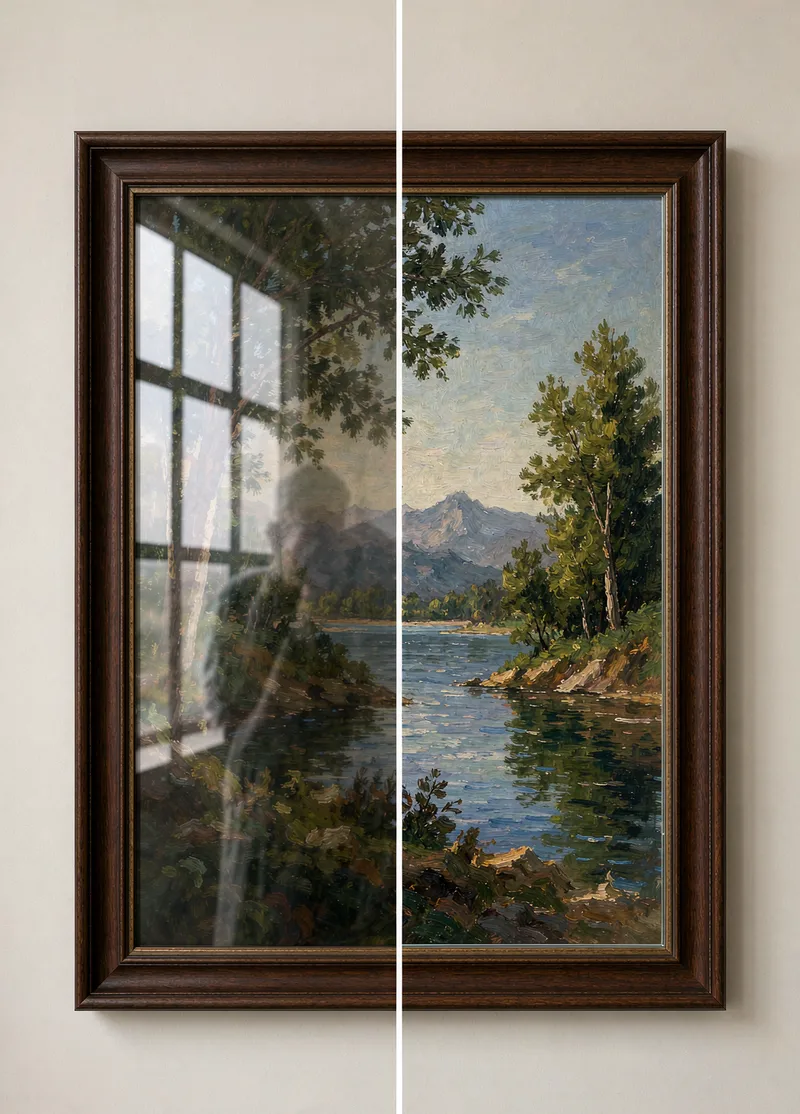
Photo Reflection Removal
When taking photos of exhibits, windows, or documents through a layer of glass, shadows and light reflections often appear. Photo Reflection Removal detects reflection areas, restores the obscured image content, and preserves the natural texture and clarity of the glass. Hard rules: Only process photos taken by yourself; do not use it to remove key information in copied receipts, IDs, or contracts; no guarantee of fully recovering parts covered by strong light.
 Image
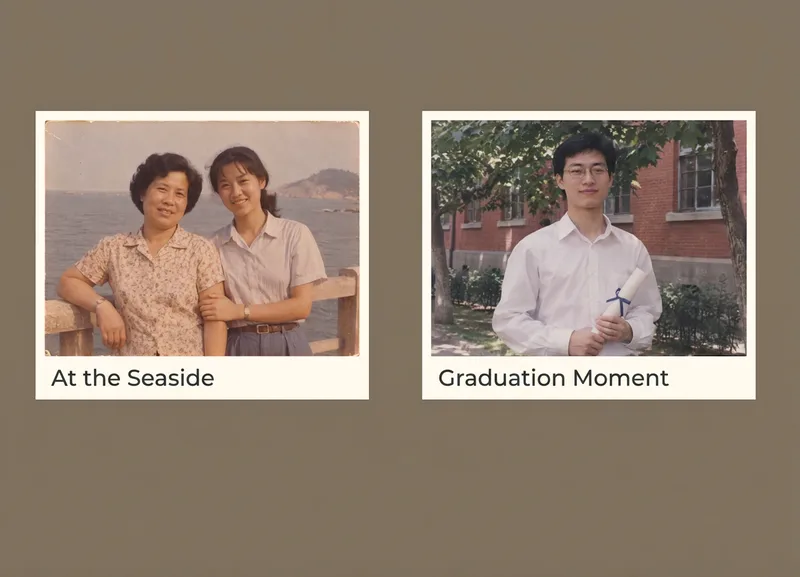
Album Photo Splitter
Crops and straightens multiple photos from a single captured image, preserving photo borders and delivering individual pictures.
 Image
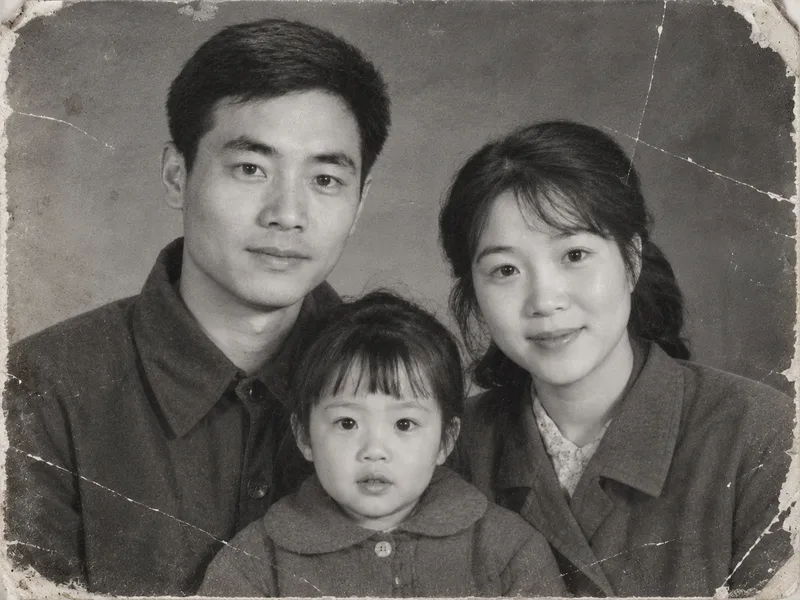
Vintage Photo Restoration and Colorization
Transform black-and-white, yellowed, blurry, or damaged vintage photos into high-definition, natural color images. Remove scratches, creases, cracks, mold, stains, water damage, noise, and yellowing. Repair damaged corners and missing edges, rebuild clear facial details, hair strands, and clothing textures, and correct exposure and lighting contrast while applying reasonable, period-appropriate coloring based on ethnicity, clothing style, and era. Strictly lock facial structures, facial proportions, expressions, age traits, hairstyles, poses, and positioning of all subjects in the original photo, while keeping the composition, shooting angle, number of people, clothing styles, background objects, and scene layout unchanged. No face-swapping, no heavy beautification, no adding or removing people or objects, and no modern alterations. By default, it uses the image generation model with the highest fidelity to the reference image. The default output is one image per original photo with an aspect ratio matching the original. Clothing colors, background colors, and overall tones can be specified manually. Supports both single-image touch-ups and batch processing for multiple vintage photos.
Information
- Version
- v3
- Last updated
- Runtime credits
- Usage-based
- Models
- Auto
- Use cases
- Images & design
- What you get
- Image
