
Photo Reflection Removal
Remove reflections from photos taken through glass
Photo Reflection Removal
Remove reflections from photos taken through glass
Showcase
Description
When taking photos of exhibits, windows, or documents through a layer of glass, shadows and light reflections often appear. Photo Reflection Removal detects reflection areas, restores the obscured image content, and preserves the natural texture and clarity of the glass. Hard rules: Only process photos taken by yourself; do not use it to remove key information in copied receipts, IDs, or contracts; no guarantee of fully recovering parts covered by strong light.
Best for
Best for photographers and content creators looking to reduce reflections, glares, or environmental light in photos taken through glass.
How to use this Skill
Provide your input
Provide a photo taken by you through glass with reflections, and describe the reflection source and obscured content. You can also specify if you want to keep the glass texture and photo purpose.
Run the Skill
The tool identifies reflections, glares, or environmental light, restores the obscured image as much as possible while keeping a moderate glass clarity, and notes uncertain parts.
Review your result
Receive the processed photo in its original aspect ratio along with a reflection area comparison, plus notes on what was restored and what was reasonably inferred. Only for photos taken by yourself.
Related Skills
View all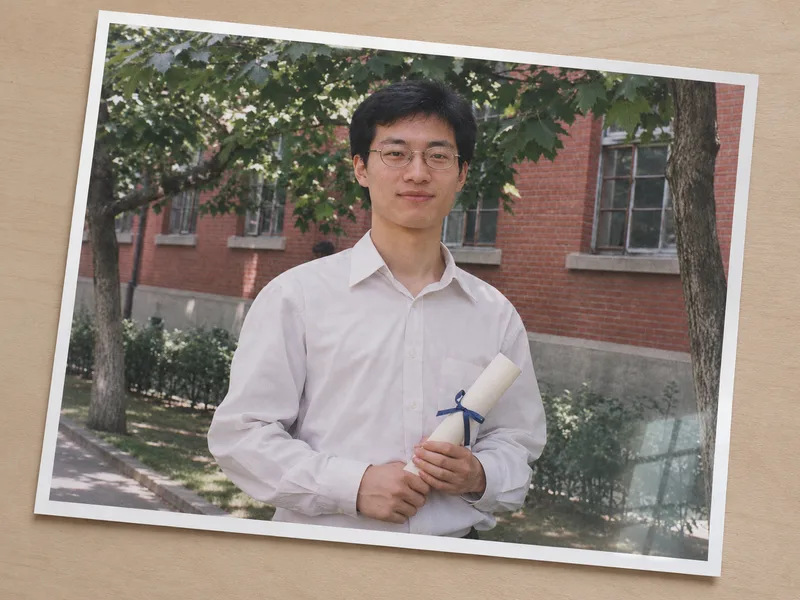 Image
Photo Glare & Skew Correction
Corrects tilt and perspective in photographed document images, reduces glare, and highlights details that are obscured and unable to be confirmed.
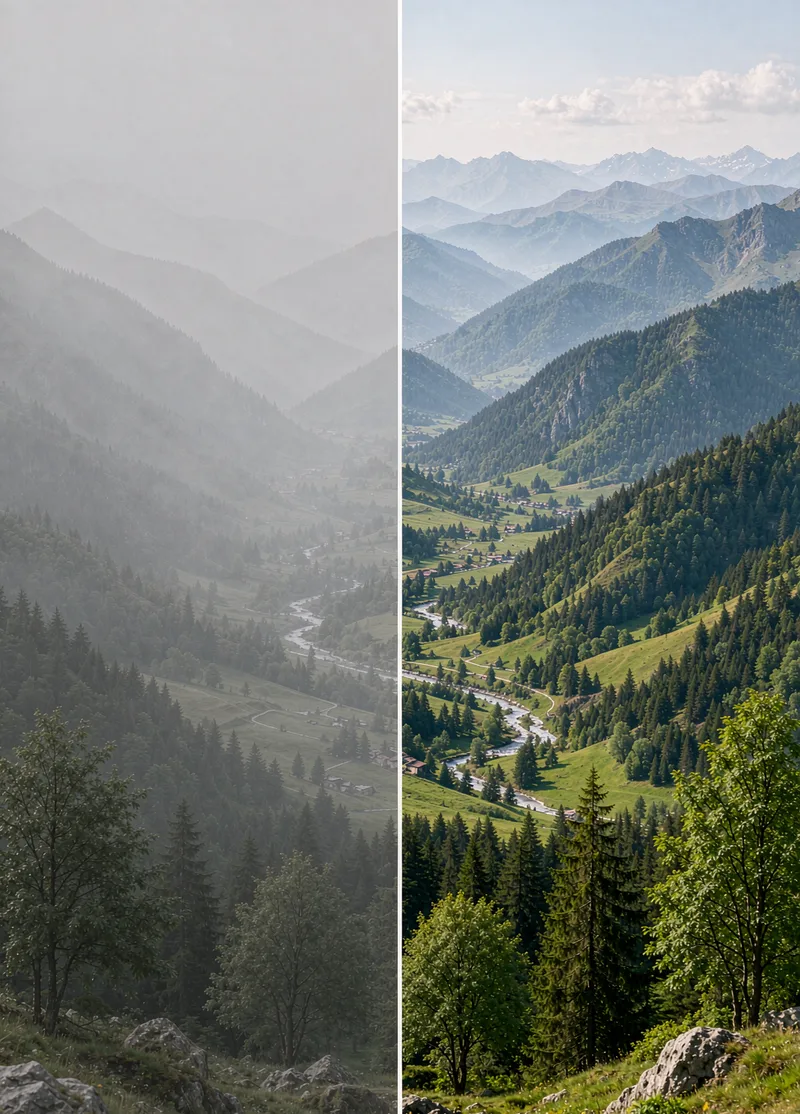
Photo Dehaze
Photos taken on hazy days, through glass, underwater, or backlit often look dull and washed out, as if covered by a dirty veil. Photo Dehaze first identifies whether the issue is fog, smog, smoke, water vapor, or a dirty lens, and then applies regional dehazing: reducing haze in the distance, boosting contrast in the foreground, and processing the sky separately. It preserves natural aerial perspective rather than simply cranking up saturation. Strict rules: Do not alter weather facts (turning an overcast day into clear sunshine must be noted in the description); do not forge surveillance or evidence footage.
 Image
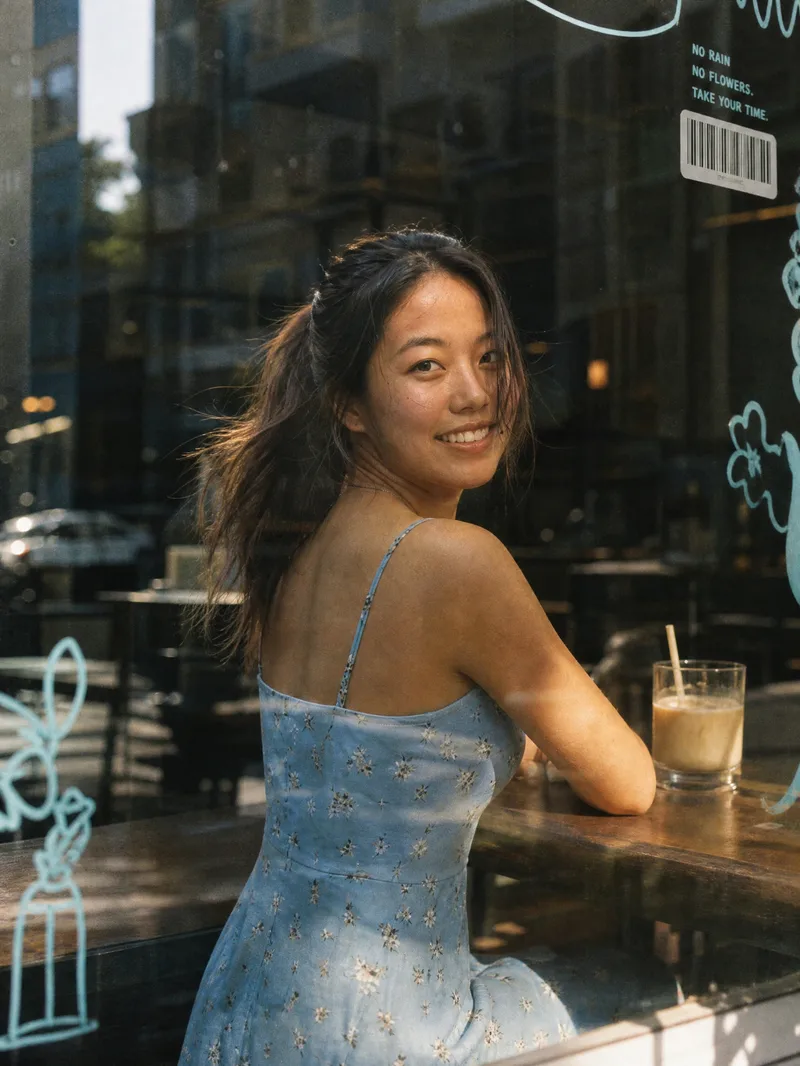
Window Film Portrait Generator
Core Advantages: 1. Accurate Face Preservation: Strictly maintains the face shape, facial features, hairstyle, and skin tone from the uploaded photo without face-swapping, distortion, or excessive skin smoothing. 2. Clothing Retained: Automatically keeps the clothing from the uploaded photo by default, with an option to specify new ones. 3. One-Click Generation: Features a default 3:4 vertical composition that generates immediately upon upload, requiring no prompt writing. 4. Flexible Customization: Supports changing aspect ratios, scenes (bookstores, flower shops, convenience stores, subway windows), lighting (warm twilight, cool overcast, night neon), expressions, and glass decoration styles. Product Description: Upload a portrait photo to automatically generate a Korean-style film street portrait shot through a café window. The image features realistic glass textures: subtle reflections, street scene mirror images, dust, fingerprints, and water spots. The edges of the glass are adorned with blue hand-drawn doodles, barcode stickers, Polaroids, and small English lettering. The background is a blurred city street with soft, transparent lighting, low-saturation tones, warm highlights, and subtle film grain, resembling a casual everyday snapshot taken by a friend. Best For: Ideal for profile pictures, social media covers, lifestyle portraits, blogger persona photos, and creator branding images.
Information
- Version
- v2
- Last updated
- Runtime credits
- Usage-based
- Models
- Auto
- Use cases
- Images & design
- What you get
- Image
