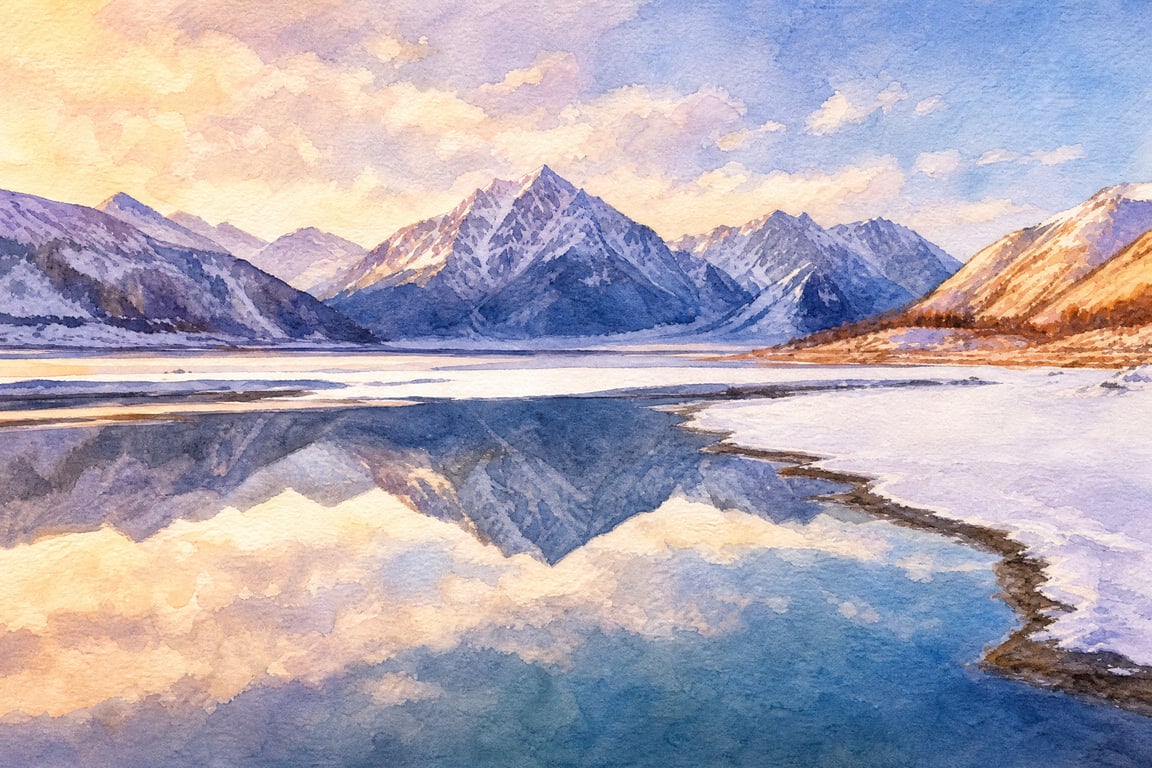
Photo Style Transfer
Photo Style Transfer
Showcase
Description
Transform portraits, pet photos, or product shots into a specified art style. It supports keeping the original composition or creating new scenes, and allows you to expand the series once the initial image is confirmed.
Recommended by
Dancang
Why we love this skill
Using real photos as the subject, it accurately separates subject features from the reference art style, covering diverse redraw needs for people, pets, and products. It handles inputs, composition, confirmation, and checks to make style transfer more reliable.
Best for
Ideal for users who want to transform photos of people, pets, or products into illustration, comic, watercolor, or 3D styles.
How to use this Skill
Provide your input
Provide a photo of a person, pet, or product, and specify the desired art style, key features to retain, and composition requirements. You may also attach a style reference image.
Run the Skill
Select photo restyling, confirm the main subject, art style, and aspect ratio, and add any specific requirements for the scene, usage, or quantity if needed.
Review your result
Receive an image generated in the specified art style while retaining the core features and composition of the source photo as much as possible. You can expand the series after confirming the initial image.
Related Skills
View all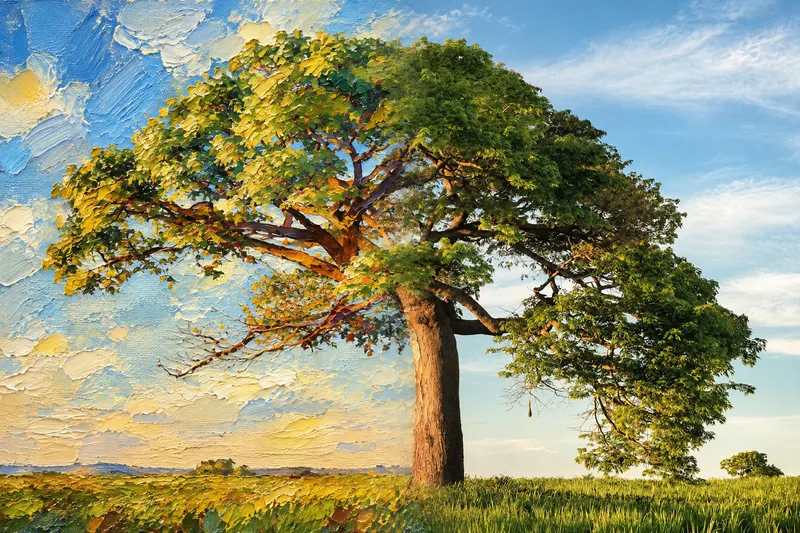 Image
Seamless Photo–Illustration
Transform photos of people, animals, pets, cars, buildings, products, food, plants, or scenes into dual-visual artwork featuring the same subject and composition in both realistic and illustrated form. One side preserves photographic texture, natural lighting, and material details, while the illustrated side clearly reflects a hand-drawn, anime, comic, watercolor, oil painting, clay, or vector illustration medium—not a simple filter effect. You can specify whether the visuals are arranged left and right or top and bottom, define where the realistic and illustrated areas appear, choose an illustration style, and set the aspect ratio. The subject’s pose, expression, facial features, structure, clothing, colors, and relationship to the scene remain coherent. People, animals, and objects transition according to their own visual centers, allowing both treatments to occur naturally within the subject rather than mechanically splitting the image. The final image emphasizes seamless integration: photographic texture gradually becomes lines, color blocks, or brushstrokes, while contours and lighting connect naturally. There are no dividing lines, hard edges, collage seams, torn-paper effects, or glowing boundaries. You’ll get a dual-visual image where the difference between the real world and the illustrated world is clear, yet no exact dividing point can be found.
 Image
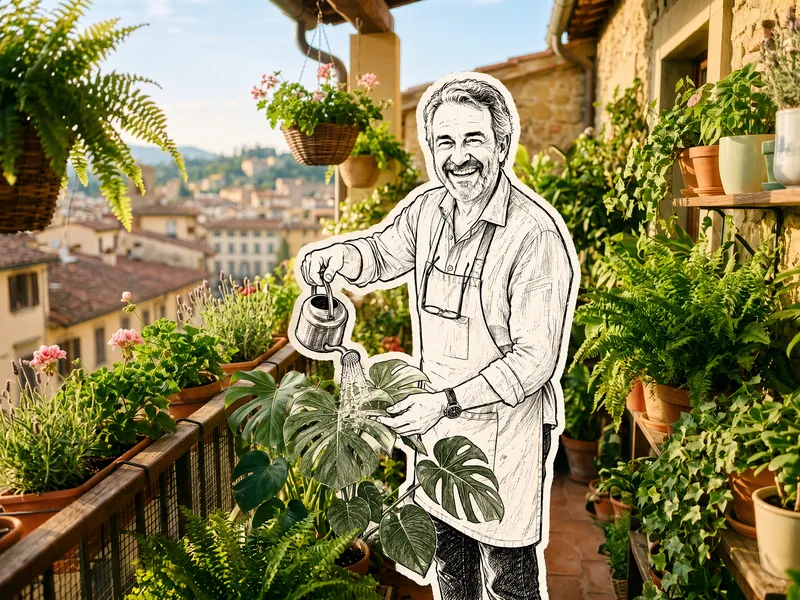
Hand-Drawn Doodle Sticker
Upload a photo to transform its subject—a person or pet—into a black-and-white hand-drawn doodle sticker illustration: thick black ink outlines, an off-white fill, sparse crosshatching, subtle line variation, and imperfect hand-drawn strokes. A thick, irregular off-white sticker border is added around the subject's outline. The real environment is preserved in full—furniture, objects, background, lighting, shadows, reflections, materials, camera angle, depth of field, and composition remain exactly as in the original photo. The result is a clean, editorial black-and-white doodle sticker character that blends seamlessly into a completely unedited real-photo background. The style is fixed by default, with optional adjustments to line width, fill color, hatching density, and more.
 Image
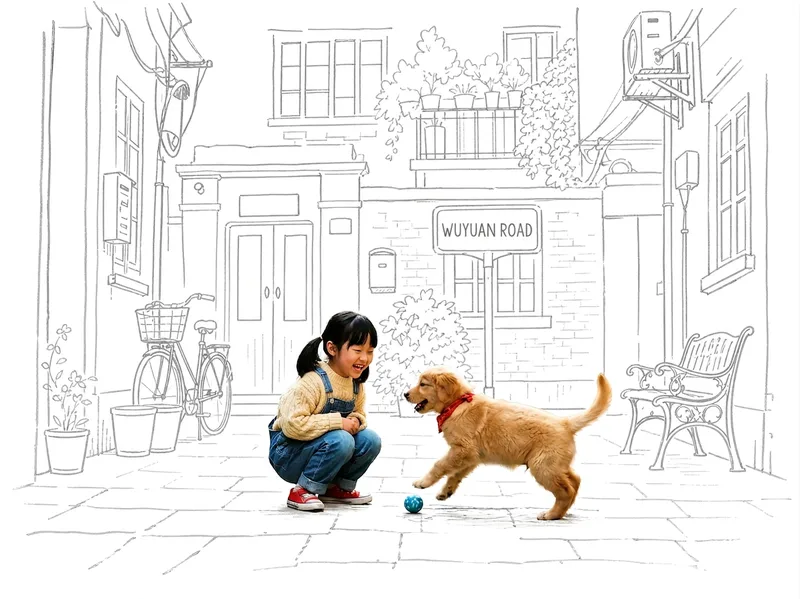
Photo Meets Hand-Drawn
Turn any photo into a contrast-style poster featuring a photo-realistic subject set against a monochrome, hand-drawn line-art environment: people or other subjects are preserved 100% from the original image—no redrawing, outfit changes, or pose changes—while the surrounding scene and background are translated into casual sketch lines on warm white paper in a single ink color. The default output is a 3:4 portrait layout, with other aspect ratios available on request. Supports single-person photos, group shots, pets, still life, and other non-human subjects, as well as pure landscapes with automatic fallback processing. You can also fine-tune the line-art color, paper background color, amount of whitespace, and line weight while preserving the core structure.
Information
- Version
- v2
- Last updated
- Runtime credits
- Usage-based
- Models
- Auto
- Use cases
- Images & design
- What you get
- Image
- Visual styles
- 3DWatercolorCartoon
