
Watermark Remover
Remove photo watermarks and restore the view
Watermark Remover
Remove photo watermarks and restore the view
Showcase
Description
Upload a watermarked photo, indicate the watermark location, or let me find it automatically. I will determine the watermark type (corner logos, centered translucent text, tiled text, camera date stamps, platform banners, etc.). Croppable items are cropped directly with zero redraw and lossless quality. Items in the middle are repainted locally, matching grain, sharpness, and lighting to the original image, followed by 100% magnified quality checks. The default output is a clean finished image at original size and aspect ratio without secondary compression or new watermarks. You can also request a before/after comparison along with a brief delivery note detailing each watermark's status and limits, without misrepresenting reduction as complete removal.
Recommended by
Dancang
Why we love this skill
Uses a professional photo editing workflow to accurately assess watermark types, boundaries, and best strategies. Prioritizes cropping, uses local reconstruction when needed, ensures minimal changes at original size, and includes 100% zoom quality checks.
Best for
Users who need to remove signatures, date stamps, or other self-added watermarks from their own photos.
How to use this Skill
Provide your input
Upload a personal photo and specify the watermark location, or let the system auto-detect it. For copyrighted works or stock previews, obtain authorization first.
Run the Skill
The system determines the watermark type and background complexity, selects cropping, local reconstruction, or reduction, and checks that the repaired area looks natural.
Review your result
Receive a processed photo with the same size and aspect ratio; optionally get a before/after comparison and a short note detailing cleared, reduced, or untouched areas.
Related Skills
View allImage Watermark Remover
After you upload or reference an image, this Skill automatically identifies watermarks in the image, including text, URLs, logos, semitransparent overlays, and repeated tiled marks. It seamlessly fills them with a background that matches the surrounding area while keeping everything else unchanged—the subject, composition, color tone, and aspect ratio. It is suitable for situations where source images contain platform watermarks, copyright marks, or semitransparent overlays and you need a clean version. Supports single or multiple images.
 Image
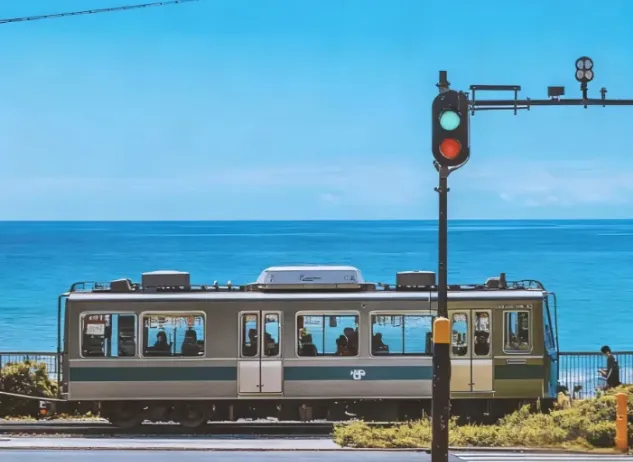
ImageJapanese Watercolor from Photos
Turn landscape and streetscape photos into Japanese gallery-style, hand-painted watercolor art illustrations, complete with generous paper space and refined handwritten typography. ✨ Key highlights Gallery-quality negative space: The subject is kept small and centered, surrounded by generous warm-white cotton paper texture for a modern stationery and art-print feel. Authentic hand-painted watercolor texture: Naturally creates washed, blended effects, translucent layers of color, and loose hand-painted edges—without harsh outlines or a digital look. Intelligent scene refinement: Preserves key landmarks, architectural outlines, and distinctive light and shadow from the original image while naturally simplifying busy backgrounds and unnecessary objects. Poetic handwritten typography: Automatically adds a poetic short line and year at the bottom in dark gray or navy handwritten lettering, creating a calm, restrained everyday atmosphere. 📸 Ideal uses Reimagining travel memories: Turn streets, small shops, mountains, and seascapes from your travels into vintage postcards. Personal creative designs: Create phone wallpapers, stationery posters, physical postcards, and decorative art prints. Social media visuals: Provide restrained, sophisticated, and stylistically consistent artistic covers for platforms such as Xiaohongshu and WeChat Moments. 🚀 How to use Upload any landscape, architecture, or streetscape photo with a clear composition to automatically generate a matching minimalist watercolor art print.
 Image
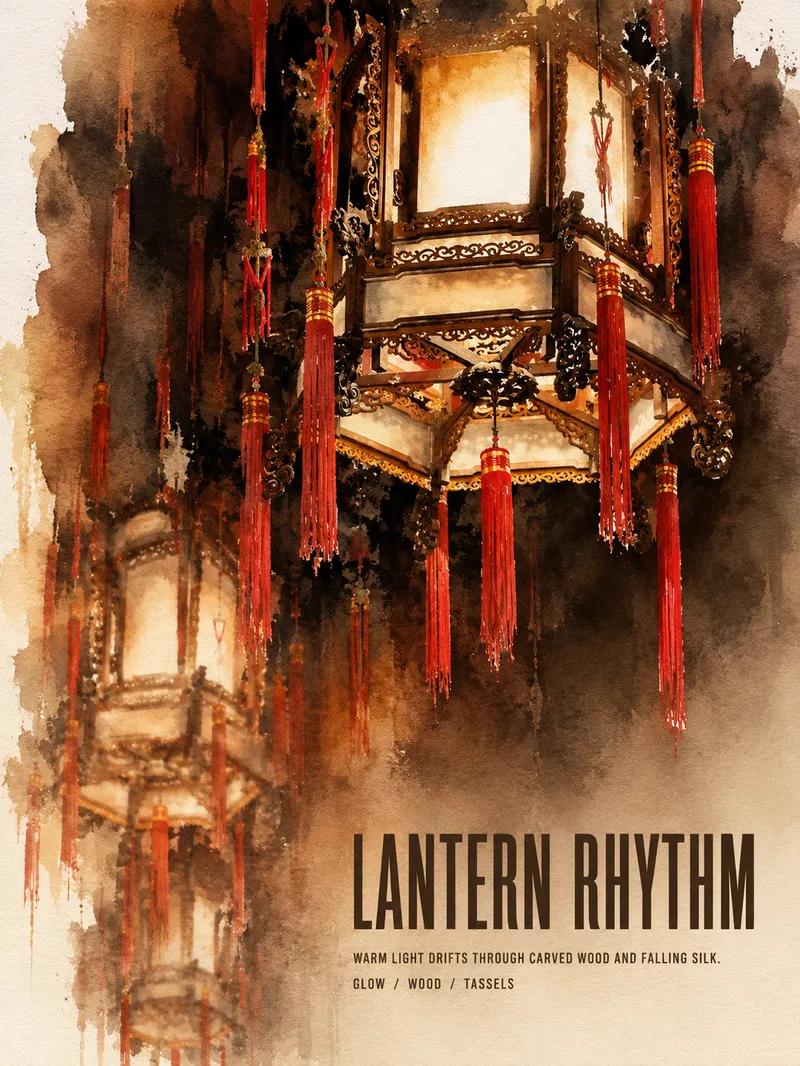
ImageTurn Photos into Art Posters
Upload a photo of a person, pet, building, travel scene, street view, vehicle, product, still life, or everyday moment. The Skill first identifies the details that matter most to preserve, then automatically selects an artistic approach—such as translucent watercolor, coarse screen printing, knife-mark rubbing, impasto, or conceptual collage—based on the composition, colors, lighting, and mood. It rearranges the subject’s scale, negative space, material field, and English headline so text and imagery weave together naturally, generating a 3:4 vertical art poster with a clear visual focal point and collectible appeal. You can also specify the artistic material, an English or Chinese title, aspect ratio, color direction, mood, intended use, or a text-free mode. If you don’t specify, the Skill will decide automatically and generate the poster directly.
Information
- Version
- v3
- Last updated
- Runtime credits
- Usage-based
- Models
- Auto
- Use cases
- Images & design
- What you get
- DocumentImage
